
Copper
Copper CRM integrates deeply with Google Workspace to track leads, close deals, manage projects, and build lasting relationships—all without leaving Gmail. Free 14-day trial.
Summary
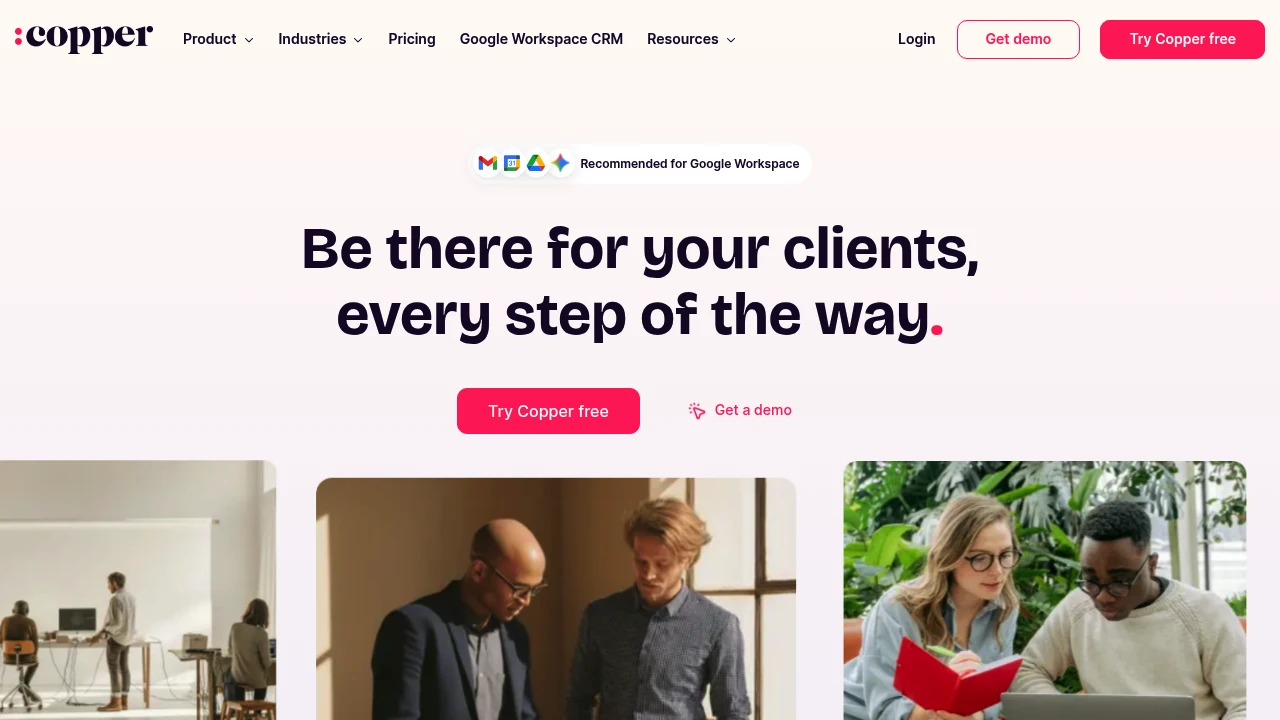
Copper CRM is a customer relationship management platform built for Google Workspace users, embedding directly into Gmail so small teams can manage the entire customer journey without switching apps.
What is Copper?
Copper is a CRM system tightly integrated with Gmail and Google Workspace. It automatically logs email interactions, tracks sales pipelines, manages project tasks, and supports the full cycle from lead generation to post-sale service. Over 30,000 companies use Copper to manage customer relationships.
Core Capabilities
- Native Gmail integration: Add contacts, opportunities, and tasks directly from inbox sidebar
- Sales pipeline management: Visual tracking of deal stages, win probability, and value sorting
- Project & task management: Launch projects directly from closed deals, centralized task assignment
- Activity feed: Real-time overview of team emails, projects, and tasks
- Automation & templates: AI email responses, pipeline templates, and automated follow-up reminders
- Mobile app: Auto-log calls and SMS, update customer data on the go
- Third-party integrations: Connect with PandaDoc, DocuSign, QuickBooks, and more
Pros
- Fast deployment: Users report going live in 3 days with almost zero setup time
- Seamless Gmail experience: Complete CRM actions without leaving your inbox
- Built for small teams: Clean interface, gentle learning curve, not overly complex like enterprise CRMs
- Full customer journey coverage: One platform from lead capture to project delivery and repeat business
- Highly customizable: Custom labels, fields, owners, and templates
Cons
- Google Workspace dependency: Non-Gmail users miss out on core integration benefits
- Limited advanced features: Reporting and automation are basic compared to enterprise CRMs
- Project management depth: Cannot fully replace dedicated project management tools
- Pricing transparency: Website doesn't clearly list plan pricing details
- Scalability concerns: Large enterprises or complex sales processes may need more powerful platforms
Decision Guidance
Use Copper when: Your team primarily uses Gmail and Google Workspace, needs a simple CRM to track customer interactions, manage sales pipelines and projects, and wants fast deployment without lengthy training. Small to mid-sized service businesses, consultancies, and agencies are ideal fits.
Consider alternatives when: Your team doesn't use Google Workspace, or you need deep marketing automation, complex reporting, multi-currency support, and enterprise-grade workflows. Large sales teams or organizations requiring heavy customization may need more robust platforms.
Frequently Asked Questions

Similar to Copper


