
Descript
Descript edits video and podcasts through text transcripts. Built-in AI co-editor auto-generates scripts, designs layouts, and creates clips. Free trial with 720p watermark-free export for creators and teams.
Summary
Descript is an AI-powered video and podcast editor that lets you edit video and audio by editing text. Built for content creators, marketing teams, and businesses, it solves the time-consuming complexity of traditional video editing.
What is Descript?
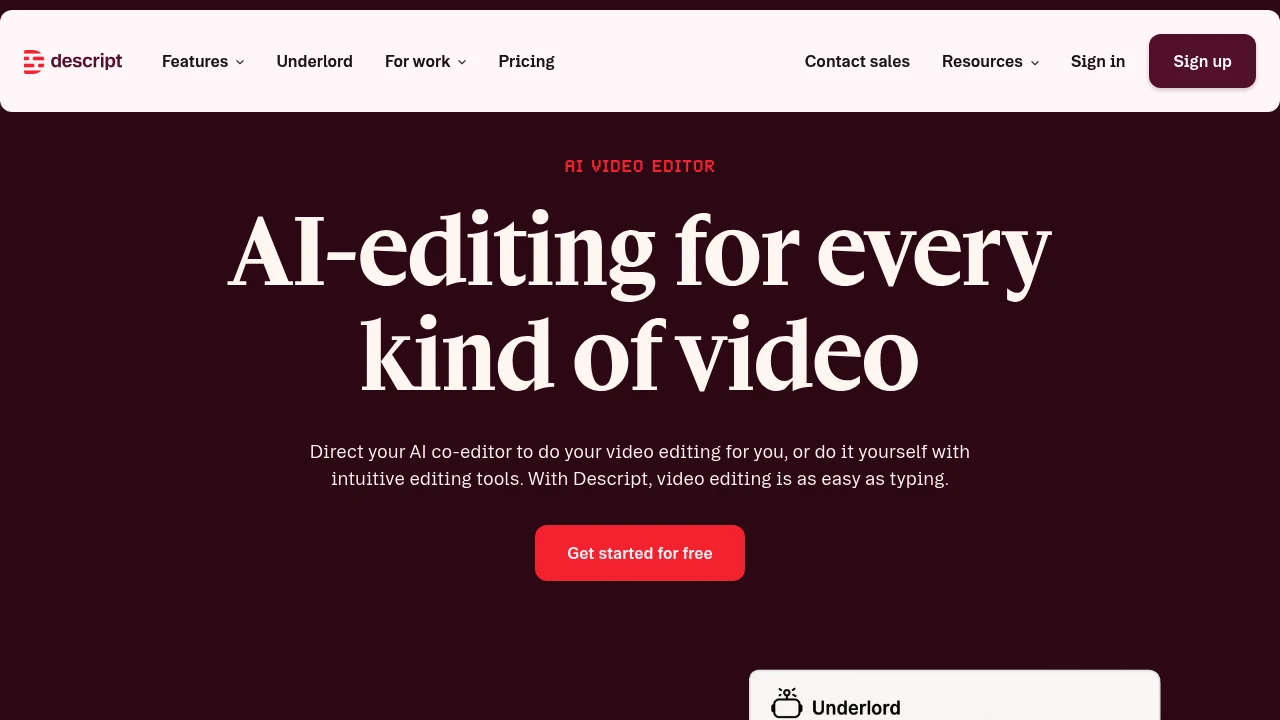
Descript transforms video editing into a text-editing experience. After recording or uploading a video, the system auto-generates a transcript—edit the text to cut the video. The built-in AI video co-editor Underlord automates editing, layout design, script generation, and B-roll creation. Supports podcast production, social clips, product demos, training videos, and more. Offers a free tier and professional upgrade plans.
Core Capabilities
- Text-based video editing: Edit video and audio by editing the transcript
- AI co-editor Underlord: Auto-generates scripts, designs layouts, creates B-roll, and executes editing commands
- Automatic transcription: Instant high-accuracy transcripts
- AI audio enhancement: Studio Sound noise reduction, filler word removal, AI voice cloning
- Auto-generate clips: AI identifies viral moments and creates social media clips
- Screen recording: Built-in recording with camera and screen sync
- Timeline editing: Professional-grade precision control with color correction and audio adjustment
- Collaboration tools: Team editing and commenting features
- Royalty-free stock library: Unlimited access to images and video (Creator plan)
Pros
- Text-editing interface drastically lowers the barrier to video editing for non-professionals
- Underlord AI co-editor automates most editing workflows, saving significant time
- All-in-one tool integrates recording, transcription, editing, and publishing without switching apps
- Free tier includes core features with 720p watermark-free export
- Supports podcasts, YouTube, social media, and multiple content formats
Cons
- Free tier limited to 1 media hour per month with restricted AI features
- Advanced features (4K export, full AI tools) require Creator plan subscription (from $24/month)
- AI-generated video quality depends on models and may need manual adjustment
- Complex professional editing scenarios may lack the flexibility of traditional NLE software
- High internet dependency with limited offline functionality
Decision Guidance
Use Descript when: You're a content creator needing fast podcast or YouTube turnaround; marketing, training, or support teams need to produce many explainer videos without professional editing skills; small teams want a single tool from recording to publishing.
Consider alternatives when: You need cinema-grade color grading or complex VFX for professional productions; budget is extremely tight and monthly processing exceeds free tier limits; you require fully offline workflows or have privacy concerns about AI tools.
Frequently Asked Questions

Similar to Descript


