
EmailGuard
EmailGuard offers domain masking, inbox placement tests, DMARC monitoring, and blacklist tracking to improve email deliverability and protect sender reputation. Start free.
Summary
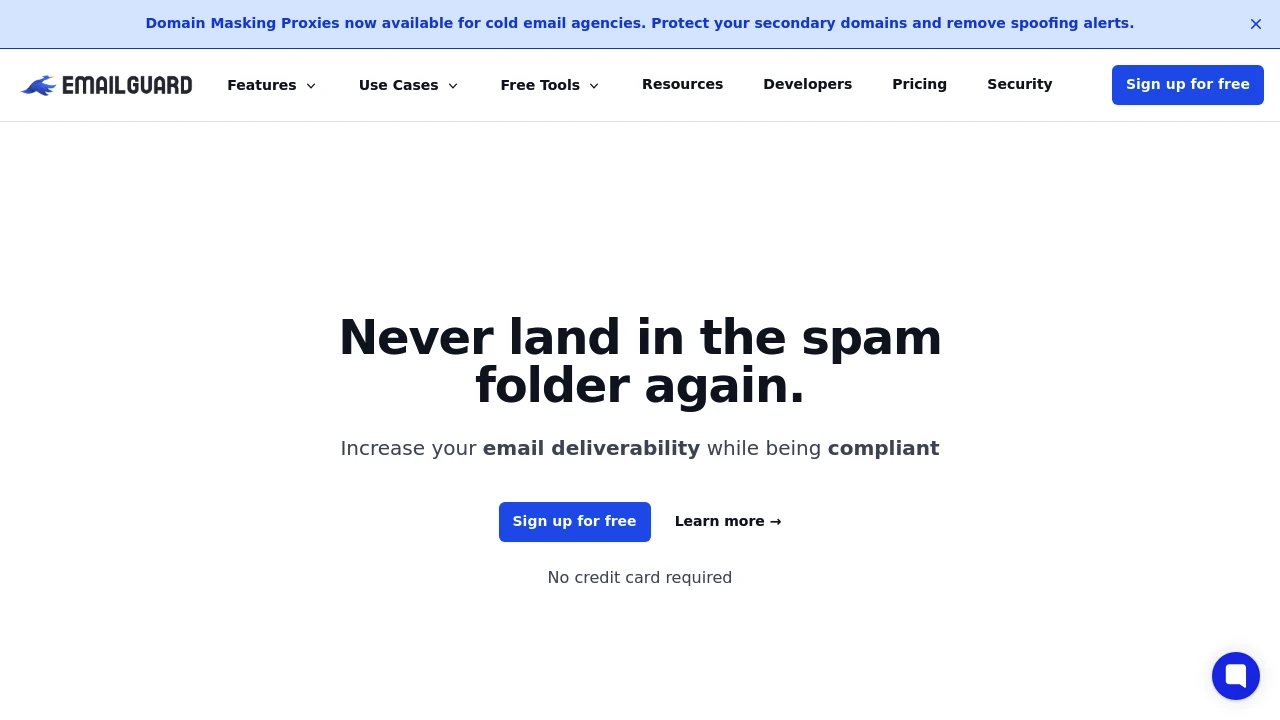
EmailGuard is an email deliverability monitoring platform that helps teams avoid the spam folder and ensure inbox placement. Through domain masking, inbox placement tests, and DMARC monitoring, it protects sender reputation and ensures compliance.
What is EmailGuard?
EmailGuard provides enterprise-grade email health monitoring tools covering SPF, DKIM, DMARC record management, blacklist monitoring, inbox placement testing, and domain masking proxy. The platform analyzes 162 data points, enabling users to validate email content in real time, clean contact lists, and monitor cross-ESP performance to ensure deliverability and compliance.
Core Capabilities
- Domain Masking Proxy: Mask primary domain with multiple secondary domains using shared or dedicated IP pools
- Inbox Placement Tests: Scheduled or ad-hoc tests for major email providers' inbox delivery rates
- SPF/DKIM/DMARC Management: Real-time connection, lookup, generation, and verification of authentication records
- Blacklist Monitoring: Monitor domains and IP addresses with instant alerts and delisting guidance
- Email Tester: Analyze 162 data points for deliverability and spam scoring
- Hosted Redirects: Centralized domain redirect management with clean IPs and SSL certificates
- Spam Checker: Scan content triggers to assess spam probability
- DMARC Insights & Aggregation: Historical data timeline, sending source monitoring, and failure analysis
- Contact Verification: Real-time email validation and list cleaning to reduce bounce rates
- ESP Tagging: Monitor performance across multiple email service providers
Pros
- Integrated SPF, DKIM, DMARC record generation and verification with easy setup
- 162-data-point email testing provides detailed deliverability analysis
- Instant blacklist alerts with delisting guidance protect sender reputation
- Domain masking proxy supports shared or dedicated IPs for flexible configuration
- Free to start with no credit card required
Cons
- Pricing structure not disclosed, making budget planning difficult for enterprises
- Dedicated IPs require additional purchase and are not standard
- Feature-rich platform may require onboarding time for small teams
- DMARC report retention period not specified
Decision Guidance
When to use: Marketing teams, SaaS platforms, or high-volume senders needing enterprise-grade email deliverability monitoring, especially those requiring DMARC compliance, blacklist monitoring, and inbox placement testing.
When to consider alternatives: Small teams or occasional senders may prefer basic email validation tools; enterprises with existing dedicated email infrastructure monitoring may need to evaluate feature overlap.
Frequently Asked Questions

Similar to EmailGuard


