
Glean
Glean is an enterprise Work AI platform integrating 100+ apps, offering permission-aware search, personalized AI assistant, and automation agents. Saves 110 hours/year, deploys in 3 weeks.
Summary
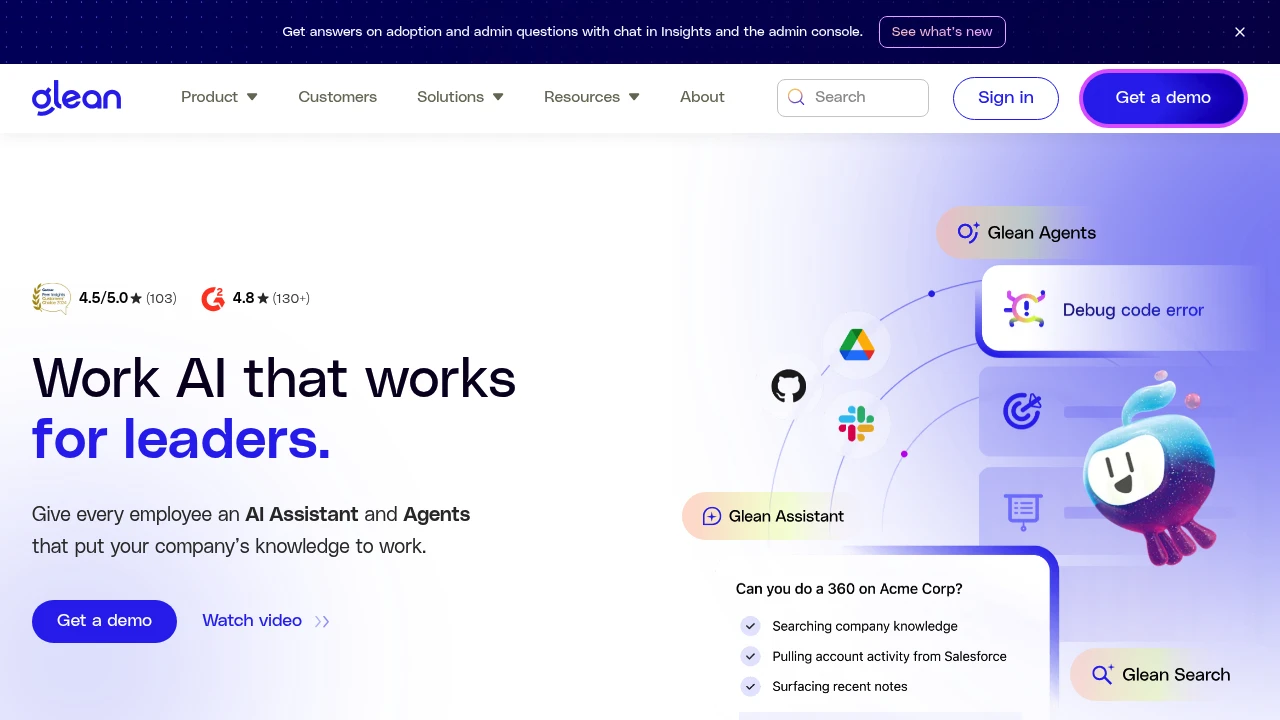
Glean is an enterprise Work AI platform that connects all your company data, providing AI assistants, automation agents, and intelligent search to solve the challenge of finding information, creating content, and automating workflows across fragmented systems.
What is Glean?
Glean is a centralized Work AI platform that integrates 100+ enterprise apps (Google Drive, Slack, Jira, Salesforce, etc.), delivering a personalized AI assistant, customizable AI agents, and permission-aware enterprise search. The platform ensures data security through real-time permission controls and Glean Protect, enabling teams to quickly find information, summarize documents, automate repetitive tasks, and deploy in three weeks.
Core Capabilities
- Glean Assistant: Personalized AI assistant that answers questions, summarizes meetings, and creates content based on enterprise context
- Glean Agents: Custom AI agents that automate departmental processes and repetitive workflows
- Glean Search: Permission-aware search across 100+ apps, supporting documents, conversations, and people lookup
- Glean Protect: Real-time permission controls and data governance ensuring AI outputs comply with enterprise security policies
- Platform extensibility: APIs, SDKs, and custom plugins to integrate any enterprise application
- Rapid deployment: Integration completed in three weeks, supporting native connectors, Push API, and web history
Pros
- Saves up to 110 hours per user annually, reduces internal support requests by 20% (IT, HR)
- 93% adoption rate, investment recovered in under 6 months
- Supports 100+ native connectors covering Google Workspace, Microsoft 365, Slack, Salesforce, and more
- Real-time permission sync ensures search results and AI outputs match user access rights
- Reduces onboarding time by 36 hours, enabling fast project and people discovery
Cons
- Requires integration with multiple enterprise systems; initial setup may need IT team coordination
- Pricing not publicly available; requires contacting sales for quotes
- May be overly complex for small teams or businesses using only a few apps
- AI agent customization requires technical knowledge or development resources
- Depends on third-party API stability and data sync speed
Decision Guidance
Best for: Large enterprises or fast-growing teams with data scattered across multiple systems (Google Drive, Slack, Jira, Salesforce, etc.), needing unified search, AI assistants, and workflow automation with strong permission controls and data security.
Consider alternatives: Small teams (under 50 people) or those using a single ecosystem (e.g., pure Google Workspace) may prefer lightweight search tools or built-in AI features; budget-conscious teams not requiring enterprise-grade permission controls should explore other AI assistant solutions.
Frequently Asked Questions

Similar to Glean


