
GMass
GMass turns Gmail into an email marketing platform with mail merge, Google Sheets integration, automated follow-up sequences, email verification, and unlimited sending beyond Gmail limits.
Summary
GMass is a Gmail extension that transforms your inbox into an email marketing and cold email platform. Send personalized mass emails, automate follow-ups, and track performance without leaving Gmail.
What is GMass?
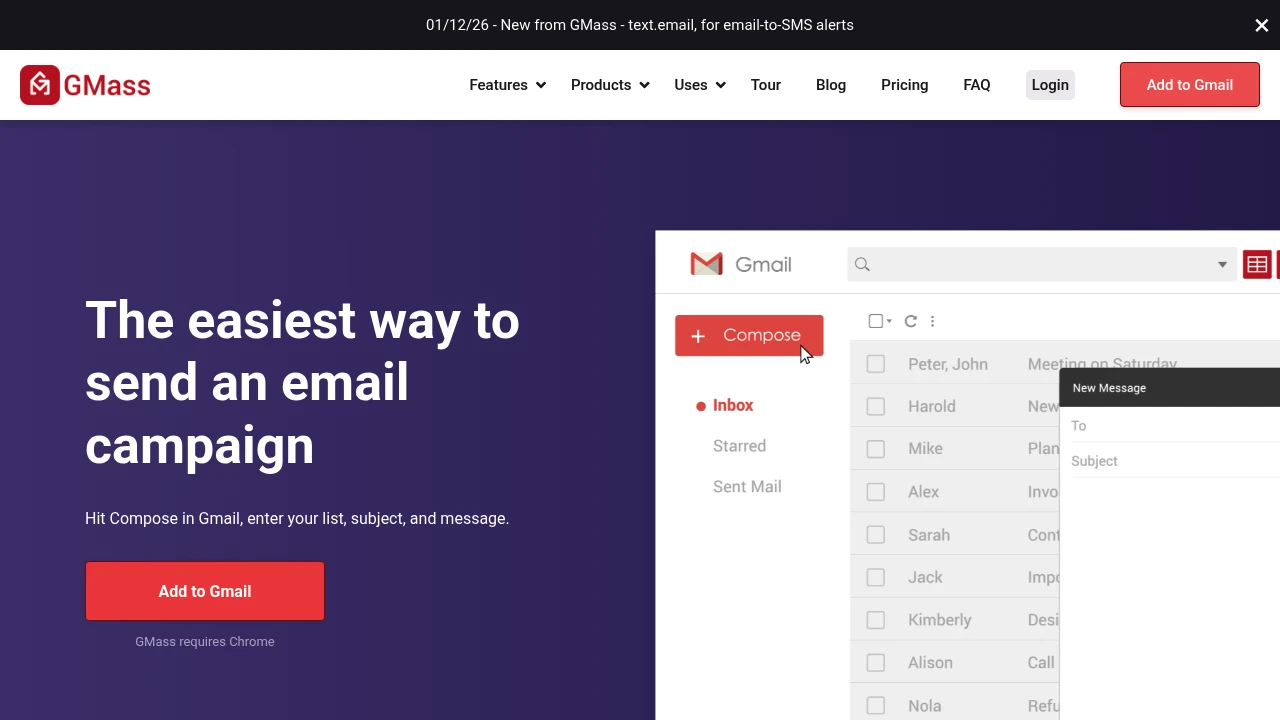
GMass is a Chrome extension that operates directly inside the Gmail interface. It enables mail merge with Google Sheets, cold email sequences, email verification, and breaks Gmail's daily sending limits. Everything happens in your familiar Gmail environment—no new platform to learn.
Core Capabilities
- Mail merge with Google Sheets integration: Pull data from spreadsheets to send personalized mass emails
- Automated follow-up sequences: Set behavior-triggered follow-ups that stop when recipients reply
- Email verification and spam detection: Validate lists, test links, and fix spam triggers before sending
- Break Gmail sending limits: Use distribution technology to send virtually unlimited emails
- Real-time reporting and analytics: View open, click, reply, and bounce rates inside Gmail
- Scheduling and recurring sends: Schedule campaigns for future dates or set daily/hourly repeats
- Email list builder: Search and extract recipient addresses from existing Gmail messages
Pros
- Works directly in Gmail interface—no platform switching or new tools to learn
- Live Google Sheets integration eliminates CSV file hassles
- Automated follow-up sequences significantly boost cold email response rates
- Pre-send verification and spam detection protect sender reputation
- 5-star reviews from over 300,000 users
Cons
- Chrome browser only—excludes users on other browsers
- Requires Gmail or Google Workspace—won't work with other email services
- High-volume sending may require warm-up strategies to maintain deliverability
- Advanced features require paid subscription
- Learning curve to master all capabilities
Decision Guidance
Use GMass when: You already use Gmail as your primary email tool and need to send personalized mass emails, cold outreach, or automated follow-up sequences—all within a familiar interface. Ideal for small teams, sales reps, and marketers.
Consider alternatives when: You need multi-channel marketing automation (SMS, social media), advanced CRM integrations, team collaboration features, or don't use Gmail/Google Workspace. Enterprise-level needs may require dedicated marketing automation platforms.
Frequently Asked Questions

Similar to GMass


