
HyperWrite
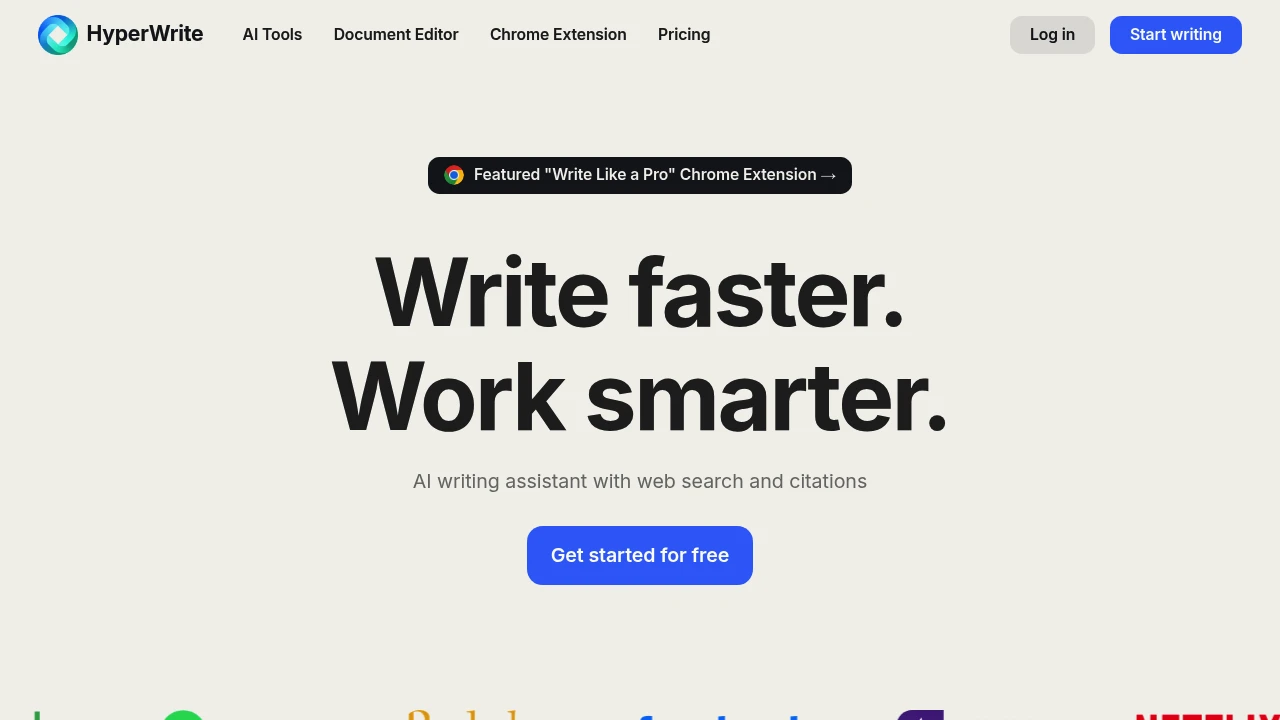
HyperWrite offers hundreds of AI writing tools including AutoWrite, TypeAhead, Email Responder, and Scholar AI for fast content creation, rewriting, and research. Works in Gmail and Google Docs via extension.
Summary
HyperWrite is an AI writing assistant offering hundreds of tools to help you create, rewrite, research, and polish content quickly. It includes an academic search engine that retrieves millions of papers with citations in real time, ideal for professionals and students boosting writing productivity.
What is HyperWrite?
HyperWrite is an AI-powered document editor and writing platform offering tools like AutoWrite, TypeAhead, Email Responder, and HyperChat. It integrates web search and academic databases to provide real-time information and citations while you write. A browser extension works directly in Gmail, Google Docs, and other platforms, and you can build custom AI tools to match your workflows.
Core Capabilities
- AutoWrite: Enter a topic and AI generates paragraphs or full content
- TypeAhead: Personalized sentence suggestions and auto-completion as you type
- Email Responder: Generate quick email replies in Gmail
- Scholar AI: Real-time search of millions of scholarly articles with citations
- Rewrite Content: Rephrase text while keeping the same meaning
- HyperChat: Chat with AI for writing feedback, brainstorming, or refinement
- Custom Tools: Build custom AI tools tailored to specific workflows
- AI Speech Writer: Generate speeches quickly
- Summarizer: Extract key points and main info from any text
- Custom Personas: Make AI match your writing style (3 on Premium, 10 on Ultra)
Pros
- Hundreds of pre-built AI tools cover writing, research, rewriting, and email scenarios
- Integrated academic search engine provides real-time citations and reliable sources
- Browser extension works seamlessly in Gmail, Google Docs, and other platforms
- Supports custom AI tools and personalized writing styles via Personas
- Offers free plan and unlimited Ultra plan for heavy users
Cons
- Premium plan limited to 250 AI messages per month; heavy users need Ultra
- Custom Personas capped by plan tier (3 on Premium, 10 on Ultra)
- Some advanced features restricted to paid users
- Academic search primarily covers English-language databases
Decision Guidance
Use HyperWrite if: You need to quickly generate, rewrite, or polish content as a professional, marketer, student, or content creator; you require academic citations and real-time data for research; you want AI assistance directly in Gmail or Google Docs.
Consider alternatives if: You need fully offline operation, have strict compliance requirements for AI-generated content, or primarily work with non-English academic sources.
Frequently Asked Questions

Similar to HyperWrite

