
LeadConnect
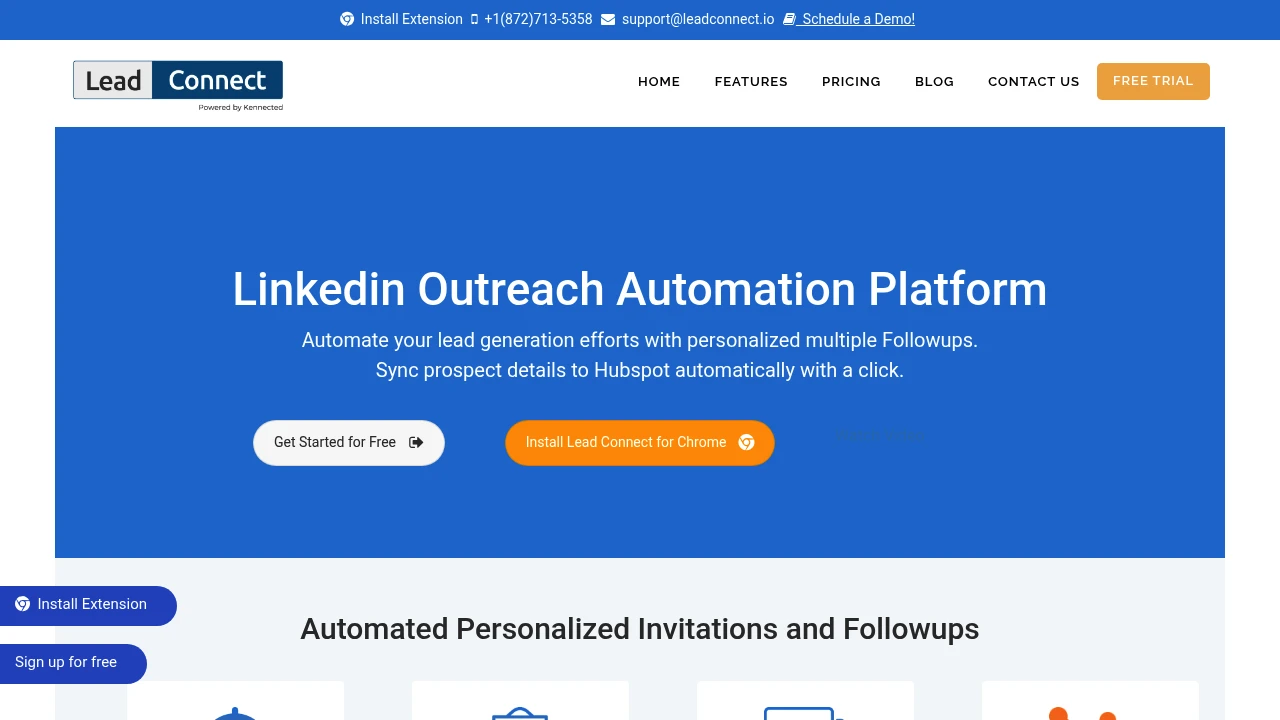
LeadConnect automates personalized LinkedIn invitations, multi-step follow-up sequences, and syncs prospect data and conversations to HubSpot. Includes blacklist management and email finder integrations to save manual outreach time.
Summary
LeadConnect is a LinkedIn automation tool that delivers personalized invitations, multi-step follow-ups, and HubSpot sync for sales teams and SDRs, saving manual outreach time.
What is LeadConnect?
LeadConnect is a browser extension designed for LinkedIn outreach, mimicking manual one-by-one sending of connection requests and follow-up messages. Users define target audiences via LinkedIn search or Sales Navigator, set up to 6 automated follow-up messages, and sync prospect data and conversation logs to HubSpot. Integrations with Findthatlead, Hunter.io, and others enable direct business email lookup within the LinkedIn interface.
Core Capabilities
- Automated invites and follow-ups: Send up to 100 personalized invitations daily, configure up to 6 follow-up messages
- HubSpot two-way sync: Auto-push prospect data, conversation logs, and activities to CRM
- Blacklist management: Prevent duplicate outreach by team members to the same prospect
- Email finder integrations: Extract business emails via Findthatlead, Hunter.io, Anymailfinder
- Placeholder personalization: Insert dynamic fields like name, company in message templates
Pros
- Mimics manual sending one by one, reducing LinkedIn detection risk
- HubSpot integration auto-logs all LinkedIn conversations as CRM activities
- Supports CSV upload and Sales Navigator search for flexible audience targeting
- Blacklist feature prevents internal team duplicate outreach
- Offers free trial and online demo sessions
Cons
- LinkedIn-only; not suitable for multi-channel outreach
- Not officially certified by LinkedIn; use at your own risk
- Daily invitation cap (100) limited by LinkedIn platform
- Advanced CRM sync requires additional integration tools
- Lacks built-in A/B testing or message performance analytics
Decision Guidance
When to use: Your team primarily conducts B2B sales development via LinkedIn, needs to automate invitation and follow-up workflows, and already uses HubSpot as the main CRM.
Consider alternatives: If you need cross-platform outreach (email + LinkedIn + phone), built-in analytics dashboards, or require officially certified automation tools, evaluate other sales engagement platforms.
Frequently Asked Questions

Similar to LeadConnect


