
Linked Helper
Linked Helper offers 31+ LinkedIn automation features: connection requests, message sequences, Email Finder, data scraping, and CRM integrations to streamline lead generation and sales outreach.
Summary
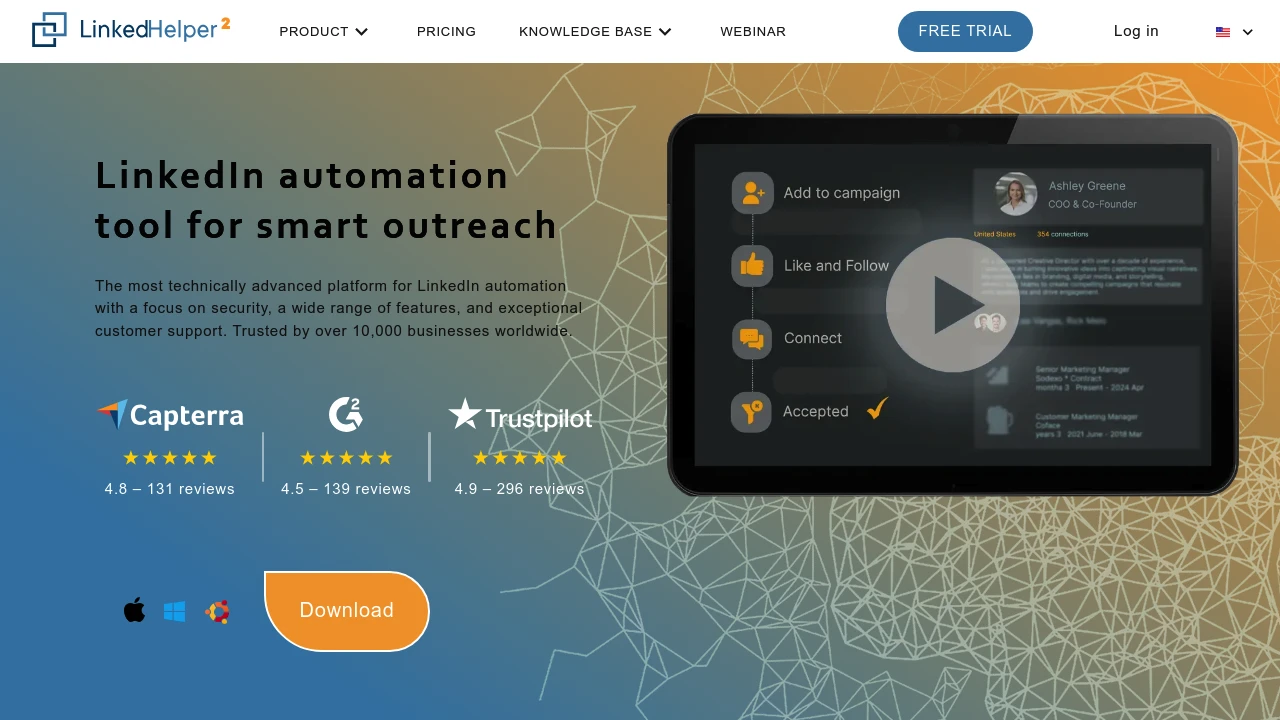
Linked Helper is a LinkedIn automation platform built for lead generation and sales outreach. It automates connection requests, message sequences, data extraction, and engagement actions, helping teams scale their network and manage sales funnels with a built-in CRM and third-party integrations.
What is Linked Helper?
Linked Helper is a standalone desktop app (not a browser extension) that works with LinkedIn, Sales Navigator, and Recruiter. It provides 31+ automation features including auto-invitations, message chains, contact scraping (emails, phones), skill endorsements, post engagement, and event invitations. The built-in Email Finder uncovers emails from 2nd and 3rd-degree connections, with export to CSV or direct CRM sync (HubSpot, Pipedrive, Salesforce, etc.). Trusted by 10,000+ businesses across 180 countries.
Core Capabilities
- Automated outreach sequences: Build multi-step message chains with connection requests, follow-ups, and reply detection
- Data scraping & export: Extract emails, phones, and message history from profiles and companies; export to CSV or CRM
- Built-in Email Finder: Discover verified emails from 2nd/3rd connections (610 credits Standard, 3,200 Pro)
- Hyper-personalization: Custom variables, personalized image attachments, flexible template editor
- Post engagement tools: Auto-like, comment, and tag users to boost post reach
- Multi-source targeting: Gather leads from LinkedIn search, Sales Navigator, groups, events, CSV, and more
- Built-in CRM: Track interaction history, tags, and notes for all contacts
- Third-party integrations: Direct sync with HubSpot, Pipedrive, Salesforce, Zoho, ActiveCampaign, or via Webhooks/Zapier/Make
- Advanced safety controls: Randomized delays, human-like actions, daily limits, custom working hours
- All LinkedIn platforms: Works with Basic, Premium, Sales Navigator, Recruiter
Pros
- Standalone app architecture is safer than browser extensions; doesn't inject code into LinkedIn
- 20+ automated actions (connections, InMails, endorsements, group invites, post engagement)
- Built-in Email Finder and CRM eliminate need for separate subscriptions
- High personalization (custom variables, image attachments) boosts response rates
- 24/7 support with 20-minute resolution commitment
Cons
- Desktop-only (Windows/Mac); no web or mobile app
- Email Finder credits are limited; extra searches cost $15 per 1,000
- Single license can't run on multiple LinkedIn accounts simultaneously (can switch anytime)
- Over-automation risks LinkedIn ToS violations; requires careful daily limit setup
- Steep learning curve with 31 features to master
Decision Guidance
When to use: Best for sales teams, recruiters, and marketers running large-scale LinkedIn outreach, especially if you use Sales Navigator or Recruiter and need to automate lead gen workflows, integrate with existing CRM, and extract contact data.
When to consider alternatives: If you need only basic connection automation, prefer cloud-based solutions, have a small team, or limited budget, simpler LinkedIn automation tools may suffice. If your primary need is email finding rather than LinkedIn outreach, dedicated email finder tools may be more cost-effective.
Frequently Asked Questions

Similar to Linked Helper


