
Loomly
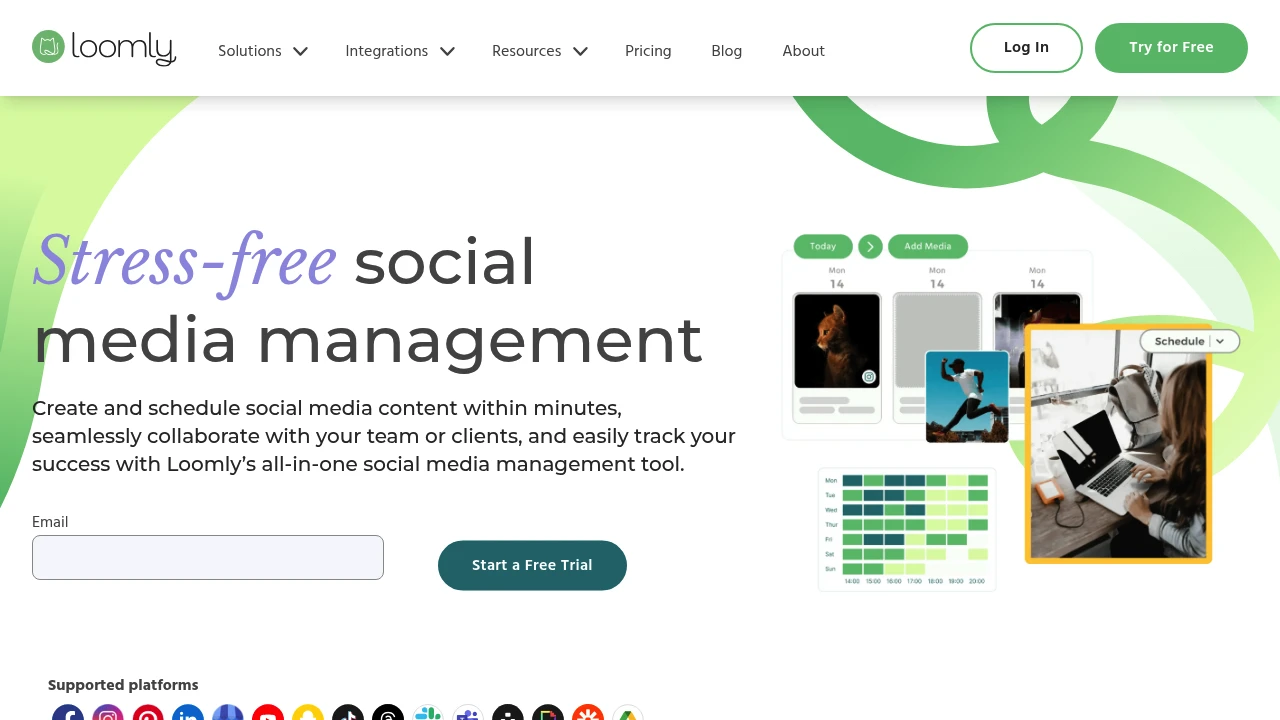
Loomly is a social media management platform offering multi-platform scheduling, multi-level approval workflows, built-in editing tools, campaign tracking, and unified inbox for efficient team collaboration and analytics.
Summary
Loomly is a social media management platform that helps marketing teams grow brands through collaboration, scheduling, and analytics. Built for teams needing multi-level approval workflows and unified inbox for community management.
What is Loomly?
Loomly provides a content calendar, scheduling, team collaboration, and analytics across multiple social platforms. Features built-in image and video editors, integrations with Canva, Unsplash, and Google Drive, plus daily post inspiration and access to over 5 million royalty-free assets.
Core Capabilities
- Multi-platform scheduling and auto-posting: Preview, schedule, and auto-post content across all social channels
- Multi-level approval workflows: Customize approval stages, track post history and feedback
- Built-in editing tools: Image and video editor with template saving and reuse
- Campaign tracking: Label content, filter by campaign type, and generate reports
- Unified inbox: Manage messages, comments, and replies from all platforms in one dashboard
- Analytics and reporting: Track follower growth, engagement, demographics, and automate report scheduling
- URL shortener: Built-in link tracking tool
Pros
- Clean, intuitive interface with quick onboarding for new users
- Supports multiple users and social profiles at lower cost than Sprout Social
- Customize content per platform within same post without rebuilding
- Daily post inspiration and 5+ million royalty-free assets included
- 15-day free trial with no credit card required
Cons
- Advanced features require higher-tier plans
- Some users report limited integration capabilities for certain platforms
- Analytics depth falls short of specialized analytics tools
- Learning curve is short but mastering all features takes time
Decision Guidance
When to use: Agencies or brand teams needing multi-level approval workflows, prioritizing client collaboration and content review transparency. Ideal for managing multiple brands or campaigns requiring label organization and unified inbox.
When to consider alternatives: If you need deep social listening or advanced analytics, explore enterprise-grade tools. For basic scheduling on tight budgets, evaluate simpler solutions.
Frequently Asked Questions

Similar to Loomly


