
Maps Scraper AI
Google Map Extractor uses AI to scrape business emails, phone numbers, social media, and reviews from Google Maps. Export unlimited CSV data to build local B2B lead lists and conduct market research fast.
Summary
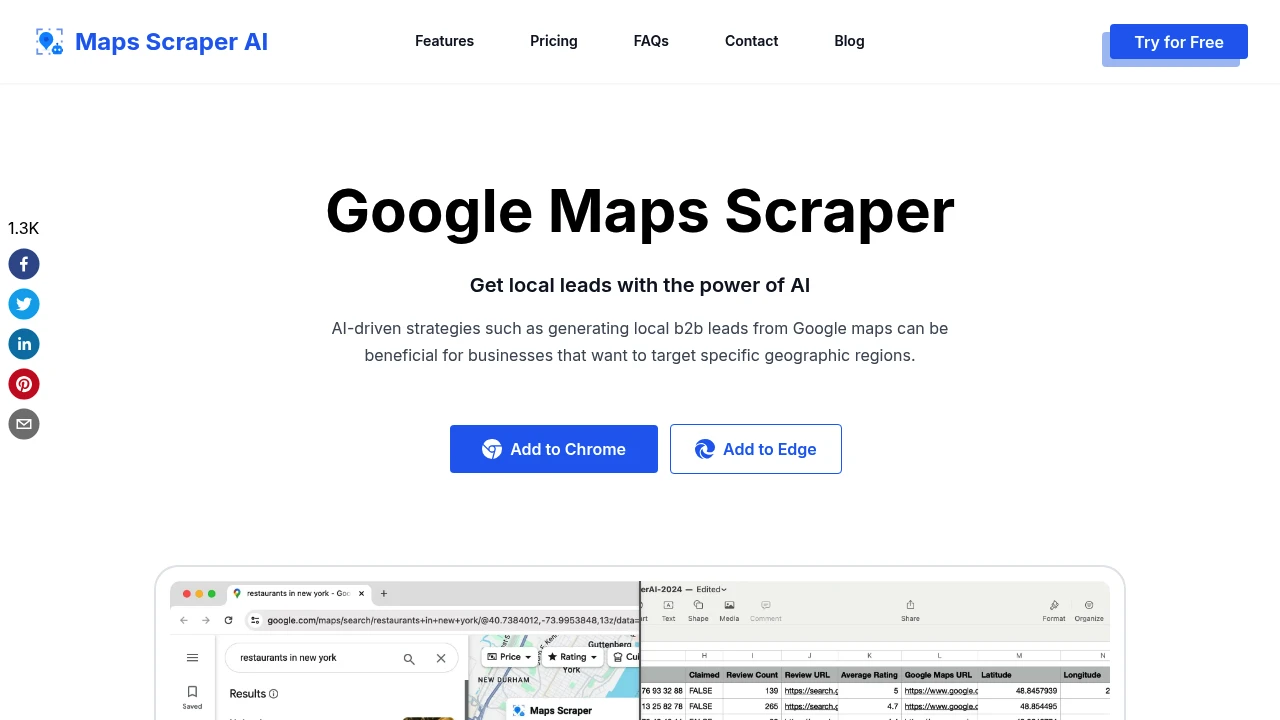
Google Map Extractor is a Chrome extension that uses AI to scrape local business contact data, reviews, and geographic information from Google Maps, helping businesses quickly build lead lists and conduct market research.
What is Google Map Extractor?
Google Map Extractor is a no-code data scraping tool that mimics real user behavior to batch-collect business names, phone numbers, emails, social media links, reviews, and operating hours from Google Maps. The system automatically visits business websites to enrich hidden data like email addresses, and supports CSV or Excel export for B2B sales development, competitor monitoring, and geo-targeted marketing.
Core Capabilities
- Email and social media extraction: Automatically scrapes email addresses and social platform links (Facebook, LinkedIn, etc.) not displayed on Google Maps
- Batch keyword search: Process multiple search terms simultaneously to quickly cover different regions or business categories
- Unlimited data export: Pro plan supports unlimited records per export, including 30+ fields (Plus code, Kgmid, coordinates, etc.)
- Anti-blocking mechanism: Simulates real browsing behavior through Chrome to reduce Google detection risk
- Real-time data updates: Software continuously maintained to adapt to Google Maps website changes
Pros
- Free plan exports 1,000 leads per month, suitable for small teams to test
- No technical background required; click extension to start extraction
- Auto-enriches emails and social media not natively provided by Google Maps
- Pro plan at $9.9/month (annual) exports 100,000 records, cheaper than manual collection
- Supports custom export fields to keep only business-relevant data
Cons
- Large-area searches (e.g., entire state) must be split into cities or ZIP codes for complete results
- Free version exports only 15 records at a time and excludes email/social media data
- Requires Chrome browser; cannot be used on other browsers or mobile devices
- Data accuracy depends on quality of public information on Google Maps and business websites
- Legal compliance must be verified by users (tool claims First Amendment protection, but regulations vary by jurisdiction)
Decision Guidance
When to use: Sales teams needing to quickly build local B2B lead lists, marketers conducting regional market research, or businesses monitoring competitors in specific areas. If you process thousands to tens of thousands of local business records monthly on a limited budget, this tool saves significant time.
Consider alternatives: If you need CRM integration or API-driven workflow automation, choose enterprise data platforms with APIs. For non-local or global B2B data, professional contact databases (Apollo, ZoomInfo) are more suitable. Businesses with strict data compliance requirements should prioritize certified data providers.
Frequently Asked Questions

Similar to Maps Scraper AI


