
Miro
Miro is an AI-powered visual collaboration platform used by 100M+ users. Infinite canvas, 250+ integrations, 6,000+ templates help product teams break tool silos, cut planning time 50%, and ship faster.
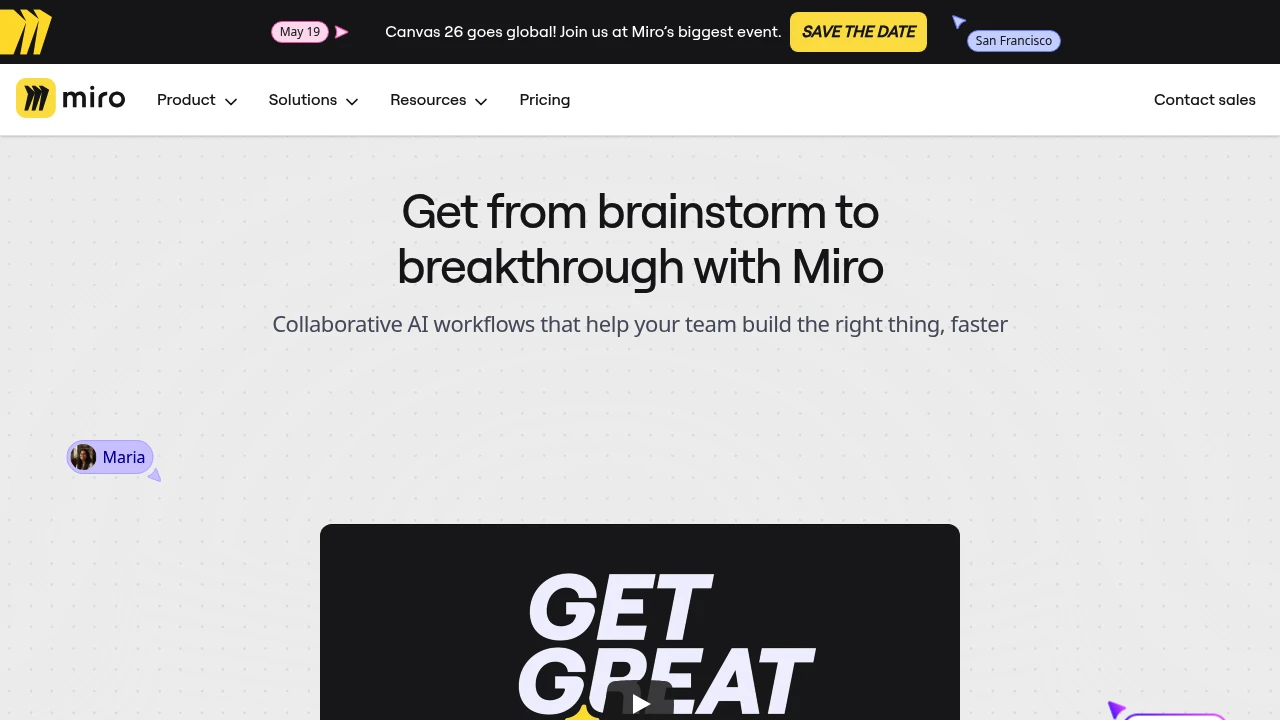
Summary
Miro is an AI-powered visual collaboration platform that helps product, engineering, and design teams accelerate development from ideation to launch. Over 100 million users collaborate on an infinite canvas, breaking tool silos to ship what customers need faster.
What is Miro?
Miro is an innovation workspace combining an infinite canvas, AI workflows, and multiple formats (docs, tables, slides, diagrams) for visual collaboration in one platform. It integrates 250+ apps, enabling product management, engineering, design, and business teams to plan, design, and execute in the same space—eliminating tool switching and speeding decisions.
Core Capabilities
- AI collaborative workflows: Auto-generate PRDs, research summaries, and prototypes
- Intelligent canvas: Infinite multiplayer workspace with real-time editing and visual thinking
- Multiple formats: Docs, tables, slides, diagrams switch seamlessly on one canvas
- Blueprint automation: Repeatable workflow templates ensure process standardization
- 250+ integrations: Connect Jira, Slack, Google Workspace, and more
- 6,000+ templates: Cover retrospectives, product briefs, user research, and more
- Enterprise security: Scalable, secure collaboration platform meeting compliance needs
Pros
- Used by 250,000+ companies, cutting planning time 50% and speeding time to market 2–3.6x
- Infinite canvas eliminates tool silos, aligning teams in one view
- AI accelerates insight-to-prototype flow, generating structured content in seconds
- Rich templates and integrations reduce setup time, launching collaboration quickly
- Supports cross-functional collaboration across product, engineering, design, and ops
Cons
- Feature-rich platform may require learning time; new users face initial onboarding curve
- Large canvas load speed can be affected by network conditions
- Advanced features and enterprise security require paid plans
- Some users report pricing is high for small teams
- Limited offline functionality; depends on network connection
Decision Guidance
Use Miro when: Product teams need to break tool silos and accelerate ideation-to-launch, or cross-functional teams need a visual collaboration space to align goals and iterate quickly. Especially suited for remote or hybrid teams.
Consider alternatives when: You only need basic whiteboard features on a tight budget, or your team is under 10 people without enterprise integration needs. If your primary need is project management rather than visual collaboration, dedicated PM tools may fit better.
Frequently Asked Questions

Similar to Miro


