
Motion
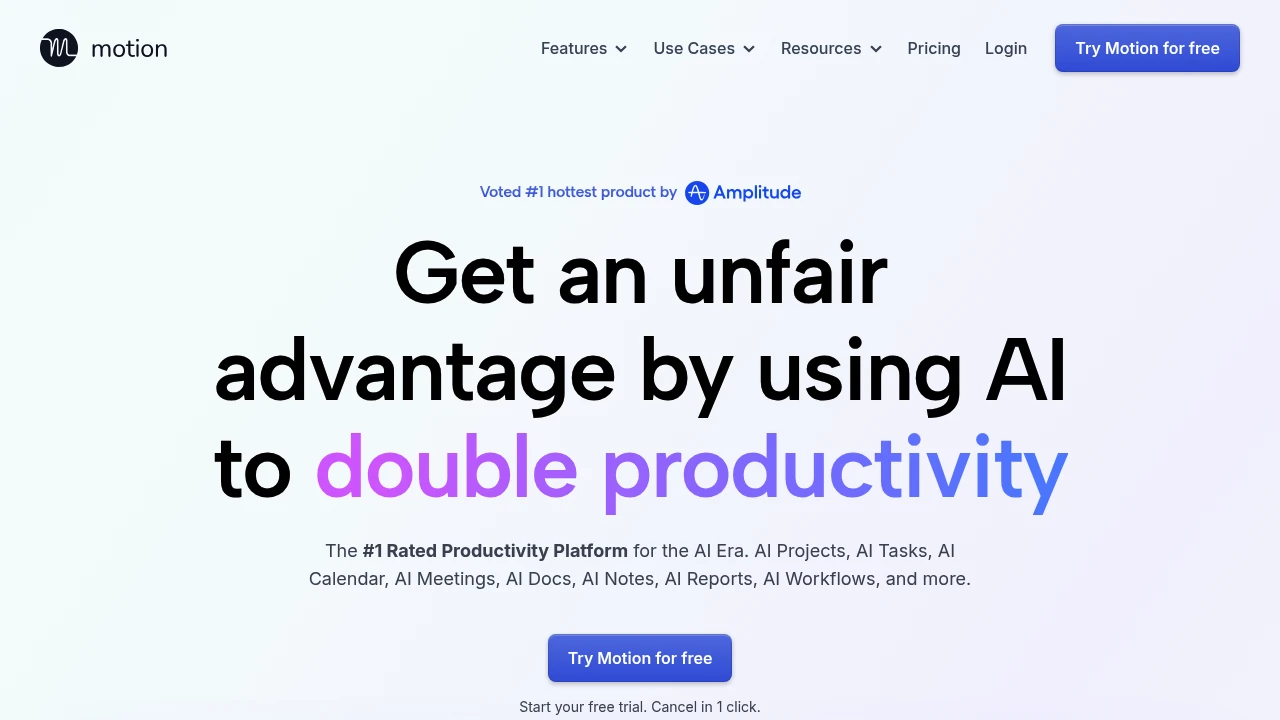
Motion is an AI-powered productivity platform that unifies task planning, project management, calendar, meeting notes, and docs. It auto-schedules and prioritizes work, optimizing hundreds of times daily.
Summary
Motion is an AI-driven all-in-one work platform that combines project management, task planning, calendar, meeting notes, docs, and workflows. It automates scheduling and prioritization to boost productivity for individuals and teams.
What is Motion?
Motion is an AI super-app that integrates task manager, project manager, calendar, meeting notetaker, and docs into a single platform. It uses AI to automatically create tasks, prioritize them, plan your daily schedule, generate project plans, take meeting notes, and build workflows. It optimizes your plan hundreds of times per day, ensuring you focus on what matters most.
Core Capabilities
- AI Task Planner: Automatically creates, prioritizes, and time-blocks tasks based on deadlines, dependencies, and workload; dynamically adjusts throughout the day
- AI Project Manager: Generates complete projects (tasks, deadlines, assignees) in seconds; auto-updates statuses and assigns next steps
- AI Calendar Assistant: Auto-plans your daily schedule, schedules meetings, and unifies multiple calendar accounts (Google, Outlook, iCloud)
- AI Meeting Notetaker: Automatically records notes, generates summaries, creates action items, and sends follow-up emails
- AI Docs Assistant: Drafts, proofreads, and organizes docs; converts notes into tasks and projects
- AI Workflow Builder: Transforms SOP docs into executable workflow templates
- AI Business Intelligence: Predicts project completion times, analyzes team capacity, identifies bottlenecks
- Integrations: Connects with Zapier, Zoom, Google Meet, Gmail, Outlook, Slack, Teams, HubSpot, Salesforce, and more
Pros
- Optimizes your plan hundreds of times daily, keeping it current and aligned with priorities
- Single platform replaces 10+ tools (task manager, project manager, calendar, meeting notes, docs) at lower cost
- AI has full work context (tasks, projects, meetings, docs) for highly personalized recommendations
- Projects complete 32% faster by automatically eliminating idle time between tasks
- Warns about at-risk deadlines days or weeks in advance, preventing last-minute surprises
Cons
- Steeper learning curve; takes time to adapt to AI-automated workflows
- Higher pricing starting at $34/month per person (annual), may be costly for small teams
- Heavy reliance on AI decisions; users preferring manual control may feel uncomfortable
- While integrations are extensive, some advanced ones require Zapier or API
- Mobile app has fewer features compared to desktop version
Decision Guidance
Use Motion if: You manage multiple projects and deadlines, your team needs automated task assignment and status updates, you want a single platform for tasks, projects, calendar, and meeting notes, or you're willing to let AI auto-plan your daily schedule to save time.
Consider alternatives if: You prefer full manual control over tasks and scheduling, you have a limited budget and only need basic task management, your team is very small with simple workflows, or you need highly customized project management features rather than AI automation.
Frequently Asked Questions

Similar to Motion


