
OnePageCRM
OnePageCRM offers lightweight CRM for small businesses with 4-minute setup. Manage leads, sync emails, track pipelines, automate workflows, and access free tools. Trusted in 80+ countries.
Summary
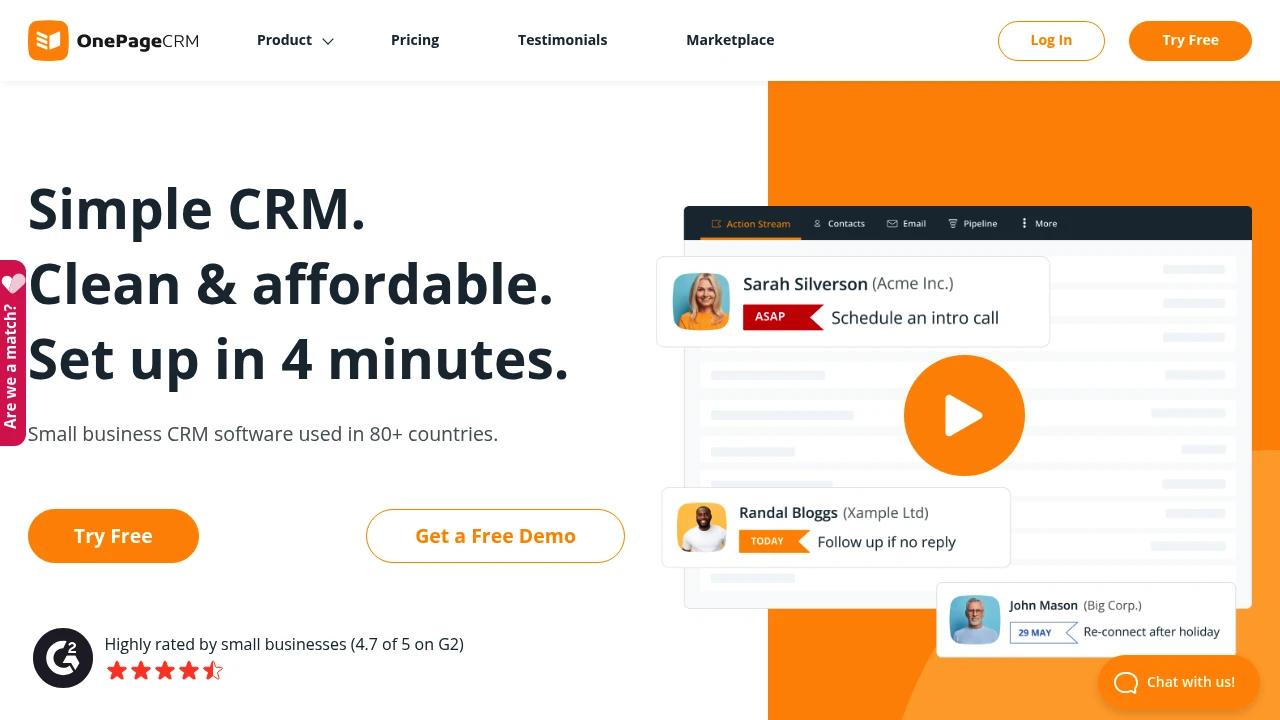
OnePageCRM is a lightweight CRM built exclusively for small businesses, with 4-minute setup and zero learning curve. Centralize lead management, email sync, sales pipelines, and automated workflows so you focus on follow-ups, not configuration.
What is OnePageCRM?
OnePageCRM is a clean, cloud-based CRM serving small businesses in 80+ countries. It offers unlimited contact storage, email tracking, Kanban sales pipelines, workflow automation, and mobile apps, plus free tools like Lead Clipper, Web Forms, and an AI Route Planner. The interface is clutter-free, pricing is transparent and affordable, and you get a 21-day free trial with no credit card required.
Core Capabilities
- Lead management: Track leads from a central workspace, move deals across Kanban stages
- Contact organization: Unlimited contacts, notes, custom fields; create contacts from social profiles in one click
- Email integration: Two-way sync, bulk send, open tracking, free custom templates
- Workflow automation: Trigger email sequences, enrich contacts, eliminate repetitive tasks
- Sales pipelines & forecasting: Build multiple pipelines, track closed deals, manage product catalog
- Mobile CRM & AI Route Planner: Field sales app with intelligent customer visit planning
- Free add-on tools: Lead Clipper browser extension, Web Forms, business card scanner
Pros
- Lightning setup: Launch in 4 minutes, no learning curve, clean and intuitive interface
- Budget-friendly: Small business pricing, free bundled tools, no hidden fees
- Unlimited contacts: All plans include unlimited contact, field, and note storage
- Free VIP support: Trial and paid users receive equal high-quality customer service
- Automation included: Simple workflows on all plans at no extra cost
Cons
- Feature minimalism: Built for small teams; lacks advanced enterprise capabilities
- Limited integrations: Fewer third-party connectors compared to Salesforce or HubSpot
- Basic reporting: Custom reports and analytics are simpler, not suited for complex data needs
- Scalability ceiling: Growing mid-to-large teams may outgrow the platform
Decision Guidance
When to use: Small businesses, startups, or solo founders need a simple, affordable CRM with fast onboarding, clean interface, and core sales tracking features.
When to consider alternatives: Mid-to-large enterprises requiring advanced reporting, complex automation, extensive third-party integrations, or enterprise-grade features should explore Salesforce, HubSpot, or Pipedrive.
Frequently Asked Questions

Similar to OnePageCRM


