
OpenCode
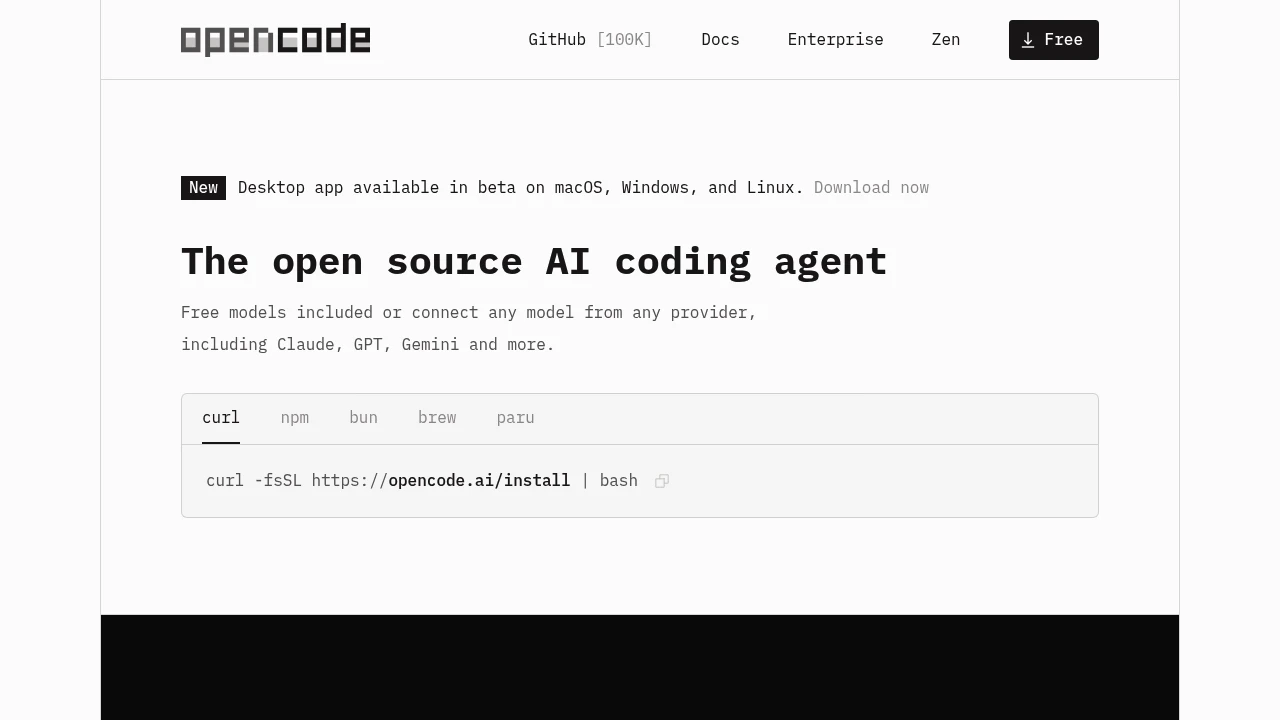
OpenCode is an open source AI coding agent for terminal, IDE, and desktop. Connect Claude, GPT, Gemini, and 75+ models. Privacy-first, no code storage. 100,000 GitHub stars, 2.5M developers.
Summary
OpenCode is an open source AI coding agent that helps you write code in your terminal, IDE, or desktop app. Supports 75+ models including Claude, GPT, and Gemini, with free models included and privacy-first design.
What is OpenCode?
OpenCode is an open source coding agent that runs in your terminal, IDE, or desktop app. It automatically loads LSPs, supports multi-session parallel work, and lets you share session links. Connect your GitHub Copilot, ChatGPT Plus/Pro, or use 75+ model providers through Models.dev, including local models. It doesn't store code or context data, making it suitable for privacy-sensitive environments.
Core Capabilities
- Auto LSP loading: Automatically loads the right LSPs for the LLM
- Multi-session parallel: Start multiple agents on the same project simultaneously
- Session sharing: Share links to any session for reference or debugging
- GitHub Copilot integration: Log in with GitHub to use your Copilot account
- ChatGPT Plus/Pro integration: Log in with OpenAI account
- 75+ model support: Connect any provider through Models.dev, including local models
- Cross-platform: Terminal, desktop app (macOS, Windows, Linux), and IDE extensions
Pros
- Fully open source with 100,000 GitHub stars and 700 contributors
- Privacy-first design stores no code or context
- Works with existing AI subscriptions (Copilot, ChatGPT Plus/Pro) or free models
- Multi-session parallel workflow boosts productivity
- Flexible use across terminal, IDE, and desktop app
Cons
- Requires terminal or IDE familiarity
- Model quality depends on chosen provider
- Desktop app still in beta
- Advanced features require configuration knowledge
Decision Guidance
Use OpenCode when: You need a privacy-first open source coding assistant, want to integrate existing AI subscriptions into your dev workflow, or prefer using multiple models in terminal/IDE.
Consider alternatives when: You need a fully managed cloud solution, prefer GUI over terminal, or require enterprise-grade support and SLA guarantees.
Frequently Asked Questions

Similar to OpenCode


