
Parmonic
Parmonic uses patented AI to auto-edit webinars, interviews, and training videos into key moments, social shorts, text summaries, and multilingual subtitles. Built for marketing and training teams without video expertise.
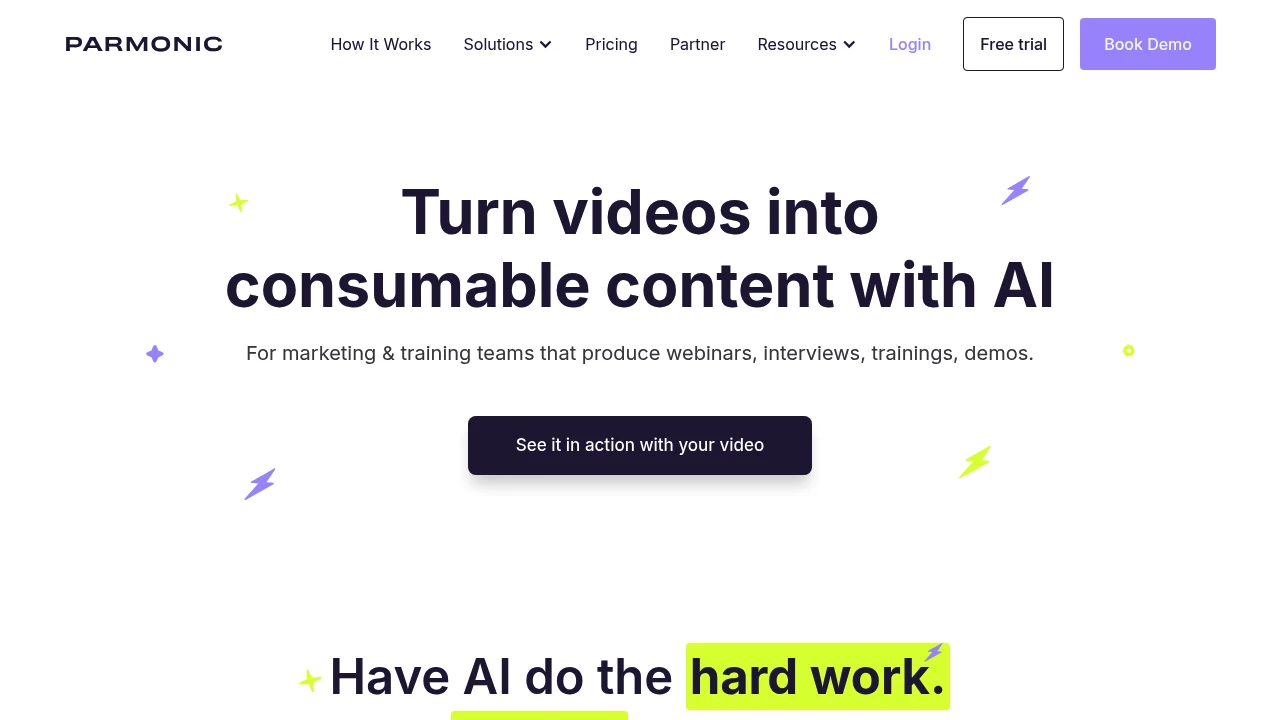
Parmonic: AI Video Editor & Derivative Content Platform
Summary
Parmonic is an AI video editing platform for marketing and training teams that automatically transforms long, information-rich videos into digestible content clips, social media shorts, text summaries, and multilingual subtitles. Solves high agency costs, busy in-house teams, and complex DIY editing.
What is Parmonic?
Parmonic uses patented Moments AI technology to analyze information-dense videos like webinars, interviews, training sessions, and demos, extracting key moments and generating derivative content. The platform integrates video hosting, security controls, and lead capture, enabling non-video professionals to produce high-quality content quickly without relying on designers or expensive outsourcing.
Core Capabilities
- AI key moment extraction: Auto-splits long videos into standalone clips for websites or learning management systems
- Social media content generation: Creates shorts, highlight reels, and audiograms from recordings for LinkedIn, X, YouTube
- Text content conversion: Generates blog posts, summaries, and quotes from video recordings
- Transcript-highlighter editing: Shortens videos by marking transcripts, avoiding complex timeline editing
- Video optimization: Auto-improves audio quality, removes filler words, adds branding elements
- Multilingual subtitles: Generates and supports advanced editing for regional accuracy
- Integration ecosystem: Connects with Marketo, HubSpot, Pardot, Eloqua, Salesloft, Outreach, Seismic, and more
Pros
- Patented AI technology: Moments AI based on deep research with multiple USPTO patents; customizable models for enterprise clients
- Complete platform: Built-in video hosting, security for sensitive content, lead capture—no extra tools needed
- Non-professional friendly: No video editing background required; marketers operate independently without designers
- Team collaboration: Robust collaboration and management features with stellar onboarding and support
- Cost-effective: Reduces agency fees, accelerates content repurposing, lowers overall production costs
Cons
- Limited scope: Only supports informative videos with audio (webinars, interviews, training); no support for music-only explainer videos
- Optimal performance threshold: No duration limit, but works best for videos over 10 minutes; shorter clips have limited functionality
- Pricing transparency: No public pricing on website; requires demo booking to learn costs
- Learning curve: Despite simplified design, first-time users need to familiarize themselves with AI output logic and editing workflow
- Dependent on video quality: AI effectiveness depends on original audio clarity and content structure
Decision Guidance
Use Parmonic when: Your team regularly produces webinars, customer interviews, product demos, or training videos and needs to quickly generate social media clips, blog posts, or multilingual subtitles without professional video editing resources or budget. Especially suited for B2B marketing, customer success, and corporate training departments.
Consider alternatives when: You primarily create short creative videos, visual-only animated explainers, or need highly customized manual editing control. If your videos are typically under 5 minutes or your team already has professional video editors, traditional editing tools may be more appropriate.
Frequently Asked Questions

Similar to Parmonic


