
Pictory
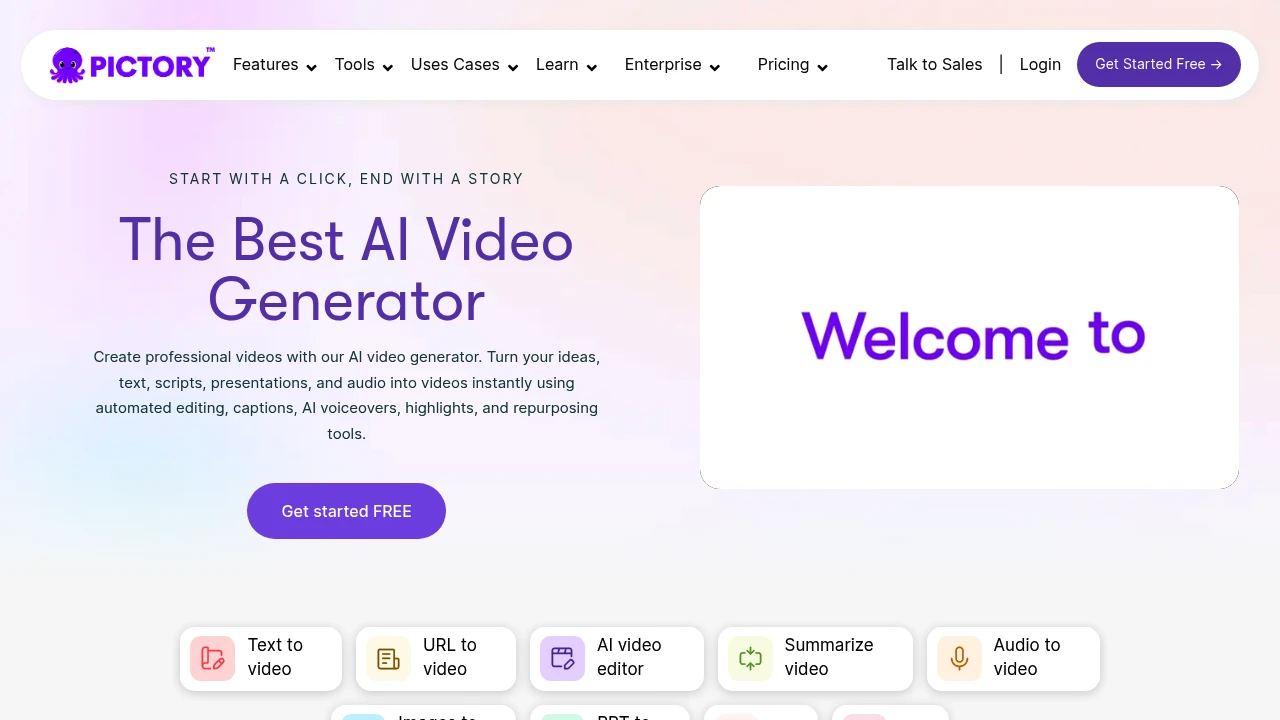
Pictory is an AI video generator that turns text, URLs, images, and audio into professional videos. Automated editing, captions, voiceovers, and branding for marketing, education, and social media.
Summary
Pictory is an AI-powered video generator that converts text, URLs, images, audio, or presentations into professional videos. Solves time-consuming production and high technical barriers for marketers, educators, and content creators.
What is Pictory?
Pictory is an automated video creation platform that uses AI to analyze your content (scripts, prompts, web links, images, or audio) and automatically selects visuals, generates captions, voiceovers, and transitions. No cameras, timeline editing, or learning curve—publish-ready videos in minutes. Supports landscape, portrait, and square formats for YouTube, TikTok, Instagram, and more.
Core Capabilities
- Text to Video: Turn scripts, articles, blog posts into videos with AI-selected visuals, voiceovers, and audio tracks
- URL to Video: Paste a URL, AI extracts text and images to generate a complete video
- AI Video Editor: Remove silences, filler words, add captions and music with one click
- Summarize Video: Condense long videos into short highlight clips
- Audio to Video: Upload audio files, automatically add visuals, captions, and highlights
- Images to Video: Transform static images into animated videos using AI Studio
- PPT to Video: Convert PowerPoint presentations into professional videos with slide syncing and voiceovers
- Screen Recorder: Record screen, webcam, and audio; AI removes silences and filler words
- AI Avatars: Use digital presenters to narrate scripts and create professional videos
- AI Studio: Generate custom images or video clips from text prompts
- Branding Tools: Upload brand fonts, colors, and logos for consistent video styling
- Automation Workflows: Integrate with Make, Zapier, and Chrome extension for streamlined production
Pros
- Create professional videos in minutes without filming or editing experience
- Supports multiple input formats (text, URL, images, audio, PPT) for flexibility
- Auto-generates captions, voiceovers (ElevenLabs AI voices), and transitions
- Branding tools ensure consistent styling for teams and enterprises
- Supports landscape, portrait, and square formats for multi-platform publishing
- AI Studio generates custom visuals when stock libraries fall short
- Integrates with Make, Zapier, and Chrome extension for automated workflows
Cons
- AI-selected visuals may require manual adjustments for specific needs
- Advanced customization (complex animations) less flexible than professional editing software
- AI Avatars feature still rolling out; some functionality may not be fully available
- Long videos or complex projects may need more manual fine-tuning
- Pricing details not publicly disclosed; enterprise plans require contact
Decision Guidance
When to use: Marketing teams, educators, and social media creators who need to produce videos at scale; converting existing content (articles, presentations, audio) into video; individuals or small teams lacking video production experience or budget.
Consider alternatives: Professional video projects requiring highly customized animations or effects; teams with dedicated editing staff and tools; creative projects needing full control over every editing detail.
Frequently Asked Questions

Similar to Pictory


