
quso.ai
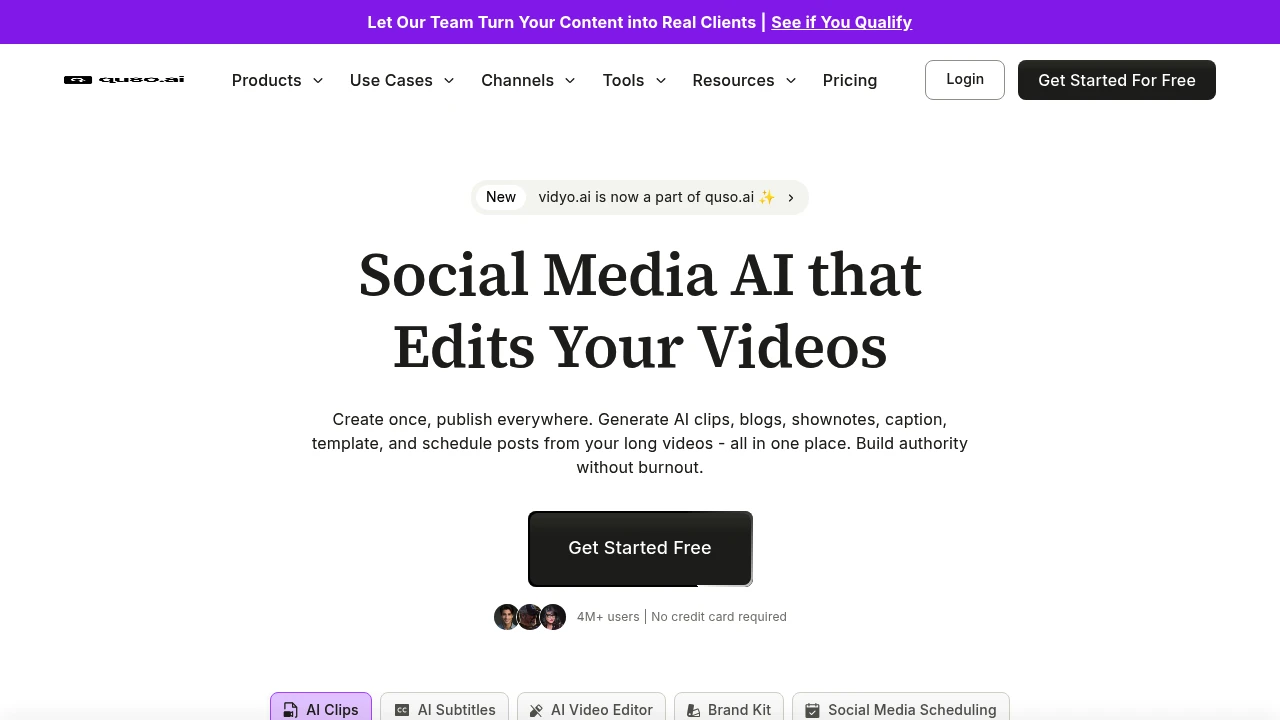
quso.ai is an AI video repurposing and social media scheduling platform. Auto-convert long videos to clips, generate subtitles, schedule to 7+ platforms. Trusted by 4M+ users.
Summary
quso.ai (formerly vidyo.ai) is an all-in-one AI video repurposing and social media scheduling platform for coaches, podcasters, business owners, and video creators. Convert long videos into short clips, auto-generate subtitles, schedule posts, and manage multiple social platforms from a single dashboard—solving time-consuming content creation and multi-tool management.
What is quso.ai?
quso.ai is an AI-powered video clipping and social media management system that automatically transforms long videos into short clips optimized for Reels, TikTok, and similar platforms. The platform integrates AI subtitle generation, branded templates, a video editor, and scheduling across 7 social platforms. Users upload videos or paste YouTube links; AI analyzes content and extracts highlight clips. Supports English, Spanish, German, and French. Ideal for creators and marketing teams needing rapid content repurposing.
Core Capabilities
- AI video clipping: Auto-extract viral short clips from long videos
- Auto subtitle generation: AI-animated captions boost viewer retention
- Social media scheduling: One-click scheduling to 7+ platforms
- Branded templates: Upload logos, fonts, brand assets for one-click branded videos
- Video editor: Add B-roll, music, stock assets—no professional experience needed
- Content generation: Create blogs, show notes, social captions from videos
- Screen recording: Record, edit, share screen captures in minutes
Pros
- Single platform integrates video clipping, editing, social scheduling—replaces multiple tools
- AI auto-selects highlight clips, drastically cutting content production time
- Supports up to 15GB video uploads (paid users)
- Free trial with limited credits, no credit card required
- Intuitive interface, beginner-friendly for quick onboarding
Cons
- Currently supports only 4 languages (English, Spanish, German, French)—no Chinese
- Free tier limited to 5GB uploads with restricted features
- AI clipping quality depends on source video structure; complex topics may need manual tweaks
- Pricing not publicly transparent; requires trial to assess cost-effectiveness
Decision Guidance
When to use: You need to rapidly repurpose long videos (podcasts, webinars, tutorials) into multi-platform short clips; you want to manage video editing and social scheduling in one platform to reduce tool costs and workflow complexity.
Consider alternatives: You require Chinese subtitle support or multilingual content production; your team needs advanced video editing features (effects, multi-track editing); you have a tight budget and only need basic clipping—explore dedicated video editors or free open-source options.
Frequently Asked Questions

Similar to quso.ai


