
Superhuman
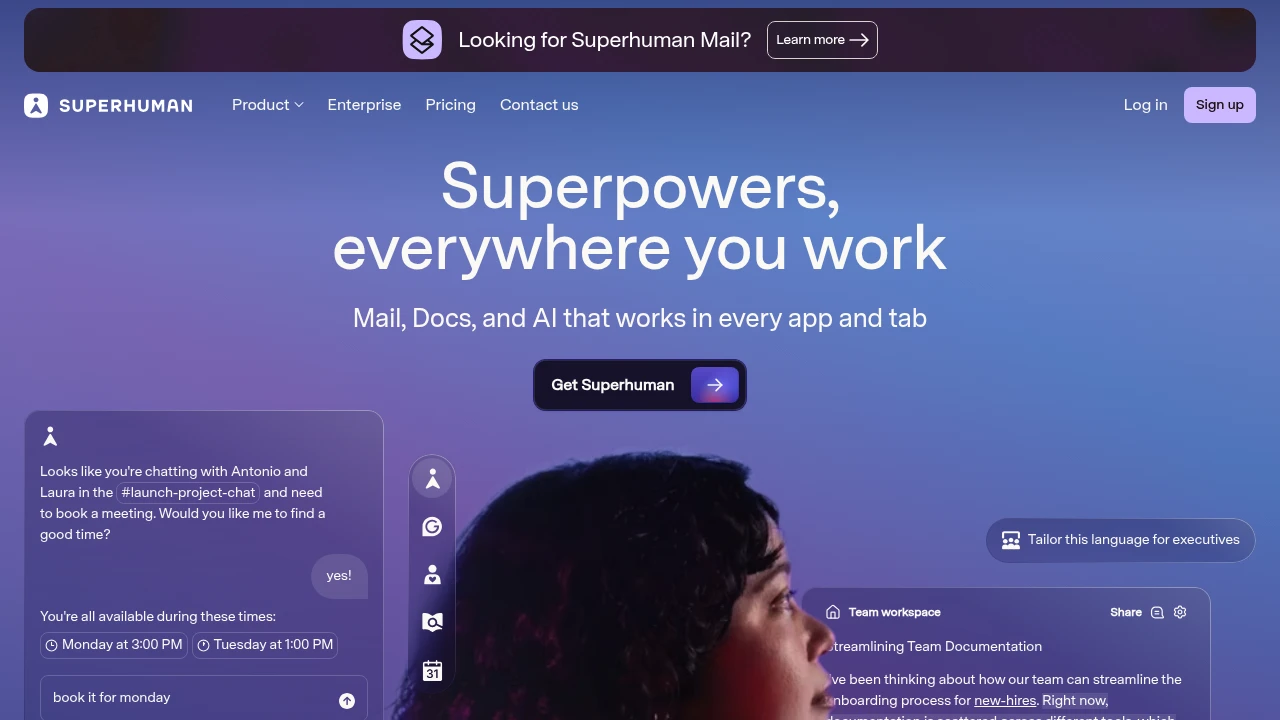
Superhuman combines email, docs, and AI assistants to accelerate work anywhere. Mail speeds up inbox processing, Coda integrates 800+ tools, Go assists across apps—save 4 hours weekly.
Summary
Superhuman is a productivity suite combining email, documents, and AI assistants that work across all your apps, claiming to save hours every week through faster processing and proactive help.
What is Superhuman?
Superhuman offers four core products: Mail (high-speed email client), Grammarly (AI writing partner), Coda (team workspace), and Go (cross-app AI assistant). The suite aims to help you think faster, write clearer, and get proactive assistance without switching between tools.
Core Capabilities
- Mail: Speed through inbox, auto-reminders for follow-ups, AI writes in your voice
- Grammarly: Real-time writing improvement everywhere you type, tone and style adaptation
- Coda: Integrate Slack, Jira, Salesforce, and 800+ tools; build wikis, project plans, goal trackers
- Go: Proactive suggestions across apps, schedule meetings in conversations, connects Gmail, Drive, Jira
Pros
- Unified AI experience across all applications without tool-switching
- Mail claims to save 4 hours weekly on email processing
- Coda integrates hundreds of services into a single source of truth
- Go proactively offers help, reducing manual search and copy-paste
- Grammarly instantly improves writing quality and tone
Cons
- Requires multiple product subscriptions for full experience
- Mail supports only specific email services, may not fit all enterprises
- Integrating many tools requires setup time and learning curve
- Pricing not publicly disclosed, potential barrier for small teams
- Cloud-dependent with limited offline functionality
Decision Guidance
Use Superhuman when: You handle high email volume, frequently switch between apps, and want AI that proactively assists rather than waits for commands. Ideal for teams and individuals managing complex projects who need fast responses.
Consider alternatives when: You need only one function (email or docs)—dedicated tools may be more cost-effective. If your team has established workflows and resists change, or budget is tight, try individual products before committing to the full suite.
Frequently Asked Questions

Similar to Superhuman


