
VEED
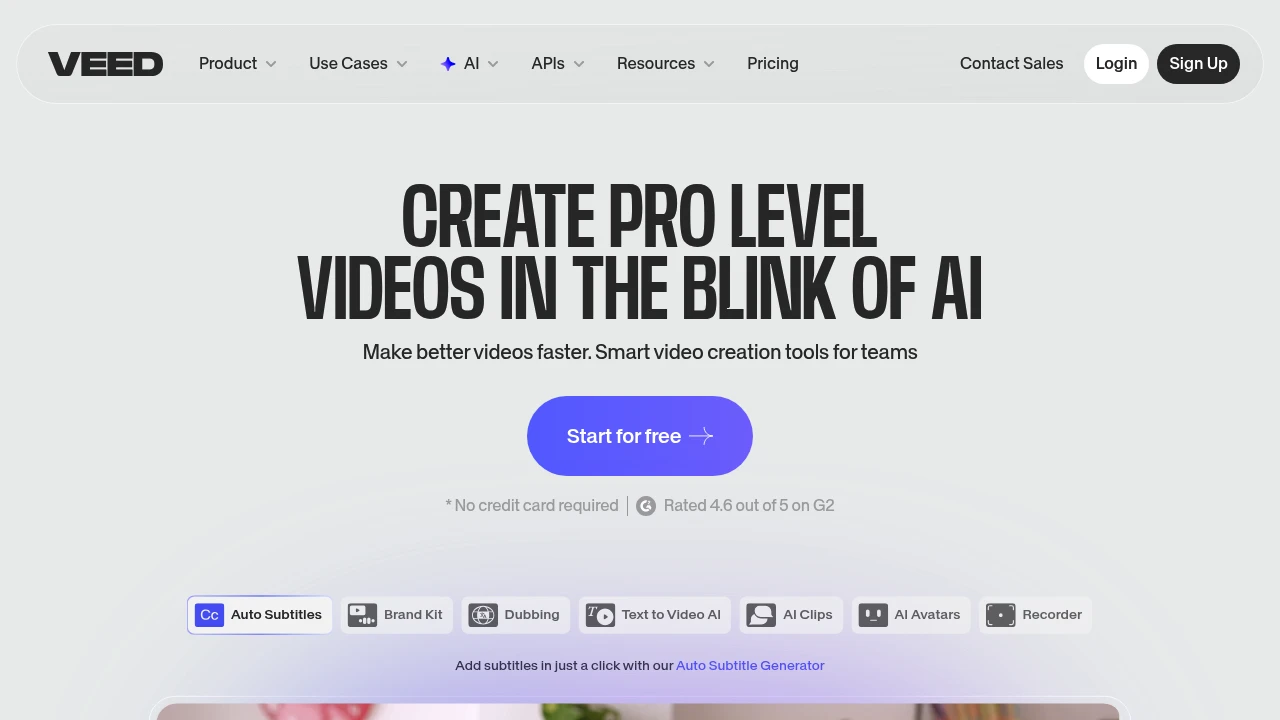
VEED.IO is an online video editor with AI auto-subtitles, voice translation, avatars, and text-to-video. Record, edit, and publish in your browser with team collaboration tools.
Summary
VEED.IO is a browser-based video editing platform that combines AI subtitles, dubbing, avatars, and text-to-video tools to help teams create professional video content quickly.
What is VEED.IO?
VEED.IO is a full-featured cloud video editor that lets you record, edit, subtitle, and publish without downloading software. It includes AI auto-subtitles, voice translation, avatar generators, and text-to-video features, plus a library of 2M+ royalty-free assets. Designed for marketing teams, creators, and internal comms, it supports brand kits and collaborative review workflows.
Core Capabilities
- Auto subtitle generation: One-click accurate captions in multiple languages
- AI avatars: Create talking-head videos from text or your digital clone
- Voice translation & dubbing: AI translates and dubs video speech while preserving tone
- Screen & camera recording: Capture directly in the browser
- Brand kit: Unified fonts, logos, and templates for team consistency
- Magic Cut: Auto-removes pauses and filler words to speed up editing
- Eye contact correction: AI adjusts gaze direction for a polished look
- Collaboration & review mode: Real-time feedback and permission controls
Pros
- No installation required; works instantly in the browser
- High-accuracy AI subtitles with multi-language support
- All-in-one: record, edit, subtitle, dub, and publish on one platform
- Royalty-free asset library and brand management tools included
- Team collaboration and custom templates for scalable enterprise use
Cons
- Free tier adds watermarks to exported videos
- Advanced AI features (avatars, voice cloning) require paid plans
- Large projects or complex effects less flexible than desktop pro software
- Requires internet connection; no offline mode
- Some users report slower export speeds for high-resolution videos
Decision Guidance
When to use: Teams that need to produce social media videos, tutorials, training, or marketing content quickly—especially if auto-subtitles and multi-language translation are priorities. Ideal for creators and businesses without professional editing skills but high output demands.
Consider alternatives: If you need advanced color grading, multi-track effects, or offline editing, choose Adobe Premiere Pro or DaVinci Resolve. For simpler subtitle-focused workflows, Descript or CapCut are lighter options.
Frequently Asked Questions

Similar to VEED


