
Webflow
Webflow is a visual website builder with integrated CMS, AI tools, SEO/AEO optimization, and hosting. Marketers and designers create custom responsive sites without coding.
Summary
Webflow is a visual website builder that lets you design, build, and publish custom responsive sites without writing code. It integrates CMS, hosting, SEO/AEO tools, and AI features for marketing teams, designers, developers, and freelancers to ship high-performance websites fast.
What is Webflow?
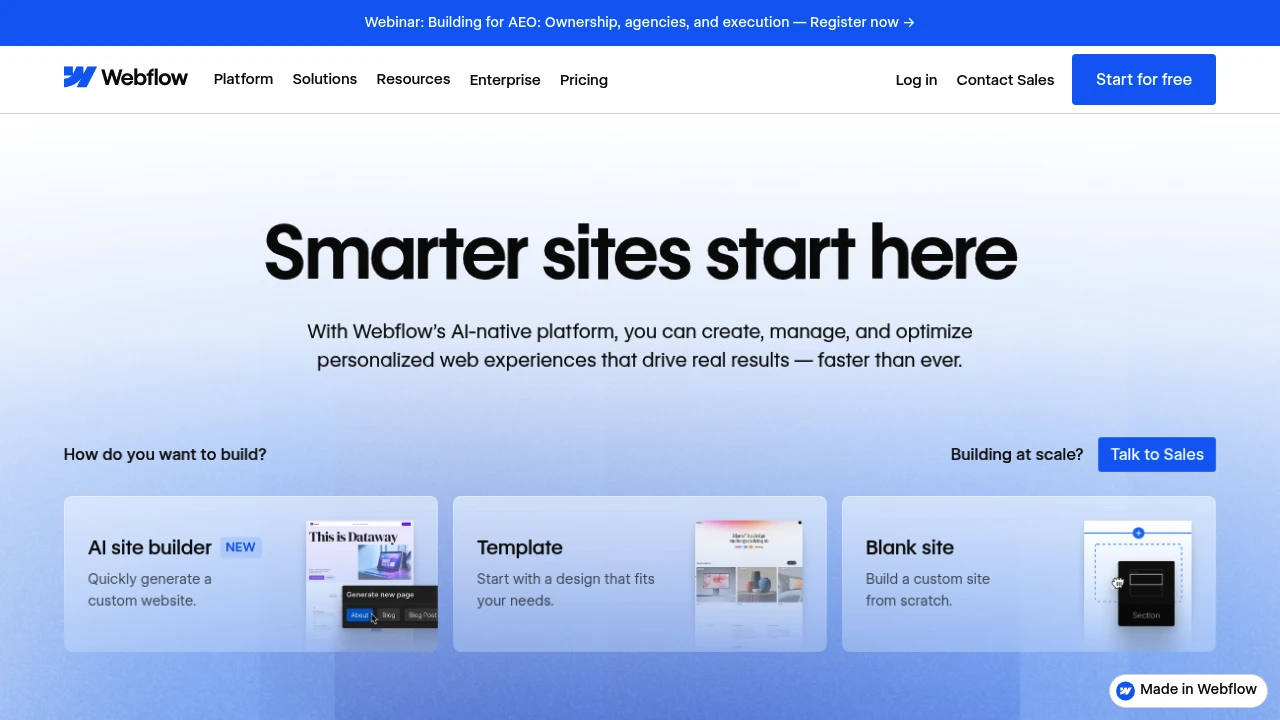
Webflow is an AI-native website experience platform combining visual design tools with the power of HTML, CSS, and JavaScript. You build pixel-perfect layouts in a visual canvas, manage content in a composable CMS, generate page components and copy with an AI assistant, and optimize performance using built-in analytics, personalization, and localization. The platform delivers 99.99% uptime, global CDN, and managed security with zero infrastructure maintenance.
Core Capabilities
- Visual builder: Design responsive sites with flexbox and grid layouts—no hand-coding
- AI site generator: Quickly create custom sites, page sections, and reusable components
- Composable CMS: Visual content management with bulk generation and real-time editing
- Interactions & animations: Built-in GSAP support for rich interactive experiences
- SEO/AEO optimization: Native tools to improve visibility in search engines and AI-driven search
- AI personalization & localization: Automate content translation and audience targeting
- Design systems & collaboration: Shared component libraries, real-time collaboration, version control, and approval workflows
- Hosting & security: Global CDN, automatic backups, 24/7 security monitoring, zero maintenance
Pros
- Visual interface lets non-technical teams build and publish sites without dev resources
- AI accelerates content generation, component building, and SEO/AEO optimization
- Integrated CMS, analytics, personalization, and hosting reduce tool costs and complexity
- Design systems and permissions ensure brand consistency and team collaboration
- 99.99% uptime and global CDN deliver reliable, high-performance hosting
Cons
- Steeper learning curve; beginners need time to master visual-build logic
- Enterprise features (advanced workflows, localization) require paid plans
- Complex custom functionality may still need developer code or API work
- Pricing can be high for small projects or individual users
- Migrating existing sites to Webflow requires rebuilding design and content structure
Decision Guidance
When to use: Marketing teams need to iterate sites quickly without dev dependencies; designers and freelancers want full creative control and client-editable handoffs; enterprises need integrated CMS, analytics, and localization to scale global sites.
Consider alternatives: If budget is tight or you only need a simple blog, WordPress or Squarespace are more economical; for highly custom backend logic or e-commerce, Shopify or custom-built solutions may fit better.
Frequently Asked Questions

Similar to Webflow


