
YAMM
YAMM lets you send personalized bulk emails directly from Gmail and Google Sheets. Merge contact data, track opens, clicks, and replies—ideal for marketing, event invites, and sales outreach.
Summary
YAMM (Yet Another Mail Merge) is a Gmail and Google Sheets add-on that sends personalized bulk emails from Gmail. Built for marketing campaigns, sales outreach, event invitations, and newsletters, it eliminates manual editing and tracks opens, clicks, and replies in real-time.
What is YAMM?
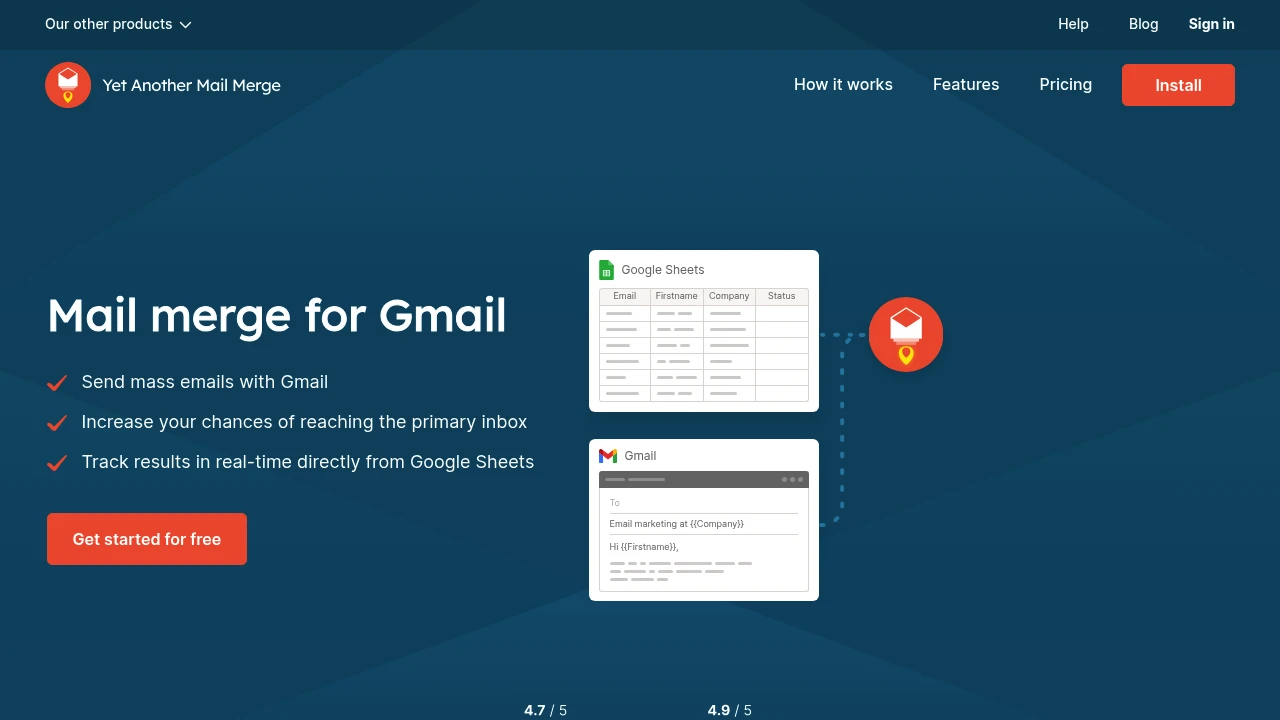
YAMM is a Google Sheets add-on that combines Gmail drafts with spreadsheet contact data to automate personalized email campaigns. Create a template in Gmail, use placeholders to insert recipient names, companies, or other fields, and YAMM merges and sends automatically. Features include custom attachments, alias sending, and real-time tracking. Over 10 million users and 150,000 organizations rely on YAMM.
Core Capabilities
- Personalized mail merge: Auto-insert recipient names, companies, purchase history via placeholders
- Real-time tracking: View opens, clicks, replies, and bounces directly in Google Sheets
- Template support: Use Google Layouts templates in the Gmail editor
- Custom attachments: Attach different files per recipient (invoices, reports)
- Test emails: Send test campaigns to yourself or a small group before full send
- Alias sending: Choose the sender alias that fits your brand
- Scheduled sending: Set delayed send times
- CRM & Google Contacts integration: Auto-import from Salesforce, HubSpot, Copper
Pros
- Sends from Gmail, improving inbox delivery rates
- No complex email platform learning curve—works natively in Google Workspace
- Real-time tracking integrated in Google Sheets for easy monitoring
- Handles large recipient lists, saves time with automation
- Fast, highly rated customer support
Cons
- Daily send limits tied to Gmail (500/day free, 2,000/day Google Workspace)
- Advanced features require paid plans
- Less feature-rich than dedicated email marketing platforms (no A/B testing, advanced segmentation)
- Requires basic Google Sheets knowledge
- Placeholders can be case-sensitive (tool-dependent), prone to errors
Decision Guidance
Use YAMM if: You're on Google Workspace, need to send personalized emails (sales outreach, event invites, newsletters), prefer working in Gmail, and value deliverability and real-time tracking. Ideal for small to mid-sized teams and budget-conscious marketers.
Consider alternatives if: You need advanced email marketing features (complex automation, A/B testing, detailed segmentation), send volumes exceed Gmail limits, or require multi-channel campaigns (SMS, social). Look at Mailchimp, HubSpot, or Campaign Monitor instead.
Frequently Asked Questions

Similar to YAMM


