
Zapier
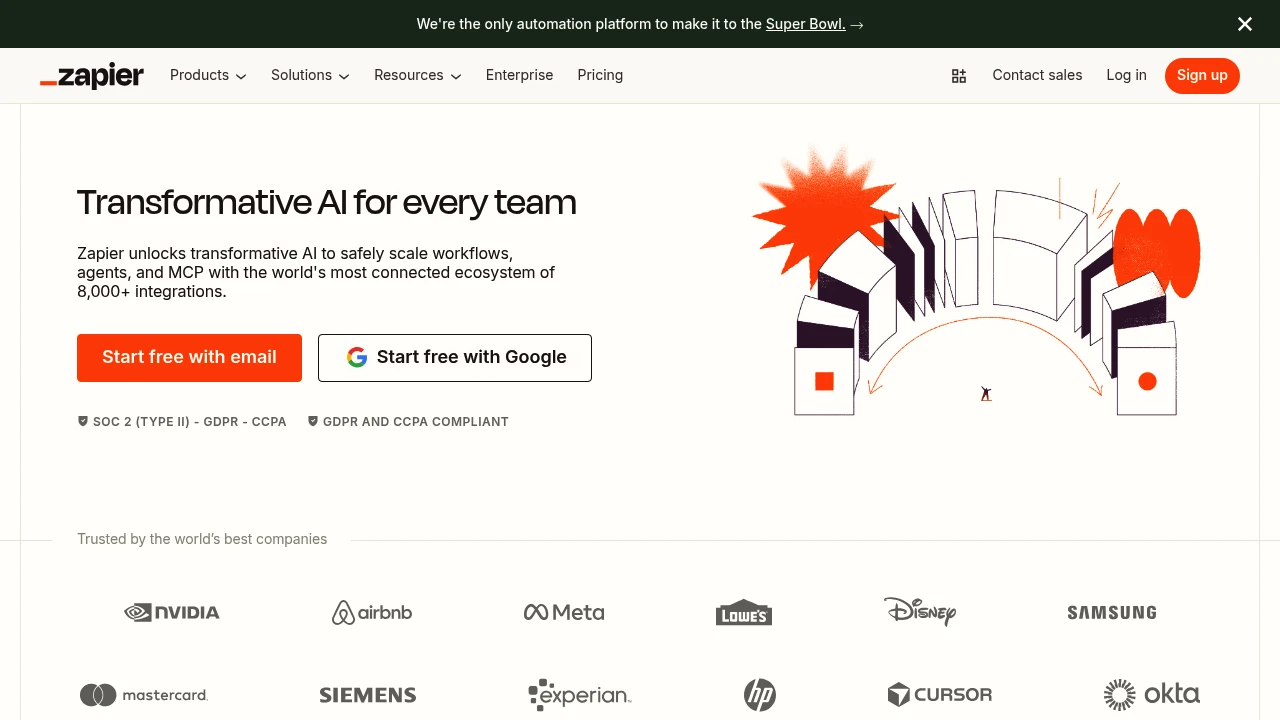
Zapier connects 8,000+ apps to build AI workflows, agents, and chatbots—no code required. Enterprise-grade security (SOC 2, GDPR). Trusted by 3M+ businesses.
Summary
Zapier is a no-code automation platform connecting 8,000+ apps, enabling you to build AI workflows, AI agents, and chatbots to automate business processes without writing code.
What is Zapier?
Zapier is an enterprise-grade automation platform that lets teams connect different apps through a visual interface. You can create Zaps (automated workflows), deploy AI agents to handle cross-system tasks, use Canvas to turn ideas into automated systems, and manage data with Tables and Forms. The platform supports 400+ AI tools including ChatGPT, Claude, and Gemini, and offers SOC 2 Type II, GDPR, and CCPA compliance.
Core Capabilities
- 8,000+ app integrations: Connect CRMs, email, spreadsheets, AI tools, and more
- AI Workflows: Combine AI models with everyday apps for advanced automation
- AI Agents: Build autonomous AI agents that handle cross-system tasks
- AI Chatbots: Deploy customer service bots that answer questions automatically
- Canvas: Turn ideas into complete automation systems instantly with AI
- Tables & Forms: Built-in database and form tools—no external tools needed
- Enterprise management: Role permissions, SSO, SCIM, audit logs, central monitoring
- 99.99% uptime: Enterprise SLA guarantees
Pros
- Build complex automations without coding skills; low learning curve
- Widest app ecosystem (8,000+) covering nearly all mainstream tools
- Deep AI integration supporting 400+ AI tools and custom agents
- Enterprise-grade security and compliance (SOC 2, GDPR, CCPA) for regulated industries
- Rich library of pre-built templates for quick workflow setup
Cons
- Free plan heavily restricted (100 tasks/month); SMBs need paid plans
- Complex workflows may run slowly, especially multi-step Zaps
- Pricing based on task volume; high-frequency automation costs can escalate quickly
- Some integrations have limited functionality, dependent on third-party API updates
- Error handling requires manual configuration; beginners may struggle with failed tasks
Decision Guidance
Use Zapier when: You need to quickly connect multiple apps (CRM, email, spreadsheets, AI tools) without dev resources; teams want to deploy AI agents or chatbots but lack technical background; enterprises require SOC 2 or GDPR-compliant automation with central monitoring and role permissions.
Consider alternatives when: You only need simple single-app automation (like Gmail filters)—Zapier may be overkill; budget is tight and automation volume is extremely high—task-based billing may not be cost-effective; you need real-time, millisecond-level data sync—Zapier's polling mechanism may not fit; your team has dev capacity and wants full custom logic—direct API use or open-source tools (like n8n) offer more flexibility.
Frequently Asked Questions

Similar to Zapier


