
Browse
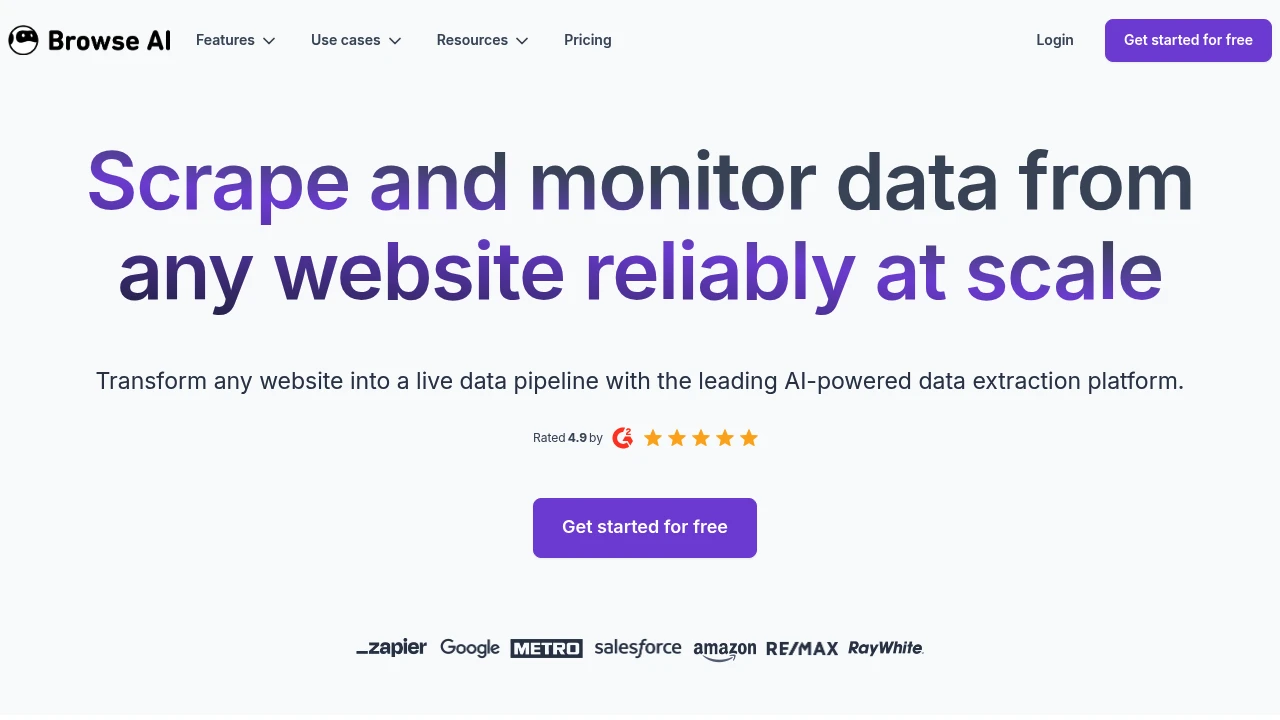
Browse AI is an AI-powered web scraping and monitoring platform. Extract, monitor, and turn any website into an API without coding. Trusted by 770,000+ users, rated 4.9.
Summary
Browse AI is a leading AI web scraping and monitoring platform that lets you extract, monitor, and automate data from any website without coding. Serves 770,000+ users with a 4.9 rating and billions of data rows extracted.
What is Browse AI?
Browse AI is a no-code AI web scraping and monitoring system that trains robots through point-and-click to extract website data. The platform features AI-powered change detection that automatically adapts code when site layouts change, ensuring data accuracy. It handles dynamic content extraction, form fills, dropdown menus, infinite scroll pagination, and complex scenarios. Includes 250+ prebuilt robots for popular sites like Amazon, LinkedIn, Airbnb. Data exports to CSV/JSON or integrates with Google Sheets, Airtable, Zapier, and 7,000+ tools.
Core Capabilities
- Point-and-click scraper: Train robots by pointing at data elements; AI auto-structures output
- AI change detection: Automatically adjusts code when site layouts change to prevent breakage
- Deep scraping workflows: Chain multiple robots to scrape parent and child pages into unified datasets
- Dynamic content handling: Mimics human actions for dropdowns, forms, infinite scroll, cookie banners
- Scheduled monitoring & alerts: Set hourly/daily/weekly checks with instant notifications on changes
- Geo-location extraction: Set specific countries/regions to capture location-restricted content
- Integrations & API: Connect to Google Sheets, Airtable, Zapier, Make.com, or build custom workflows via REST API/Webhooks
- 250+ prebuilt robots: Ready-to-use scrapers for Amazon, LinkedIn, Airbnb, Etsy, YouTube, TikTok, and more
- Enterprise scraping services: Fully managed data extraction, post-processing, quality assurance, and scheduled delivery
Pros
- No coding skills required; point-and-click interface builds scrapers and monitors in minutes
- AI adapts to website changes automatically; traditional Python scripts break but Browse AI keeps running
- Built-in bot evasion, proxy management, automatic retries, CAPTCHA handling, and Cloudflare bypass
- Scrapes up to 500,000 pages in a single run for large-scale data needs
- SOC 2 Type II certified, GDPR compliant, TLS 1.3 encryption
- Fast customer support; users report "fastest support I've witnessed"
- Offers fully managed enterprise scraping services including data post-processing and integration
Cons
- Free plan has limited features; large-scale scraping requires paid plans
- Complex sites or highly dynamic content may need manual robot adjustments
- Some sites have strong bot detection; may require enterprise plan support
- Data retention policies vary by plan; automatic cleanup settings need attention
- Prebuilt robots maintained by team, but third-party site changes may cause brief delays
Decision Guidance
Use Browse AI when: You need to scrape and monitor website data without coding; you're tracking competitor prices, product listings, job postings, or reviews; you need automated workflows integrated into CRM, BI tools, or internal systems; you require large-scale data extraction (thousands to millions of rows) with reliability guarantees.
Consider alternatives when: You have a dev team and need fully custom scraping logic; traditional programming tools offer more flexibility; you need one-time small-scale data extraction where manual copy-paste or simple browser extensions suffice; target websites explicitly prohibit scraping or have legal restrictions—prioritize official APIs or data partnerships.
Frequently Asked Questions

Similar to Browse


