
Campaign Monitor
Campaign Monitor offers drag-and-drop email builder, visual journey designer, and AI optimization tools to automate customer journeys and boost email marketing performance for businesses of all sizes.
Summary
Campaign Monitor is an email marketing platform that provides automated customer journeys, drag-and-drop design tools, and real-time analytics to help businesses build loyal customer bases.
What is Campaign Monitor?
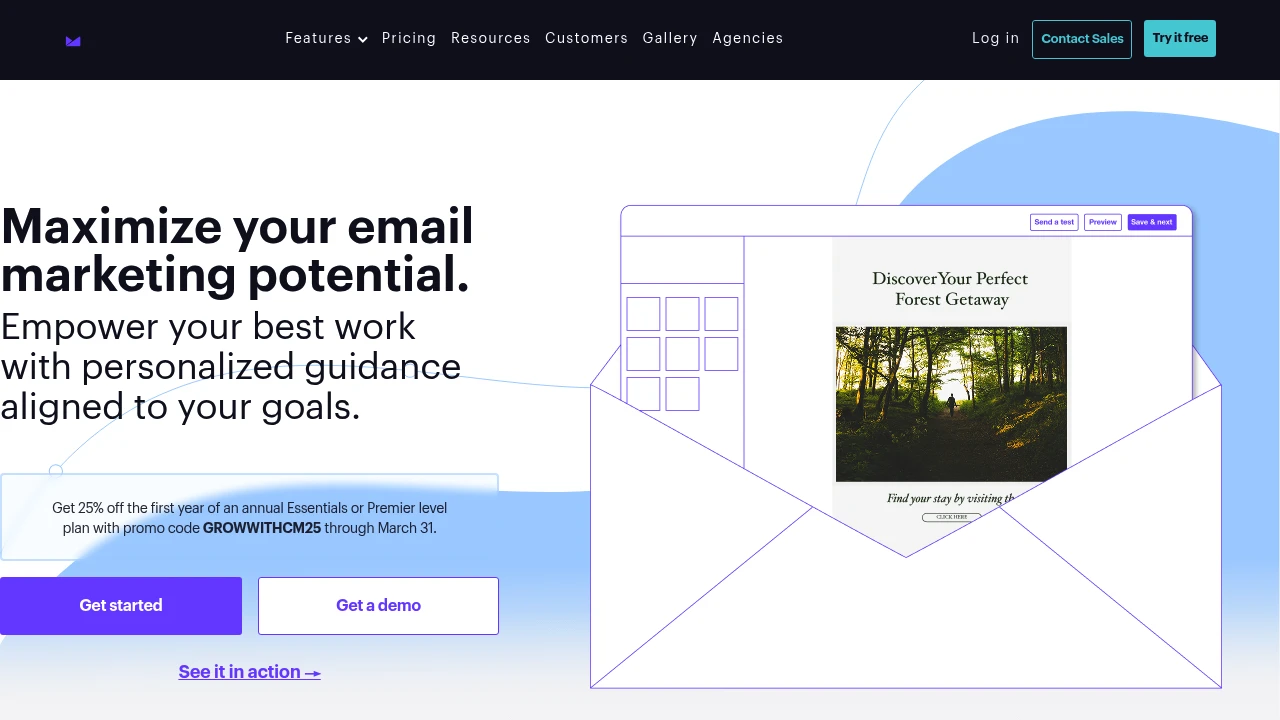
Campaign Monitor is a comprehensive email marketing platform that enables businesses to create, send, and track email campaigns using a visual journey designer, customizable templates, and AI-powered optimization tools. The platform offers a drag-and-drop editor, responsive templates, and real-time dashboards suitable for teams of all sizes.
Core Capabilities
- Visual journey designer: Automate email journeys for perfectly timed sends
- Drag-and-drop email builder: Customize templates and designs without coding
- AI-powered features: Segment Mapper and AI Email Booster enhance audience targeting and campaign optimization
- Website Builder: Drag-and-drop website creation integrated with email lists
- Real-time analytics dashboards: Track performance across email campaigns, automated journeys, and transactional emails
- Responsive templates: All templates automatically adapt to mobile devices
- Team template management: Lock template sections to maintain brand consistency
Pros
- Drag-and-drop editor is intuitive and requires no technical skills
- Visual journey designer makes automation workflows approachable
- Responsive templates ensure emails display well on all devices
- Real-time dashboards provide comprehensive campaign data analysis
- AI tools help optimize audience targeting and campaign performance
Cons
- Advanced features (AI Email Booster, Website Builder) require additional payment
- Pricing information not clearly displayed on website
- Annual plans may be costly for small businesses
- Feature-rich platform may require learning time for beginners
Decision Guidance
When to use: You need an easy-to-use email marketing platform with automated journeys, drag-and-drop design, and real-time analytics, ideal for small to mid-sized businesses and marketing teams.
When to consider alternatives: You need more transparent pricing structure, advanced CRM integrations, or have a limited budget and don't require AI-driven optimization tools.
Frequently Asked Questions

Similar to Campaign Monitor


