
Canva
Canva is an online design platform with templates, drag-and-drop editor, and collaboration tools to create social media graphics, presentations, posters, and brand assets for individuals and teams.
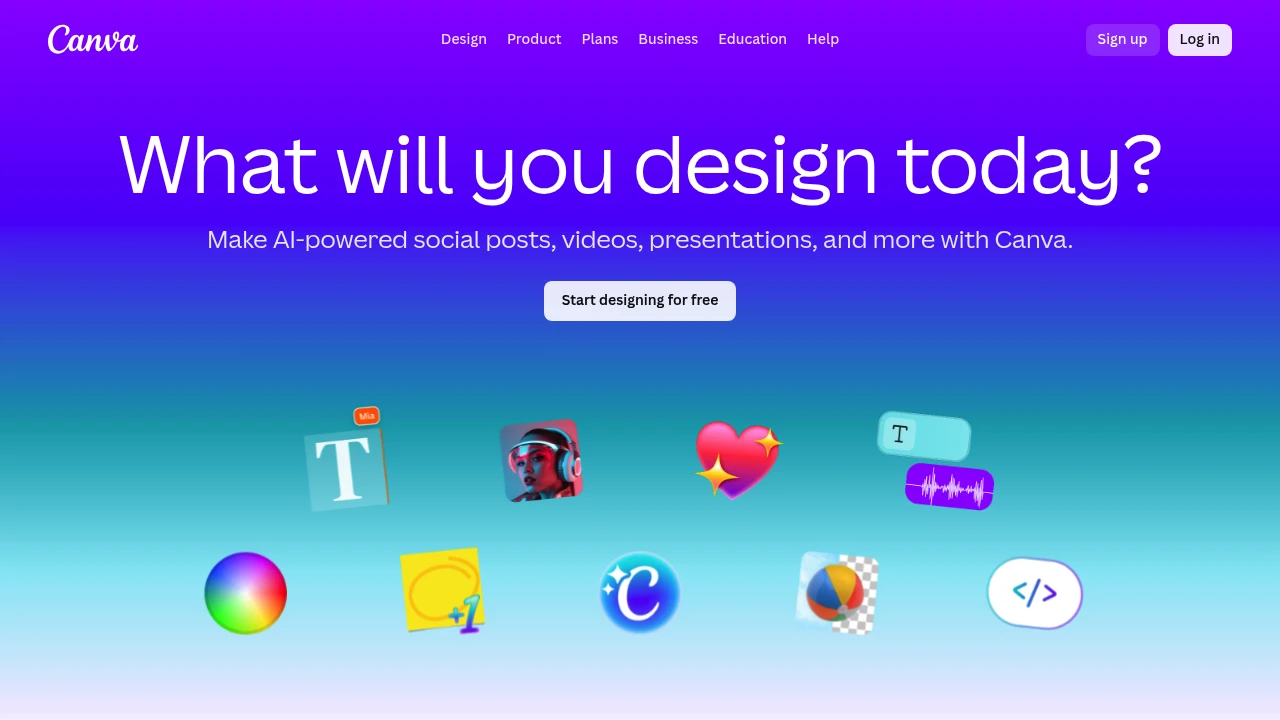
Summary
Canva is a visual design platform solving the need for non-designers to produce professional graphics quickly, covering social media, marketing materials, and presentations.
What is Canva?
Canva is a browser-based design tool offering hundreds of thousands of customizable templates, a drag-and-drop interface, and asset libraries. Users create Instagram posts, presentations, logos, videos, and print materials without learning complex software. Supports team collaboration and brand kit management.
Core Capabilities
- Template library: Over 600,000 design templates for social media, documents, and video
- Drag-and-drop editor: Intuitive interface supporting text, images, shapes, and animation elements
- Asset resources: Built-in photos, illustrations, icons, fonts, and video clips
- Brand kit: Store logos, colors, and fonts to ensure brand consistency
- Collaboration tools: Real-time co-editing, comments, and sharing permissions
- Multi-format export: Supports PNG, JPG, PDF, MP4, and GIF
Pros
- Zero learning curve; beginners produce results in minutes
- Free tier covers basic design needs with extensive templates
- Cross-device sync on web, iOS, and Android
- Regular updates with trending templates and seasonal assets
- Social platform integration with direct scheduling
Cons
- Free version has limited assets; premium library requires paid subscription
- Template overuse risks homogenized designs
- Complex layout control less precise than professional software
- Limited offline functionality; requires stable internet
- Slower performance with large files
Decision Guidance
Use when: You're a small business, social media manager, educator, or non-designer needing quick visual content. Ideal for daily marketing materials, presentations, and social posts.
Consider alternatives: Professional designers needing fine control should choose Adobe Creative Suite; fully offline work requires Affinity Designer; enterprise brand management needs may suit Figma or Sketch better.
Frequently Asked Questions

Similar to Canva


