
Data Miner
Data Miner browser extension lets you scrape web data and export to Excel, CSV with 1 click. 50,000+ pre-made rules, multi-page crawling, pagination, form automation. No coding required.
Summary
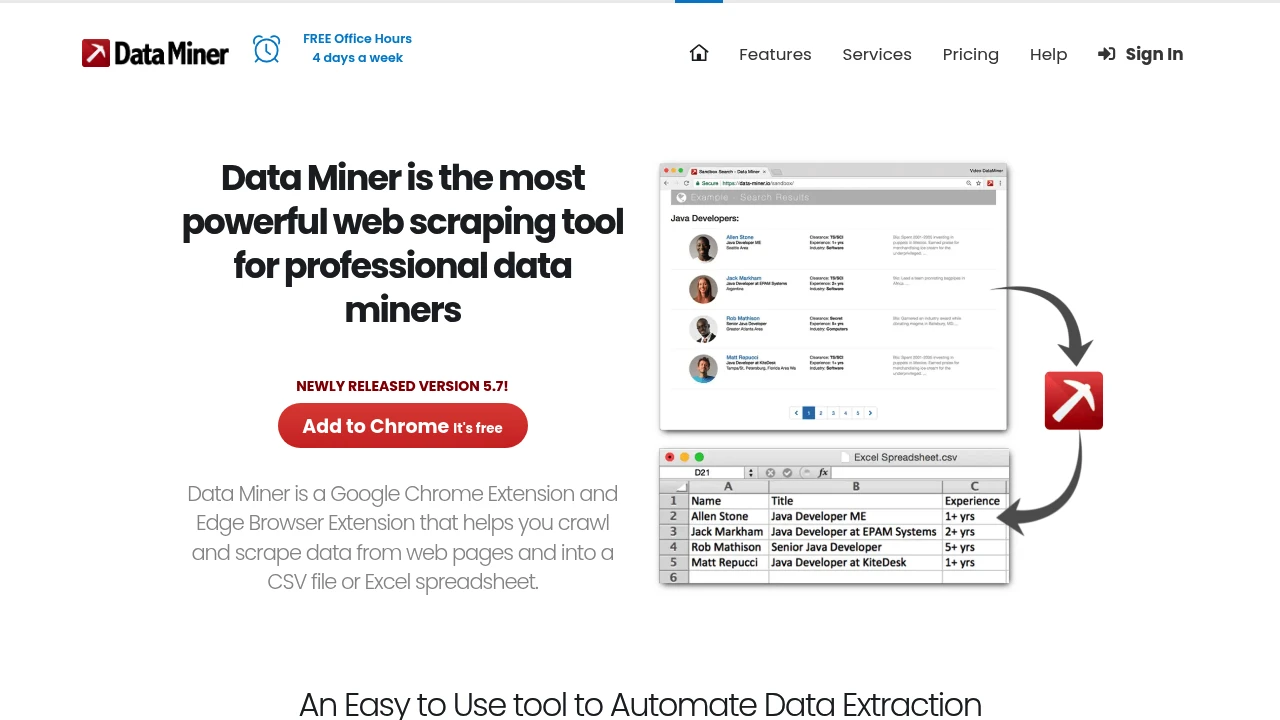
Data Miner is a Chrome and Edge browser extension that scrapes data from web pages and exports to Excel, CSV, or Google Sheets with one click. Built for professionals who need to collect data from social media, Zoominfo, Zillow, Yellow Pages, Yelp, Indeed, and more.
What is Data Miner?
Data Miner is a browser-based data extraction tool offering 50,000+ pre-made scraping rules for 15,000+ popular websites. No coding required—use the intuitive interface to create custom extraction rules, automate single or multi-page crawling, pagination, and form filling. Runs locally in your browser, mimicking human clicks to stay safe and avoid blocks.
Core Capabilities
- One-click scraping: Use 50,000+ public extraction rules to pull data from popular sites instantly
- Custom rules: Build CSS selectors with Easy Finder tool, no programming needed
- Multi-page crawling: Auto-paginate, click links, open pop-ups, and scrape sub-pages
- Bulk jobs: Run mass scrape tasks from a list of URLs
- Fast table extraction: Right-click to extract basic table data
- Form automation: Auto-fill forms using pre-populated CSV files
Pros
- 50,000+ pre-made rules cover mainstream sites, ready out of the box
- No coding skills required, intuitive UI, gentle learning curve
- Runs locally in browser, mimics human behavior, hard to detect or block
- Data privacy guaranteed: never sells or shares your data
- Handles single-page, multi-page, pagination, and form-filling scenarios
Cons
- Chrome and Edge only, not available for other browsers or platforms
- Complex or dynamic sites may require manual CSS selector tweaking
- Large scrape jobs limited by local browser performance
- No cloud scheduling or API integration for enterprise workflows
- Free tier is limited; advanced use requires paid plans
Decision Guidance
Use Data Miner when: You need to quickly scrape contact info, product prices, or search results from public websites; you're a marketer, sales, or research team wanting custom extraction without coding; you value data privacy and prefer local processing.
Consider alternatives when: You need cloud scheduling, API integration, or large-scale distributed crawling for enterprise use; you require cross-platform support beyond Chrome/Edge; you're tackling highly dynamic or protected sites and need professional scraping services or custom development.
Frequently Asked Questions
Tags:

Similar to Data Miner


