
Figma
Figma is the leading collaborative design platform with real-time editing, design systems, prototyping, and dev handoff features that help teams work together seamlessly in the browser.
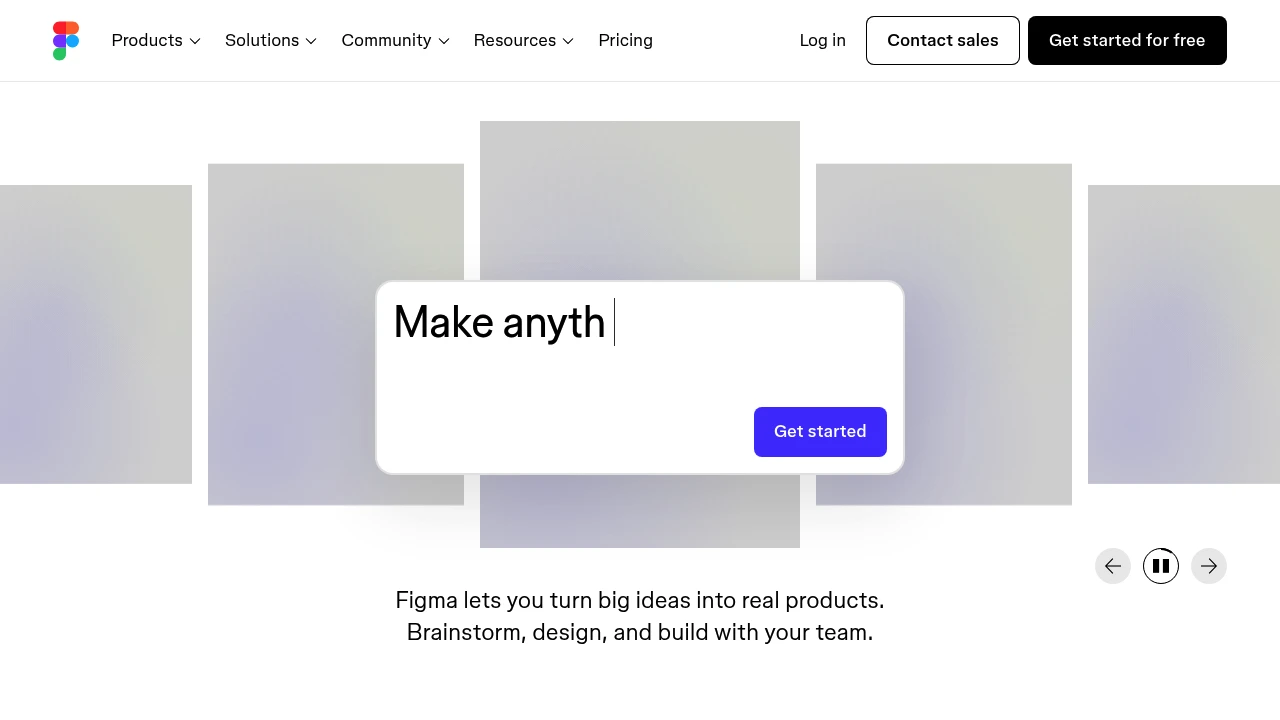
Summary
Figma is the leading collaborative interface design platform that enables teams to design, prototype, and gather feedback in one space, accelerating product development.
What is Figma?
Figma is a browser-based design tool built for team collaboration. It unifies interface design, prototyping, developer handoff, and content creation in a single platform with real-time co-editing. Designers and developers share design systems, component libraries, and code snippets to ensure consistent visual language across organizations. The platform also offers AI-powered features, from prompt-to-code generation to rapid app building.
Core Capabilities
- Real-time collaborative editing: Multiple users work simultaneously in design files
- Design system management: Create reusable components, variables, and brand assets
- Prototyping: Interactive prototypes demonstrate product flows
- Dev Mode: Provides specs, annotations, and code snippets for developers
- Figma Sites: Design and publish responsive websites
- AI features: Prompt-to-code generation and rapid app creation
- Template library: Social media assets, ads, and document templates
Pros
- Browser-based with no installation required, cross-platform access
- Real-time collaboration keeps design and dev teams in sync
- Powerful design system features scale for large organizations
- Dev Mode streamlines design handoff workflow
- Rich community resources and templates
Cons
- Limited offline functionality requires stable internet
- Complex projects may impact browser performance
- Advanced features require paid plans
- Steeper learning curve for beginners
- Large files load slowly
Decision Guidance
Use Figma when: You need tight collaboration between design and development teams, are building and maintaining design systems, or require rapid prototyping and feedback collection.
Consider alternatives if: You primarily create print or graphic design work, need robust offline editing, or are an individual user on a tight budget.
Frequently Asked Questions

Similar to Figma


