
NotificationAPI
Pingram lets you send email, SMS, push notifications, automated calls, and in-app messages through one API. Built-in templates, 10DLC, delivery optimization, and analytics. Free trial, no credit card.
Summary
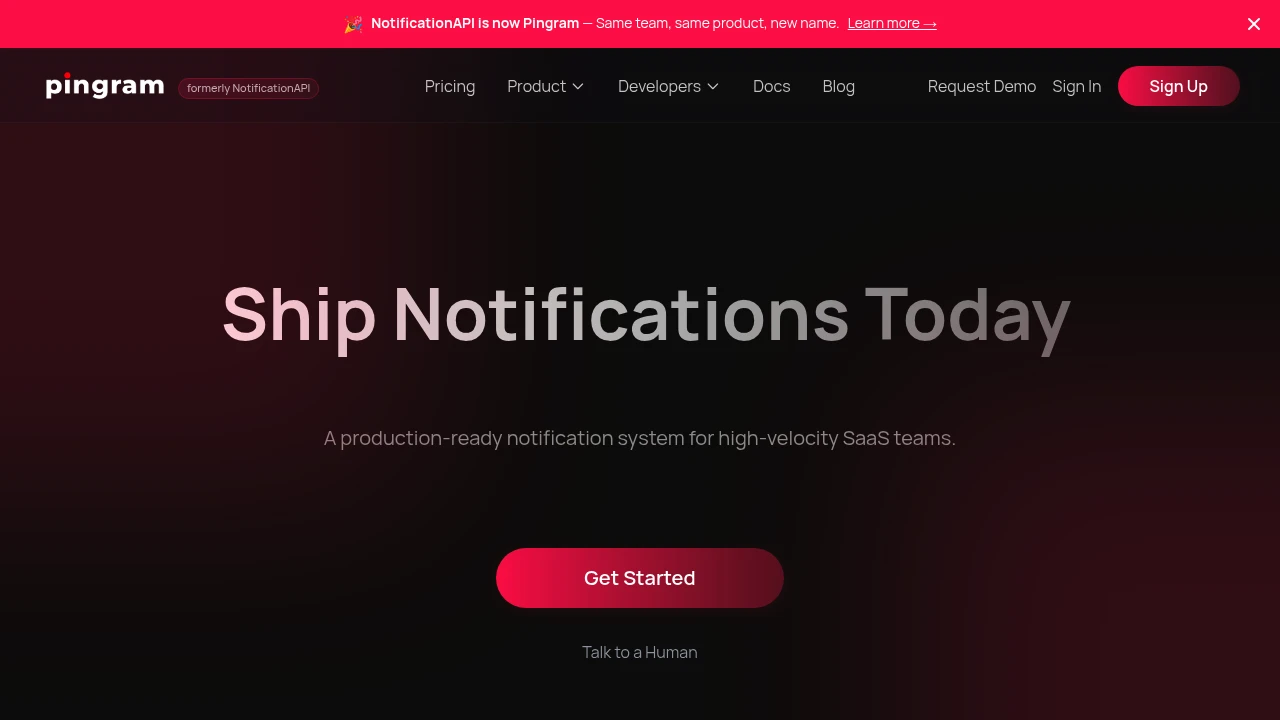
Pingram (formerly NotificationAPI) is an all-in-one notification service that lets SaaS teams send email, SMS, push notifications, automated calls, and in-app notifications through a single API. Built-in templates, delivery optimization, and analytics get you live in minutes.
What is Pingram?
Pingram is a multi-channel notification infrastructure built for high-velocity dev teams. One integration manages email (with dedicated IPs, SPF, DKIM, DMARC), SMS (built-in 10DLC), in-app notifications, browser and mobile push, automated calls, and Slack messages. The platform provides prebuilt components, template management, scheduling, and full observability from send to open and click tracking. Customers include Spellbook (serving nearly 4,000 law firms), MilkMoovement (managing 32 billion pounds of U.S. dairy supply chain), and Bluedrop (3 million user training platform).
Core Capabilities
- Multi-channel API: Email, SMS, in-app, push, calls, Slack—one integration
- Delivery optimization: Dedicated IPs, SPF/DKIM/DMARC/BIMI, 10DLC infrastructure
- Built-in templates & scheduling: Prebuilt components, fast setup
- Full analytics: End-to-end tracking from send to open and click
- Prebuilt UI components: In-app notifications embed quickly
Pros
- Setup in minutes, free trial with no credit card required
- Single API replaces multiple vendors (Mailgun, Twilio, SendGrid)
- Built-in 10DLC management eliminates complex approval processes
- Responsive customer support and clear documentation
- Ideal for teams needing real-time collaboration notifications (comments, uploads, invites)
Cons
- MS Teams integration not yet available
- Pricing for dedicated IPs and advanced delivery features not public
- Relatively new brand (formerly NotificationAPI), lower market recognition
- No disclosed SLA or uptime guarantees
- Larger enterprises may need more compliance certification details
Decision Guidance
Use Pingram when: Your SaaS team needs to quickly deploy multi-channel notifications (email, SMS, in-app) and wants to avoid integrating multiple vendors and handling 10DLC setup. Best for products requiring real-time collaboration alerts (project management, healthcare scheduling, supply chain coordination).
Consider alternatives if: You only need a single channel (email-only or SMS-only)—specialized vendors may be more cost-effective. Large enterprises requiring detailed SLAs, compliance certifications, or MS Teams integration should confirm feature roadmap and enterprise support options first.
Frequently Asked Questions

Similar to NotificationAPI


