
Otter.ai
Otter Meeting Agent delivers real-time transcription, automated summaries, AI Chat search, and CRM integration. Users save 4+ hours weekly with 95% accuracy across Zoom, Teams, Google Meet.
Summary
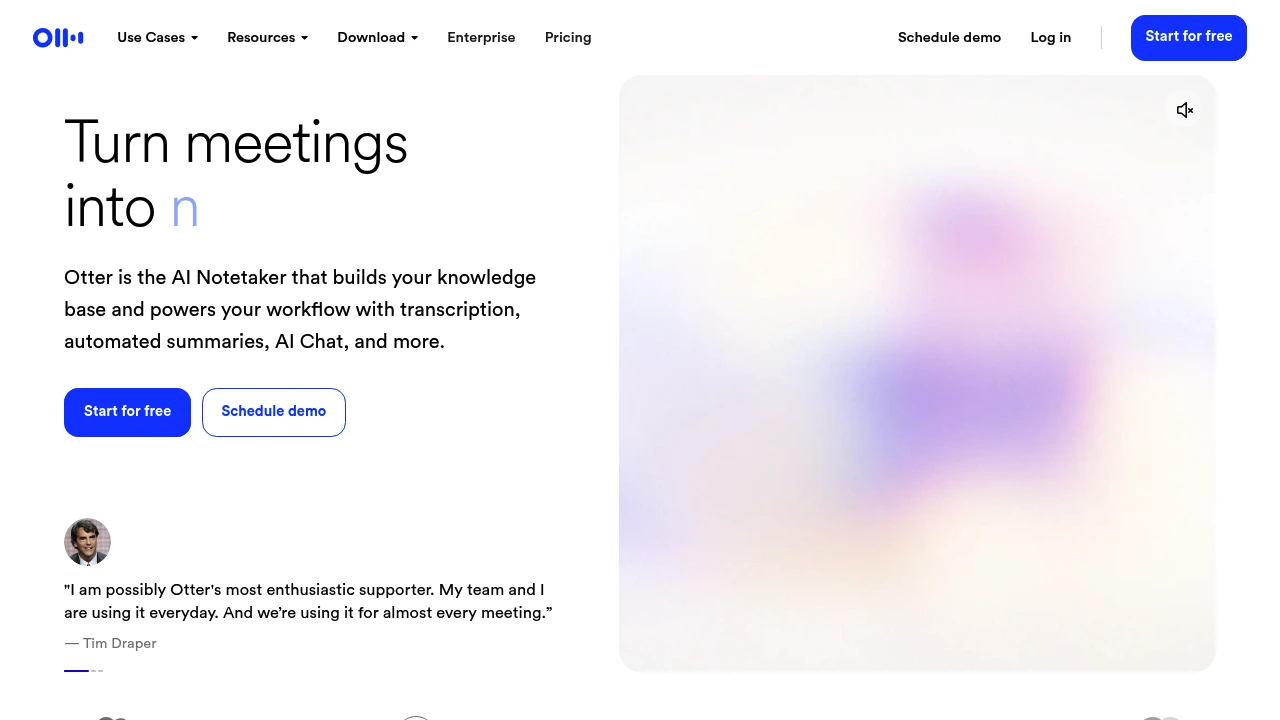
Otter Meeting Agent is an AI meeting notetaker that provides real-time transcription, automated summaries, action item tracking, and CRM integration, helping teams save post-meeting admin time and focus on execution.
What is Otter Meeting Agent?
Otter Meeting Agent is an AI-powered meeting assistant that automatically joins your Zoom, Google Meet, or Microsoft Teams meetings to transcribe in real time, identify speakers, generate summaries, and extract action items. You can ask Otter AI Chat questions via voice or text to search past meetings or record directly on desktop, Chrome, or mobile. It supports multi-language transcription with user-reported 95% accuracy and syncs meeting insights automatically to CRM systems like Salesforce and HubSpot.
Core Capabilities
- Real-time transcription & speaker ID: Multi-language support with 95% accuracy
- Automated summaries & action items: Auto-generates decisions, to-dos, and insights per meeting
- AI Chat search: Cross-meeting and connected app search, instant answers and content generation
- Voice activation: Say "Hey Otter" to query past conversations
- CRM integration: Auto-sync sales insights, notes, and next steps to Salesforce, HubSpot
- Channels organization: Group meetings by team, project, or topic for centralized collaboration
- Multi-platform recording: Auto-send AI notetaker, bot-free desktop/Chrome recording, or mobile capture
- App integrations: Connect Slack, Zoom, Google Drive, Notion, Jira, Asana, and more
Pros
- Major time savings: Users report saving 4+ hours weekly, teams reclaim 33% of time
- High transcription accuracy: Multi-language real-time transcription at 95% accuracy
- Automated workflows: Action items auto-captured and assigned, CRM insights auto-synced
- Flexible recording modes: AI bot join, bot-free desktop/Chrome, or mobile recording
- Powerful search & AI Chat: Cross-meeting search, fast report/email/follow-up generation
Cons
- Free tier limitations: Basic integrations and limited features; advanced capabilities require paid plans
- Internet dependency: Real-time transcription and AI Chat need stable connectivity
- AI bot may disrupt: Some users may find meeting bots intrusive
- CRM integration limited to paid tiers: Advanced CRM sync only in Business and Enterprise plans
- Multi-language scope unclear: Specific supported languages not listed
Decision Guidance
When to use: Your team needs automated meeting notes, fast summary and action item generation, or CRM sync for meeting insights (sales, recruiting, education teams). Ideal for remote or hybrid work, cross-timezone collaboration, or when you can't attend every meeting.
When to consider alternatives: If you need fully offline transcription or have privacy concerns about AI bots joining meetings, explore local recording solutions. If budget is tight and you only need basic transcription, the free tier may fall short—evaluate paid plan ROI.
Frequently Asked Questions

Similar to Otter.ai


