
Zoom
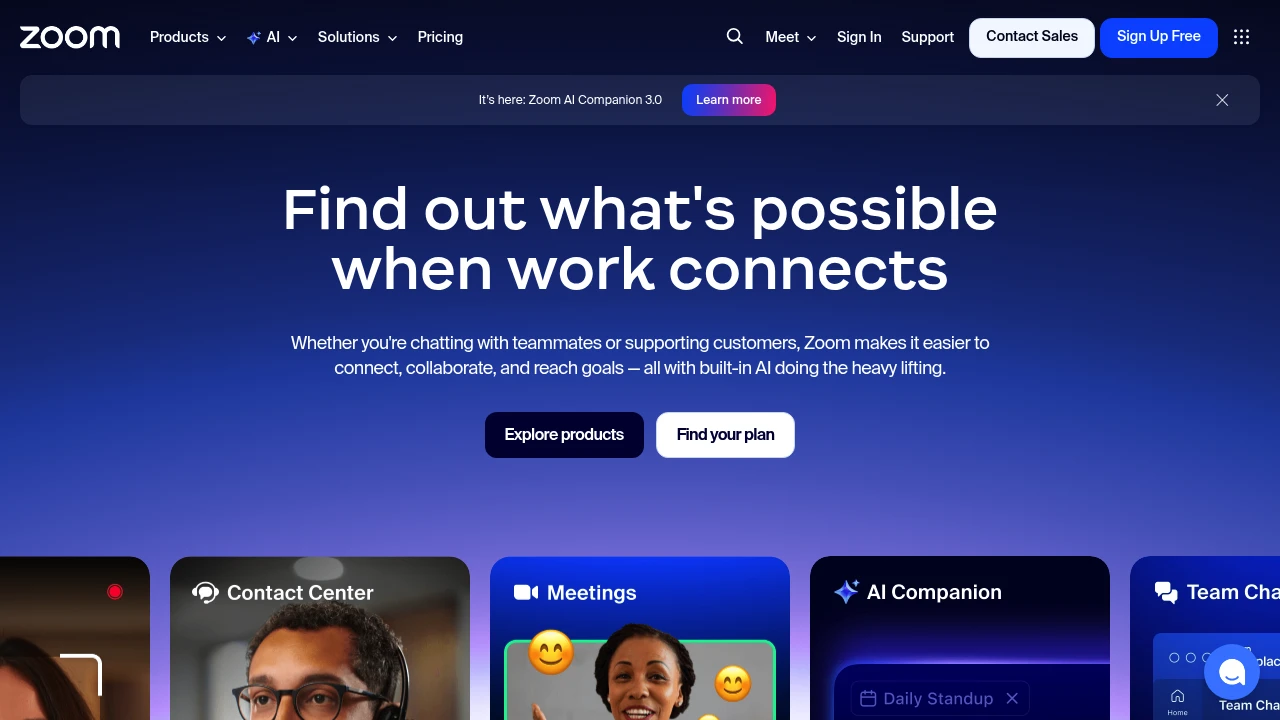
Zoom integrates video meetings, team chat, VoIP phone, webinars, and contact center in one platform. Built-in AI Companion auto-summarizes meetings, generates docs, and supports hybrid teams.
Summary
Zoom is an AI-powered unified communications platform that combines video meetings, team chat, phone, webinars, whiteboard, and contact center to solve communication fragmentation in hybrid work environments.
What is Zoom?
Zoom is an all-in-one UCaaS (Unified Communications as a Service) platform that integrates meetings, phone, chat, docs, and customer experience tools in a single interface. Built-in AI Companion 3.0 auto-summarizes meetings, generates documents, and handles follow-ups so teams can focus on high-value work. The platform supports remote and hybrid team collaboration and offers contact center, webinar, and sales enablement features.
Core Capabilities
- Video meetings and team chat: HD meetings, persistent chat rooms, screen sharing
- AI Companion 3.0: Auto meeting summaries, document generation, smart follow-up suggestions
- VoIP phone system: Cloud phone, voicemail, call routing
- Webinars and events: Branded virtual events, lead capture, interactive tools
- Contact center: Omnichannel customer support (phone, chat, email, social, video)
- Collaboration tools: Whiteboard, shared docs, async video clips
- CRM integration: Auto-updates, deal insights, conversation analytics
Pros
- Single platform consolidates all communication tools, reducing app switching
- AI Companion included in paid plans at no extra cost
- Reliable video quality supporting large meetings and webinars
- Flexible support for hybrid and remote work models
- Rich third-party integrations and APIs
Cons
- Free plan limits group meetings to 40 minutes
- Advanced features (contact center, webinars) require additional payment
- AI features available only in certain regions and industries
- Feature-rich interface has a learning curve for new users
- Storage and cloud recording capacity varies by plan
Decision Guidance
When to use: Hybrid teams needing a unified communications platform, businesses wanting to reduce tool fragmentation, organizations needing AI automation for meeting summaries and follow-ups, companies running customer support or hosting virtual events.
Consider alternatives: If you only need basic video meetings on a tight budget, try Google Meet or Microsoft Teams; if you're deeply invested in the Microsoft 365 ecosystem, Teams may fit better; if you need project management focus over communication, Slack or Asana might suit you better.
Frequently Asked Questions

Similar to Zoom


