
PandaDoc
PandaDoc streamlines proposals, quotes, and contracts with drag-and-drop editing, CRM integrations, eSignatures, and payment features. SOC 2, HIPAA, and GDPR compliant, trusted by 50,000+ clients.
Summary
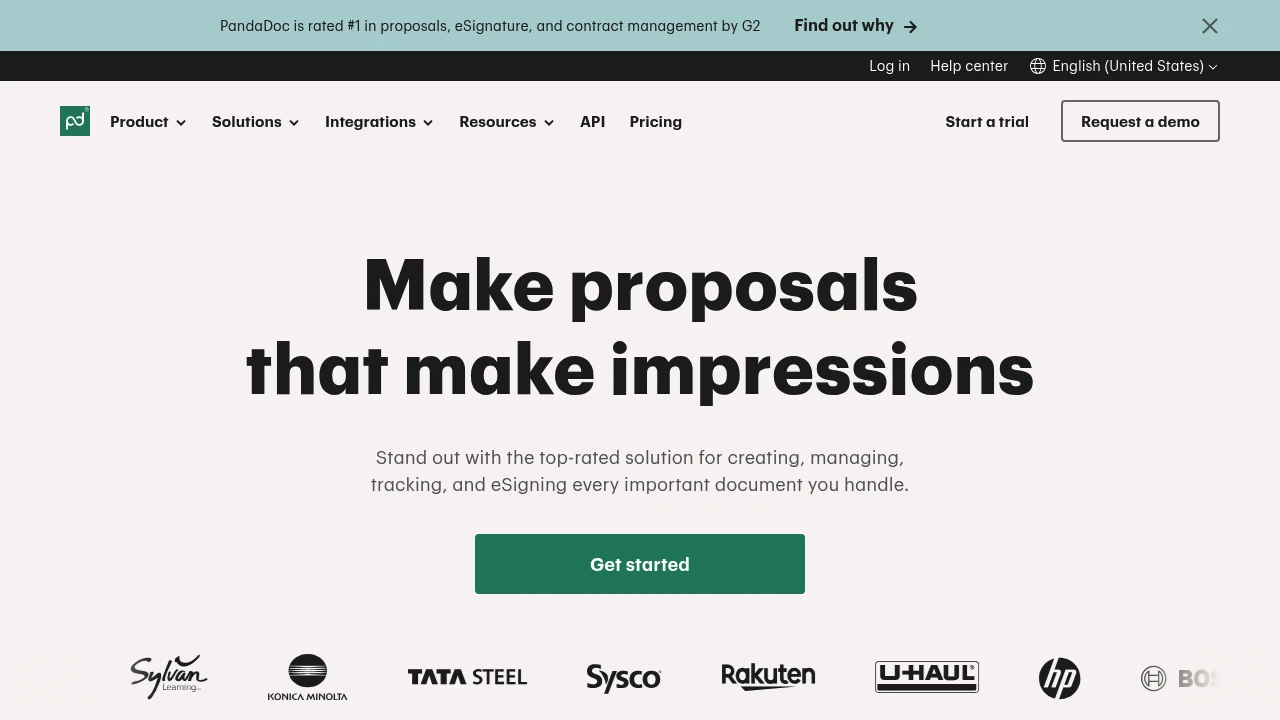
PandaDoc is an all-in-one agreement management platform that helps teams create, approve, track, and eSign proposals, quotes, and contracts faster while reducing repetitive work and accelerating deal closure.
What is PandaDoc?
PandaDoc is an end-to-end document workflow solution covering creation, collaboration, automation, signing, and payment. The platform offers a drag-and-drop editor, real-time collaboration, CRM integrations, eSignatures, and embedded payment gateways, enabling sales, legal, and operations teams to manage all critical documents in one place. Compliant with E-SIGN, UETA, HIPAA, and SOC 2 standards, it ensures document security and legal validity.
Core Capabilities
- Drag-and-drop document editor: Quickly build custom proposals, quotes, and contracts
- Real-time collaboration and approvals: Teams can edit, comment, and approve documents simultaneously
- CRM and API integrations: Seamlessly connect with HubSpot, Salesforce, and other tools to auto-populate data
- eSignature and notarization: Set signing order, identity verification, and signing groups
- Document tracking and analytics: Record audit trails, user activity, and document metrics
- Embedded payment functionality: Insert payment gateways directly into invoices to speed up collections
Pros
- Significantly reduces proposal creation time (customers report 50%-92% reduction)
- Deep integrations with major CRMs for automatic data sync
- Meets SOC 2, HIPAA, GDPR, and other compliance standards
- Provides complete audit trails and document tracking
- Supports embedded payment gateways to simplify collections
Cons
- Pricing not publicly transparent; requires contacting sales
- Advanced features may require higher-tier plans
- Initial setup and template creation require time investment
- Some users report a steep learning curve
Decision Guidance
When to use: Sales, legal, and operations teams that frequently send proposals, quotes, or contracts, especially businesses already using CRM systems and looking to automate document workflows.
Consider alternatives: If you only need basic eSignature functionality without full document management, or have a limited budget and don't require advanced integrations, simpler eSignature tools may suffice.
Frequently Asked Questions

Similar to PandaDoc


