
SendShort
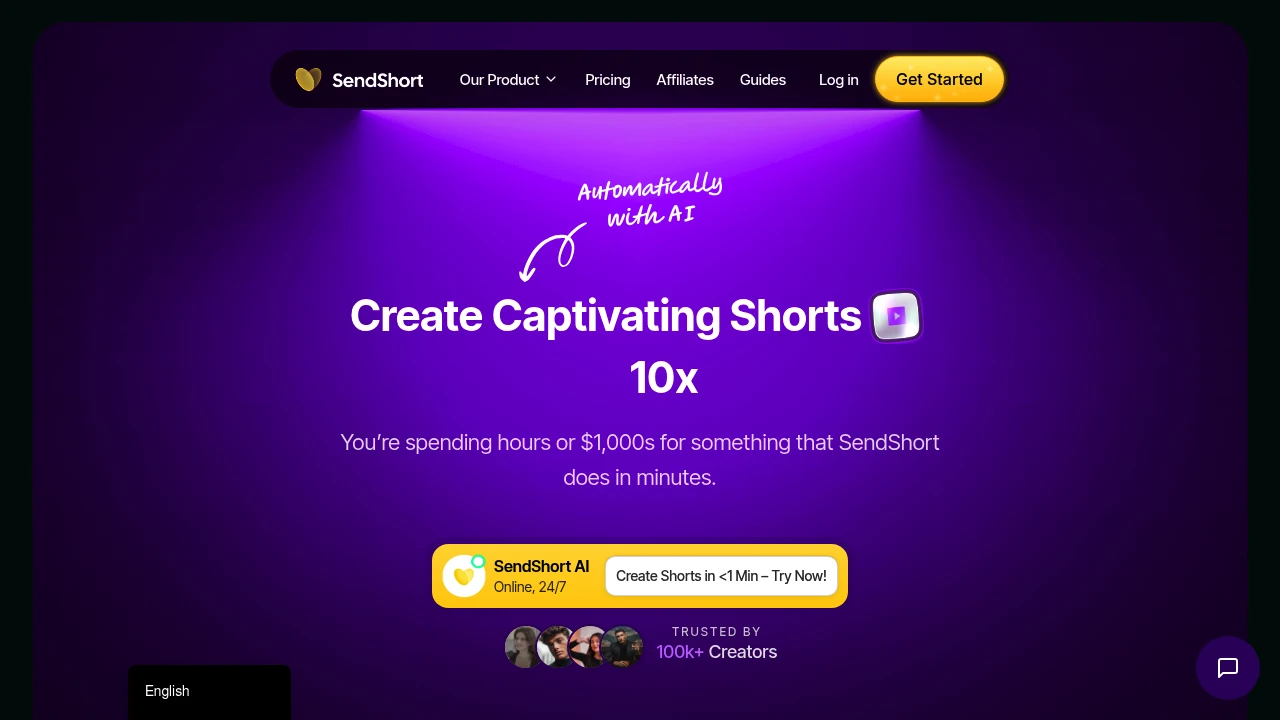
SendShort uses AI to convert long videos into multiple short clips, auto-generate captions, translate 50+ languages, and create faceless videos. Plans start at $15/month. Save 20+ hours weekly and auto-publish to TikTok, YouTube Shorts.
Summary
SendShort is an AI-powered short-form video editor that automatically converts long videos into multiple short clips with full editing. Built for content creators, marketing teams, and agencies to eliminate manual editing time and high costs.
What is SendShort?
SendShort is an AI video editing platform that auto-extracts key moments from long videos, generates captions, translates content, and creates faceless videos. The system offers 24/7 automated editing, covering the full workflow from video import, AI editing, subtitle generation, to social media scheduling and publishing.
Core Capabilities
- Long-to-short conversion: AI auto-generates multiple short clips from long videos (up to 100/month)
- Auto captions & translation: Supports 50+ languages for subtitle generation and translation
- Faceless video creation: AI generates complete videos with scripts, voiceovers, and background images
- Auto-publish scheduling: Direct scheduling to TikTok, YouTube Shorts, Instagram Reels, and more
- AI hook generation: Auto-creates engaging opening visuals and copy
- Custom subtitle styles: 37+ fonts, animated emojis, multiple style templates
Pros
- Saves 20+ hours weekly on editing; AI works 24/7
- Starts at $15/month, far cheaper than hiring editors ($3,000+/month)
- Supports 50+ language translation for fast global reach
- No editing skills required; one-click full video generation
- Free trial available, no credit card needed
Cons
- Starter plan limits 20 shorts/month and 1min 30sec video length
- Long-to-short AI feature requires Business plan upgrade ($47/month)
- AI-generated clips may need manual tweaks to match brand style
- Advanced features (4K export, custom fonts) only in top-tier plan
Decision Guidance
Use SendShort if: You need high-volume short-form content, want to automate editing workflows, and reduce costs. Especially suited for teams needing multilingual captions or faceless video production.
Consider alternatives if: You require fully custom editing styles, process videos longer than 10 minutes (needs Business plan), or have a very tight budget and only need a few shorts per month—manual editing or other tools may fit better.
Frequently Asked Questions

Similar to SendShort


