
WhatCMS
WhatCMS detects 1,500+ website technologies including CMS, e-commerce platforms, frameworks, and hosting. Offers batch detection, API access, and tech reports for sales and research.
Summary
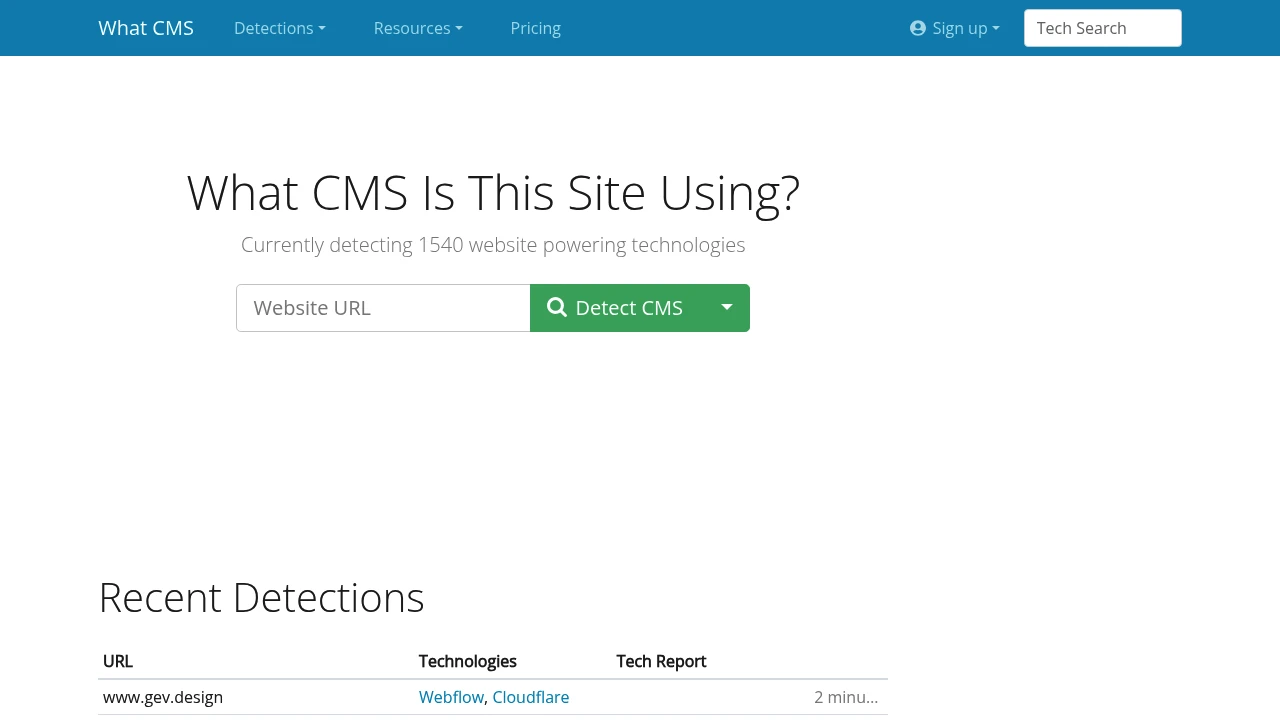
WhatCMS is a website technology detection tool that analyzes page content to identify CMS, e-commerce platforms, frameworks, and hosting providers. Supports 1,500+ technologies with single queries, batch detection, and API access for sales development, market research, and competitive analysis.
What is WhatCMS?
WhatCMS scans thousands of artifacts—meta tags, paths, headers, session names—to determine which technologies power a website. It detects mainstream CMS like WordPress, Shopify, Drupal, plus frameworks, programming languages, hosting providers, and WordPress themes. Built for teams that need fast insight into target tech stacks.
Core Capabilities
- Single detection: Enter a URL for instant CMS and technology reports
- Batch detection: Upload URL lists, export results in JSON or CSV
- API access: Programmatic queries for web technologies, hosting, and WordPress themes
- Technology reports: Filter company lists by tech type, hosting, language, domain, and traffic rank
- Detection network: Hosting and WordPress theme endpoints to enrich contact data
Pros
- Detects 1,500+ technologies covering CMS, e-commerce, and frameworks
- Batch and API plans scale for large-scale sales development and lead generation
- Instant results; no registration required for single queries
- Technology reports filter target companies by multiple dimensions
- Free and paid API plans offer flexibility
Cons
- Detection accuracy depends on identifiable artifacts left by the site
- Batch detection and API require paid plans
- Cannot detect custom or in-house CMS
- Technology report filters require additional subscription
- Provides tech data only, no contact information for site owners
Decision Guidance
Use WhatCMS if you're an SDR or marketing team that needs to quickly identify prospect tech stacks, or a researcher analyzing competitor technologies at scale. Ideal for outreach targeting users of specific CMS or e-commerce platforms.
Consider alternatives if you need integrated contact data and buying signals—pair with a CRM or sales intelligence tool. For occasional single-site checks, browser extensions like Wappalyzer may be more convenient.
Frequently Asked Questions

Similar to WhatCMS


