Calendly Alternatives
Discover the best alternatives to Calendly. Compare features, pricing, and find the perfect replacement.
The best alternative to Calendly is Yesware. If that doesn't suit you, we've compiled a ranked list of other Calendly alternatives to help you find a suitable replacement. Other interesting alternatives to Calendly are: Salesloft, Outreach, Mixmax and HubSpot.
Calendly alternatives are mainly AI Email Outreach, but may also be AI Sales Workflow or AI Meeting Notes. Browse these if you want a narrower list of alternatives.

Written by Eric Leung
Last updated: June 12, 2026 at 8:00 AM
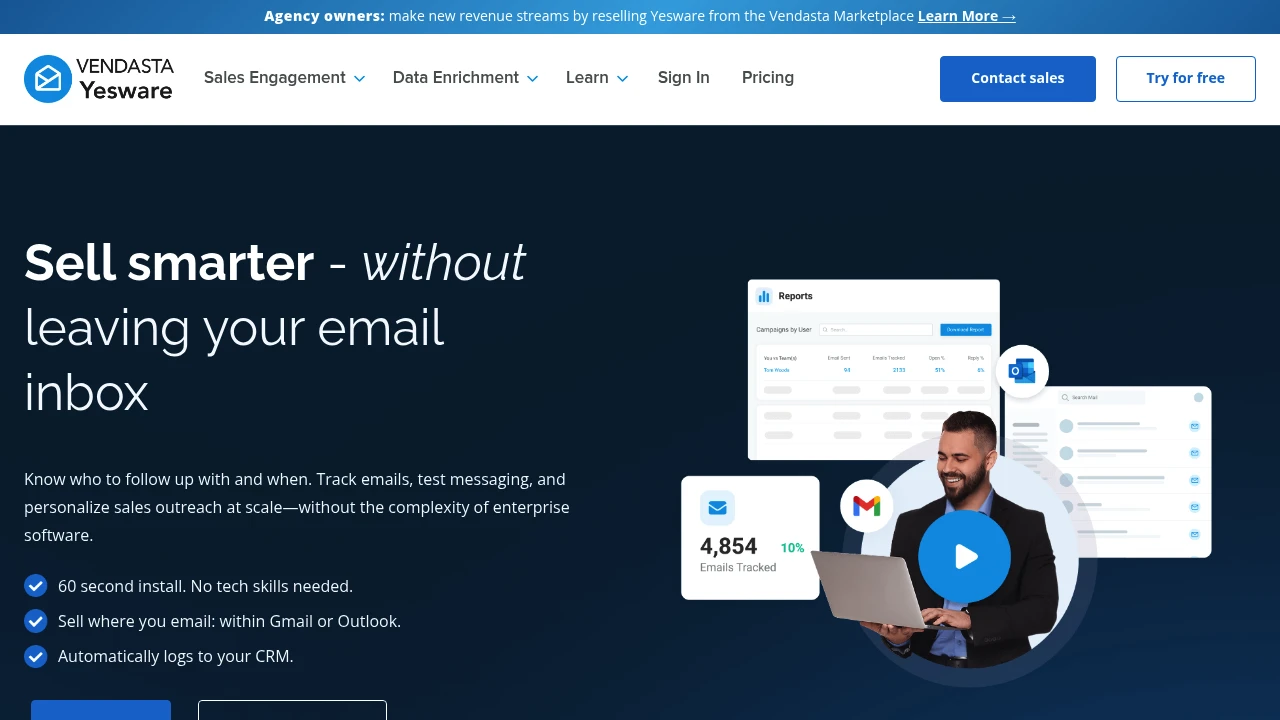
Yesware is a sales engagement platform embedded in Gmail and Outlook. Track emails, use templates, automate follow-ups, and sync to CRM. 60-second install, no tech support needed.
Summary
Yesware is an email sales engagement platform built for SMB sales teams that works directly inside Gmail or Outlook. It solves the problem of overly complex enterprise tools by letting sales reps track engagement, automate follow-ups, and close more deals from their familiar inbox.
What is Yesware?
Yesware is a sales tool embedded in your email inbox, eliminating the need to switch platforms or learn new software. It gives sales reps real-time email tracking, template management, multi-step campaign automation, and automatic CRM logging. Setup takes 60 seconds with no IT support or lengthy training required. Best for sales teams, founders, and individual sellers who rely on email to drive revenue.
Core Capabilities
- Real-time email tracking: Get notified when prospects open, click, or download attachments
- Email templates and personalization: Reuse high-performing templates and personalize messages with dynamic fields
- Multi-touch campaign automation: Set up automated follow-up sequences without manual sends
- Automatic CRM sync: Activity logs to Salesforce or other CRMs automatically
- Engagement and performance reports: Identify interested prospects and effective messaging
- Tasks and activity management: Organize next steps within your inbox
- Gmail and Outlook integration: Use directly in your existing workflow
Pros
- Installs in 60 seconds with no technical skills or IT involvement
- Works directly inside Gmail or Outlook—no new interface to learn
- Automated follow-ups and CRM logging save significant time
- Real-time notifications help you follow up when prospects are engaged
- Templates and reports let teams share best practices and improve performance
Cons
- Feature set focused on email outreach, not suitable for multi-channel engagement needs
- Enterprise-scale teams may need more complex sales engagement platforms
- Tracking relies on recipients enabling image loading
- Reporting is relatively basic; advanced analytics needs may not be met
- Primarily targets SMBs; large organizations may need more customization options
Decision Guidance
Use Yesware if you're an SMB sales team, founder, or individual seller who drives revenue primarily through email and wants a tool that's fast to set up and doesn't require complex configuration. Yesware lets you track engagement, automate follow-ups, and improve efficiency from your familiar inbox without needing sales operations support.
Consider alternatives if you need multi-channel engagement (phone, social, SMS), advanced workflow automation, or enterprise-level customization. Large sales organizations or teams requiring deep analytics may need more robust solutions.

Looking for alternatives to other popular services? Check out other posts in the alternatives series and GTM Guide, a directory of tools with filters for tags and alternatives for easy browsing and discovery.

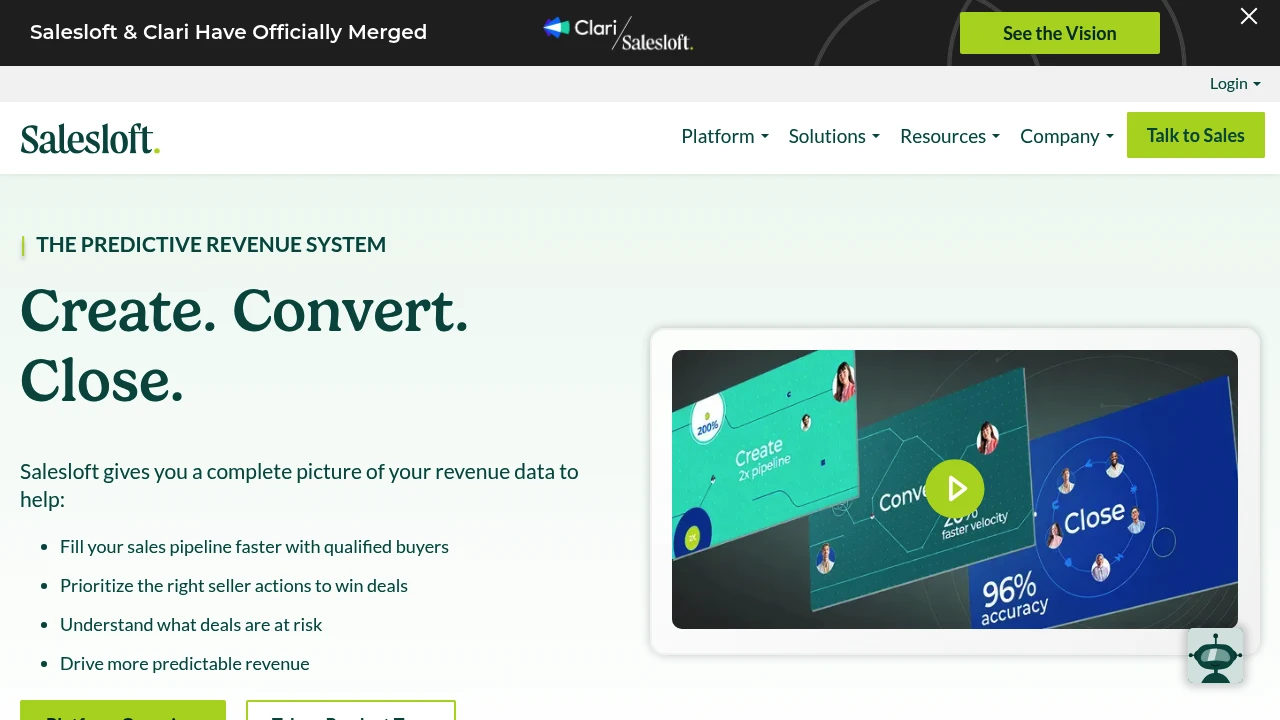
Salesloft unifies AI chat agents, sales engagement, revenue intelligence, conversation analysis, deal management, and forecasting to fill pipeline, accelerate deal cycles, and improve forecast accuracy.
Summary
Salesloft is an AI revenue orchestration platform that unifies sales engagement, revenue intelligence, conversation analysis, deal management, and forecasting tools to help sales teams prioritize high-value actions, accelerate deal cycles, and improve pipeline quality.
What is Salesloft?
Salesloft integrates AI chat agents (Drift), sales engagement (Cadence), revenue intelligence (Analytics), conversation intelligence (Conversations), deal management (Deals), and forecasting (Forecast) into one platform. Through Rhythm, the system turns buyer signals into seller action recommendations, while AI agents automate tedious tasks and surface critical insights. The platform connects with CRM, conferencing, dialer, and email systems to provide revenue teams with a unified data view.
Core Capabilities
- AI chat agents (Drift): Engage website visitors in real-time to convert leads
- Cadence: Automate pipeline generation, lead nurture, and renewal workflows
- Analytics: Centralize reporting across buyer and customer lifecycle data
- Conversations: Analyze sales calls to identify coaching opportunities and best practices
- Deals: AI insights show deal status, risk, and actions needed to accelerate close
- Forecast: Combine real-time deal data and AI to improve forecast accuracy
- Rhythm: Turn buyer signals into prioritized action recommendations
- Integration ecosystem: Connect CRM, conferencing, dialer, email, and calendar tools
Pros
- Unifies multiple revenue tools in one platform, reducing context switching
- AI agents automate prioritization and tedious tasks
- Delivers productivity and pipeline results within 10 days
- Trusted by 5000+ enterprise customers with proven 2.5x faster deal cycles
- Unifies first-party signals, third-party intent data, and sales activity
Cons
- Broad feature set creates a steep learning curve initially
- Pricing not publicly available; requires sales contact
- Primarily designed for enterprise sales teams; may be overkill for small teams
- Requires CRM and tool integrations to unlock full value
Decision Guidance
When to use: Enterprise sales teams needing unified revenue data, automated pipeline generation, improved forecast accuracy, and faster deal cycles will benefit from Salesloft's complete solution. Especially suited for organizations requiring integrated AI chat, sales engagement, conversation analysis, and deal management.
Consider alternatives: Small teams or budget-constrained organizations may find the feature set too complex; if you only need a single capability (like pure conversation intelligence or CRM), specialized tools may be more cost-effective.

Outreach is an AI revenue workflow platform helping sales, marketing, RevOps, and customer success teams increase win rates through automated workflows, forecasting, and deal management.
Summary
Outreach is an end-to-end AI revenue workflow platform built for sales, marketing, RevOps, and customer success teams. The platform uses AI agents to automate prospecting, deal management, forecasting, and retention, helping teams boost productivity and accelerate deal velocity.
What is Outreach?
Outreach is an integrated sales execution platform that covers the full workflow from prospecting to customer expansion. The platform leverages AI agents to automate research, recommend next actions, identify buying committee members, and deliver real-time conversation insights. Sales leaders can forecast accurately with AI-assisted modeling that reduces prep time and improves revenue predictability.
Core Capabilities
- AI-driven prospecting: Automates research and surfaces best-fit prospects
- Deal management and risk detection: Rapidly inspect pipeline deals, uncover risks, and prioritize actions
- AI-assisted forecasting: Validates calls, compares outcomes, and improves accuracy
- Real-time conversation insights: Spots coaching opportunities and delivers consistent feedback
- Customer retention and expansion: Automates retention plays and flags renewal risks early
- Account orchestration: Identifies and engages all stakeholders to improve win rates
Pros
- Increases seller productivity by 60% with AI-driven workflows
- Consolidates tech stack: Amplitude saved over $600K annually by replacing five platforms
- Accelerates rep onboarding with centralized tools that are easier than standalone CRMs
- Improves forecast accuracy with AI-assisted modeling that reduces prep time
- Delivers real-time coaching feedback to improve team-wide performance
Cons
- Primarily targets enterprise sales teams; may be overkill for small teams
- Requires CRM integration (e.g., Salesforce) to unlock full value
- Steeper learning curve due to comprehensive feature set
- Pricing not publicly available; requires sales contact
- May be overly complex for simple sales processes
Decision Guidance
Use Outreach when: Enterprise sales, marketing, and RevOps teams need end-to-end workflow automation, accurate forecasting, and multi-platform consolidation. Especially suited for teams managing complex buying committees and high deal volumes.
Consider alternatives when: You run a small sales team with simple processes, have budget constraints, need only basic outreach features, or already use specialized tools for specific sales stages.
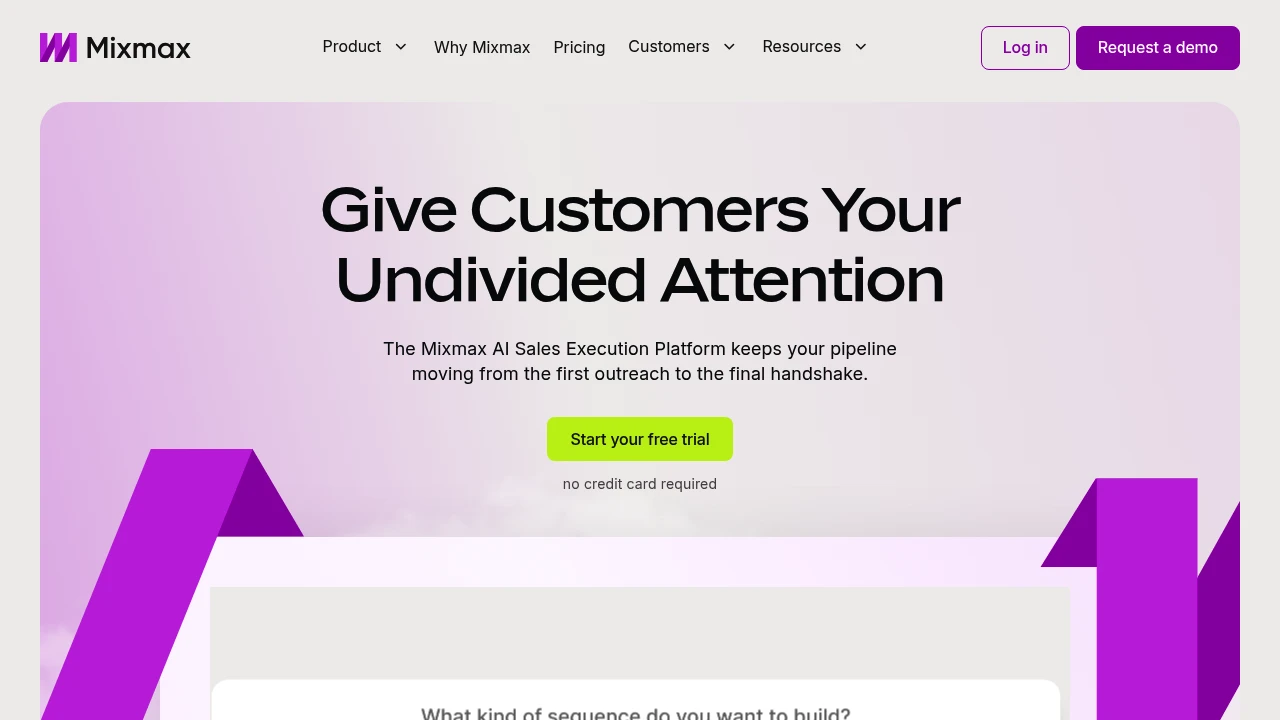
Mixmax is an AI sales execution platform that surfaces key customer signals in your inbox, automates follow-ups, meeting prep, and CRM updates so sales reps focus on actions that move deals forward.
Summary
Mixmax is an AI-powered sales execution platform that helps sales reps identify the most important actions from overwhelming signals, automate follow-ups and meeting prep, and keep deals moving. It works directly in your inbox, reducing tab-switching and focusing on conversations that drive results.
What is Mixmax?
Mixmax is an AI-native execution platform designed for sales professionals struggling with information overload and busywork. It uses three AI Copilots (Inbox, Meeting, Engagement) to identify customer engagement signals, automate CRM updates, follow-up reminders, and meeting summaries. You manage multi-channel outreach, scheduling, and customer relationships in Gmail or Outlook without leaving your inbox.
Core Capabilities
- Signal prioritization: Automatically identifies high-engagement prospects and customers, tells you what to do next
- Inbox-native execution: Manage email, phone, LinkedIn outreach, and scheduling in Gmail/Outlook
- Automated follow-ups: Smart sequences and reminders ensure deals don't stall and customers feel seen
- Meeting management: Send scheduling links from inbox, auto-prep, run, and recap meetings
- CRM sync: Automatically updates CRM records, reducing manual data entry
Pros
- Fewer tabs: Entire sales workflow lives in your inbox, boosting efficiency
- AI-driven insights: Real-time identification of the most important customer signals and action recommendations
- Quick setup: 14-day free trial, install browser extension to start, no credit card required
- Flexible subscriptions: Choose full bundle or subscribe to individual Copilots
- Multi-channel outreach: Manage email, phone, and social in one interface
Cons
- Extension required: Must install browser extension for Gmail or Outlook to use
- Learning curve: Advanced customization and CRM integration may need technical support
- Pricing transparency: Subscription costs after trial not clearly listed on website
- Inbox dependency: Value diminishes if email isn't your primary workflow
Decision Guidance
Use Mixmax when: You're a sales, customer success, or recruiting professional overwhelmed by follow-ups and admin tasks, want to centralize multi-channel outreach and meetings in your inbox, and need AI to automate busywork.
Consider alternatives when: Your sales process isn't email-centric, you need a full CRM system rather than an inbox enhancement tool, or your team already has a mature sales automation stack and doesn't want to add another tool.

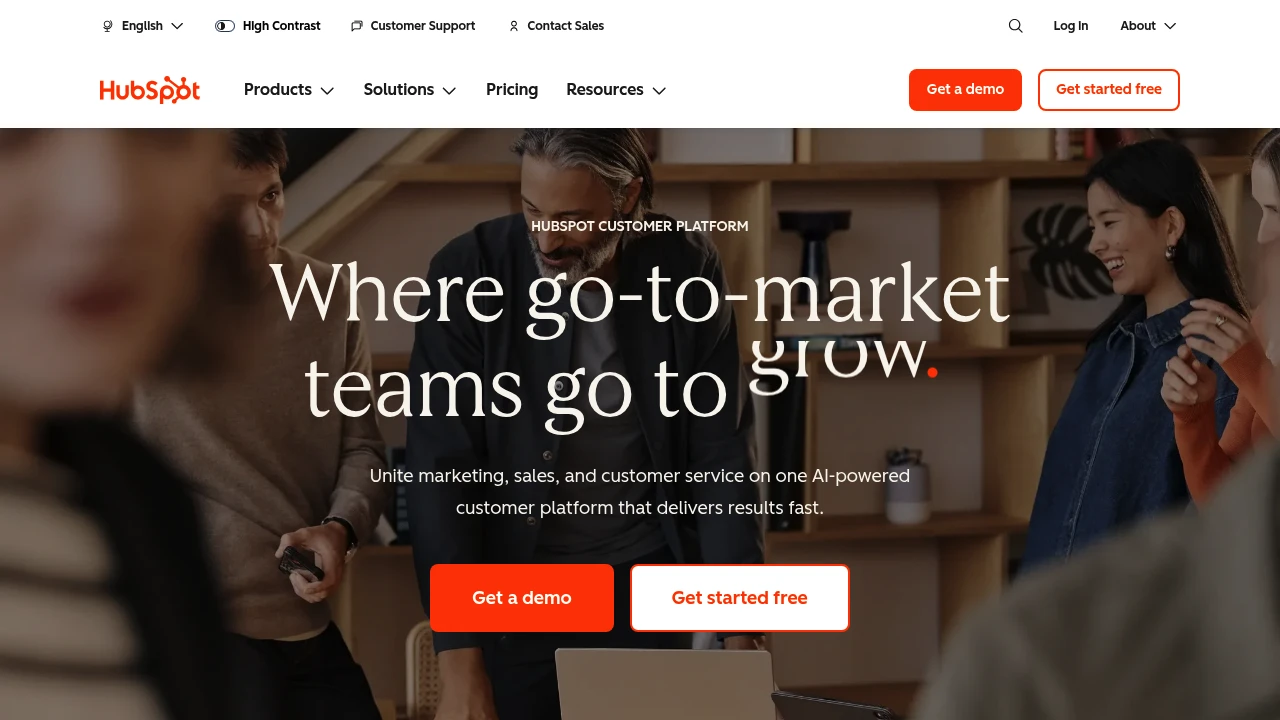
HubSpot integrates CRM, marketing, sales, and customer service on one AI-powered platform with Breeze agents that automate workflows, helping 278,000 businesses grow faster.
Summary
HubSpot is an AI-powered customer platform that unifies marketing, sales, customer service, and CRM to help businesses consolidate data, automate processes, and accelerate growth.
What is HubSpot?
HubSpot is a comprehensive customer platform that combines Marketing Hub, Sales Hub, Service Hub, Content Hub, Data Hub, Commerce Hub, and Smart CRM in a single system. The platform includes built-in Breeze AI tools and agents (Customer Agent, Prospecting Agent, Data Agent) that automate customer inquiries, sales outreach, and content creation. Over 278,000 businesses across 135 countries use HubSpot to manage customer relationships and drive business growth.
Core Capabilities
- Smart CRM: Unified customer data as the single source of truth for all business information
- Marketing Hub: Marketing automation, lead conversion, personalized content, and campaign tracking
- Sales Hub: Lead generation, pipeline management, automated outreach, and deal acceleration
- Service Hub: AI-powered customer support, ticketing, customer health scores, and usage analytics
- Content Hub: Content creation, multi-channel publishing, and brand consistency management
- Breeze AI Agents: 24/7 automation for customer inquiries (resolves 65%), sales research, and content generation
- Data Hub: Data integration, cleansing, and cross-team activation
- Commerce Hub: Quoting, payment collection, and subscription management
- 2,000+ Integrations: Connect existing tools and applications
Pros
- Unified platform: All marketing, sales, and service tools in one AI-powered system eliminate data silos
- Proven results: Customers gain 129% more leads, 36% more deals, and 37% better ticket closure rates within one year
- Built-in AI: Breeze agents automate 65% of customer inquiries, accelerate sales outreach, and generate content
- Flexible scaling: From Small Business Bundle to Enterprise plans, adapts to different team sizes
- Rich ecosystem: 2,000+ integrations, free tools, and active community support
Cons
- Learning curve: Multi-product platform requires time to master all features and best practices
- Cost accumulation: Advanced features and multiple Hub subscriptions can strain budgets for small businesses
- Customization limits: Some enterprise-level needs may require additional development or third-party integrations
- Data migration: Moving from other CRM systems requires planning and resource investment
- Feature overlap: Some functionality overlaps across different Hubs, requiring careful plan selection
Decision Guidance
Use HubSpot when: You need to unite marketing, sales, and customer service teams and want AI automation to boost efficiency and accelerate growth. Particularly suited for small to enterprise organizations seeking an integrated platform to replace scattered tools, valuing data unification and scalability.
Consider alternatives when: You only need single functionality (like pure CRM or email marketing) rather than a full platform, or have limited budget without need for advanced AI features. Businesses deeply invested in other ecosystems (like Salesforce) may face migration costs.
Looking for alternatives to other popular services? Check out other posts in the alternatives series and GTM Guide, a directory of tools with filters for tags and alternatives for easy browsing and discovery.

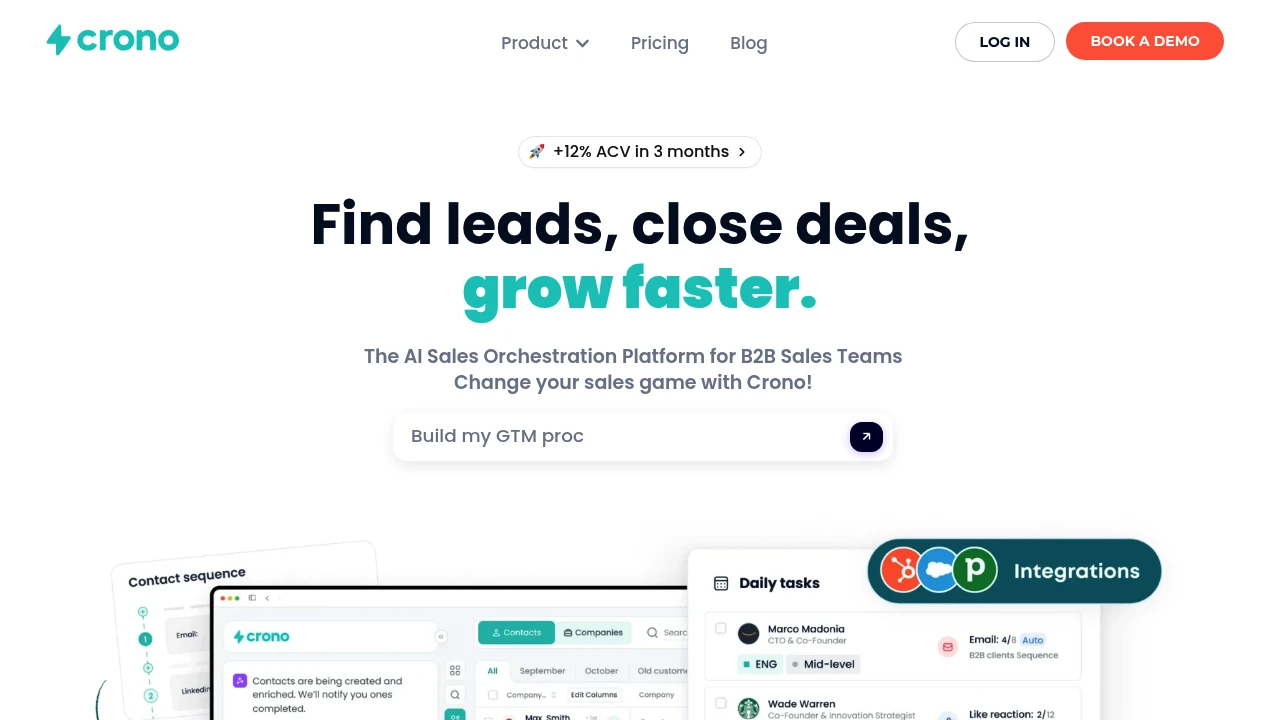
Crono is an AI sales orchestration platform for B2B teams, integrating lead generation, multichannel outreach, CRM & email tools with smart automation and proprietary AI to accelerate deals.
Summary
Crono is an AI sales orchestration platform for B2B sales teams that integrates lead generation, automated outreach, and CRM data to help revenue teams hit targets faster.
What is Crono?
Crono unifies your sales tech stack into a single interface, automating daily manual tasks through a proprietary AI model. The platform connects HubSpot, Salesforce, Gmail, Outlook, and other tools, letting teams run AI-powered workflows from prospecting to closing deals using natural language commands.
Core Capabilities
- AI-powered lead generation: Automatically identify qualified leads, enrich contact data, monitor buying intent
- Smart automation: Automate repetitive sales tasks and focus on strategy
- Multichannel outreach: Run personalized email and messaging campaigns at scale
- CRM & tool integrations: Native connections to HubSpot, Salesforce, Gmail, Outlook, Aircall, Clay, n8n, and more
- Proprietary AI model: Trained on millions of sales data points to suggest best actions and message content
- Unified interface: Manage all data, workflows, and communications in one system
- Public API: Connect any system and build scalable sales infrastructure
Pros
- Full-stack integration: Connects entire sales tech stack without tab-switching
- AI content generation: Automatically drafts and edits personalized messages to boost response rates
- Workflow automation: Reduces manual work so teams focus on high-value activities
- Buying intent monitoring: Prioritizes hot tasks to improve conversion efficiency
- Scalable architecture: Supports complex sales processes via API and native integrations
Cons
- Requires company email: Registration demands a business email address
- Learning curve: Integrating multiple tools and setting up automation requires upfront investment
- Opaque pricing: Detailed pricing information not publicly available on website
- Integration-dependent: Value depends on connecting existing CRM and sales tools
Decision Guidance
When to use: B2B sales teams need to integrate multiple sales tools, automate repetitive tasks, and boost lead generation and outreach efficiency with AI. Particularly suited for revenue teams already using HubSpot or Salesforce who want to unify workflows.
Consider alternatives: If you're a small team or startup with limited budget and no need for complex integrations, simpler sales automation tools may suffice. For single-function needs like email outreach or CRM alone, specialized tools may be more cost-effective.

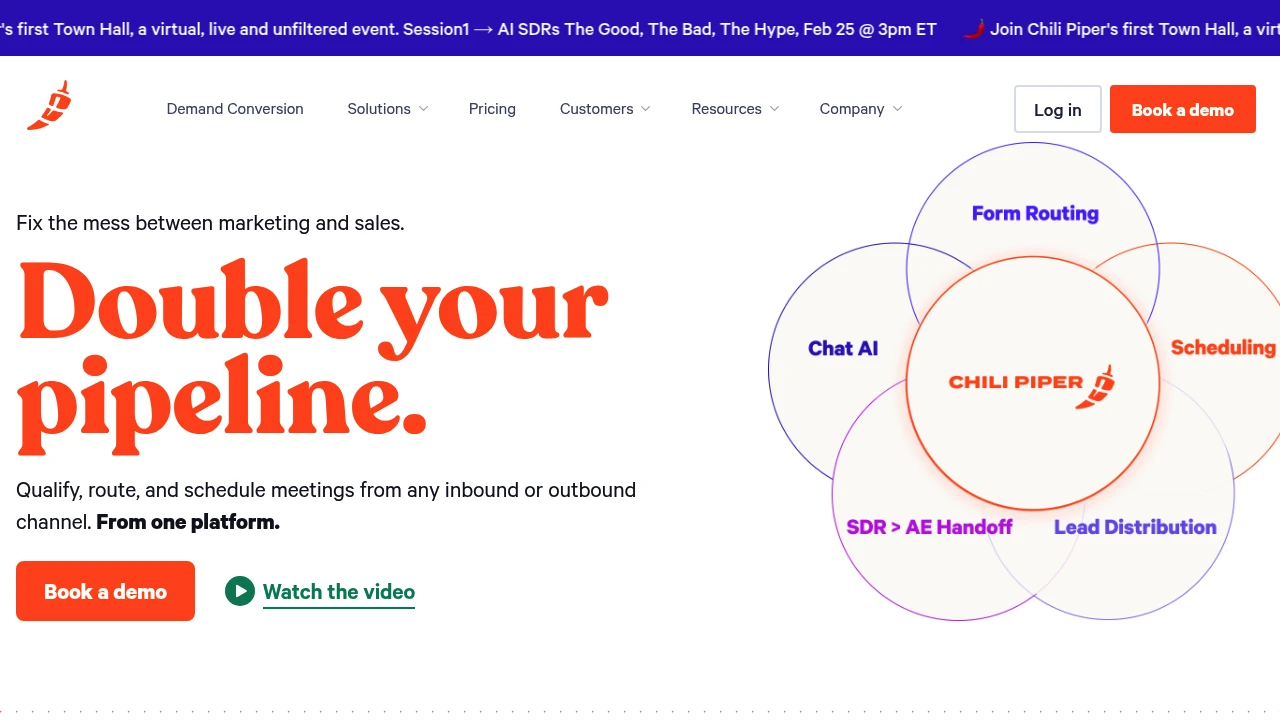
Chili Piper is a demand conversion platform that integrates form routing, chat AI, meeting scheduling, and lead distribution to automate sales workflows and convert inbound and outbound leads into qualified meetings instantly.
Summary
Chili Piper is a demand conversion platform that integrates form routing, chat AI, meeting scheduling, and lead distribution to help sales and marketing teams instantly convert inbound and outbound leads into qualified meetings, solving the process gap between marketing and sales.
What is Chili Piper?
Chili Piper is a demand conversion platform built for B2B teams, consolidating form routing (Concierge), chat AI, meeting scheduling (ChiliCal), team handoff (Handoff), and lead distribution (Distro) into one platform. The system converts website visitors, form submissions, chat inquiries, and outbound contacts into scheduled sales meetings through real-time qualification, intelligent routing, and automated scheduling, with instant CRM updates.
Core Capabilities
- Concierge (Form Routing): Qualify, route, and schedule meetings instantly from web forms
- Chat AI: Answer questions, qualify leads, and book meetings 24/7 automatically
- ChiliCal (Scheduling): One-click email booking with automatic rearrangement for priority meetings
- Handoff (Team Handoff): Automate SDR-to-AE meeting assignment and scheduling
- Distro (Lead Distribution): Auto-assign records based on complex rules and CRM ownership, enforce SLAs
- Flow Builder: Connect all touchpoints into unified workflows
- Shared Routing Logic: Share users, teams, and routing settings across all solutions
- Consolidated Reporting: Aggregate all demand conversion data in one platform
Pros
- Converts leads into scheduled meetings in real time, reducing leakage
- Single platform consolidates multiple functions, lowering tool costs and maintenance complexity
- Automates routing and scheduling, cutting admin work for sales and SDR teams
- Real-time CRM updates improve data accuracy and visibility
- Customer reports show 70-85% meeting conversion lift, 25% faster scheduling
Cons
- Requires integration with existing CRM and marketing automation tools; initial setup can be complex
- Routing logic and qualification rules need careful configuration to maximize value
- Pricing not publicly disclosed; may be a cost concern for smaller teams
- Primarily designed for B2B sales processes, not suitable for B2C or simple booking needs
- Relies on real-time lead interaction; may not fit long sales cycles or offline processes
Decision Guidance
When to use: Your team handles high volumes of inbound leads (forms, chat, G2, etc.) and needs real-time qualification and meeting scheduling; you want to automate SDR-to-AE handoff or enforce lead distribution SLAs; you want to consolidate multiple tools (form routing, chat, scheduling) into one platform to reduce cost and complexity.
When to consider alternatives: Your sales process is primarily outbound and doesn't require instant scheduling; you only need basic calendar scheduling without routing or qualification; your team is small with limited budget and can't afford an enterprise-grade platform; your business is B2C or requires a simple appointment system rather than complex sales workflows.

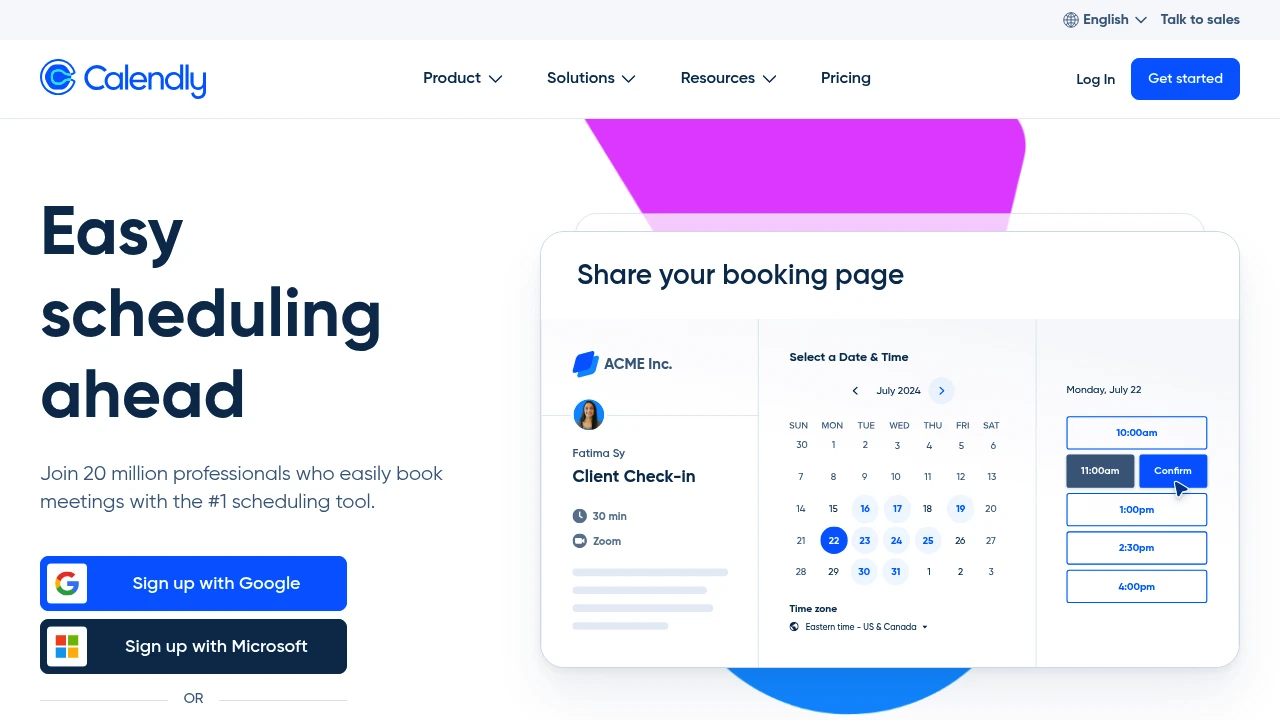
Calendly is modern online appointment scheduling software that connects multiple calendars, displays real-time availability, and integrates video conferencing tools. Used by individuals to enterprises, including 86% of Fortune 500 companies.
Calendly
Summary
Calendly is an online appointment scheduling platform that eliminates back-and-forth meeting coordination by automating availability display and integrating calendars with video tools. Trusted by over 100,000 organizations, including 86% of Fortune 500 companies.
What is Calendly?
Calendly is a meeting scheduling automation tool that lets users share scheduling links so invitees can view real-time availability and book directly. The platform connects up to six calendars, integrates video conferencing tools (Zoom, Teams, etc.), and offers custom event types, buffer times, and scheduling rules. Suitable for individual professionals through large enterprise teams.
Core Capabilities
- Multi-calendar sync: Connect up to six calendars with real-time availability
- Custom availability: Set detailed available hours, scheduling rules, and meeting buffers
- Video conferencing integration: Auto-generate Zoom, Google Meet, Teams meeting links
- Event type templates: Pre-built or custom meeting types (one-on-one, group, round-robin)
- Embeddable scheduling links: Embed booking links in websites, landing pages, emails
- 100+ integrations: Connect Salesforce, HubSpot, Slack, and more
Pros
- Free plan available forever for individual users to test
- Clean interface; share a link and invitees self-book
- Automation reduces email back-and-forth, saving coordination time
- Enterprise-grade security and compliance, widely adopted by Fortune 500
- Supports team round-robin scheduling and collective event management
Cons
- Free plan limited to one event type with restricted features
- Advanced features (workflow automation, team management) require paid plans
- Enterprise plan starts at $15,000/year, costly for SMBs
- Some users report occasional sync delays with certain calendar systems
- Custom branding options only available on paid plans
Decision Guidance
Use Calendly when: Your sales, recruiting, or consulting team schedules frequent external meetings; you want to eliminate email coordination; you need client self-service booking for service businesses.
Consider alternatives if: You only need basic scheduling and already use Google Workspace (Google Calendar appointments may suffice); you require deep customization or self-hosting (open-source options like Cal.com).


