Kit Alternatives
Discover the best alternatives to Kit. Compare features, pricing, and find the perfect replacement.
The best alternative to Kit is Customer.io. If that doesn't suit you, we've compiled a ranked list of other Kit alternatives to help you find a suitable replacement. Other interesting alternatives to Kit are: SendGrid, Omnisend, Moosend and MailerLite.
Kit alternatives are mainly AI Email Outreach, but may also be AI CRM or AI Email Deliverability. Browse these if you want a narrower list of alternatives.

Written by Eric Leung
Last updated: June 4, 2026 at 8:01 AM
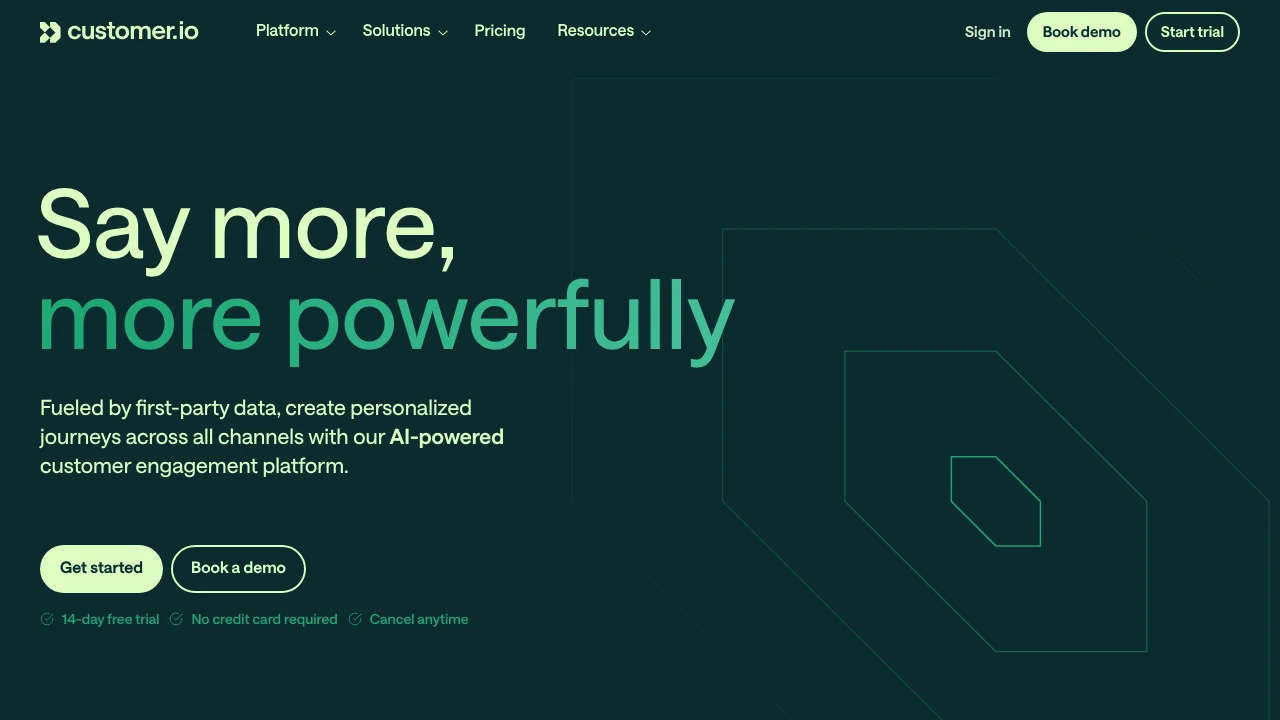
Customer.io is an AI-powered customer engagement platform that unifies data management, workflow automation, and omnichannel messaging (email, SMS, push, in-app) to build personalized journeys. 14-day free trial available.
Summary
Customer.io is a data-driven customer engagement platform that unifies first-party data management, AI-powered workflow automation, and omnichannel messaging to build personalized customer journeys. Trusted by 9,000+ brands worldwide.
What is Customer.io?
Customer.io is a unified customer engagement platform that lets you manage data, design automated journeys, and deliver personalized content across email, SMS, push, in-app messaging, and more—all in one system. Built on first-party data, it offers a visual workflow builder, AI-driven insights, and unlimited data integrations, scaling from startups to enterprise teams.
Core Capabilities
- Visual workflow builder: Drag-and-drop interface to design automated journeys with unlimited attributes and event triggers
- Omnichannel messaging: Unified management of email, SMS, push, in-app messages, and webhooks
- AI-powered insights: Automatically discover audience opportunities, optimize messaging, and track conversion goals
- Unlimited data integrations: APIs, webhooks, Reverse ETL (Snowflake, BigQuery), ad audience sync (Google, Facebook)
- Design Studio: Collaborative message editor with A/B testing and cohort experimentation
- Custom objects & events: Trigger messages based on complex data like companies, courses, or properties
Pros
- Unified platform integrates data management, automation, and messaging, reducing tech stack complexity
- Visual editor and AI recommendations lower operational overhead and accelerate marketing execution
- Unlimited data sources and destinations with native Reverse ETL and data warehouse support
- 99.99% platform uptime, ISO 27001, SOC 2 Type II, GDPR, HIPAA compliant
- 14-day free trial, no credit card required, cancel anytime
Cons
- Pricing not publicly disclosed; requires contacting sales for quotes
- Advanced features (custom objects, Reverse ETL) have a steeper learning curve
- Some users report initial data integration setup requires technical support
- May be overkill for small teams needing only basic email marketing
Decision Guidance
Use Customer.io when: You need to unify first-party data and build complex automated journeys for growth-stage or enterprise teams; you prioritize omnichannel consistency and data warehouse integration; you want AI to accelerate insights and content optimization.
Consider alternatives if: You only need basic email marketing on a tight budget—try Mailchimp or Brevo; your primary need is transactional email—SendGrid or Postmark are more cost-effective; your team lacks technical resources for complex integrations—Klaviyo or ActiveCampaign may be easier to onboard.

Looking for alternatives to other popular services? Check out other posts in the alternatives series and GTM Guide, a directory of tools with filters for tags and alternatives for easy browsing and discovery.

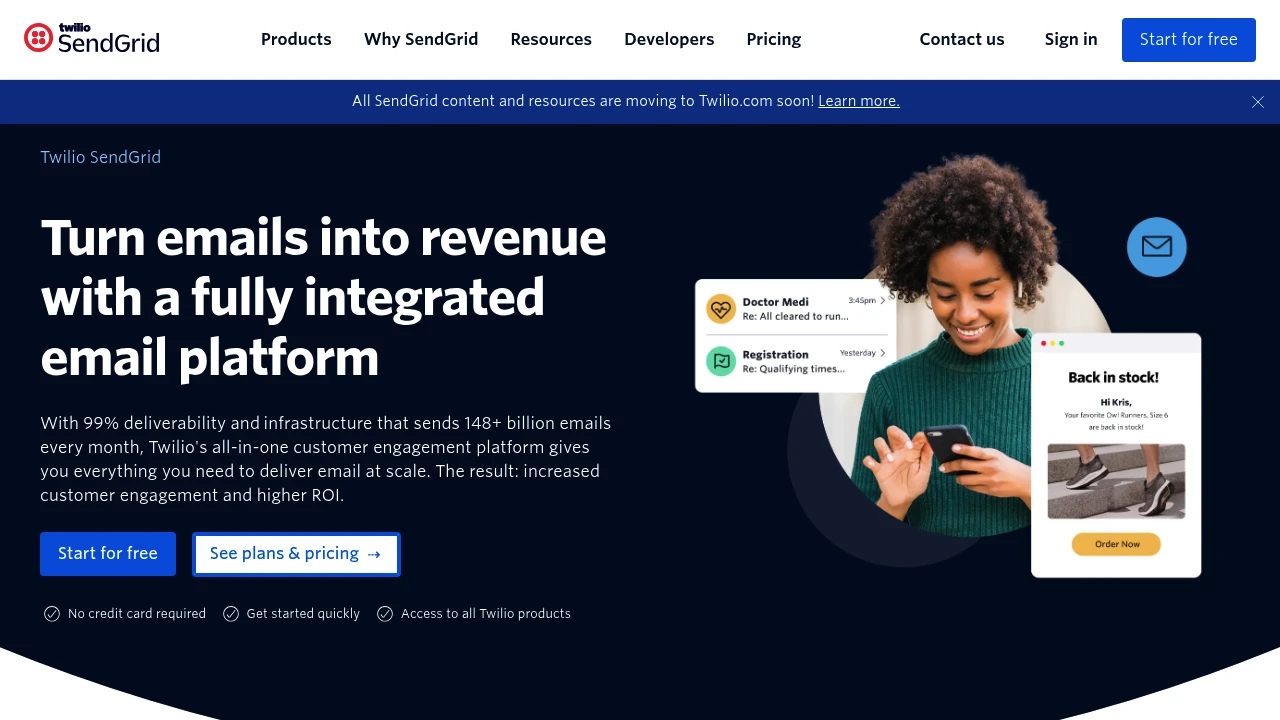
SendGrid delivers reliable email API and marketing campaigns, sending 148+ billion emails per month with 99% deliverability for developers and marketers.
Summary
SendGrid is Twilio's email delivery platform combining Email API and marketing campaign tools, processing 148+ billion emails monthly with high deliverability and scalability for developers and marketers.
What is SendGrid?
SendGrid is an all-in-one email platform offering RESTful API, SMTP service, and email marketing tools. Developers integrate transactional email sending via API, while marketing teams use drag-and-drop editors to design campaigns, manage contacts, and track performance. The platform promises 99% deliverability and provides expert services to optimize email programs.
Core Capabilities
- Email API & SMTP: Supports Node.js, Python, Ruby, Go, PHP, Java, C#, and more for fast integration
- Marketing campaign tools: Drag-and-drop editor, contact management, A/B testing, automation workflows
- Deliverability optimization: Dedicated IPs, domain authentication, real-time analytics, expert consultation
- Scalable infrastructure: Sends 148+ billion emails monthly, supports high-volume sending
- Interactive docs & libraries: Complete API documentation, code examples, multi-language SDKs
Pros
- 99% deliverability with global infrastructure for large-scale sending
- Supports multiple programming languages and frameworks, quick integration
- Marketing and developer tools unified in one platform
- Free trial available, no credit card required to start
- Expert services and technical support included
Cons
- Free plan has daily sending limits
- Advanced features require paid plans
- Interface may require learning curve for beginners
- Some users report pricing increases with volume growth
Decision Guidance
Use SendGrid when: You need a reliable API for transactional emails (order confirmations, password resets) or integrated marketing campaigns with automation workflows. Ideal for high monthly volume and deliverability-focused users.
Consider alternatives when: You only need basic email sending on a tight budget, or require deep CRM integration and advanced marketing automation beyond email.

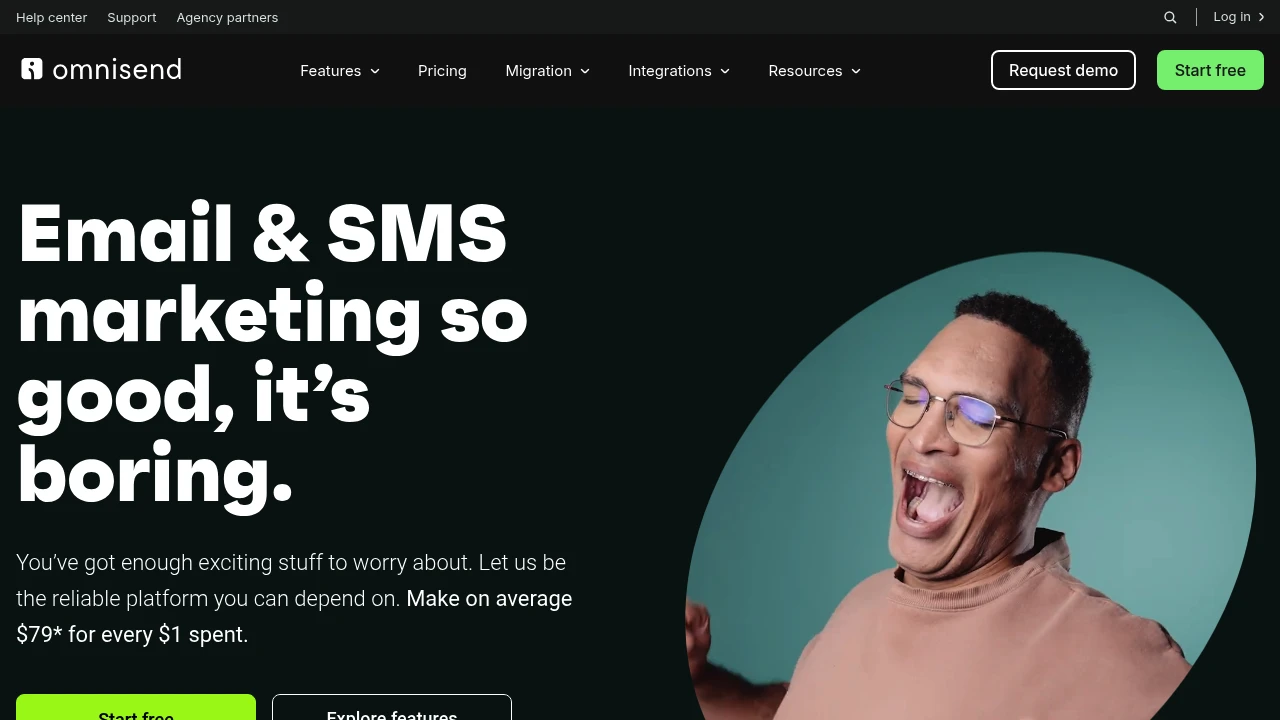
Omnisend combines email, SMS, and automation for ecommerce brands. Pre-built workflows, real-time segmentation, 160+ integrations, and 24/7 support.
Summary
Omnisend is an email and SMS marketing automation platform built for ecommerce brands, helping online stores drive sales and save time through pre-built workflows, audience segmentation, and multi-channel integrations.
What is Omnisend?
Omnisend is a marketing platform that integrates email, SMS, and web push notifications for ecommerce businesses. It offers pre-built automation workflows (like cart abandonment, welcome series), real-time segmentation, and over 160 ecommerce tool integrations, letting you manage multi-channel campaigns from one interface. All templates are customizable to match your brand, and reporting includes heatmaps and A/B testing analytics.
Core Capabilities
- Email and SMS integration: Send email and SMS from one platform with fully customizable templates
- Pre-built automation workflows: Ready-to-use flows for cart abandonment, welcome series, post-purchase follow-ups
- Real-time segmentation: Auto-updating audience groups based on shopping behavior and campaign activity
- List growth tools: Pop-ups and discount code forms to capture visitor contact details
- Ecommerce platform integrations: One-click connection with Shopify, WooCommerce, and 160+ apps
- Reporting and analytics: Heatmaps, conversion tracking, A/B testing, and revenue attribution reports
Pros
- Email combined with SMS shows 47.7% higher conversion rates
- Pre-built automations launch quickly, setup complete in 30 minutes
- 24/7 customer support with Stevie Award recognition and 5,000+ five-star reviews
- Smooth integration with major ecommerce platforms, no technical skills required
- Unlimited segmentation with real-time updates for precise targeting
Cons
- Pricing scales with contact count and SMS usage, higher costs for large lists
- Advanced features (like complex automation logic) require learning time
- SMS service coverage and pricing vary by market
- Some users find template customization less flexible than professional design tools
- Free plan is limited; full automation and SMS require paid upgrade
Decision Guidance
Use Omnisend if: You're a small to mid-sized ecommerce brand needing integrated email and SMS marketing, want to quickly launch automation workflows to recover abandoned carts and boost repeat purchases, and value quality customer support.
Consider alternatives if: You have a very large contact list on a tight budget, need highly customized automation logic, or rely primarily on email rather than multi-channel campaigns—compare pricing and features with specialized tools.
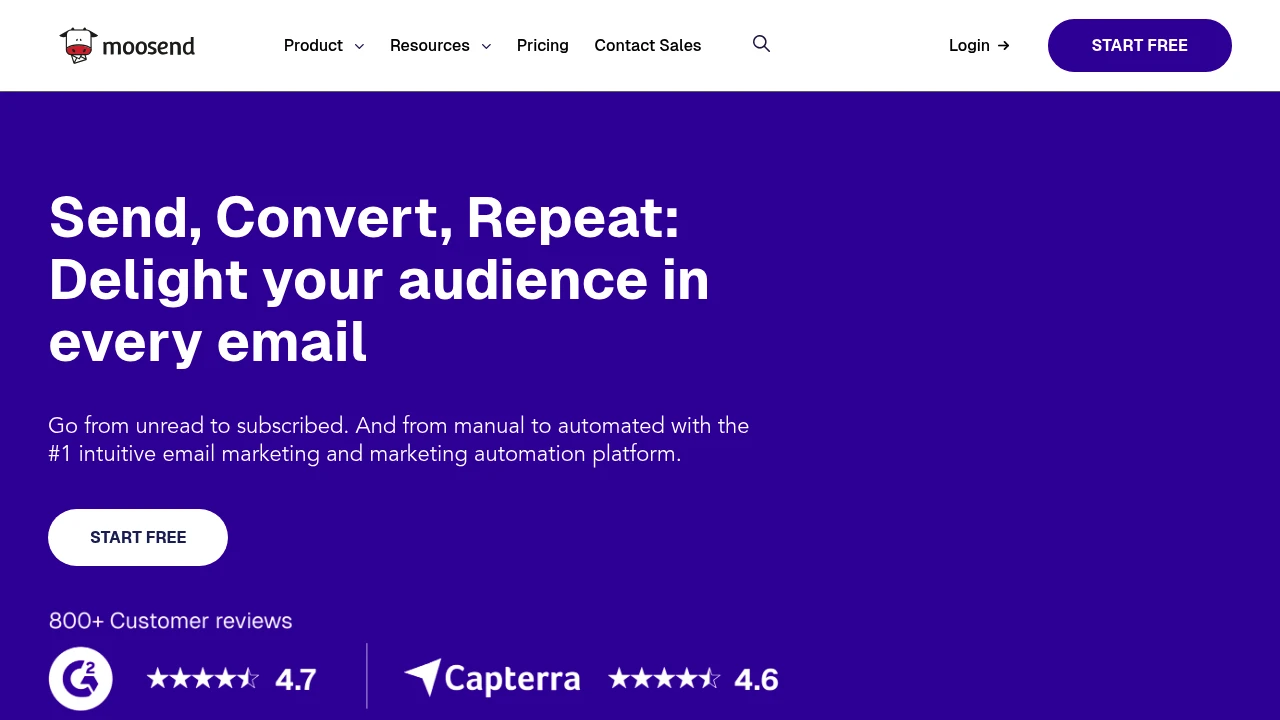
Moosend offers email marketing automation, A/B testing, landing pages, and subscription forms to manage campaigns, increase engagement, and grow your business.
Moosend Email Marketing & Automation Platform
Moosend is an email marketing and automation platform designed for small to mid-sized businesses and marketing teams, solving time-consuming manual processes and low engagement.
What is Moosend?
Moosend is an integrated email marketing tool offering unlimited email sends, marketing automation, landing pages, and subscription forms. The platform uses an intuitive interface and AI-powered suggestions to help users quickly build, test, and optimize campaigns, while triggered emails and customer journey automation boost conversions.
Core Capabilities
- Email marketing: Customizable templates, dynamic content, and A/B testing
- Marketing automation: Triggered emails, customer journeys, and task automation
- Landing page builder: 130+ professional templates, no coding required
- Subscription forms: Collect customer data and preferences for precise segmentation
- Analytics & reporting: Real-time tracking of open rates, click rates, and conversions
- Integrations: Connect third-party apps without coding
- SMTP server & transactional emails: Support for technical email delivery
Pros
- Affordable pricing: Starts at $7/month with unlimited email sends
- Intuitive interface: Users report a friendly UI and low learning curve
- Powerful automation: Supports complex customer journeys and triggered campaigns
- 24/5 support: Live chat and email support available
- Rich template library: 130+ professionally designed templates ready to use
Cons
- Advanced features require paid plans: Features like SSO and SAML limited to higher tiers
- Limited integrations: Fewer third-party integrations compared to competitors
- Support not 24/7: Only 24/5 support; weekend delays possible
- Learning resources mainly in English: Limited resources in other languages
Decision Guidance
When to use: Small to mid-sized businesses or marketing teams need an affordable, feature-complete email automation tool, especially valuing unlimited sends and an intuitive interface.
Consider alternatives: If you need more third-party integrations, 24/7 support, or enterprise-grade advanced features (like deep CRM integration), explore other platforms.

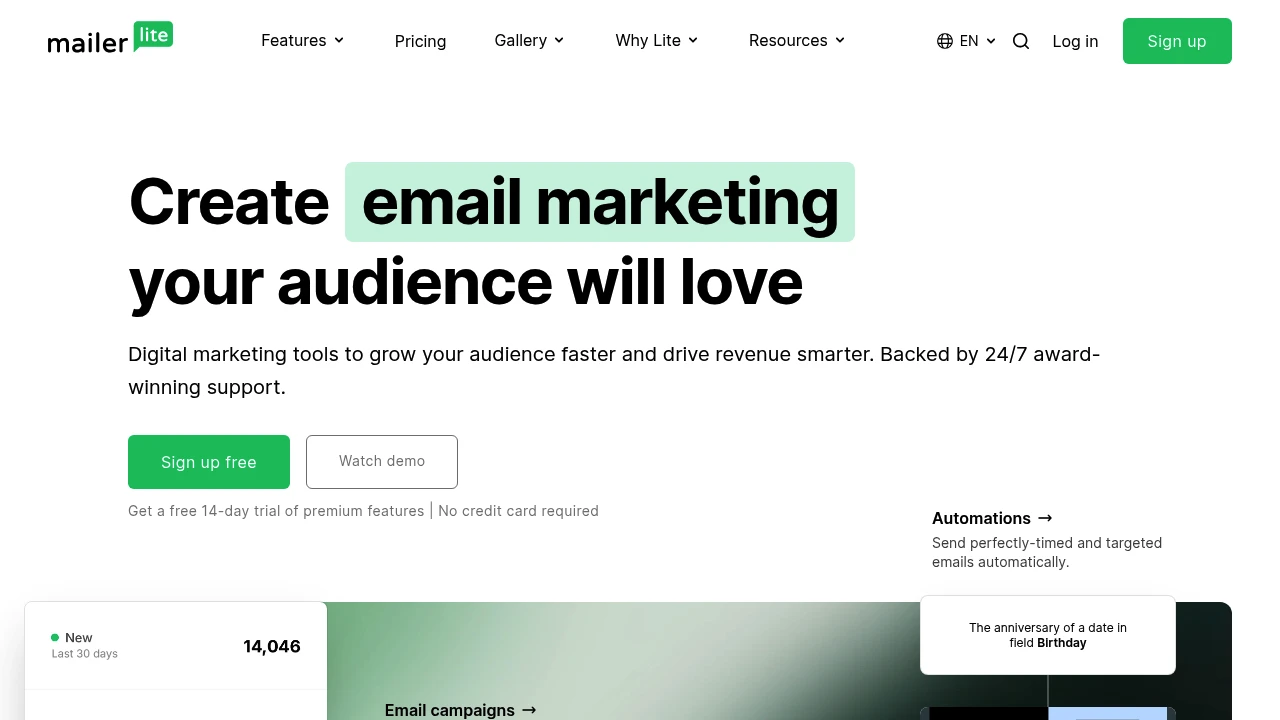
MailerLite offers email marketing, automation, landing pages, signup forms, and website builders with drag-and-drop editors and 24/7 support to grow your audience and drive revenue.
Summary
MailerLite is a digital marketing platform for creators and small businesses, offering email marketing, automation, website building, and sales tools. Known for its clean interface and round-the-clock support, it helps you grow your audience quickly.
What is MailerLite?
MailerLite is an integrated marketing tool that lets you build email newsletters, landing pages, websites, and signup forms using drag-and-drop editors. The platform provides automation workflows, template libraries, and third-party integrations, ideal for businesses seeking simple, user-friendly tools. It serves over 1 million users and offers 24/7 customer support with an average live chat response time of 5 minutes.
Core Capabilities
- Email marketing: Drag-and-drop editor, pre-built templates, newsletter sending
- Automation workflows: Trigger-based workflows, audience segmentation
- Website and landing page builder: No coding required, template-based creation
- Lead collection: Pop-up forms, embedded signup forms
- Sales tools: Product selling features
- Integrations: Connect popular apps, automate workflows
- Template gallery: Pre-designed templates for emails, web pages, and forms
Pros
- Clean, intuitive interface easy for beginners
- 24/7 customer support with 5-minute average response time and 97% satisfaction rate
- Drag-and-drop editor requires no technical skills
- 14-day free trial with no credit card required
- Integrates with multiple third-party apps
Cons
- Advanced features may not match enterprise-grade platforms
- Some automation options may fall short for complex needs
- Pricing details not clearly listed on the page
- Template selection may be less diverse than competitors
Decision Guidance
Use MailerLite if: You're a creator, small business, or startup needing simple email marketing and website building tools, and you value fast customer support response times.
Consider alternatives if: You need highly complex automation workflows, advanced CRM features, or large-scale enterprise tools—you may need a more comprehensive platform.
Looking for alternatives to other popular services? Check out other posts in the alternatives series and GTM Guide, a directory of tools with filters for tags and alternatives for easy browsing and discovery.

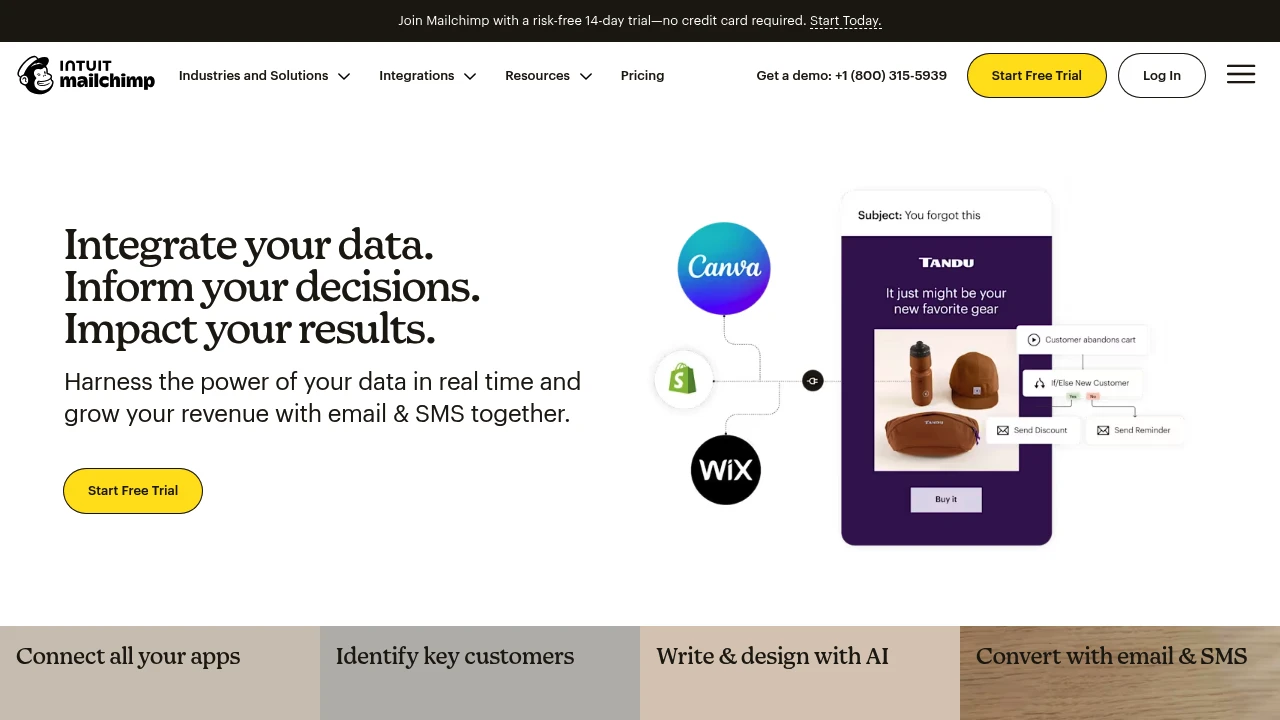
Mailchimp is an AI-powered email and SMS marketing platform offering predictive segmentation, automation, 300+ integrations, and a free plan to boost conversions and ROI.
Summary
Mailchimp is an integrated email and SMS marketing automation platform that uses AI and real-time data to help small and medium businesses boost conversions and revenue. It offers predictive segmentation, generative AI content tools, and 300+ integrations for e-commerce and omnichannel marketing.
What is Mailchimp?
Mailchimp is a data-driven email and SMS marketing platform designed for SMBs and e-commerce. It unifies customer data, behavioral tracking, and third-party apps (Shopify, Salesforce, WooCommerce), then uses AI tools to auto-generate personalized content, identify high-value customers, and optimize send times. Free plan and 14-day Standard trial available, no credit card required.
Core Capabilities
- Email & SMS marketing: Dual-channel reach, up to 97% higher click rates
- AI content generation: Auto-write and design emails; 9.8 billion AI-generated emails sent
- Predictive segmentation: Intelligently identifies customers most likely to engage
- Marketing automation: Trigger personalized workflows based on user behavior
- 300+ integrations: Connect Shopify, Canva, Google Analytics, QuickBooks, and more
- Analytics dashboards: Track audience growth, conversion funnels, and ROI
- Custom forms & popups: Capture leads with customizable signup tools
- Transactional email: 99.99% delivery rate
Pros
- Free plan and 14-day risk-free trial (no credit card)
- AI-driven content and segmentation save time
- Deep e-commerce integrations: Shopify and WooCommerce users see up to 30x ROI
- Intuitive interface for non-technical users
- Personalized onboarding included with Standard and Premium plans
Cons
- Pricing scales quickly with contact count; expensive for large lists
- SMS available in select countries only, requires separate credit purchase
- Advanced automation and custom templates require paid plans
- Free plan limited to 1,000 emails/month and 500 contacts
- Customer support on free plan is email-only, no live chat
Decision Guidance
Use Mailchimp if: You're an SMB or e-commerce business needing integrated email, SMS, and analytics, want AI-powered automation to boost conversions, and already use Shopify, WooCommerce, or similar platforms. Great for startups testing the free plan or 14-day Standard trial.
Consider alternatives if: You need more flexible pricing (e.g., pay-per-send), more powerful advanced automation, or your primary market is in countries where SMS is restricted. Explore ActiveCampaign, Klaviyo, or Brevo instead.

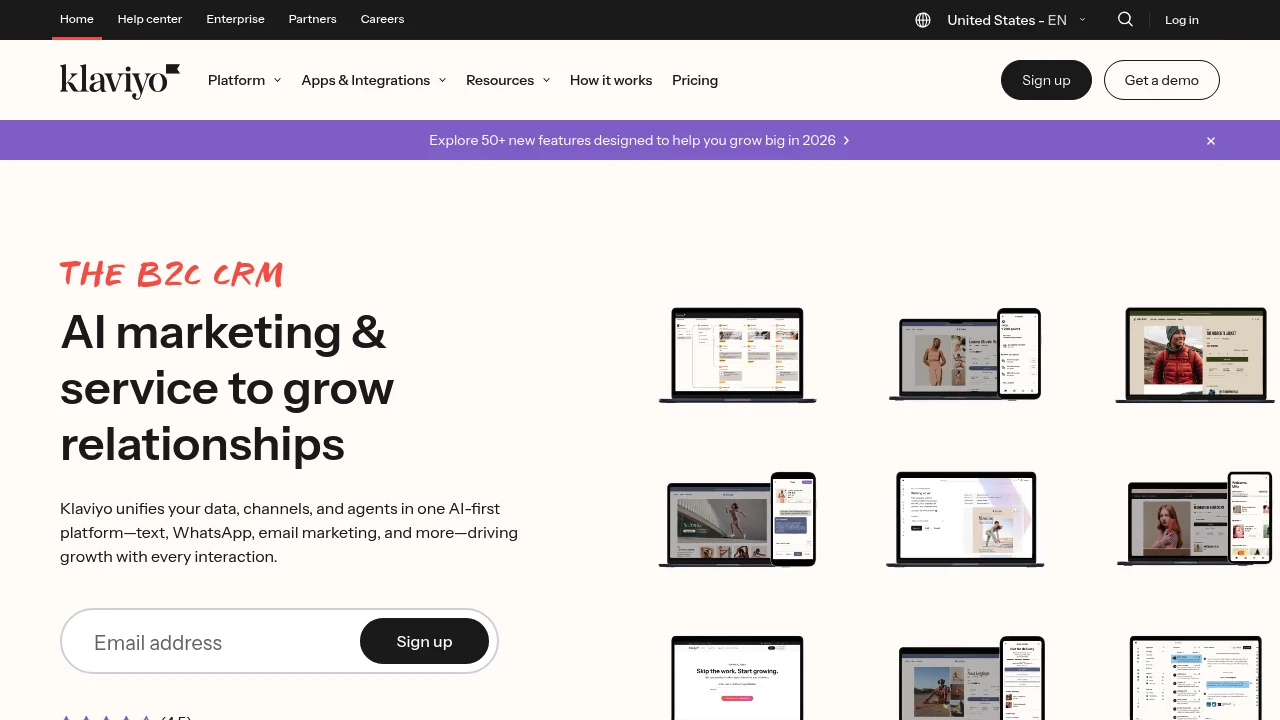
Klaviyo is a B2C CRM platform that unifies AI email marketing, SMS, WhatsApp, and customer service. Automate content, personalize omnichannel experiences, and drive revenue growth.
Klaviyo
Klaviyo is an AI-powered B2C CRM platform that unifies email marketing, SMS, WhatsApp, and customer service, solving data fragmentation and channel silos for consumer brands.
What is Klaviyo?
Klaviyo combines marketing, customer service, and analytics in one platform. K:AI Marketing Agent auto-generates branded content, while K:AI Customer Agent delivers 24/7 support. Built-in CDP unifies customer data, 350+ app integrations connect your stack, and real-time personalization powers ecommerce and B2C growth.
Core Capabilities
- AI Agents: K:AI Marketing Agent creates content; K:AI Customer Agent handles queries and product suggestions
- Omnichannel marketing: Manage email, SMS, WhatsApp, RCS in one place
- Customer Data Platform (CDP): 360-degree customer view, unified data sources
- Klaviyo Helpdesk: Turn service conversations into revenue opportunities
- Analytics & attribution: Multi-touch attribution, real-time campaign tracking
- 350+ integrations: Connect ecommerce platforms, payment tools, and business apps
Pros
- AI agents automate content creation and customer service, reducing manual work
- Unified platform for marketing, service, and data—no tool-switching
- Multi-channel personalization boosts customer engagement
- Built-in CDP delivers complete customer profiles for smarter decisions
- User-friendly for beginners and experts alike
Cons
- Initial setup requires time to integrate data sources and configure workflows
- Advanced features have a learning curve, especially automation and segmentation
- Pricing scales with contact count, potentially costly for growing SMBs
- Customer support response times vary according to some users
- Primarily built for ecommerce and B2C; limited B2B functionality
Decision Guidance
Use Klaviyo when: You're an ecommerce brand needing a unified marketing and service platform, want AI to automate content and customer interactions, and need to integrate multi-channel data to boost retention and revenue.
Consider alternatives if: Your business is primarily B2B, you need more flexible pricing, or you already have a mature CRM and only need a single-channel marketing tool.

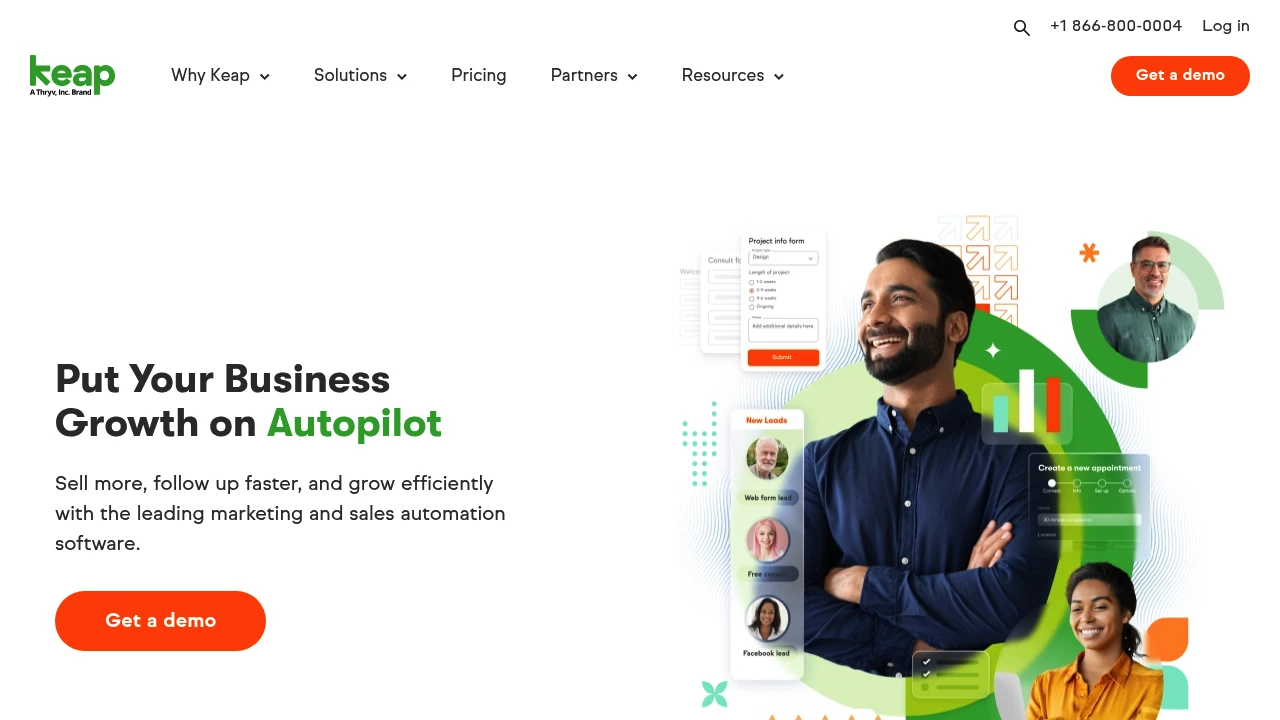
Keap is a CRM and automation platform built for small businesses. Integrate marketing, sales, and customer management with drag-and-drop tools, 5,000+ integrations, and proven templates.
Summary
Keap is a CRM and automation platform designed for small businesses to save time, follow up faster, and scale systematically. With drag-and-drop automation, you reduce manual tasks and focus on sales and relationships.
What is Keap?
Keap is a platform that combines customer relationship management (CRM), marketing automation, and sales automation, serving over 200,000 small businesses. It lets you automate follow-ups, email marketing, lead nurturing, and customer service through visual workflows, with over 5,000 integrations to connect your existing tools. The platform includes AI features and pre-built automation templates to lower setup barriers.
Core Capabilities
- Drag-and-drop automation builder: Design marketing, sales, and service workflows without coding
- CRM and contact management: Centralize lead, customer data, and interaction history
- Email and SMS marketing: Automate personalized messaging and follow-up sequences
- Sales pipeline tracking: Visualize deal progress and sales stages
- Pre-built automation templates: Quickly deploy proven marketing and sales processes
- 5,000+ integrations: Connect payment, e-commerce, social media, and third-party tools
- Reporting and analytics: Track revenue, lead sources, and automation performance
Pros
- Built for small businesses: Features and pricing optimized for small teams without enterprise complexity
- Significant time savings: Users save an average of 10 hours per week on manual work
- Full customer journey automation: Handle lead capture to post-sale service in one platform
- Rich support resources: Implementation help, migration services, partner network, and community
- Mature platform: 20+ years of operation with extensive success stories and best practices
Cons
- Steeper learning curve: New users need time to master automation logic and feature depth
- Higher price point: More expensive than basic CRM tools, potentially heavy for micro-businesses
- Traditional interface: Some users report UI design less modern than newer competitors
- Advanced features require upgrades: Certain high-level automation and reporting limited to premium plans
- Complex integration setup: While many integrations exist, configuration may require technical support
Decision Guidance
Use Keap if: You're a small business or solo entrepreneur needing integrated CRM, email marketing, and sales automation in one platform, and willing to invest time learning for long-term efficiency gains. Ideal for coaches, consultants, e-commerce, and service businesses.
Consider alternatives if: You only need basic CRM or email tools, have a tight budget, or run a very small team (1-2 people) with simple workflows. Look at HubSpot Free, Mailchimp, or Pipedrive for lighter options. For enterprise-grade features and customization, Salesforce or HubSpot Enterprise are better fits.

HubSpot integrates CRM, marketing, sales, and customer service on one AI-powered platform with Breeze agents that automate workflows, helping 278,000 businesses grow faster.
Summary
HubSpot is an AI-powered customer platform that unifies marketing, sales, customer service, and CRM to help businesses consolidate data, automate processes, and accelerate growth.
What is HubSpot?
HubSpot is a comprehensive customer platform that combines Marketing Hub, Sales Hub, Service Hub, Content Hub, Data Hub, Commerce Hub, and Smart CRM in a single system. The platform includes built-in Breeze AI tools and agents (Customer Agent, Prospecting Agent, Data Agent) that automate customer inquiries, sales outreach, and content creation. Over 278,000 businesses across 135 countries use HubSpot to manage customer relationships and drive business growth.
Core Capabilities
- Smart CRM: Unified customer data as the single source of truth for all business information
- Marketing Hub: Marketing automation, lead conversion, personalized content, and campaign tracking
- Sales Hub: Lead generation, pipeline management, automated outreach, and deal acceleration
- Service Hub: AI-powered customer support, ticketing, customer health scores, and usage analytics
- Content Hub: Content creation, multi-channel publishing, and brand consistency management
- Breeze AI Agents: 24/7 automation for customer inquiries (resolves 65%), sales research, and content generation
- Data Hub: Data integration, cleansing, and cross-team activation
- Commerce Hub: Quoting, payment collection, and subscription management
- 2,000+ Integrations: Connect existing tools and applications
Pros
- Unified platform: All marketing, sales, and service tools in one AI-powered system eliminate data silos
- Proven results: Customers gain 129% more leads, 36% more deals, and 37% better ticket closure rates within one year
- Built-in AI: Breeze agents automate 65% of customer inquiries, accelerate sales outreach, and generate content
- Flexible scaling: From Small Business Bundle to Enterprise plans, adapts to different team sizes
- Rich ecosystem: 2,000+ integrations, free tools, and active community support
Cons
- Learning curve: Multi-product platform requires time to master all features and best practices
- Cost accumulation: Advanced features and multiple Hub subscriptions can strain budgets for small businesses
- Customization limits: Some enterprise-level needs may require additional development or third-party integrations
- Data migration: Moving from other CRM systems requires planning and resource investment
- Feature overlap: Some functionality overlaps across different Hubs, requiring careful plan selection
Decision Guidance
Use HubSpot when: You need to unite marketing, sales, and customer service teams and want AI automation to boost efficiency and accelerate growth. Particularly suited for small to enterprise organizations seeking an integrated platform to replace scattered tools, valuing data unification and scalability.
Consider alternatives when: You only need single functionality (like pure CRM or email marketing) rather than a full platform, or have limited budget without need for advanced AI features. Businesses deeply invested in other ecosystems (like Salesforce) may face migration costs.

GetResponse offers email marketing, automation, landing pages, and SMS with AI that writes content, recommends send times, and helps convert leads into revenue.
GetResponse: Email Marketing & Automation Platform
GetResponse is an integrated platform for email marketing, automation, landing pages, and SMS, helping businesses boost conversion with AI-powered tools. Built for ecommerce, entrepreneurs, and brands expanding their customer base.
What is GetResponse?
GetResponse is an all-in-one marketing platform offering unlimited email sends, automation workflows, and landing page creation. Built-in AI assists with subject lines, send-time optimization, and content recommendations, supporting over 150 integrations. The platform claims a 99% deliverability rate across 160+ countries and serves 350,000+ customers.
Core Capabilities
- AI email writing: Auto-generates subject lines, tailors content, and recommends optimal send times
- Unlimited automation: Build welcome sequences, cart recovery, and re-engagement journeys
- Landing page builder: AI writes copy, selects layouts, and speeds up launch
- SMS marketing: Reach customers directly via SMS, integrated in one platform
- AI product recommendations: Personalize website and email product suggestions
- Webinar hosting: Record, promote, and nurture leads through webinars
- Forms and popups: Create banners and popups to engage visitors
- 150+ integrations: Connect CRM, ecommerce, and other tools
Pros
- Unlimited emails, automations, and landing pages at affordable pricing as you scale
- AI features cover content writing, send-time optimization, and product recommendations
- 99% email deliverability across 160+ countries
- 24/7 customer support with five-star ratings
- 14-day free trial, no credit card required
Cons
- Advanced features (webinars, sales funnels) require higher-tier plans
- AI writing quality depends on input data and may need manual tweaks
- Feature-rich interface can overwhelm new users
- Some integrations need extra setup or third-party tools
Decision Guidance
Use GetResponse if: You need integrated email, automation, landing pages, and SMS for a small to mid-sized business or ecommerce store; you want AI to speed up content creation and optimize send times; you're looking for unlimited sends with pricing that stays reasonable as you grow.
Consider alternatives if: You only need basic email for a small team and prefer simpler tools; you require deep CRM integration or complex sales processes better served by specialized platforms; you have a very tight budget and want to start with free or lower-cost entry-level tools.
Looking for alternatives to other popular services? Check out other posts in the alternatives series and GTM Guide, a directory of tools with filters for tags and alternatives for easy browsing and discovery.

Drip is an email marketing automation platform for B2C brands, offering smart segmentation, pre-built workflows, and a visual builder to personalize campaigns and boost conversions.
Summary
Drip is an email marketing automation platform built for B2C brands, converting prospects into loyal customers through behavior-based segmentation and workflow automation. Ideal for e-commerce, creators, and online service providers.
What is Drip?
Drip is a powerful yet easy-to-use marketing automation tool designed for B2C businesses selling physical or digital products. The platform integrates with Shopify, WooCommerce, and other e-commerce systems, using smart segmentation and pre-built workflows to send personalized messages at the right time to the right audience. No developers needed—launch automated marketing strategies quickly.
Core Capabilities
- Visual email builder: Drag-and-drop design, create beautiful emails without coding
- Pre-built workflow templates: Cover cart abandonment, new customer onboarding, event reminders, and more
- Dynamic behavior segmentation: Auto-update audience groups based on purchase history and engagement
- 50+ integrations: Supports Shopify, WooCommerce, Klaviyo, Zapier, and other popular tools
- Personalized content: Embed customer data directly into emails to boost conversions
- Free migration service: Lists over 17,500 subscribers get one-on-one migration and 90-day onboarding support
Pros
- Customers using segments earn 5x more revenue than those who don't
- Workflow emails achieve 99.9% average open rate with strong click-through performance
- 97.3% customer satisfaction score, live chat response under 2 minutes
- Pre-built templates let non-marketers launch campaigns quickly
- GDPR and CAN-SPAM compliant with deliverability expert support
Cons
- Pricing based on active contacts and email volume, costs may grow with scale
- Primarily focused on B2C, limited B2B features
- Live chat support only for $99/mo+ plans during business hours
- Learning curve exists, advanced automation takes time to master
- Some users report interface simplicity requires initial adjustment
Decision Guidance
When to use: You run an e-commerce store, online course, or subscription service and need automated cart recovery, customer segmentation, and personalized email marketing with a platform that's powerful yet approachable. Perfect for growing brands that have outgrown basic tools like Mailchimp but need affordable pricing.
Consider alternatives: If you're a B2B company or need complex lead scoring systems, you may need more B2B-focused tools. If your budget is extremely tight or you only need basic broadcast emails, simpler tools may suffice.

Campaign Monitor offers drag-and-drop email builder, visual journey designer, and AI optimization tools to automate customer journeys and boost email marketing performance for businesses of all sizes.
Summary
Campaign Monitor is an email marketing platform that provides automated customer journeys, drag-and-drop design tools, and real-time analytics to help businesses build loyal customer bases.
What is Campaign Monitor?
Campaign Monitor is a comprehensive email marketing platform that enables businesses to create, send, and track email campaigns using a visual journey designer, customizable templates, and AI-powered optimization tools. The platform offers a drag-and-drop editor, responsive templates, and real-time dashboards suitable for teams of all sizes.
Core Capabilities
- Visual journey designer: Automate email journeys for perfectly timed sends
- Drag-and-drop email builder: Customize templates and designs without coding
- AI-powered features: Segment Mapper and AI Email Booster enhance audience targeting and campaign optimization
- Website Builder: Drag-and-drop website creation integrated with email lists
- Real-time analytics dashboards: Track performance across email campaigns, automated journeys, and transactional emails
- Responsive templates: All templates automatically adapt to mobile devices
- Team template management: Lock template sections to maintain brand consistency
Pros
- Drag-and-drop editor is intuitive and requires no technical skills
- Visual journey designer makes automation workflows approachable
- Responsive templates ensure emails display well on all devices
- Real-time dashboards provide comprehensive campaign data analysis
- AI tools help optimize audience targeting and campaign performance
Cons
- Advanced features (AI Email Booster, Website Builder) require additional payment
- Pricing information not clearly displayed on website
- Annual plans may be costly for small businesses
- Feature-rich platform may require learning time for beginners
Decision Guidance
When to use: You need an easy-to-use email marketing platform with automated journeys, drag-and-drop design, and real-time analytics, ideal for small to mid-sized businesses and marketing teams.
When to consider alternatives: You need more transparent pricing structure, advanced CRM integrations, or have a limited budget and don't require AI-driven optimization tools.
Brevo offers email marketing, SMS, WhatsApp, CRM, live chat, and transactional email with AI-powered automation. Trusted by 600K+ users. Free trial available.
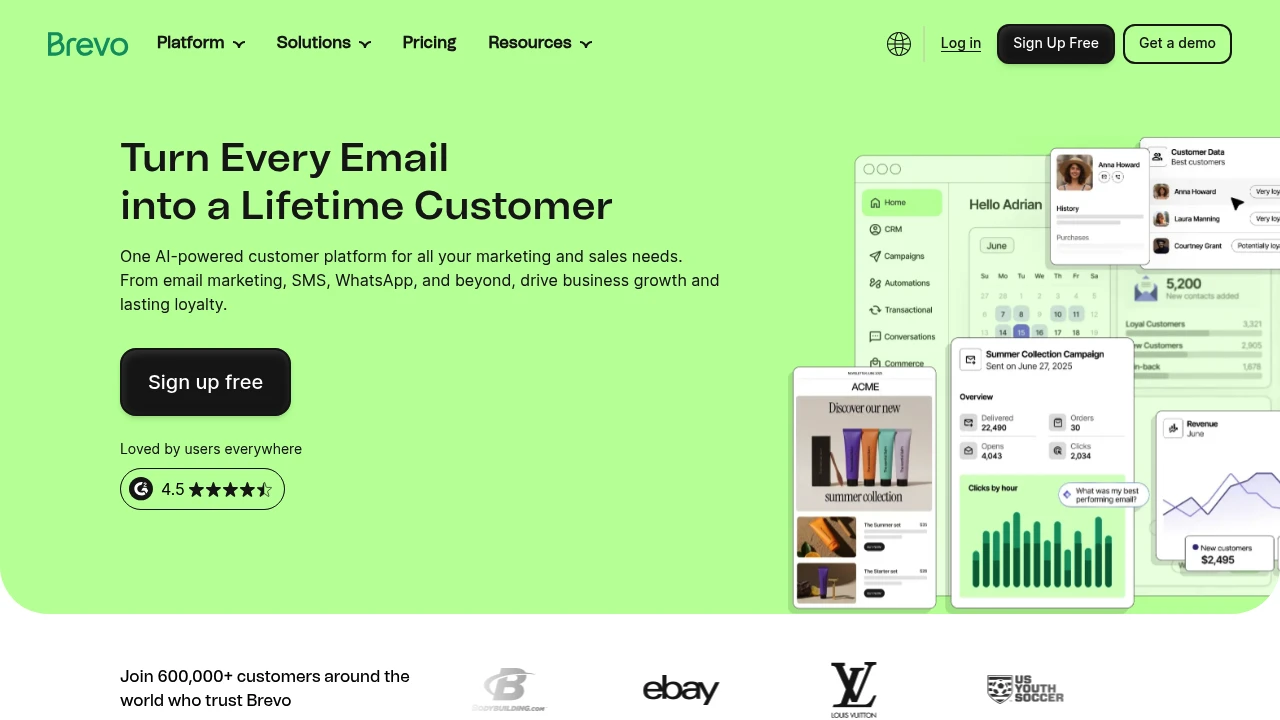
Brevo: Email & SMS Marketing, CRM & Automation Platform
Brevo is a multichannel customer engagement platform combining email, SMS, WhatsApp, CRM, live chat, and transactional email. AI-driven automation tools boost conversions and loyalty. Trusted by over 600,000 users worldwide, from startups to enterprise.
What is Brevo?
Brevo is an all-in-one customer engagement platform that manages marketing, sales, and customer relationships in a single interface. It offers a drag-and-drop editor, ready-made templates, and no-code automation tools for non-technical users to launch campaigns quickly. Built-in Aura AI agents auto-generate copy, optimize send times, recommend products, and analyze data to eliminate busywork. Integrates with over 150 third-party tools including ecommerce, CMS, and CRM systems.
Core Capabilities
- Multichannel marketing: Email, SMS, WhatsApp, live chat, and push notifications
- AI agents (Aura): Auto-generate copy, segment audiences, optimize send times, and recommend products
- CRM & sales tools: Contact management, deal tracking, automated sales emails
- Marketing automation: No-code workflows, advanced segmentation, web tracking
- Transactional email: Order confirmations, password resets, and system emails
- Live chat & conversation summaries: AI-powered chat summaries and tone adjustments
- Data analytics: Natural language queries and visual reports
Pros
- Drag-and-drop editor and templates make it easy for non-technical users
- AI agents automate copywriting, segmentation, and send-time optimization
- Combines email, SMS, WhatsApp, CRM, and live chat in one platform
- Integrates with 150+ third-party tools
- Free plan available with no credit card required
Cons
- Advanced features (AI agents, WhatsApp) require paid plans
- Some users report a steeper learning curve than expected
- Free plan has daily sending limits
- Certain integrations require additional setup
Decision Guidance
Choose Brevo if you need multichannel marketing tools for SMBs or ecommerce, want to manage email, SMS, CRM, and automation in one platform, and use AI to reduce manual work. Ideal for budget-conscious teams that need scalability.
Consider alternatives if you only need a single channel (e.g., email-only) or already have a dedicated CRM system—specialized tools may fit better. Large enterprises requiring deep customization or on-premise deployment may need enterprise-grade solutions.

Benchmark Email is a streamlined email marketing platform with drag-and-drop editor, contact segmentation, personalization, and real-time tracking. Send professional emails fast, no coding, real human support, transparent pricing.
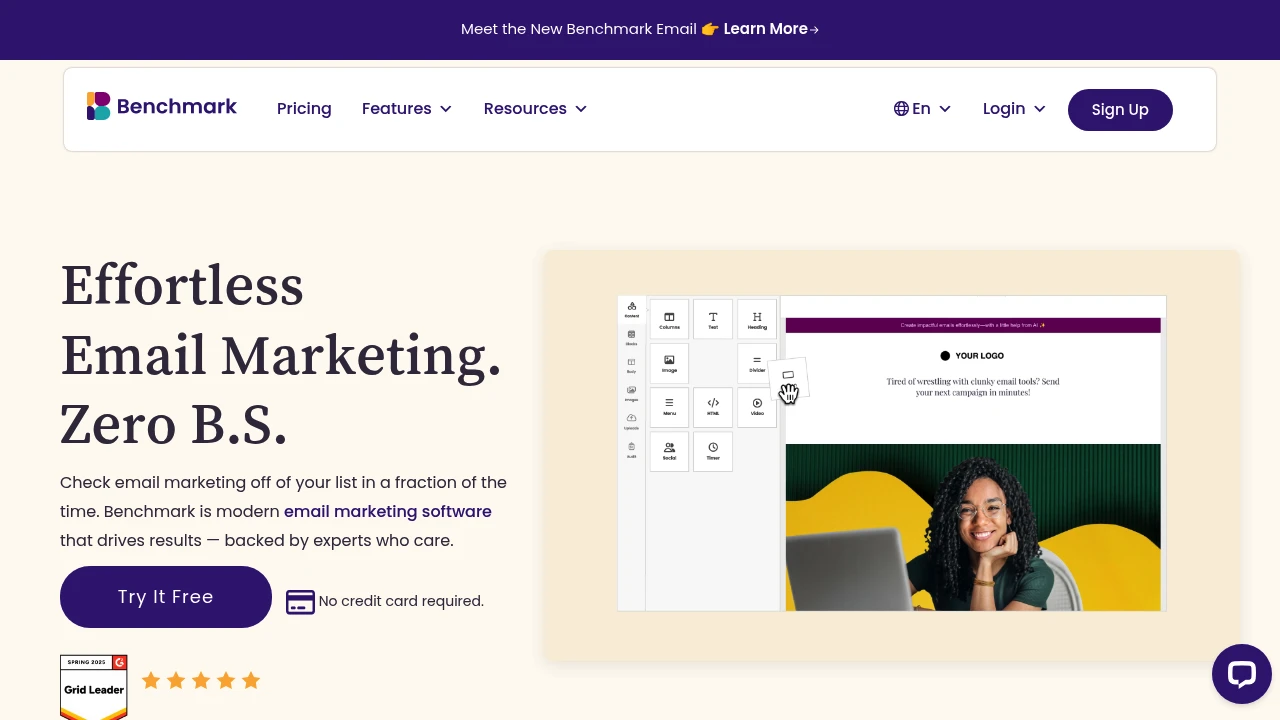
Summary
Benchmark Email is a streamlined email marketing platform designed for busy marketers who need to send campaigns quickly without wrestling with complex tools.
What is Benchmark Email?
Benchmark Email is email marketing software focused on intuitive design and fast execution. The platform strips away bloated features to focus on core needs: designing, sending, and tracking emails. It offers a drag-and-drop editor, contact segmentation, personalization, and real-time activity tracking. Best suited for SMB teams and marketers who send weekly promotional emails. No coding or design experience required to create professional campaigns.
Core Capabilities
- Drag-and-drop email editor: Build beautiful emails in minutes without coding
- Lists and tags management: Organize contacts and segment smarter
- Mobile-first design: Emails display perfectly on any device
- Segmentation and personalization: Send targeted content with contact details
- Image library: Free asset library with centralized visual management
- Contact activity tracking: View real-time engagement data and optimize follow-ups
- Quick contact import: Upload contacts in seconds with no data hassles
Pros
- Intuitive interface with minimal learning curve; most users launch campaigns in under 30 minutes
- Transparent pricing based on contact count and team size with no hidden fees
- Real human support with no chatbots; fast problem resolution
- Professional template library lets non-designers create polished emails
- Focused feature set means you don't pay for tools you won't use
Cons
- Relatively basic features; lacks complex automation workflows
- Not suitable for businesses needing advanced marketing automation or deep CRM integration
- Smaller template selection compared to some competitors
- Simpler analytics and reporting; limited depth for data analysis
- Not an all-in-one marketing suite; focuses on email only
Decision Guidance
Use Benchmark Email if: You're an SMB marketer or small team sending weekly promotional emails or newsletters, and you prioritize speed and ease of use over complex workflows. Ideal for budget-conscious users who want to get started quickly.
Consider alternatives if: You need advanced marketing automation, multi-channel integration (social media, SMS), complex customer journey builders, or deep analytics. Large enterprises or teams requiring high customization may need more robust solutions.

ActiveCampaign's autonomous marketing platform uses AI agents to build and optimize email, SMS, WhatsApp journeys. Integrates 1,000+ apps to cut time to market.
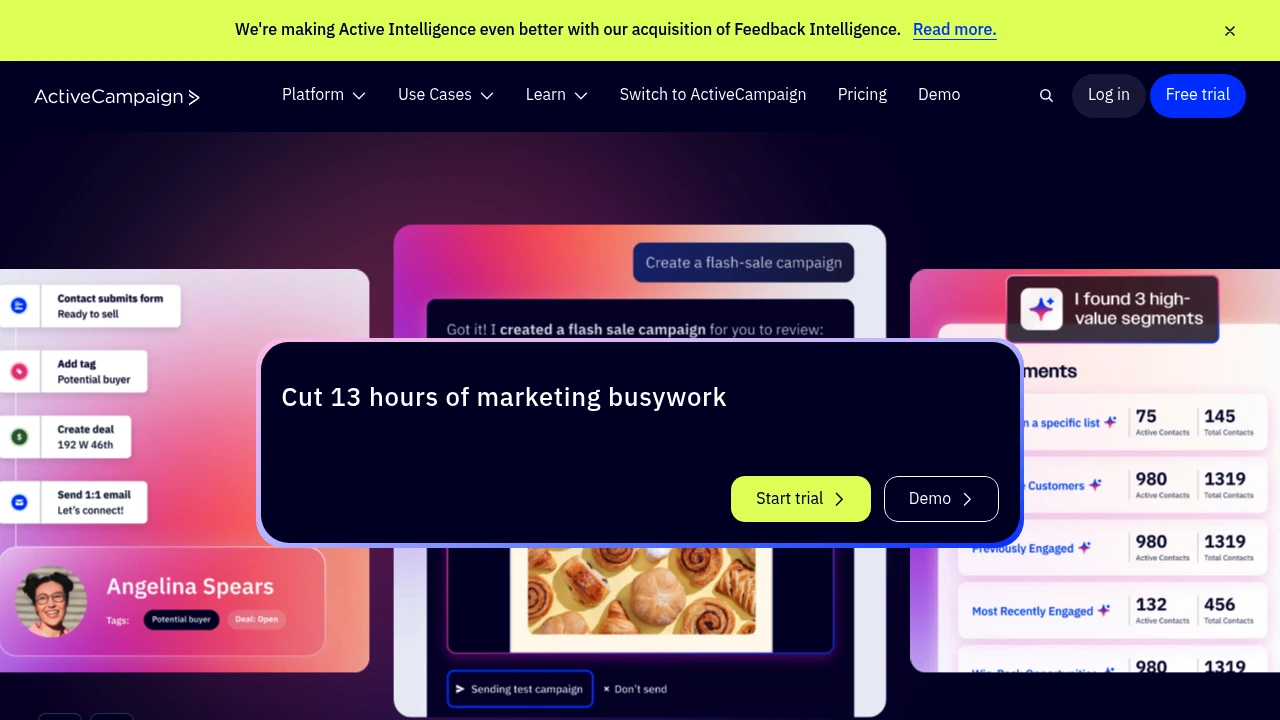
Summary
ActiveCampaign is an autonomous marketing platform that uses AI agents to automate email, SMS, and WhatsApp strategy execution, solving the burden of manually building workflows and analyzing data. The platform claims to save 13 hours of marketing work per week.
What is ActiveCampaign?
ActiveCampaign goes beyond traditional marketing automation through Active Intelligence technology that lets AI agents automatically build and optimize customer journeys, email content, and multi-channel strategies based on your goals. The platform unifies email, SMS, WhatsApp, transactional email, and landing pages, connecting over 1,000 apps with Claude and ChatGPT integration.
Core Capabilities
- AI orchestration: AI agents auto-create personalized email, SMS, and WhatsApp strategies
- Multi-channel automation: Manage email, SMS, WhatsApp, transactional email, and web experiences in one place
- Customer journey optimization: Automate and optimize customer interaction flows
- Visual reporting: Summarize campaign progress and goal achievement
- Integration ecosystem: Connect 1,000+ apps including Claude and ChatGPT
- Email and form builder: Create emails, forms, and landing pages
- Deliverability management: Ensure email inbox placement
Pros
- AI agents build strategy automatically without manual workflow setup
- Unifies email, SMS, WhatsApp in a single platform
- 1,000+ app integrations including AI tools
- 30-day money-back guarantee and 14-day free trial
- Supports agencies, e-commerce, education, healthcare, and other industries
Cons
- Autonomous marketing features may require time to learn and adjust goal settings
- Pricing for advanced AI features not clearly listed on website
- Small teams may not need all channels and integration capabilities
- Time-saving claim (13 hours/week) lacks verification source
Decision Guidance
Use when: You need cross-channel automation across email, SMS, WhatsApp, want AI agents to build strategy instead of just executing preset flows, or require extensive third-party tool integration.
Consider alternatives: Small teams needing only basic email automation, limited budgets without multi-channel needs, or users preferring full manual control over every marketing workflow.


