Dripify Alternatives
Discover the best alternatives to Dripify. Compare features, pricing, and find the perfect replacement.
The best alternative to Dripify is LinkedFusion. If that doesn't suit you, we've compiled a ranked list of other Dripify alternatives to help you find a suitable replacement. Other interesting alternatives to Dripify are: Waalaxy, Skylead, Salesflow and Meet Alfred.
Dripify alternatives are mainly AI LinkedIn Outreach, but may also be LinkedIn Automation or AI Email Outreach. Browse these if you want a narrower list of alternatives.

Written by Eric Leung
Last updated: June 27, 2026 at 8:00 AM
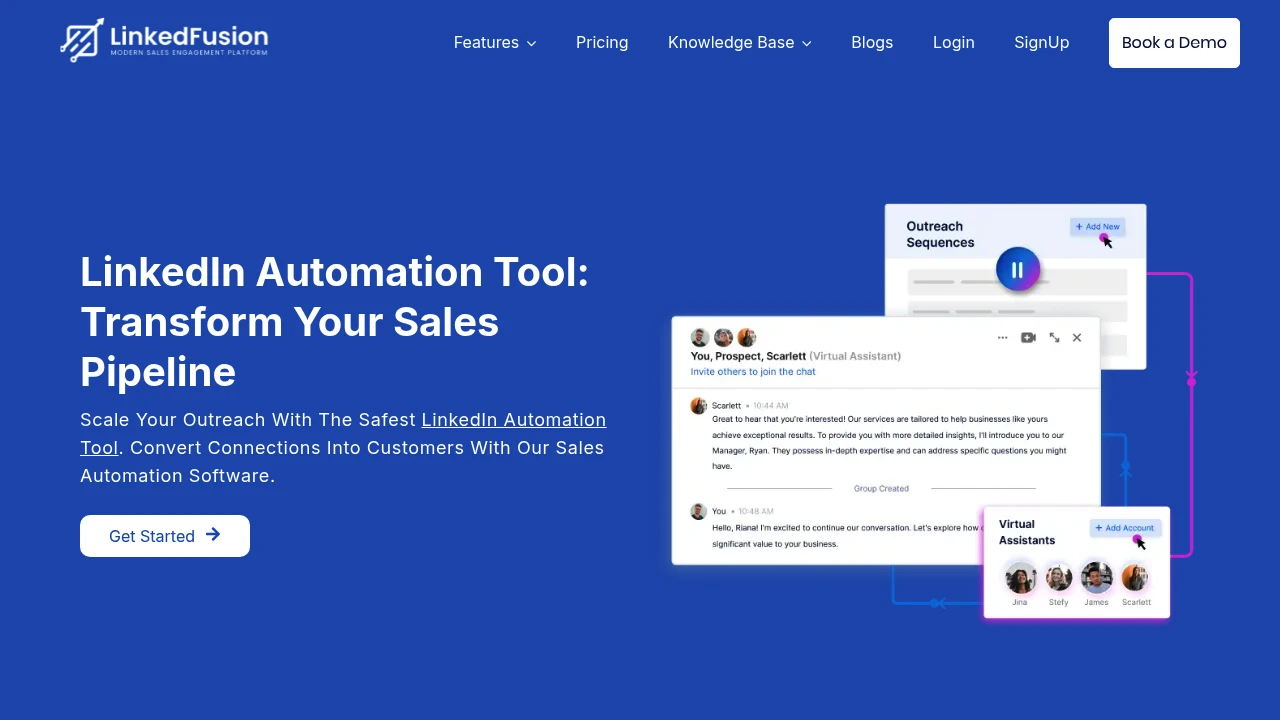
LinkedFusion is a cloud-based LinkedIn automation tool that scales prospecting, automates follow-ups, integrates with CRMs, and uses dedicated IPs and smart scheduling to boost team sales safely.
Summary
LinkedFusion is a cloud-based LinkedIn automation platform built for sales teams and agencies to automate connection requests, follow-ups, and lead management, solving manual prospecting inefficiency and data fragmentation.
What is LinkedFusion?
LinkedFusion is a LinkedIn automation tool that runs automated sales sequences via the cloud, including connection requests, personalized messages, scheduled follow-ups, and CRM integrations. The platform offers dedicated local IPs, unlimited concurrent sequences, smart inbox, and virtual assistant (VA) technology, supporting 190+ countries. Teams can run outreach campaigns 24/7 offline while staying compliant with LinkedIn policies.
Core Capabilities
- Cloud-based automation: Run outreach sequences 24/7 without keeping devices online
- Dedicated local IP: Each account gets a unique IP address, supporting 190+ countries
- Unlimited concurrent sequences: Run multiple campaigns simultaneously across all time zones
- Smart inbox: Reply to conversations and schedule messages directly in the tool
- Native CRM integrations: Sync leads and conversation history with HubSpot, Salesforce, Pipedrive, and more
- Advanced search filters: 40+ filters (like Sales Navigator), supports CSV/Google Sheets import
- VA technology: Add assistants to your account and scale outreach 10x
- AI post scheduler: Generate and schedule LinkedIn content
- Group messaging: Create personalized groups with prospects who respond positively
- SSI score sync: Monitor and improve LinkedIn Social Selling Index
- Team blacklist: Prevent duplicate outreach to the same prospects or companies
Pros
- Cloud architecture runs campaigns 24/7 without keeping computers on
- Dedicated IPs and safety settings reduce account risk
- Native CRM integrations save data entry time (sales reps save ~50 hours/month)
- Supports LinkedIn + email hybrid sequences to boost conversions
- Team features include shared templates, blacklists, and admin account access
Cons
- Pricing not clearly listed on website; requires contact for quotes
- Advanced features (VA technology, white-label) may require additional fees
- Learning curve for LinkedIn beginners, despite training resources
- Dependent on LinkedIn policy changes; automation tools carry platform risk
- Some integrations require Zapier; not all CRMs are natively supported
Decision Guidance
When to use: B2B sales teams scaling LinkedIn prospecting, agencies managing multiple client accounts, remote teams needing cloud collaboration tools, businesses requiring CRM integration and automated data sync.
When to consider alternatives: Individual users on tight budgets (basic tools start at $30-50/month), those needing completely free plans, teams relying primarily on channels other than LinkedIn, or organizations with strict compliance concerns about automation tool risks.

Looking for alternatives to other popular services? Check out other posts in the alternatives series and GTM Guide, a directory of tools with filters for tags and alternatives for easy browsing and discovery.

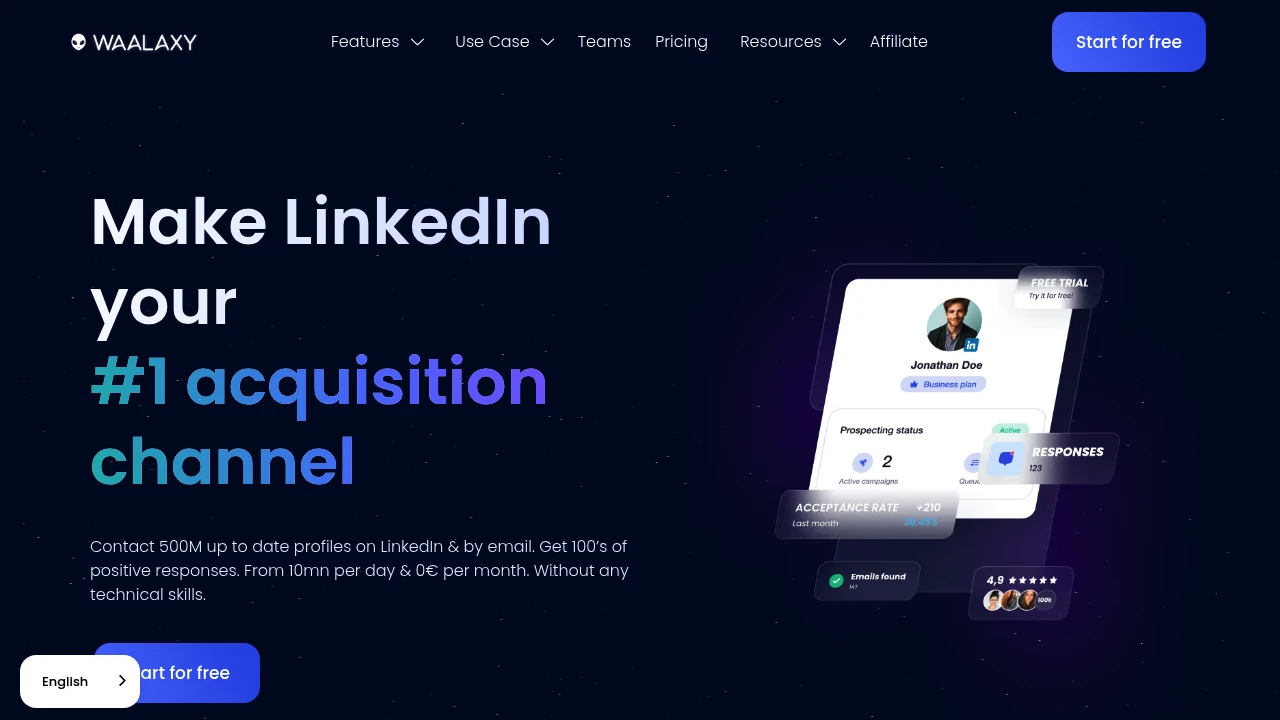
Waalaxy automates LinkedIn invites, messages, and email outreach. 99+ ready-made sequences, AI message writer, email finder, and CRM sync. Launch your first campaign in 10 minutes, no technical skills needed.
Summary
Waalaxy is a LinkedIn automation tool for sales teams, founders, and recruiters to launch multi-channel outreach campaigns fast. No technical skills required, combines LinkedIn and email, with built-in AI message writing and CRM sync.
What is Waalaxy?
Waalaxy is an automation platform built for LinkedIn outreach. Import prospects from LinkedIn Search or Sales Navigator, then launch automated invitation, message, and email follow-up sequences. Includes AI message writer (Waami), professional email finder, and integrations with HubSpot, Pipedrive, and 2,000+ tools. Most users launch their first campaign in under 10 minutes and get first replies within 4 days.
Core Capabilities
- LinkedIn automation: Auto-send invites, messages, and profile visits; up to 800 invites/month
- 99+ ready-made sequences: LinkedIn-only or LinkedIn + email multi-channel templates
- AI message writer (Waami): Generates high-reply messages based on historical data
- Professional email finder: One-click email extraction for prospects
- CRM integrations: Sync with HubSpot, Pipedrive, and 2,000+ tools via Zapier, Make
- Team collaboration: Shared leads, anti-duplicate import, unified dashboard
- Enhanced inbox: Tags, templates, automatic follow-up reminders
Pros
- Launch first campaign in 10 minutes, no technical background needed
- 99+ customizable sequence templates for LinkedIn and email
- AI writes messages automatically to boost reply rates
- LinkedIn-safe limits protect account security
- Integrates with 2,000+ tools (HubSpot, Pipedrive, Zapier, Make)
Cons
- Limited to LinkedIn and email channels, no other social platforms
- 800 invites/month cap (LinkedIn limit)
- Advanced customization requires understanding sequence logic
- Team features require paid plans
Decision Guidance
When to use: Sales teams, founders, or recruiters need to launch LinkedIn outreach fast, want to combine email touchpoints with automated follow-ups, and lack technical resources for complex workflows.
When to consider alternatives: If you need multi-channel outreach beyond LinkedIn (other social platforms), enterprise-grade compliance controls, or deep custom API integrations, evaluate dedicated sales engagement platforms.

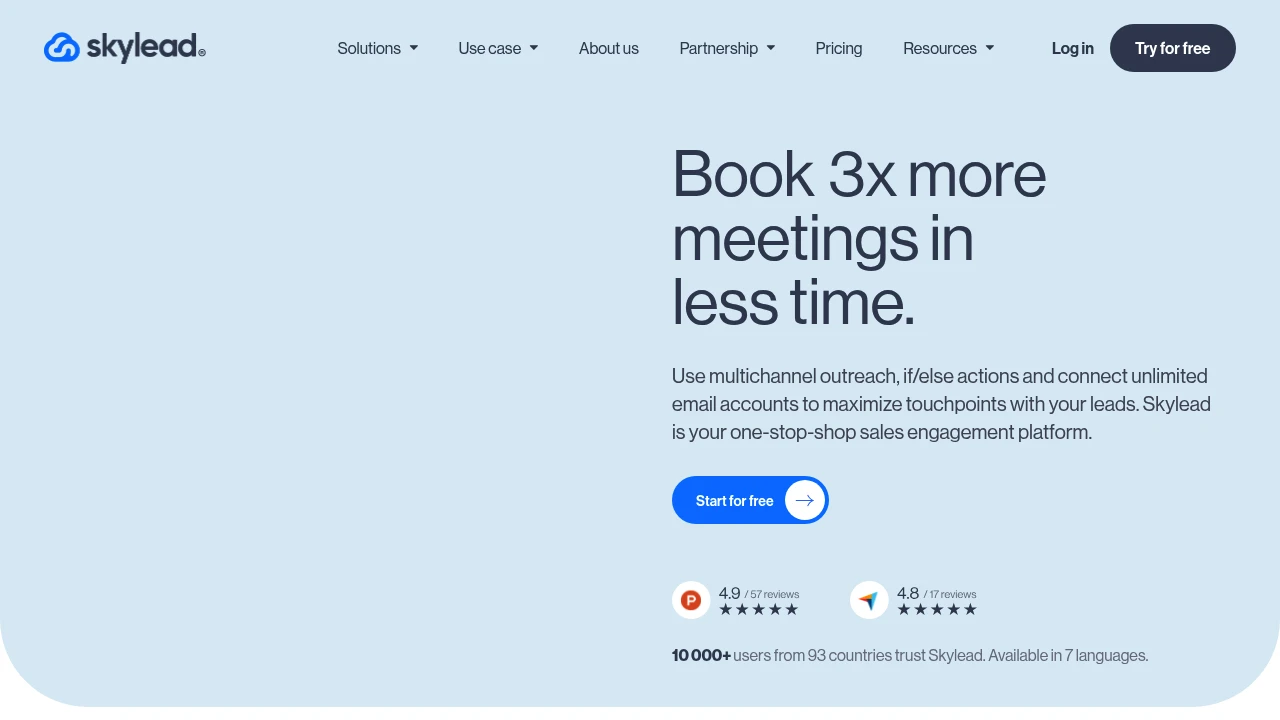
Skylead is a sales engagement platform combining LinkedIn and unlimited email accounts. Smart sequences, if/else logic, and image personalization boost reply rates for SDR, marketing, and recruiting teams.
Skylead
Summary
Skylead is a multichannel sales engagement platform that combines LinkedIn and email automation through smart sequences and conditional logic. Built for sales, marketing, and recruiting teams that need scalable outreach with personalization.
What is Skylead?
Skylead is an all-in-one sales engagement platform that lets teams build automated sequences across LinkedIn and email. The system supports if/else conditions, unlimited email account connections, built-in email warm-up via InboxFlare, and email discovery and verification. The platform offers personalized image and GIF insertion to increase open and reply rates.
Core Capabilities
- Smart Sequences: if/else conditional automation that adjusts outreach paths based on lead behavior
- Multichannel outreach: Integrate LinkedIn and email in a single workflow
- Unlimited email automation: Connect unlimited email accounts, send 100,000+ emails per month
- InboxFlare email warm-up: Automatically boost email deliverability and inbox placement
- Email discovery & verification: Find and verify business email addresses automatically
- Image & GIF personalization: Insert customized visual elements in messages
Pros
- if/else conditional logic adapts sequences based on lead interactions
- Unlimited email account connections suit large-scale outreach teams
- Built-in email warm-up tool eliminates need for third-party subscriptions
- Personalized image and GIF features increase reply rates
- Supports 7 languages, serves 10,000+ users across 93 countries
Cons
- Relies heavily on LinkedIn; platform policy changes may affect functionality
- Steeper learning curve for mastering conditional sequence setup
- Pricing not publicly disclosed; requires sales contact
- No detailed native CRM integration information
- High-volume email sending requires careful management to avoid spam filters
Decision Guidance
When to use: SDR or marketing teams need automated sequences across LinkedIn and email with conditional logic for personalization; recruiting teams require large-scale candidate outreach with high reply rates.
When to consider alternatives: If your team uses a single channel (email-only or LinkedIn-only), specialized tools may be simpler; if you need deep CRM integration or transparent pricing, verify tech stack compatibility and budget first.

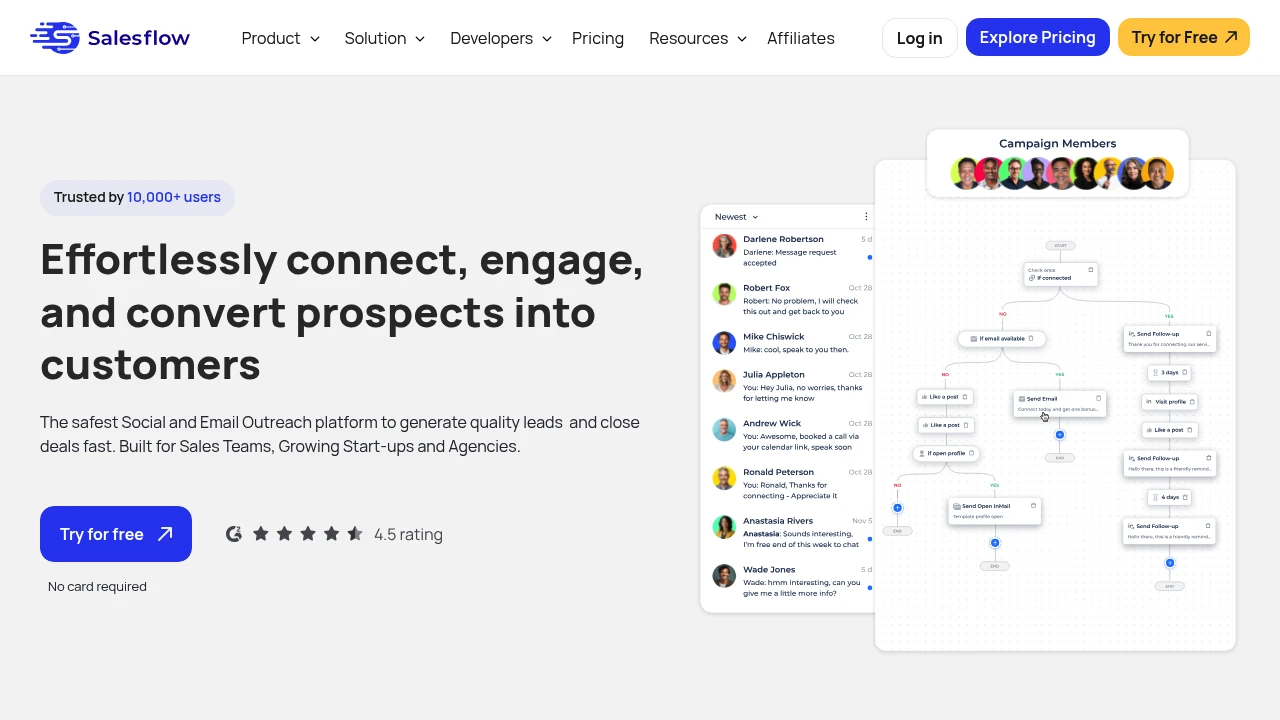
SalesFlow is a LinkedIn automation and sales development platform that integrates multi-channel outreach, lead management, and message sequences to help B2B teams improve response rates and sales efficiency.
Summary
SalesFlow is a LinkedIn automation and sales development platform that helps teams automate outreach, manage leads, and improve response rates. Built for B2B sales teams and SDRs.
What is SalesFlow?
SalesFlow is a cloud-based sales automation tool that integrates LinkedIn outreach, email scheduling, and CRM functionality. The platform uses automated message sequences, smart follow-ups, and lead management to let sales teams focus on high-value conversations and reduce manual repetitive work.
Core Capabilities
- LinkedIn automation: Auto-send connection requests, messages, and follow-up sequences
- Multi-channel outreach: Combine LinkedIn and email to reach prospects
- Lead management: Centralized inbox to track conversations and replies
- Personalized templates: Customizable message templates with variable insertion
- Team collaboration: Shared campaign data and performance tracking
Pros
- Automates LinkedIn outreach workflows, saving manual operation time
- Multi-channel integration increases reach and reply opportunities
- Centralized inbox simplifies lead follow-up management
- Template and sequence features support scaled personalized outreach
- Team dashboard provides campaign performance visibility
Cons
- Over-automation may affect message authenticity and brand perception
- LinkedIn policy changes may impact automation feature stability
- Learning curve requires time to master sequence setup and best practices
- Opaque pricing requires contacting sales team for quotes
- LinkedIn platform dependency means account risk is self-assumed
Decision Guidance
When to use: B2B sales teams need to scale LinkedIn outreach, SDR teams want to automate repetitive tasks, businesses need multi-channel reach and centralized lead management.
Consider alternatives: If you value message authenticity over automation efficiency, LinkedIn is not your primary sales channel, or you're concerned about account security risks, consider manual outreach or other CRM tools.

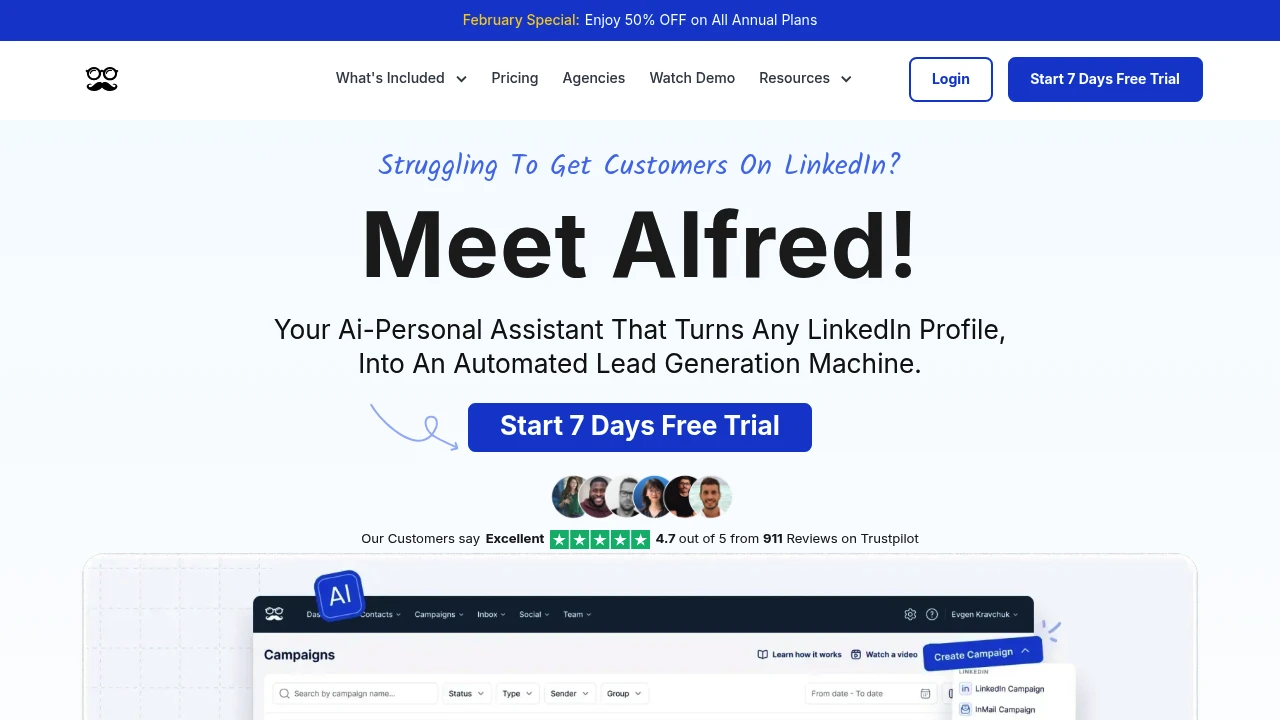
Meet Alfred automates LinkedIn, email & X outreach with AI-driven lead search, personalized messaging, multi-channel follow-ups & unified inbox—boosting reply rates up to 10x.
Summary
Meet Alfred is a LinkedIn automation tool that combines AI-powered multi-channel outreach to help founders, sales teams, and agencies automate lead generation, personalized messaging, and follow-ups. Launched in 2016, it serves over 150,000 users, integrating LinkedIn, email, and X (Twitter) to increase reply rates up to 10x.
What is Meet Alfred?
Meet Alfred is a cloud-based LinkedIn automation platform designed for SDRs, founders, and marketing teams. It uses an AI search engine to find target contact details, automates connection requests, personalized messages, and follow-ups, and integrates email and social channels. The platform offers a conversation manager inbox, CRM sync, and team collaboration features, saving users over 10 hours per week on manual prospecting so they can focus on relationship-building and closing deals.
Core Capabilities
- Lead Finder: AI search engine crawls the web to build targeted lists based on ideal customer profiles; export or sync to CRM
- Multi-Channel Outreach: Automate LinkedIn, email & X (Twitter) messages with personalization variables and multi-step follow-up sequences
- Conversation Manager: Unified inbox for all channel replies; filter, label, add notes, and auto-detect responses
- Team Collaboration: Role assignment, shared inboxes, team-level analytics, and campaign performance tracking
- Integrations: Connect Zapier, Webhooks, Facebook, Instagram, and major CRM systems
Pros
- First platform to integrate LinkedIn + email + X outreach, significantly boosting reply rates
- 24/7 support with average response time under 3 minutes; Teams Plan users get dedicated account managers
- Cloud-based operation—no browser extensions or need to keep computer running
- Simplifies LinkedIn 2FA process, avoiding account verification issues
- Built-in CRM features let small teams manage leads without additional tools
Cons
- Requires time to learn how to design high-converting campaign sequences and message templates
- Automation depends on LinkedIn policy compliance; overuse may trigger platform limits
- Advanced features (Lead Finder, team collaboration) limited to paid plans
- New users unfamiliar with outreach strategy may see lower initial results
- Some users report need for continuous message optimization to avoid robotic tone
Decision Guidance
When to use: Founders, SDR teams, or agencies need to scale LinkedIn outreach while integrating email and social channels; want to save 10+ hours/week on manual prospecting and use AI search to build targeted lists quickly; require team collaboration and unified inbox for multi-channel conversations.
Consider alternatives: Your outreach strategy is single-channel only (e.g., email-only) and doesn't need LinkedIn automation; limited budget and only need basic connection request features; team lacks content creation skills to continuously optimize personalized messaging; your industry or audience has low tolerance for automated messages and requires fully manual, custom communication.
Looking for alternatives to other popular services? Check out other posts in the alternatives series and GTM Guide, a directory of tools with filters for tags and alternatives for easy browsing and discovery.

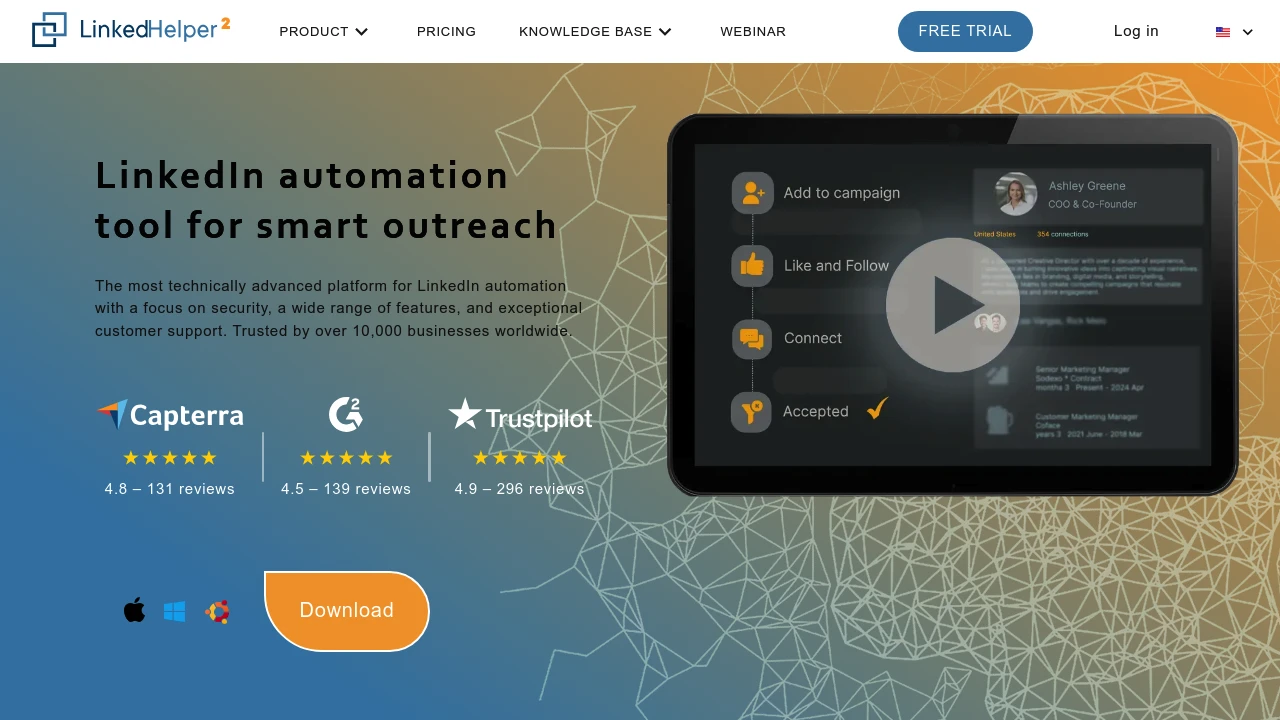
Linked Helper offers 31+ LinkedIn automation features: connection requests, message sequences, Email Finder, data scraping, and CRM integrations to streamline lead generation and sales outreach.
Summary
Linked Helper is a LinkedIn automation platform built for lead generation and sales outreach. It automates connection requests, message sequences, data extraction, and engagement actions, helping teams scale their network and manage sales funnels with a built-in CRM and third-party integrations.
What is Linked Helper?
Linked Helper is a standalone desktop app (not a browser extension) that works with LinkedIn, Sales Navigator, and Recruiter. It provides 31+ automation features including auto-invitations, message chains, contact scraping (emails, phones), skill endorsements, post engagement, and event invitations. The built-in Email Finder uncovers emails from 2nd and 3rd-degree connections, with export to CSV or direct CRM sync (HubSpot, Pipedrive, Salesforce, etc.). Trusted by 10,000+ businesses across 180 countries.
Core Capabilities
- Automated outreach sequences: Build multi-step message chains with connection requests, follow-ups, and reply detection
- Data scraping & export: Extract emails, phones, and message history from profiles and companies; export to CSV or CRM
- Built-in Email Finder: Discover verified emails from 2nd/3rd connections (610 credits Standard, 3,200 Pro)
- Hyper-personalization: Custom variables, personalized image attachments, flexible template editor
- Post engagement tools: Auto-like, comment, and tag users to boost post reach
- Multi-source targeting: Gather leads from LinkedIn search, Sales Navigator, groups, events, CSV, and more
- Built-in CRM: Track interaction history, tags, and notes for all contacts
- Third-party integrations: Direct sync with HubSpot, Pipedrive, Salesforce, Zoho, ActiveCampaign, or via Webhooks/Zapier/Make
- Advanced safety controls: Randomized delays, human-like actions, daily limits, custom working hours
- All LinkedIn platforms: Works with Basic, Premium, Sales Navigator, Recruiter
Pros
- Standalone app architecture is safer than browser extensions; doesn't inject code into LinkedIn
- 20+ automated actions (connections, InMails, endorsements, group invites, post engagement)
- Built-in Email Finder and CRM eliminate need for separate subscriptions
- High personalization (custom variables, image attachments) boosts response rates
- 24/7 support with 20-minute resolution commitment
Cons
- Desktop-only (Windows/Mac); no web or mobile app
- Email Finder credits are limited; extra searches cost $15 per 1,000
- Single license can't run on multiple LinkedIn accounts simultaneously (can switch anytime)
- Over-automation risks LinkedIn ToS violations; requires careful daily limit setup
- Steep learning curve with 31 features to master
Decision Guidance
When to use: Best for sales teams, recruiters, and marketers running large-scale LinkedIn outreach, especially if you use Sales Navigator or Recruiter and need to automate lead gen workflows, integrate with existing CRM, and extract contact data.
When to consider alternatives: If you need only basic connection automation, prefer cloud-based solutions, have a small team, or limited budget, simpler LinkedIn automation tools may suffice. If your primary need is email finding rather than LinkedIn outreach, dedicated email finder tools may be more cost-effective.

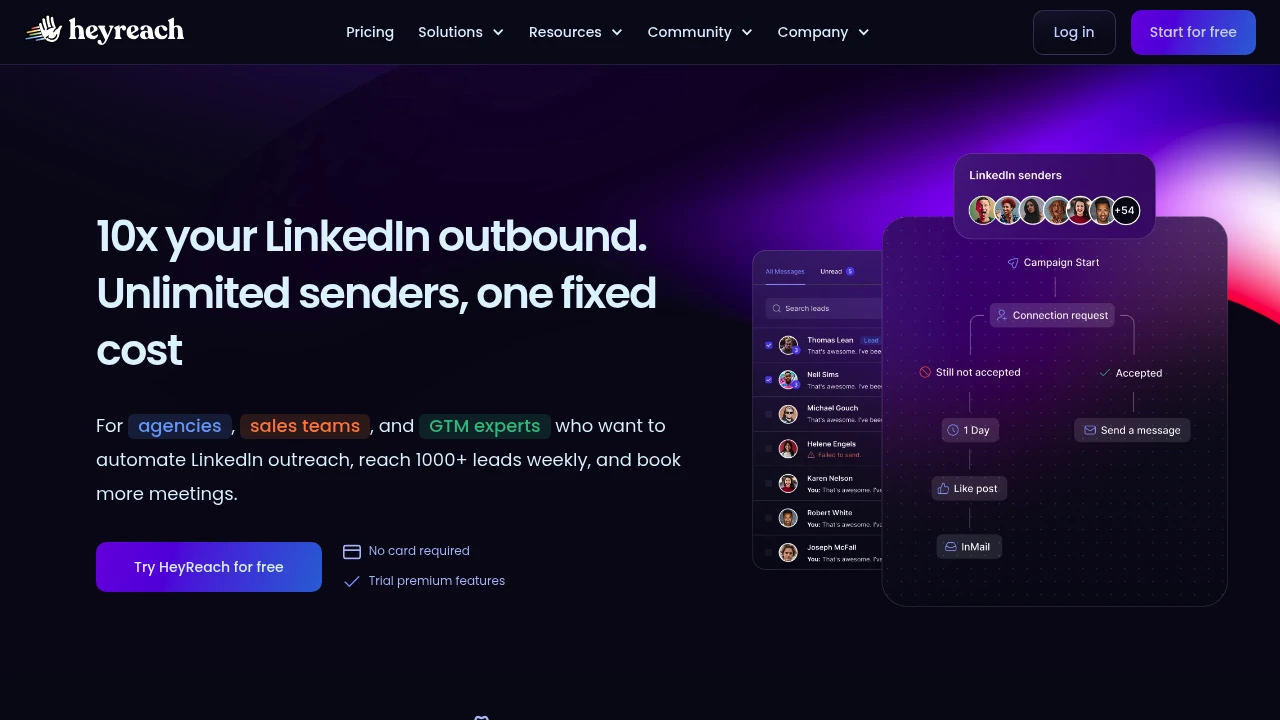
HeyReach automates LinkedIn outreach for agencies and sales teams with multi-account rotation, unified inbox, Clay/RB2B integrations, API, and whitelabel options.
Summary
HeyReach is a LinkedIn automation platform for agencies, sales teams, and GTM experts that bypasses LinkedIn's daily invite limits (20-40) by rotating sends across multiple accounts, reaching 1,000+ leads weekly.
What is HeyReach?
HeyReach lets you connect unlimited LinkedIn accounts under one flat fee and automatically rotates connection requests and messages between them. It integrates natively with Clay, RB2B, HubSpot, Instantly, and Smartlead, supports API and webhooks, and offers whitelabel options for agencies. A unified inbox centralizes replies from all accounts, eliminating constant login switching.
Core Capabilities
- Multi-account rotation: Unlimited LinkedIn accounts auto-rotate sends to avoid daily limits
- Unified inbox: Manage all LinkedIn messages and replies in one place, send desktop voice notes
- Native integrations: Direct connections to Clay, RB2B, Instantly, Smartlead, HubSpot
- If Connected logic: Segment existing connections from new prospects for precise targeting
- Real-time analytics: Track acceptance rates, reply rates, sender performance, A/B tests
- API and webhooks: 20+ webhook events, full API for custom workflows
- Whitelabel: Agency and Unlimited plans support brand customization
Pros
- One flat fee for unlimited accounts (Agency: $799/mo for 50 accounts, Unlimited: $1,999/mo)
- Built-in anti-duplication protects account safety and respects LinkedIn limits
- Seamless Clay and GTM stack integration without engineering resources
- Works with free LinkedIn accounts and Sales Navigator/Recruiter
- Fast customer support, team ships new integrations continuously
Cons
- Designed for agencies and large teams; may be overkill for solo users
- Requires multiple LinkedIn accounts to unlock full value
- Pricing may be steep for small teams or startups
- Advanced workflows depend on third-party tools like Clay
Decision Guidance
Use HeyReach if: You're an agency managing multiple client accounts, a sales team needing to reach hundreds of leads weekly, a GTM team integrating Clay or RB2B for signal-based outreach, or you need API/webhooks for custom workflows.
Consider alternatives if: You're a solo user needing single-account automation, a startup with limited budget, or you don't require multi-account rotation and advanced integrations.

Reply.io offers AI-powered sales outreach with cold email automation, multichannel sequences, 1B+ B2B database, unlimited mailbox warm-up, and AI SDR agents to boost deliverability and meetings.
Summary
Reply.io is an AI-driven sales outreach platform that automates cold email, multichannel campaigns, and lead generation. It combines a B2B database, email warm-up, LinkedIn automation, and AI SDR agents to streamline sales workflows and increase meeting bookings.
What is Reply.io?
Reply.io is a comprehensive sales automation tool built for B2B teams. The platform delivers multichannel sequences (email, LinkedIn, SMS, calls, WhatsApp), real-time contact search (1B+ B2B records), AI message personalization, and a unified inbox. Users can run human-led outreach or activate Jason AI SDR for fully autonomous prospecting, replies, and meeting scheduling 24/7. The platform emphasizes email deliverability with 30+ anti-spam features and unlimited mailbox warm-up included.
Core Capabilities
- Multichannel automated sequences: Combine email, LinkedIn, SMS, calls, and Zapier integrations with conditional triggers
- AI variables & personalization: Every email uniquely generated by AI to bypass spam filters
- Real-time B2B database: Access 1B+ global contacts with intent signals and email verification
- Jason AI SDR agent: Fully autonomous prospecting, AI replies, meeting booking (Autopilot or Copilot mode)
- Unlimited mailbox warm-up: Auto warm-up for every connected mailbox, boosting open and delivery rates
- Unified inbox: Centralize all channel conversations (email, LinkedIn, SMS)
- Meeting scheduler integration: Sync with Calendly and CRMs, book directly from sequences
- Anti-spam suite: 30+ features including email health checks, Gmail API sending, delayed sends, plain-text mode
- Team collaboration & reporting: Team performance reports, channel efficiency analytics, CSV export, role-based access
- Agency plans: Multi-workspace architecture, white-label option, custom sequence templates
Pros
- Unlimited mailboxes & warm-up: Included in all plans at no extra cost, significantly improving deliverability
- True multichannel: Single platform for email, LinkedIn, SMS, calls, WhatsApp
- Deep AI automation: From message generation to reply handling and meeting booking
- Real-time data quality: B2B contact data updated live with intent signals for higher conversion
- Flexible pricing: Pay per active contacts or unlimited contacts, fits different team sizes
- Highly rated support: 4.6/5 on G2 (1,480 reviews), live chat and CSM onboarding
Cons
- Learning curve: Rich multichannel and AI features require time to master initially
- LinkedIn & SMS cost extra: LinkedIn automation $69/mo/account, calls & SMS $29/mo/account
- AI SDR entry price high: Jason AI starts at $500/mo, may be steep for small teams
- Limited live data credits: Base plans include only 50 live data credits/month, need to purchase more
- Agency plan threshold: Agency Core starts at $210/mo, Agency AI SDR $500/mo per client
Decision Guidance
Use Reply.io if: You need large-scale cold email automation, value multichannel touchpoints (LinkedIn, SMS, calls), want AI to handle personalization and replies, or require real-time B2B data with high deliverability guarantees. Ideal for B2B sales teams, SDR teams, growth-stage companies, and agencies.
Consider alternatives if: You only need basic email sequences (no multichannel), have a tight budget and don't need AI agents, or already have a complete CRM and data source and just need simple automation. Smaller teams not requiring LinkedIn or AI SDR may find lighter-weight options more cost-effective.

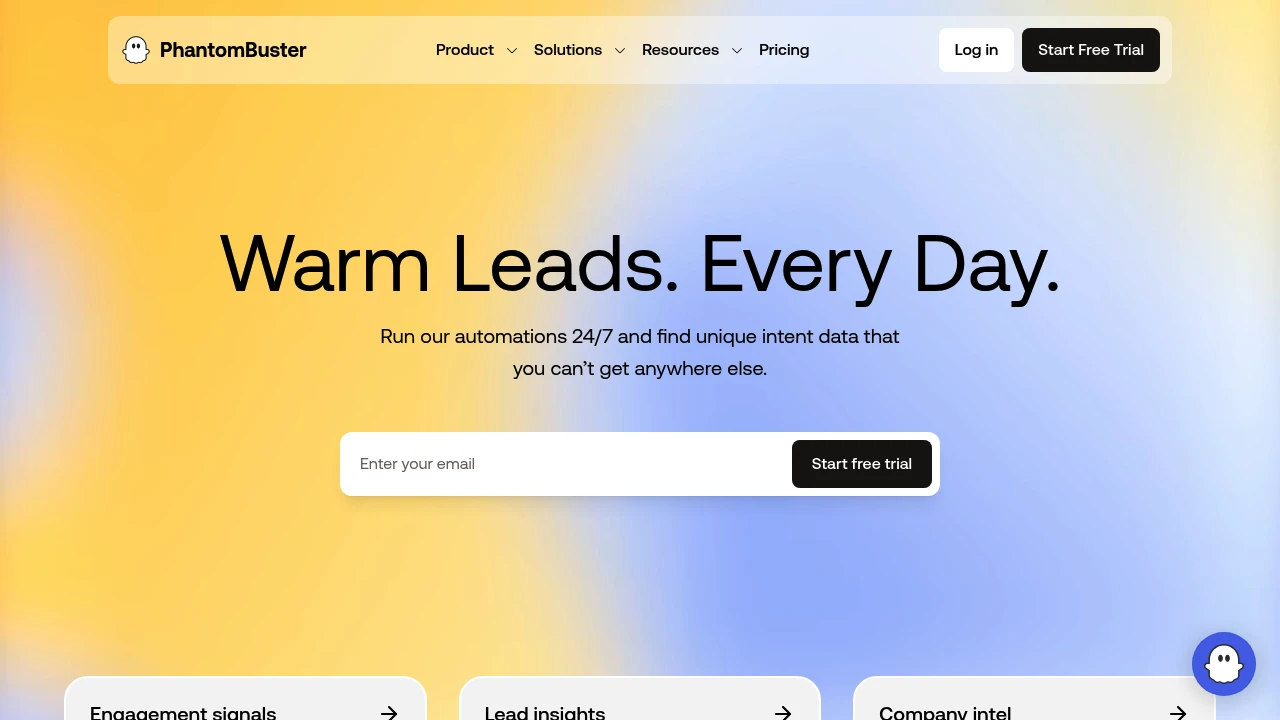
PhantomBuster integrates 15+ data sources to track intent signals around the clock, auto-enriching your lead pipeline for targeted prospecting with less manual work.
Summary
PhantomBuster is an automated lead generation tool that integrates 15+ data sources, tracks intent signals 24/7, and auto-fills your sales pipeline while reducing manual prospecting work.
What is PhantomBuster?
PhantomBuster is a lead automation platform that connects multiple data sources (LinkedIn, Twitter, Google Maps, etc.) to continuously monitor prospect intent signals, automatically collect contact data, and enrich customer profiles. Built for sales teams, marketers, and growth professionals.
Core Capabilities
- Multi-source data integration: Connect 15+ platforms (LinkedIn, Sales Navigator, Twitter, Instagram, Google Maps, etc.)
- Intent signal tracking: Monitor prospect behavior and interactions around the clock
- Automated workflows: Set triggers to execute lead generation tasks automatically
- Data enrichment: Auto-expand contact details, company info, and social profiles
- CRM integration: Export data to HubSpot, Salesforce, and other systems
Pros
- Integrates multiple data sources for broad coverage
- Runs 24/7 automatically, saving significant manual time
- Flexible workflow configuration adapts to different prospecting strategies
- Powerful data enrichment improves lead quality
- Supports major CRM system integrations
Cons
- Steeper learning curve; initial setup takes time
- Some platforms (e.g., LinkedIn) may have usage restrictions
- Pricing may be high for small teams
- Requires regular monitoring to avoid violating platform policies
Decision Guidance
Use PhantomBuster if: You need large-scale lead generation, want to automate repetitive tasks, or require multi-source data integration for your sales or growth team.
Consider alternatives if: You only need basic contact lookup, have a limited budget, or run a small team that doesn't require complex automation—manual prospecting may be more cost-effective.

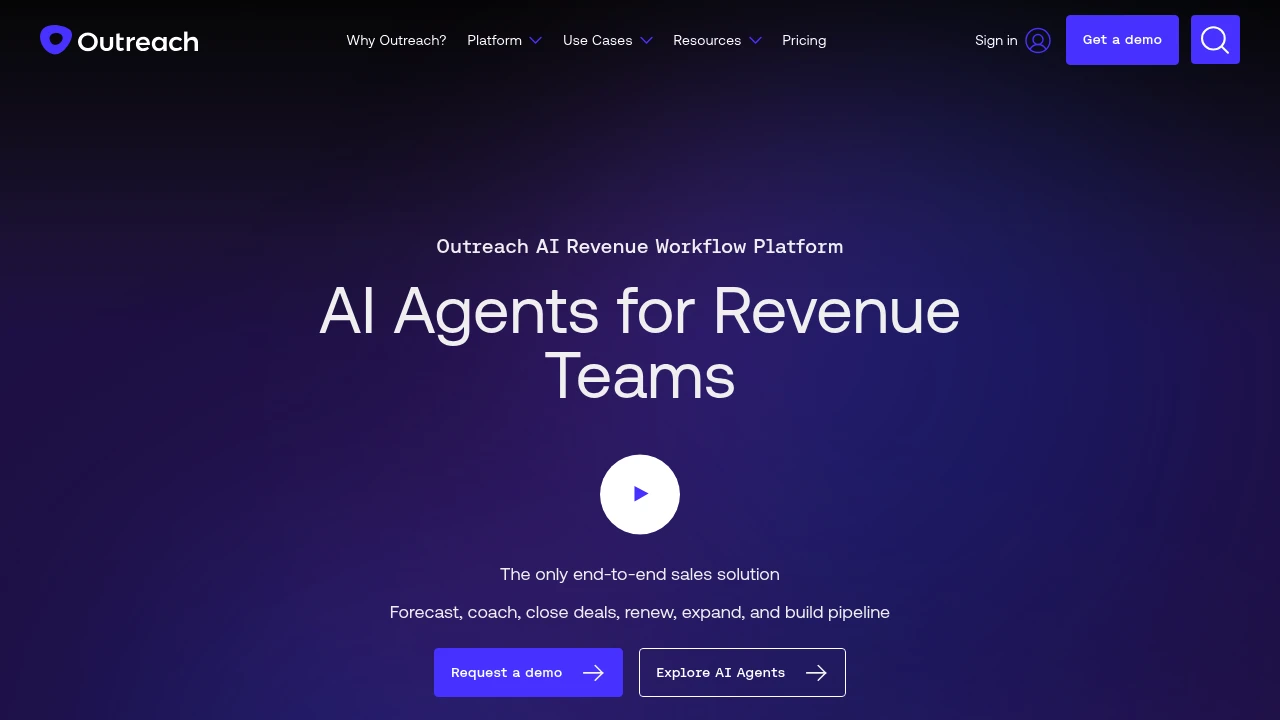
Outreach is an AI revenue workflow platform helping sales, marketing, RevOps, and customer success teams increase win rates through automated workflows, forecasting, and deal management.
Summary
Outreach is an end-to-end AI revenue workflow platform built for sales, marketing, RevOps, and customer success teams. The platform uses AI agents to automate prospecting, deal management, forecasting, and retention, helping teams boost productivity and accelerate deal velocity.
What is Outreach?
Outreach is an integrated sales execution platform that covers the full workflow from prospecting to customer expansion. The platform leverages AI agents to automate research, recommend next actions, identify buying committee members, and deliver real-time conversation insights. Sales leaders can forecast accurately with AI-assisted modeling that reduces prep time and improves revenue predictability.
Core Capabilities
- AI-driven prospecting: Automates research and surfaces best-fit prospects
- Deal management and risk detection: Rapidly inspect pipeline deals, uncover risks, and prioritize actions
- AI-assisted forecasting: Validates calls, compares outcomes, and improves accuracy
- Real-time conversation insights: Spots coaching opportunities and delivers consistent feedback
- Customer retention and expansion: Automates retention plays and flags renewal risks early
- Account orchestration: Identifies and engages all stakeholders to improve win rates
Pros
- Increases seller productivity by 60% with AI-driven workflows
- Consolidates tech stack: Amplitude saved over $600K annually by replacing five platforms
- Accelerates rep onboarding with centralized tools that are easier than standalone CRMs
- Improves forecast accuracy with AI-assisted modeling that reduces prep time
- Delivers real-time coaching feedback to improve team-wide performance
Cons
- Primarily targets enterprise sales teams; may be overkill for small teams
- Requires CRM integration (e.g., Salesforce) to unlock full value
- Steeper learning curve due to comprehensive feature set
- Pricing not publicly available; requires sales contact
- May be overly complex for simple sales processes
Decision Guidance
Use Outreach when: Enterprise sales, marketing, and RevOps teams need end-to-end workflow automation, accurate forecasting, and multi-platform consolidation. Especially suited for teams managing complex buying committees and high deal volumes.
Consider alternatives when: You run a small sales team with simple processes, have budget constraints, need only basic outreach features, or already use specialized tools for specific sales stages.
Looking for alternatives to other popular services? Check out other posts in the alternatives series and GTM Guide, a directory of tools with filters for tags and alternatives for easy browsing and discovery.

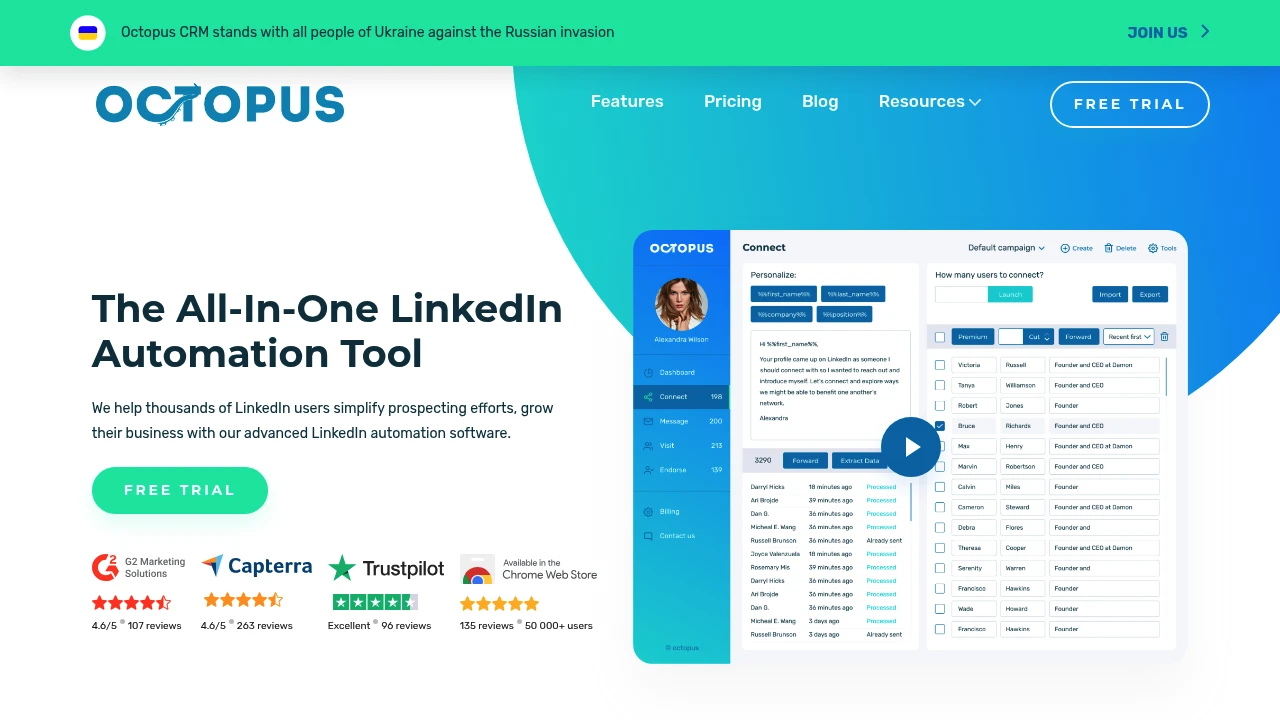
Octopus CRM automates LinkedIn connection requests, bulk messaging, skill endorsements, and profile visits. Built for sales teams, recruiters, and agencies seeking safe lead generation.
Summary
Octopus CRM is a LinkedIn automation tool designed for B2B prospecting and sales teams. It automates connection requests, messaging, skill endorsements, and profile visits, enabling you to build personalized marketing funnels and save manual effort.
What is Octopus CRM?
Octopus CRM is a browser extension that automates LinkedIn lead generation. It works with free LinkedIn accounts, Premium, Sales Navigator, and Recruiter Lite, letting you send personalized connection requests, bulk messages, endorse skills, and track performance. The tool includes a CRM dashboard to store leads and integrates with Zapier and HubSpot to push LinkedIn data to other apps.
Core Capabilities
- Automated personalized connection requests: Target audiences and send invites automatically
- Bulk messaging: Send automated messages and follow-ups to 1st-level connections
- Skill endorsements: Auto-endorse up to 7 skills for contacts
- Auto profile visits: Visit hundreds of profiles to boost visibility
- Marketing funnel builder: Combine automation steps to create lead conversion flows
- Import/export data: Upload CSV files or export LinkedIn data
- Zapier and HubSpot integration: Push LinkedIn activity to CRMs and other tools
- Activity monitoring: Detect excessive activity and send alerts to protect your account
- Connect by email: Bypass the 100 weekly invite limit by sending requests via email
- Analytics dashboard: Track acceptance rates, response rates, social selling index, and more
Pros
- Works with all LinkedIn account types: Free, Premium, Sales Navigator, Recruiter Lite
- No LinkedIn credentials required: Keeps your account secure and under your control
- Built-in safety features: Activity monitoring reduces account risk
- Flexible funnel builder: Combine automation steps to create custom workflows
- Affordable pricing: Plans start at $6.99/month with a 7-day free trial, no credit card needed
Cons
- Steep learning curve: Setting up funnels and campaigns takes time
- Browser extension only: Desktop-only, no mobile support
- LinkedIn limits still apply: Weekly connection and message caps remain
- Automation risk: Overuse may trigger LinkedIn warnings; use cautiously
- No built-in content suggestions: You must write your own messages and requests
Decision Guidance
When to use: If you're a salesperson, recruiter, or agency needing to reach hundreds of LinkedIn prospects weekly and want to automate repetitive tasks (connection requests, follow-ups), Octopus CRM saves time and boosts conversions. Best for users with clear target audiences and messaging strategies.
When to consider alternatives: If you use LinkedIn occasionally or worry about violating LinkedIn's terms, manual outreach is safer. For advanced AI content generation or multi-channel outreach (email, social), consider integrated sales automation platforms.
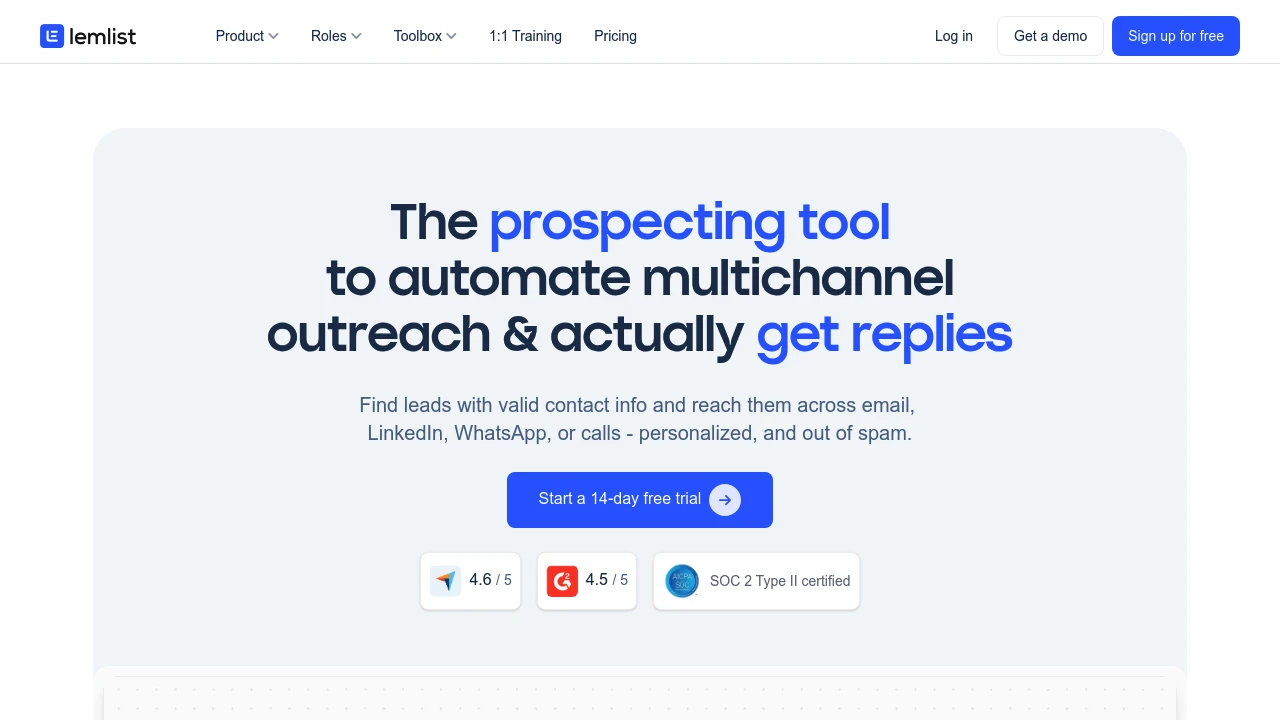
lemlist combines lead search, contact verification, and multichannel outreach automation. Personalize campaigns across email, LinkedIn, WhatsApp, and calls with built-in deliverability tools to stay out of spam.
Summary
lemlist is a multichannel sales engagement platform that helps sales teams find leads, verify contact data, and automate personalized outreach across email, LinkedIn, WhatsApp, and calls while ensuring inbox delivery instead of spam.
What is lemlist?
lemlist is an integrated sales engagement tool combining lead generation, contact verification, and multichannel outreach automation. The platform features a 450M+ lead database with waterfall enrichment that pulls verified emails and phone numbers from top providers. Users can set up cross-channel sequences in a single workflow and maintain high deliverability with the free lemwarm tool.
Core Capabilities
- Lead database & verification: 450M+ contacts with one-click email and phone validation
- Multichannel sequence automation: Integrate email, LinkedIn, WhatsApp, and calls in one sequence
- AI personalization: Pull data from LinkedIn and websites to dynamically adapt messages, images, and landing pages
- Deliverability optimization: Built-in lemwarm automates email warm-up to avoid spam folders
- CRM integrations: Native HubSpot and Salesforce support to run outreach directly from your CRM
- Unified inbox: Track interactions across all channels and senders in one conversation thread
Pros
- True multichannel outreach without switching between platforms
- Built-in lead search and verification reduces tool stack
- Free lemwarm tool effectively boosts email deliverability
- Intuitive interface makes team onboarding and independent operation easy
- Deep CRM integrations adapt to existing workflows
Cons
- Database primarily targets B2B; B2C scenarios may be limited
- Advanced personalization features have a learning curve
- Multichannel sequence setup can be complex initially
- Pricing may be high for small teams or solo users
Decision Guidance
When to use: Your sales team needs to run multichannel outreach at scale and wants to handle lead generation, verification, and follow-up in one platform while prioritizing email deliverability. Particularly suited for B2B sales teams, SDRs, and outreach agencies.
Consider alternatives: If you only need basic email sequences, have a limited budget, or focus primarily on B2C outreach, you may want to evaluate simpler or more specialized tools.

Klenty is a sales engagement platform offering personalized cold emails, automated follow-ups, AI dialers, and multi-channel outreach. Integrates with CRM to boost team productivity and meeting bookings.
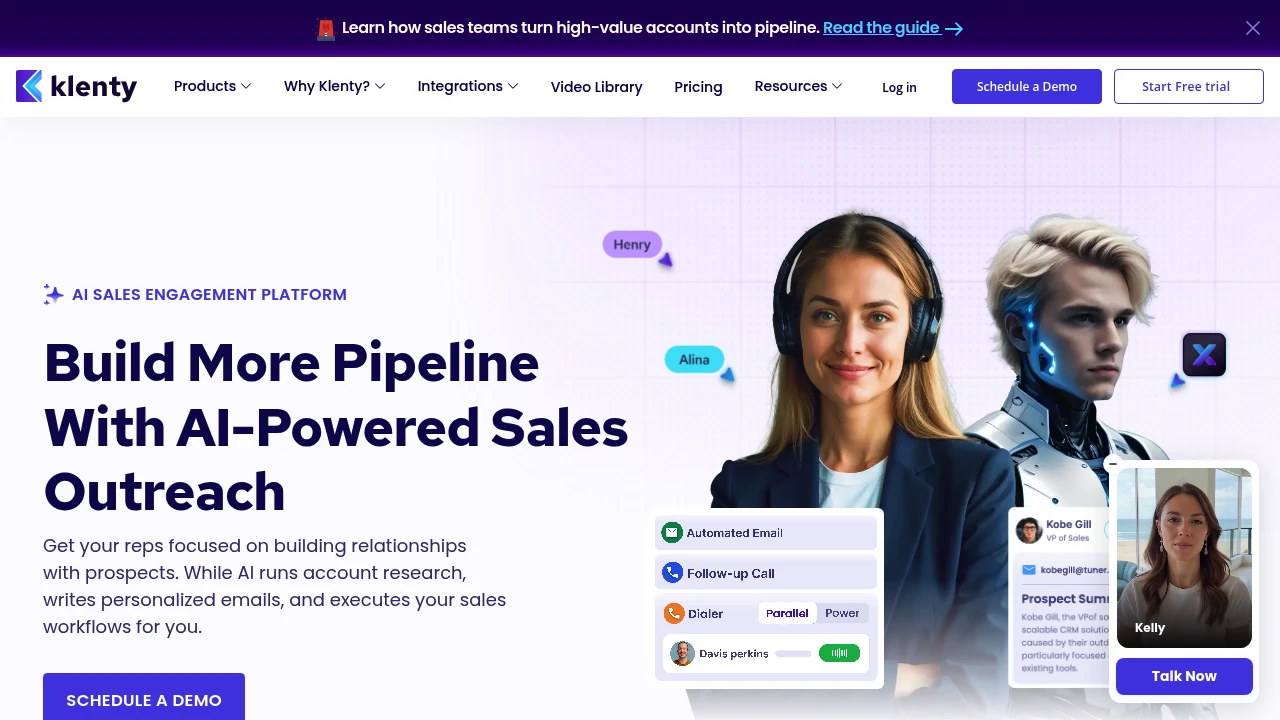
Klenty Sales Engagement Platform Review
Klenty is an AI-powered sales engagement platform designed for sales teams to automate cold email outreach, follow-ups, and multi-channel touchpoints, letting reps focus on building relationships and closing deals.
What is Klenty?
Klenty is a sales automation tool that unifies email, phone, SMS, and WhatsApp channels to help teams execute personalized outreach. The platform includes AI SDR (SDRx), which automates account research, writes personalized emails, and executes sales workflows. Deep CRM integrations ensure automatic data sync, reducing manual entry.
Core Capabilities
- Agentic Cadences: AI researches accounts, writes 1:1 personalized emails, and executes outreach steps
- Action AI: Listens to conversations, auto-schedules next steps with context
- Multi-channel outreach: Unified management of email, phone, SMS, WhatsApp, and LinkedIn
- Parallel & Power Dialer: Dial 5 numbers simultaneously, execute 350 calls per hour
- Email deliverability optimization: Inbox warmup, auto-rotation, domain health monitoring
- AI call notes: Auto-logging, voicemail detection, CRM updates
- List Builder: Describe ICP in natural language, AI generates validated prospect lists
- Deep CRM integrations: Auto-sync activities, notes, and tasks to Salesforce, HubSpot, and more
Pros
- AI-powered research and writing: SDRx researches across 150+ data sources, creates tailored value propositions
- Massive dialing efficiency: Parallel Dialer enables 350 calls per hour
- Unified multi-channel platform: One-click automation across 5+ channels
- Automatic CRM updates: Saves 15 hours per week by eliminating manual entry
- Email deliverability assurance: End-to-end monitoring ensures primary inbox placement
Cons
- Learning curve: Multi-feature platform requires time to master workflows and setup
- Pricing transparency: Detailed pricing not publicly available, requires sales contact
- Integration dependency: Best results require CRM and other sales tool integrations
- AI content quality: Auto-generated emails still need human review for accuracy
Decision Guidance
Use Klenty if: You run a B2B sales team needing large-scale outreach, want to automate repetitive tasks (account research, follow-up emails, dialing), and integrate with existing CRM systems. Ideal for SDR teams and businesses requiring multi-channel touchpoints.
Consider alternatives if: You're a small team or budget-conscious startup needing simpler tools. If your primary need is single-channel (email-only or phone-only), specialized tools may offer better cost efficiency.

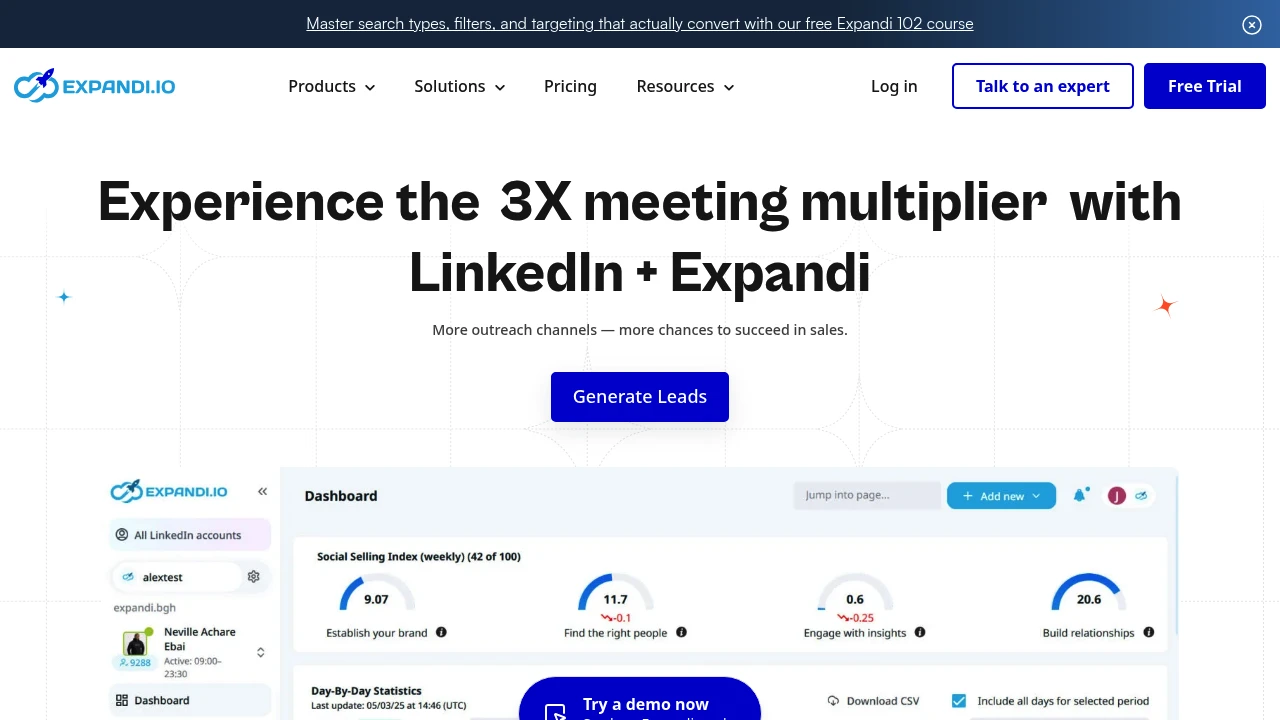
Expandi is a LinkedIn automation tool with smart sequences, email outreach, team collaboration, and CRM integrations to boost connection and reply rates fast.
Summary
Expandi is a LinkedIn and email outreach automation platform built for sales teams, recruiters, and agencies. It solves manual outreach inefficiency with smart sequences and multi-channel campaigns.
What is Expandi?
Expandi is an outreach automation tool that lets you build personalized LinkedIn and email sequences. It offers team collaboration, role-based permissions, A/B testing, and CRM integrations. Launch your first campaign in 15 minutes and see results in 24 hours. The platform supports prospect data collection from groups, events, and posts, then automates workflows to improve outreach efficiency.
Core Capabilities
- Smart sequence builder: Combine 10 actions and 10 conditions to automate outreach based on prospect behavior
- LinkedIn + email outreach: Integrate connection requests, InMail, and email follow-ups in one sequence
- Team collaboration: Role permissions, unified dashboard, shared reporting, and multi-account management
- Video & GIF personalization: Add personalized visuals via Sendspark and Hyperize integrations (paid add-on)
- A/B testing: Compare message variants to identify top-performing content
- Native CRM integrations: Auto-sync LinkedIn outreach data to your CRM
- Global smart inbox: Manage all replies in one place with labels, tags, and notes
- Duplication security: Auto-avoid duplicate connections and messages at personal and company levels
- White labeling: Offer branded services to clients
- Detailed analytics: Track SSI scores and campaign performance
Pros
- Launch first campaign in 15 minutes, see results in 24 hours
- Multi-channel outreach (LinkedIn + email) increases reach
- Strong team collaboration features for agencies and sales teams
- Native CRM integrations eliminate manual data export
- Dedicated customer success team and round-the-clock support (Mon–Fri 8am–11pm CET, weekends 11am–7pm CET)
Cons
- Video and GIF personalization requires paid add-on
- Steep learning curve for smart sequence builder
- LinkedIn and email only; no support for other social platforms
- Pricing not transparent; requires demo booking
- LinkedIn automation carries account risk despite safety claims
Decision Guidance
Use Expandi if: You're a sales team, recruiter, or agency running large-scale personalized outreach on LinkedIn and email. You need team collaboration, CRM integrations, and are willing to invest time learning the smart sequence builder. You accept the inherent risks of LinkedIn automation.
Consider alternatives if: You only need basic LinkedIn outreach without team collaboration or white labeling. You want support for more social platforms (Twitter, Facebook). You have serious concerns about LinkedIn account safety with automation tools. You need transparent pricing upfront.

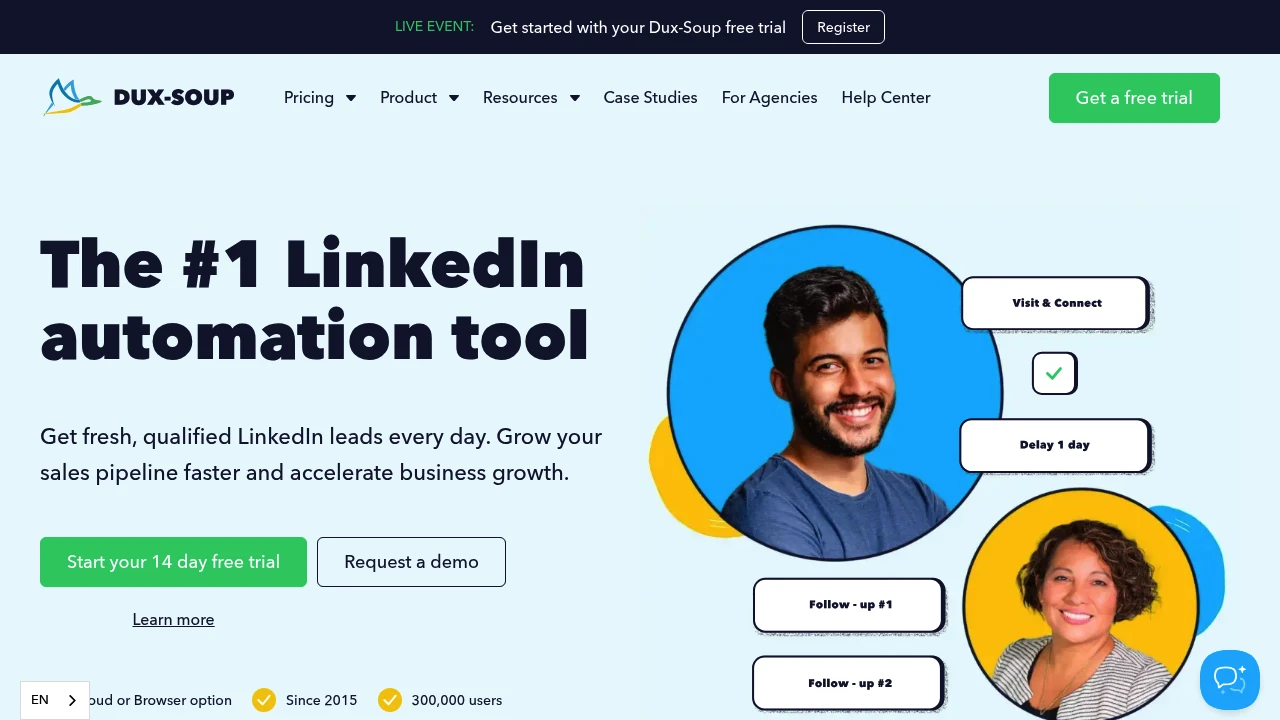
Dux-Soup is a LinkedIn automation tool that scales outreach, automates invitations and messages, and integrates with CRMs. Used by 300,000+ professionals. Cloud or browser option. 14-day free trial.
Summary
Dux-Soup is a LinkedIn lead generation automation tool that helps sales and marketing teams scale outreach, automate connection invitations and messages, and integrate with CRM systems. Serving 300,000+ users since 2015, it offers cloud and browser versions.
What is Dux-Soup?
Dux-Soup operates on your native LinkedIn, Recruiter, or Sales Navigator account without requiring third-party access. It automates profile views, follows, endorsements, connection invitations, and InMails with custom time delays and personalized messages. All activity history stays within LinkedIn, ensuring account safety and data integrity.
Core Capabilities
- Automated outreach: Send connection invitations, InMails, view and follow profiles automatically
- Intelligent campaigns: Custom time delays, personalized messages, auto-enroll prospects
- Team collaboration: Share campaigns across multiple members, centralized prospect management
- CRM integrations: Connect with dozens of tools to send new leads to your CRM
- Campaign analytics: Track and optimize lead generation performance via Dux-Dash
- Cloud or browser option: Choose deployment that fits your workflow
Pros
- Users report 1,000 new prospects monthly and 75% time savings
- No third-party access required; all activity stays in LinkedIn for higher account safety
- Works with LinkedIn, Recruiter, and Sales Navigator accounts
- Cloud and browser versions available for flexible deployment
- 14-day free trial with no credit card required
Cons
- Requires existing LinkedIn account (Basic, Recruiter, or Sales Navigator)
- Automation tools carry LinkedIn account restriction risks; must follow platform policies
- Learning curve may take time to master campaign setup and optimization
- Pricing information not publicly displayed on website
- Over-reliance on automation may impact message personalization quality
Decision Guidance
When to use: You're a sales professional, marketing team, growth hacker, or agency needing to scale LinkedIn outreach daily, automate repetitive tasks, and integrate with CRM systems. Ideal for teams wanting to save time and focus on closing deals.
Consider alternatives: If you prefer fully manual LinkedIn outreach for maximum personalization, your target audience isn't active on LinkedIn, or you're concerned automation tools may violate LinkedIn terms of service, explore other options.


