Jasper Alternatives
Discover the best alternatives to Jasper. Compare features, pricing, and find the perfect replacement.
The best alternative to Jasper is QuillBot. If that doesn't suit you, we've compiled a ranked list of other Jasper alternatives to help you find a suitable replacement. Other interesting alternatives to Jasper are: Writesonic, HyperWrite and Copy.ai.
Jasper alternatives are mainly Content Creation Tools, but may also be AI Writing Assistants or AI Copywriting. Browse these if you want a narrower list of alternatives.

Written by Eric Leung
Last updated: April 5, 2026 at 4:54 PM
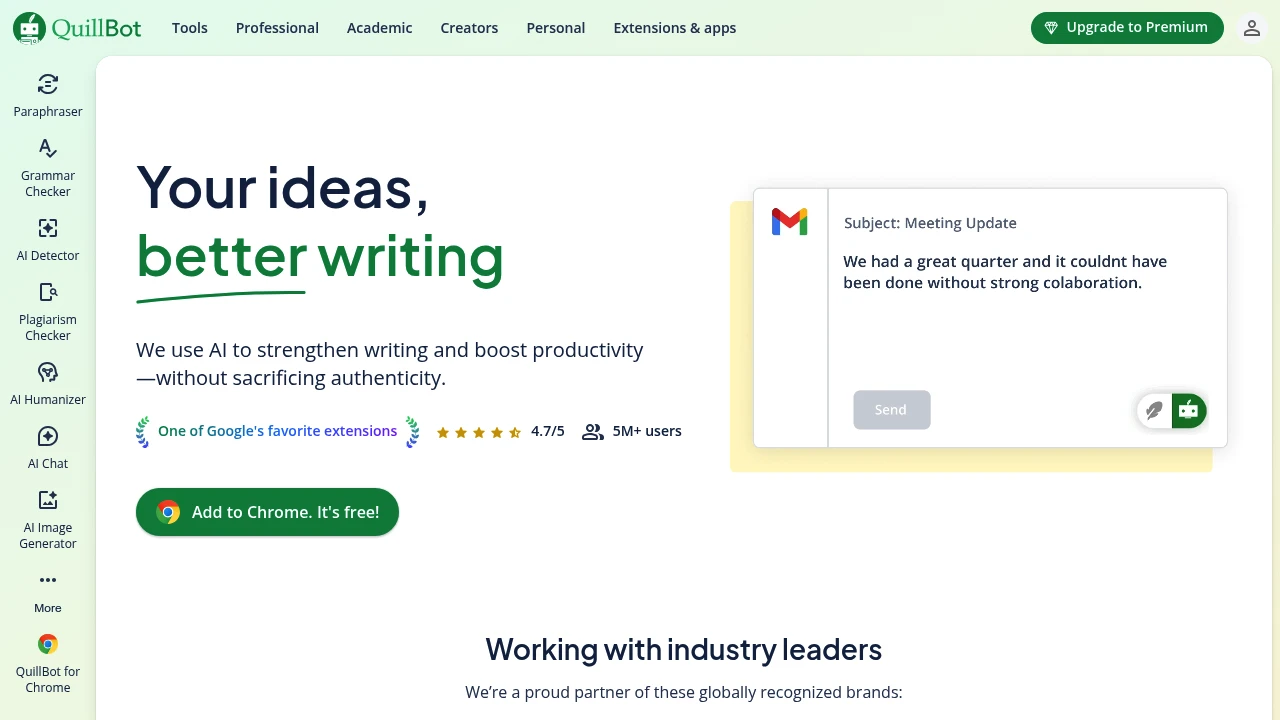
QuillBot offers AI writing tools including paraphrasing, grammar checking, and tone analysis to help you produce clear, professional content quickly. Trusted by 35M+ users, rated 4.7/5 on Chrome.
Summary
QuillBot is an AI writing assistant that combines paraphrasing, grammar checking, tone analysis, and more to help professionals, students, and content creators produce clear, polished text quickly.
What is QuillBot?
QuillBot is an AI-powered writing platform offering eight tools: paraphrasing, grammar correction, citation management, PDF tools, and more. It doesn't write for you—it helps you refine expression, fix errors, and adjust tone to make your writing more professional. Used by 35M+ people across 180+ countries, with a 4.7/5 Chrome extension rating.
Core Capabilities
- Paraphrasing tool: Multiple modes (e.g., Creative) to rephrase sentences in different ways
- Grammar checker: Fixes spelling, punctuation, and syntax errors
- Tone analyzer: Detects and adjusts writing tone
- Citation & originality check: Manages citation formats and ensures content originality
- PDF tools: Processes PDF files and organizes research materials
- Chrome extension: Access all tools directly in your browser
Pros
- Free tier covers basic paraphrasing and grammar checking
- Chrome extension integrates smoothly for real-time use in emails and documents
- Multiple paraphrasing modes suit different writing styles
- Supports academic writing with citation management and originality checks
- Clean interface, quick to learn
Cons
- Advanced modes (e.g., Creative) require Premium subscription
- Paraphrased output sometimes needs manual tweaking for context
- Primarily optimized for English; limited support for other languages
- Free tier has character limits per paraphrase
Decision Guidance
Use QuillBot if: You need to quickly polish English emails, reports, or essays, or want to express the same idea in different ways. The paraphrasing and grammar tools save significant time. Students, content creators, and non-native speakers benefit most.
Consider alternatives if: Your primary writing language isn't English, or you need deeper AI content generation (rather than rephrasing existing text). You may need specialized language tools or generative AI platforms.

Looking for alternatives to other popular services? Check out other posts in the alternatives series and GTM Guide, a directory of tools with filters for tags and alternatives for easy browsing and discovery.

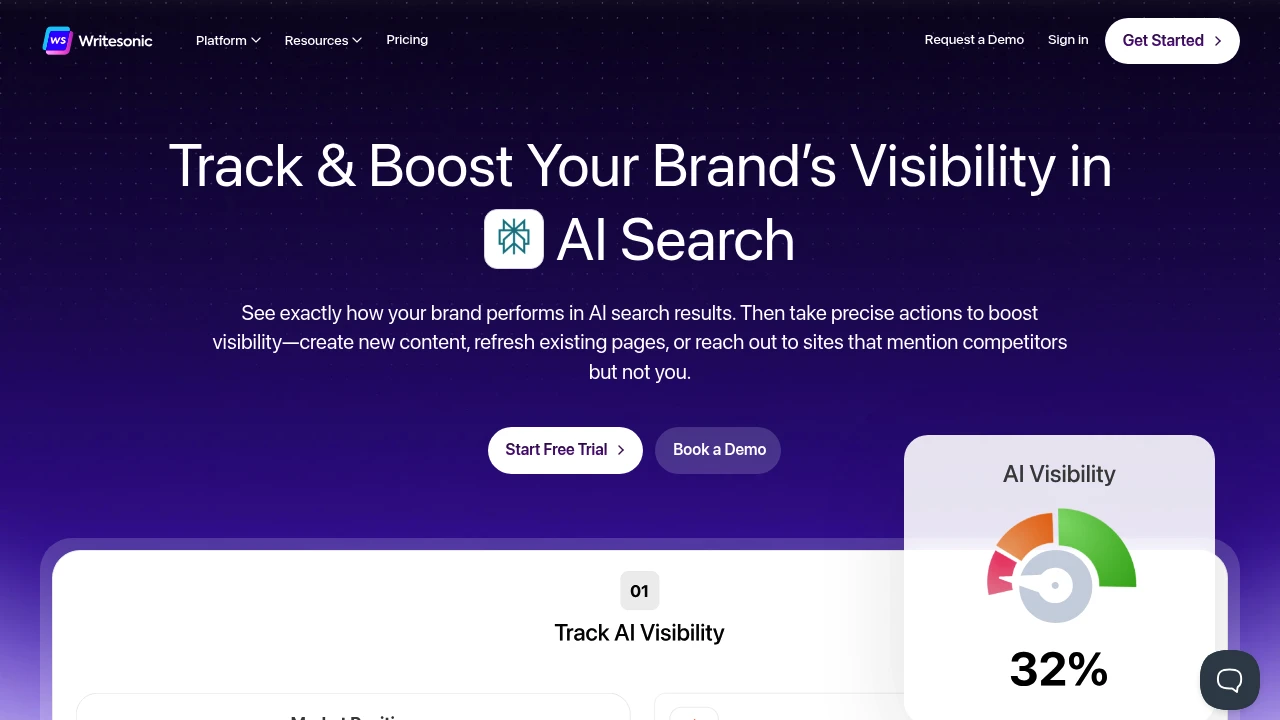
Track brand visibility in ChatGPT, Gemini, Perplexity, and more. Monitor citations, fix gaps, create content, engage Reddit and forums. Complete GEO platform from tracking to action to results.
Summary
Writesonic is an AI search visibility tracking and optimization platform that helps brands monitor and improve their presence across ChatGPT, Gemini, Perplexity, and 10+ AI platforms. It integrates tracking, content creation, technical SEO fixes, and citation gap analysis to solve the problem of brands being overlooked in AI search results.
What is Writesonic?
Writesonic is a complete GEO (Generative Engine Optimization) platform that tracks your brand's ranking, sentiment, and citations across ChatGPT, Claude, Gemini, and other AI platforms. Built on 120M+ AI conversation data points, it provides real AI search volume and user prompt variations, integrating Ahrefs and Keyword Planner data. The platform doesn't just show visibility gaps—it delivers specific actions: create or refresh content, fix technical issues, reach out to high-authority sites citing competitors, and engage in Reddit, Quora, and forum discussions.
Core Capabilities
- AI visibility tracking: Real-time monitoring of rankings, visibility scores, sentiment, and citations across ChatGPT, Gemini, Perplexity, and 10+ platforms
- Citation gap analysis: Identify high-authority sites mentioning competitors but not you, with generated outreach templates
- AI search volume data: Real user prompts and search volume predictions based on 120M+ AI conversations
- Content engine: Create and refresh fact-checked, internally linked content optimized for both Google and AI search
- Automated technical SEO fixes: Detect and fix schema errors, robots.txt issues, crawl errors without developers
- Competitor analysis: Deep filtering by platform, sentiment, topic, or individual prompts to understand why AI recommends competitors
- Social conversation monitoring: Discover relevant Reddit, Quora, and forum discussions to build authority
- SEO strategy tools: Keyword and competitor strategy analysis with integrated Keyword Planner data
Pros
- Only platform offering real AI search volume and prompt variation data (120M+ conversations)
- Complete workflow from tracking to action to results, with specific fixes rather than just metrics
- Covers ChatGPT, Gemini, Perplexity, and 10+ AI platforms—deepest AI search analytics on the market
- Automated technical SEO fixes without coding or developer involvement
- Enterprise-grade security: SOC 2 Type II, GDPR, and HIPAA compliant
Cons
- Pricing not publicly available; requires contacting sales
- Primarily targets enterprises and growth-stage companies; may be overkill for small teams
- Steeper learning curve to master the full GEO workflow
- Relies on third-party data sources (Ahrefs, Keyword Planner), which may be subject to API limitations
Decision Guidance
Use Writesonic if: Your brand needs to improve visibility in AI search results, especially for B2B SaaS, growth-stage companies, or enterprises, and you want tracking, content creation, and technical fixes in one platform. Ideal for teams already investing in SEO but seeing competitors get more recommendations on ChatGPT and other AI platforms.
Consider alternatives if: You only need basic SEO tools or keyword tracking—traditional SEO platforms (Ahrefs, Semrush) may be more cost-effective. If you're a small team with limited budget, start with free Google Search Console and manual AI platform monitoring.

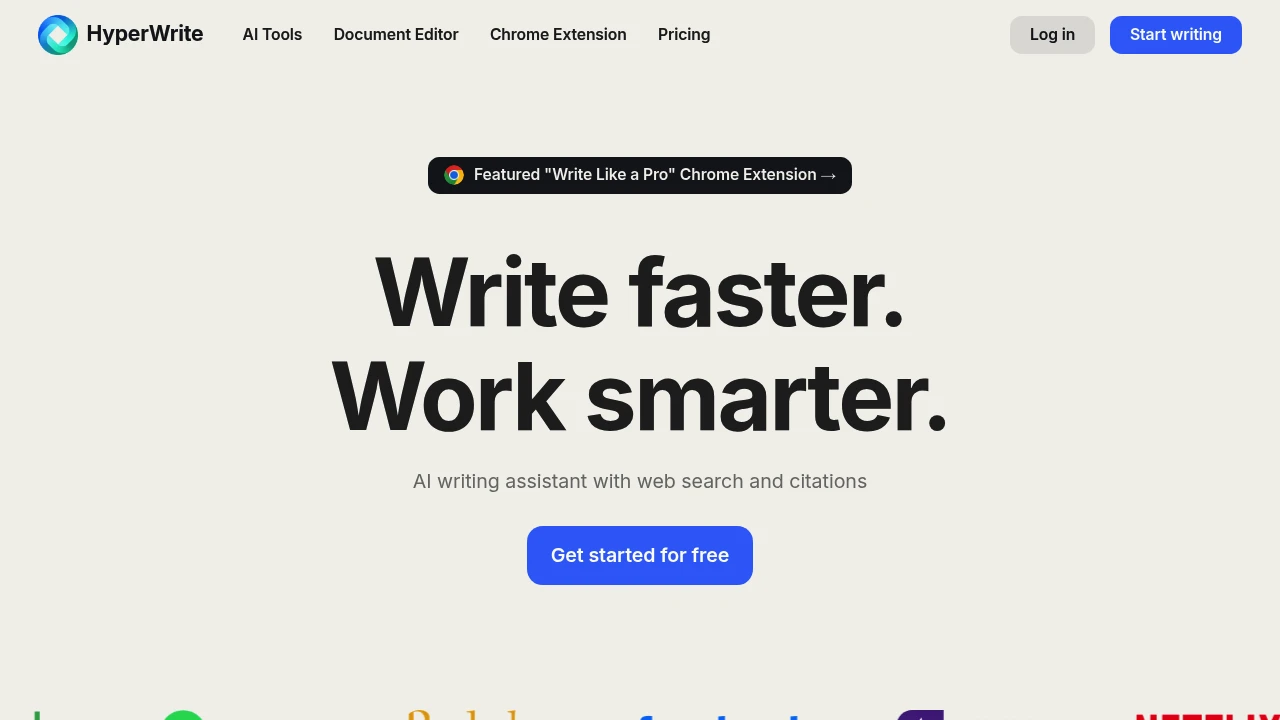
HyperWrite offers hundreds of AI writing tools including AutoWrite, TypeAhead, Email Responder, and Scholar AI for fast content creation, rewriting, and research. Works in Gmail and Google Docs via extension.
Summary
HyperWrite is an AI writing assistant offering hundreds of tools to help you create, rewrite, research, and polish content quickly. It includes an academic search engine that retrieves millions of papers with citations in real time, ideal for professionals and students boosting writing productivity.
What is HyperWrite?
HyperWrite is an AI-powered document editor and writing platform offering tools like AutoWrite, TypeAhead, Email Responder, and HyperChat. It integrates web search and academic databases to provide real-time information and citations while you write. A browser extension works directly in Gmail, Google Docs, and other platforms, and you can build custom AI tools to match your workflows.
Core Capabilities
- AutoWrite: Enter a topic and AI generates paragraphs or full content
- TypeAhead: Personalized sentence suggestions and auto-completion as you type
- Email Responder: Generate quick email replies in Gmail
- Scholar AI: Real-time search of millions of scholarly articles with citations
- Rewrite Content: Rephrase text while keeping the same meaning
- HyperChat: Chat with AI for writing feedback, brainstorming, or refinement
- Custom Tools: Build custom AI tools tailored to specific workflows
- AI Speech Writer: Generate speeches quickly
- Summarizer: Extract key points and main info from any text
- Custom Personas: Make AI match your writing style (3 on Premium, 10 on Ultra)
Pros
- Hundreds of pre-built AI tools cover writing, research, rewriting, and email scenarios
- Integrated academic search engine provides real-time citations and reliable sources
- Browser extension works seamlessly in Gmail, Google Docs, and other platforms
- Supports custom AI tools and personalized writing styles via Personas
- Offers free plan and unlimited Ultra plan for heavy users
Cons
- Premium plan limited to 250 AI messages per month; heavy users need Ultra
- Custom Personas capped by plan tier (3 on Premium, 10 on Ultra)
- Some advanced features restricted to paid users
- Academic search primarily covers English-language databases
Decision Guidance
Use HyperWrite if: You need to quickly generate, rewrite, or polish content as a professional, marketer, student, or content creator; you require academic citations and real-time data for research; you want AI assistance directly in Gmail or Google Docs.
Consider alternatives if: You need fully offline operation, have strict compliance requirements for AI-generated content, or primarily work with non-English academic sources.

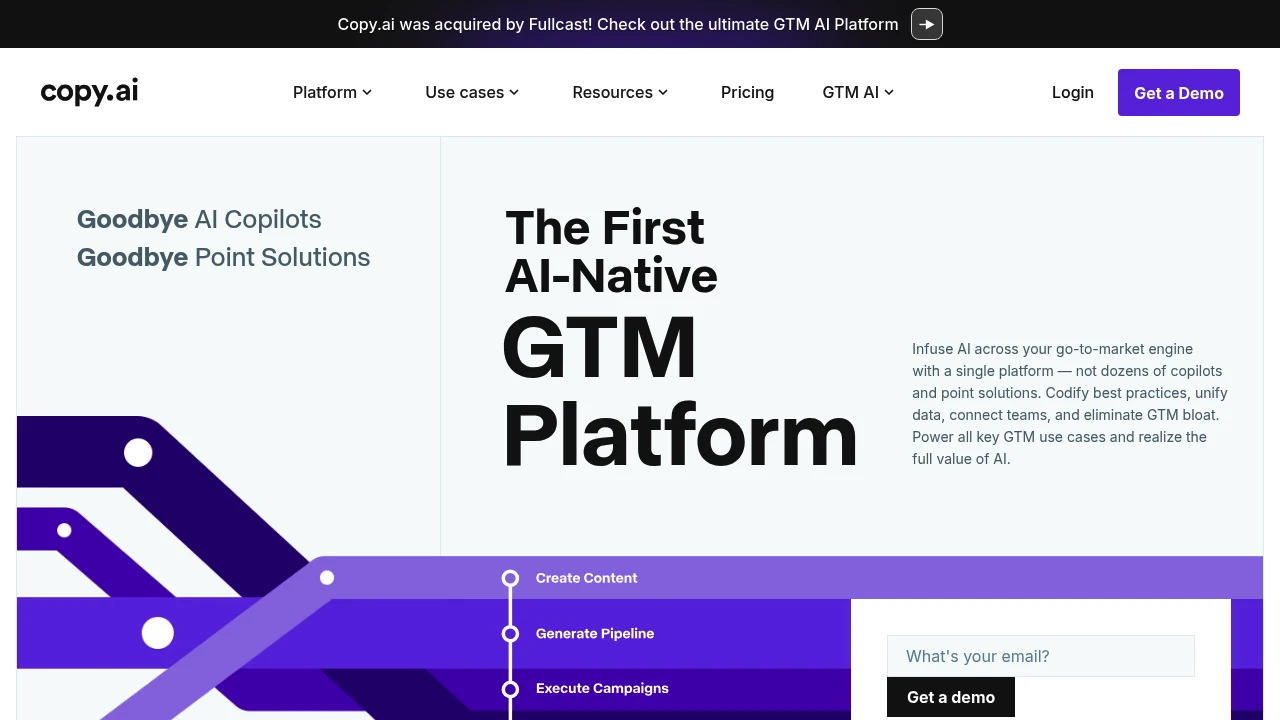
Copy.ai is the first GTM AI platform that unifies sales, marketing, and ops workflows. Automate lead processing, content creation, account research, and more—eliminate tool sprawl and boost conversions.
Copy.ai GTM AI Platform Review
Copy.ai positions itself as the first AI-native GTM platform, built for sales, marketing, and operations teams to automate hundreds of repetitive tasks through unified workflows, replacing fragmented AI copilots and point solutions.
What is Copy.ai?
Copy.ai is a vertically integrated GTM (Go-to-Market) AI platform that lets businesses execute core use cases—prospecting, content generation, ABM, deal forecasting—within a single system. The platform includes 2,000+ integrations, supports multi-model switching, and uses an Intelligence Layer to unify data and best practices, helping teams eliminate tool bloat and achieve end-to-end AI transformation.
Core Capabilities
- Prospecting Cockpit: Deep account and contact research to auto-generate high-quality sales outreach
- Inbound Lead Processing: Enrich, research, and engage marketing leads in seconds, minimizing speed-to-lead
- Content Creation: Rapidly produce SEO articles, social posts, use cases, and other marketing assets
- Account Based Marketing: Extract account and industry insights, generate hyper-relevant ABM assets at scale
- Translation + Localization: Real-time, native-level translations for any language at a fraction of agency cost
- Deal Coaching + Forecasting: Analyze sales transcripts to score deals, suggest strategies, predict close dates
- Workflows: Customizable workflows connecting 2,000+ tools, supporting any LLM model
Pros
- Single platform covers sales, marketing, ops use cases—avoids tool fragmentation
- 2,000+ native integrations and LLM-agnostic design fit existing tech stacks
- Automates lead processing and content creation, cutting delivery time from weeks to seconds
- Customer cases show 5x meeting increase, $16M annual savings (Lenovo)
- Vertical AI-native architecture designed for enterprise security and compliance
Cons
- Broad feature set creates steep learning curve; requires time to configure workflows
- Pricing not publicly disclosed, creating budget uncertainty for SMBs
- Heavily reliant on integrations and data quality; incomplete data limits effectiveness
- Advanced features (e.g., deal forecasting) require specific data sources like call transcripts
- As an emerging platform, long-term stability and ecosystem maturity remain unproven
Decision Guidance
Use Copy.ai when: Your GTM teams are bogged down by multiple AI tools and manual processes, and you need a unified platform to automate prospecting, content, ABM, and deal management; or you want to integrate sales, marketing, and ops data in one system to enable cross-team collaboration and codify best practices.
Consider alternatives when: You only need a single function (e.g., pure content generation or CRM automation) and specialized tools are more cost-effective; or your team is small with simple processes and doesn't yet need the complexity and investment of an enterprise GTM platform.


