Keap Alternatives
Discover the best alternatives to Keap. Compare features, pricing, and find the perfect replacement.
The best alternative to Keap is Insightly. If that doesn't suit you, we've compiled a ranked list of other Keap alternatives to help you find a suitable replacement. Other interesting alternatives to Keap are: Capsule, Zoho CRM, Salesforce and Salesflare.
Keap alternatives are mainly AI CRM, but may also be AI Email Outreach or CRMs. Browse these if you want a narrower list of alternatives.

Written by Eric Leung
Last updated: June 5, 2026 at 8:00 AM
Insightly combines CRM, marketing automation, and ticketing with AI Copilot, 2,000+ app integrations, and branded support portals—helping SMBs launch fast and cut costs up to 40%.
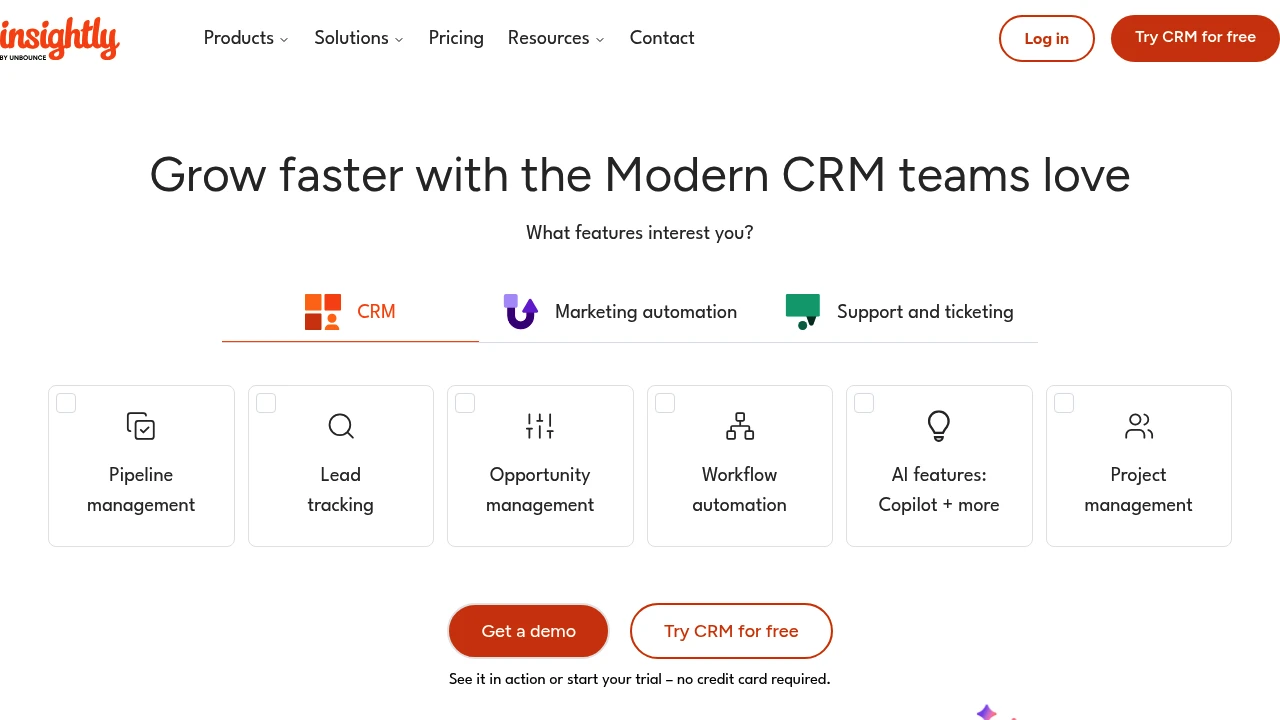
Insightly CRM
Summary
Insightly is an integrated CRM, marketing automation, and customer support platform that helps small and mid-sized businesses centralize customer data, accelerate sales cycles, and improve customer experience.
What is Insightly CRM?
Insightly is a scalable customer relationship management system combining sales pipeline management, marketing automation, ticketing, and AI features like Copilot chat assistant. The platform uses AppConnect to integrate over 2,000 third-party apps (including QuickBooks, Shopify, Slack, Gong), letting teams track leads, automate workflows, and build branded customer support portals from a single interface.
Core Capabilities
- Sales pipeline management: Centralized tracking of lead status, contact info, deals, and communication history
- Marketing automation: Auto-score and re-engage leads based on behavior (email opens, form submissions)
- Ticketing and support: Branded portals, auto-generated tickets, SLA tracking, and knowledge base
- AppConnect integrations: Drag-and-drop workflow builder connects 2,000+ apps without coding
- AI Copilot (Beta): Add/update records via chat, auto-generate email replies and summaries
Pros
- Unifies CRM, marketing, and support in one platform, reducing system switching
- Competitive pricing with customer-reported cost savings of 20–40%
- Fast go-live time; independent analysis shows faster ROI vs. major competitors
- Intuitive interface with consistently high user ratings
- Extensive integrations including Gmail, Slack, QuickBooks, Shopify
Cons
- AI features (Copilot) still in beta with limited functionality
- Some advanced features require paid upgrades
- May lack flexibility for large enterprises needing deep customization
- Third-party integrations rely on AppConnect; complex workflows may take time to configure
Decision Guidance
When to use: Small to mid-sized businesses need a unified sales, marketing, and support platform with fast deployment, cost control, and seamless integration with existing tools (QuickBooks, Shopify, Slack).
Consider alternatives: Large enterprises requiring deep customization or mature advanced AI capabilities, or teams with budget for enterprise-grade support.

Looking for alternatives to other popular services? Check out other posts in the alternatives series and GTM Guide, a directory of tools with filters for tags and alternatives for easy browsing and discovery.

Capsule CRM is a simple customer management system for SMBs. Manage contacts, track sales, and deliver projects in one place. Fast setup, mobile app, and integrates with Gmail/Outlook.
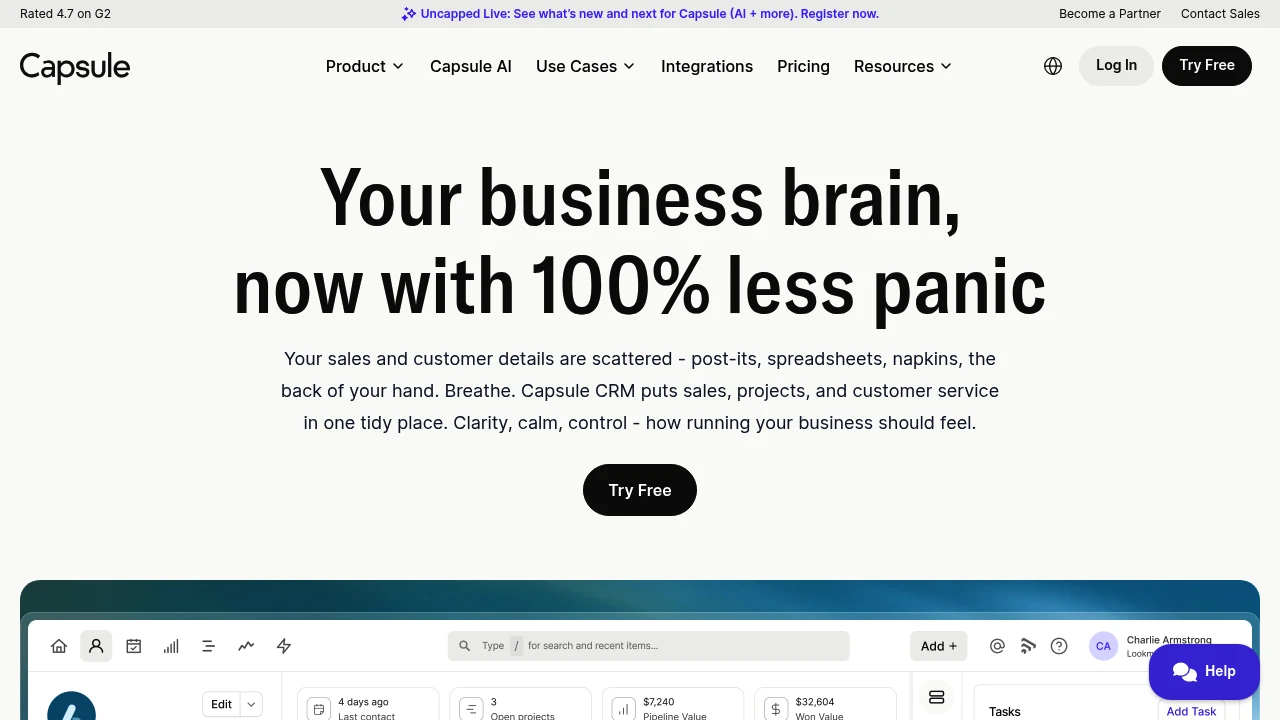
Summary
Capsule CRM is a lightweight CRM for small and medium businesses, centralizing scattered customer data, sales pipelines, and project management. Over 10,000 businesses use Capsule to replace spreadsheets and sticky notes with a fast, affordable, intuitive platform.
What is Capsule CRM?
Capsule CRM is a simple customer relationship management system focused on contact management, sales tracking, and project delivery. It offers a mobile app, AI-assisted features, and quick import tools to migrate data from spreadsheets or other CRMs in minutes. Integrates with Gmail, Outlook, Xero, QuickBooks, and Sage, plus supports custom workflows via Zapier or Make. Built for small teams and freelancers who need practical tools without complexity.
Core Capabilities
- Contact management: Centralize customer data, conversation history, supplier details, even client pet birthdays
- Sales pipeline tracking: Visual boards show deal progress, revenue sold, and items needing follow-up
- Project & task management: Win and deliver work in one platform, reducing tool costs
- Mobile CRM: iOS and Android apps let you manage business on the go
- Calendar sync: Integrates with Outlook and Gmail calendars, auto-sorts tasks
- Integration ecosystem: Native support for accounting software (Xero, QuickBooks, Sage) and email tools, extensible via Zapier/Make
Pros
- Fast onboarding: Import data and start using in minutes, no complex setup
- Budget-friendly: Free plan for 2 users, paid plans more affordable when billed annually
- Clean interface: Users praise "intuitive" and "easy to use" design, low learning curve
- Mobile-first: Access full CRM features anytime via app
- Strong support: Customers highlight responsive and professional customer service
Cons
- Free plan limits: Max 2 users, limited features
- Fewer advanced features: Lacks deep automation and reporting tools compared to enterprise CRMs like Salesforce
- AI features require paid plans: Enhanced AI tools only in Growth and Advanced tiers
- Limited customization: Extensible via Zapier, but native custom options lag behind enterprise-grade CRMs
- May not scale for large teams: Best for 1-50 person teams; very large orgs may need more powerful systems
Decision Guidance
Use Capsule CRM if: You're a small business, startup, or freelancer needing a simple, fast-to-deploy CRM to replace spreadsheets; your team is 1-20 people and you value affordability and ease of use; you need Gmail/Outlook and accounting software integrations.
Consider alternatives if: Your team exceeds 50 people and requires enterprise-grade automation and advanced reporting; you need highly customized workflows and complex sales processes; you're already invested in Salesforce or HubSpot ecosystems and need deep integrations.

Zoho CRM integrates Zia AI, multi-channel engagement, and 1,000+ apps to automate sales and boost collaboration. 15-day free trial, 3-user free plan.
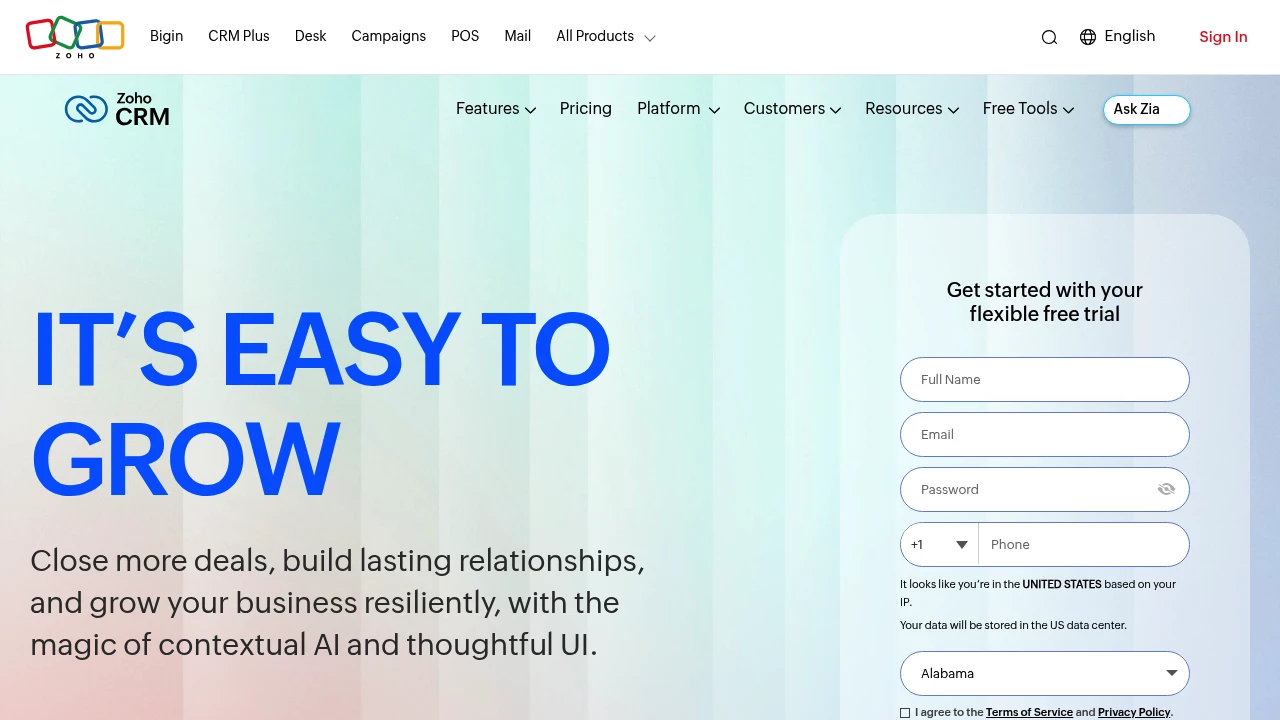
Summary
Zoho CRM is a sales-focused customer relationship management platform with AI assistance and team collaboration spaces, helping businesses close more deals and improve customer engagement.
What is Zoho CRM?
Zoho CRM is an online sales management software offering 360° customer views, contextual AI (Zia), multi-channel engagement, and workflow automation. It integrates with 1,000+ apps and provides Teamspaces for dedicated collaboration across sales, marketing, and support teams. Serving 300,000+ businesses globally since 2005.
Core Capabilities
- Zia AI assistant: Email rewriting, anomaly detection, predictive analytics, and ChatGPT integration
- Team collaboration spaces: Dedicated data views and modules for different departments
- Multi-channel engagement: Real-time customer communication across channels
- Workflow automation: No-code functions, sales cadences, and advanced process design
- Business intelligence & forecasting: Deep reporting, performance management, and sales predictions
- 1,000+ app integrations: Connect daily tools via Zoho Marketplace
Pros
- Flexible free trial: 15-day trial, no credit card; 3-user free plan available
- AI-driven insights: Zia multi-agent platform delivers smart suggestions and anomaly detection
- Highly customizable: Teams create modules via prompts, upload images to generate custom layouts
- Privacy & compliance: ISO 27001, privacy management, and cloud security certifications
- Pay-as-you-go: Monthly or yearly billing, upgrade or downgrade anytime, no contracts
Cons
- Learning curve: Advanced customization and AI features require time to master
- Free plan limits: Only 3 users with limited functionality
- Integration complexity: Extensive integration options may overwhelm beginners
- Reporting depth: Some users report advanced BI features need extra configuration
Decision Guidance
Use Zoho CRM if: You're a small to mid-sized or growing team needing scalable CRM with AI automation, multi-team collaboration, and privacy compliance, on a budget but seeking long-term licensing savings.
Consider alternatives if: You're a large enterprise requiring deep customization or already invested in another CRM ecosystem; very small teams (1-2 people) needing only basic contact management may prefer lighter tools.

Salesforce is the leading AI CRM platform, integrating sales, service, marketing, commerce, and IT apps. With Agentforce AI agents and unified data, businesses achieve Customer 360 management, higher conversion rates, and automation efficiency.
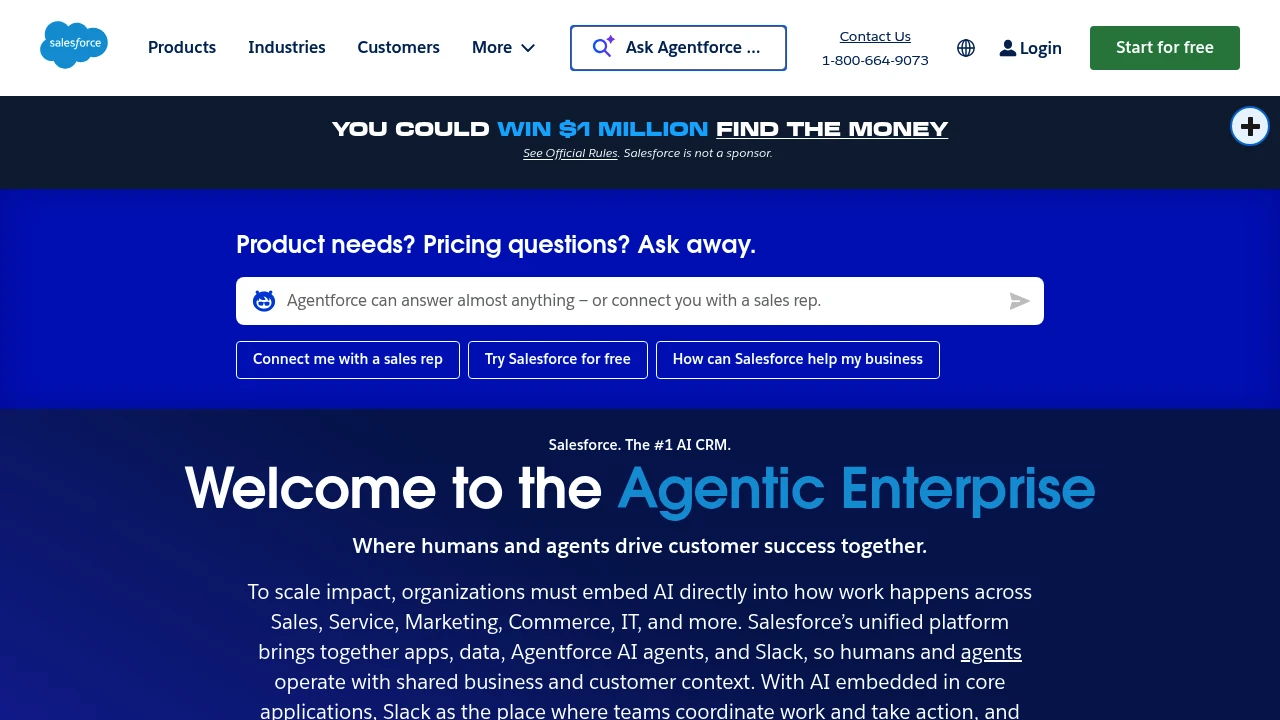
Salesforce: AI CRM Platform
Summary
Salesforce is the leading AI CRM platform that unifies sales, service, marketing, commerce, and IT apps. Through Agentforce AI agents and integrated data, it enables human-agent collaboration to drive customer success and business growth.
What is Salesforce?
Salesforce is a cloud-based customer relationship management (CRM) platform that brings together applications, data, AI agents, and Slack into a single system. Businesses use Customer 360 to manage customer interactions from lead generation to post-sale service, enabling cross-department collaboration and automated workflows. The platform includes Agentforce AI agents that autonomously execute multi-step tasks, reducing manual work and boosting efficiency.
Core Capabilities
- Agentforce AI agents: Automate customer service cases, lead qualification, and marketing campaigns with 66% autonomous case resolution
- Customer 360 platform: Unify sales, service, marketing, commerce, and IT data for complete customer visibility
- Slack integration: Team collaboration hub with Slackbot as a personal work agent to accelerate decisions and actions
- Industry solutions: 16+ pre-built solutions for finance, healthcare, retail, manufacturing, and more
- Free CRM: Core CRM features with no credit card required, ideal for small businesses to start fast
- AI prediction and personalization: Analyze customer behavior, forecast deal success, and automate personalized interactions
Pros
- Deeply integrated platform: Apps, data, AI agents, and metadata managed in one place, reducing system fragmentation
- Proven AI results: Customer cases show 15% marketing pipeline growth and 1.8x lead conversion rate improvement
- Flexible scalability: From free tier to enterprise plans, expand features as your business grows
- Built-in trust and governance: AI and data security, compliance, and reliability mechanisms enabled by default
- Free learning resources: Agentblazer training offers three-level AI skill certification at no cost
Cons
- Learning curve: Feature-rich platform requires time for new users to master full capabilities and best practices
- Cost accumulation: Advanced features and industry solutions can drive subscription costs up quickly for SMBs
- Customization complexity: Deep customization demands technical resources or external consultant support
- Network dependency: Cloud architecture requires stable internet; offline functionality is limited
- Third-party integration: Some external system integrations need extra configuration or middleware
Decision Guidance
When to use: Businesses needing unified sales, service, and marketing process management; teams wanting AI agents to automate repetitive tasks and elevate customer experience; growing companies seeking scalable CRM solutions.
Consider alternatives: Micro-businesses with tight budgets needing only basic CRM features; organizations requiring fully offline operation; companies deeply invested in other ecosystems (e.g., Microsoft Dynamics) where integration costs are prohibitive.

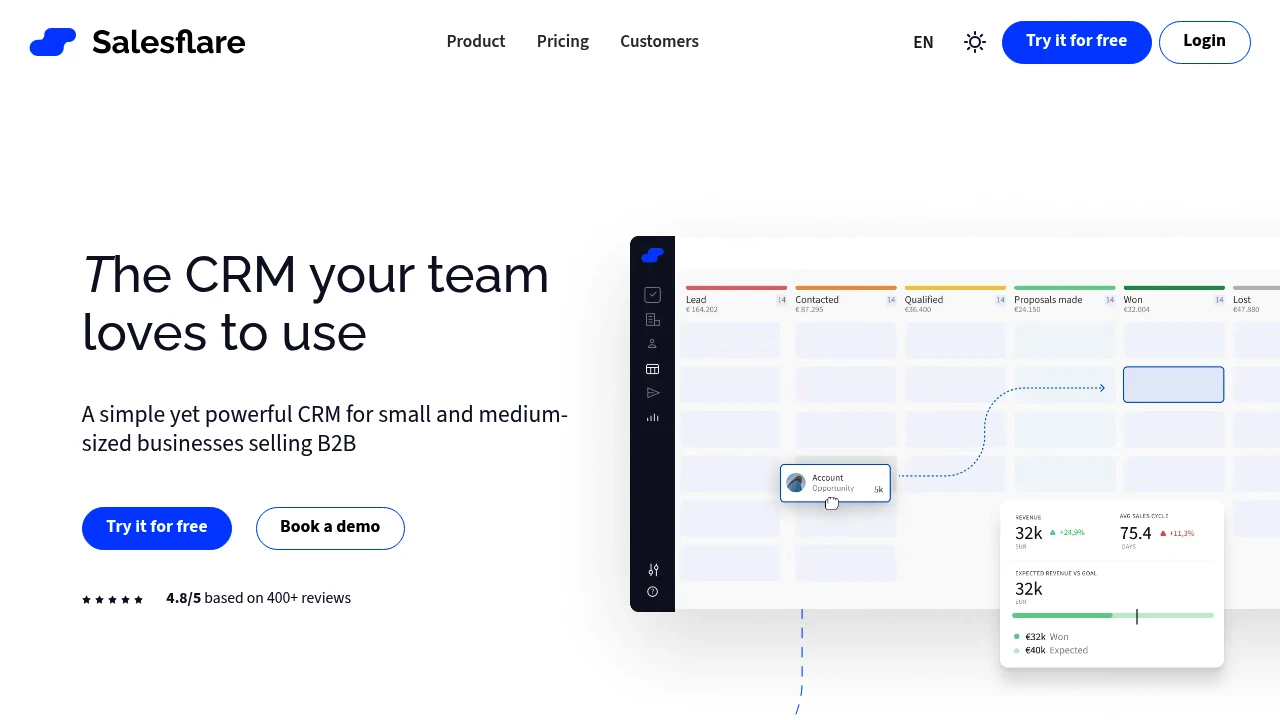
Salesflare intelligent CRM auto-captures customer data from email and calendar, with visual pipelines, automated follow-up sequences, and lead finder. Built for small-to-mid B2B teams. 30-day free trial.
Summary
Salesflare is an intelligent sales CRM for small-to-mid B2B businesses that auto-tracks leads, reduces manual data entry, and lets sales teams focus on closing deals instead of admin work.
What is Salesflare?
Salesflare is an automated customer relationship management system that connects to your business email and calendar to automatically log contacts, interactions, and sales activities. The system pulls information from email, social media, and company databases to auto-populate customer profiles, and provides visual sales pipelines, automated follow-up sequences, and a built-in lead finder. Designed for small sales teams that need a simple yet fully-featured CRM.
Core Capabilities
- Automatic data entry: Auto-captures contacts and interaction history from email, calendar, and social media
- Visual sales pipelines: Drag-and-drop pipeline management with at-a-glance view of all opportunities
- Automated email sequences: Set up personalized follow-up workflows to ensure no lead falls through
- Built-in lead finder: Discover new prospects directly in the CRM without additional tools
- Relationship intelligence: Shows team member connections and interaction metrics with customers
- Integration ecosystem: Connects with email, calendar, LinkedIn, and other sales tools
Pros
- Minimal learning curve: User-rated as easiest CRM to use, driving high team adoption
- Cuts admin work in half: Automated data entry saves over 50% of management time
- Better follow-up: Automated reminders and sequences ensure timely contact with leads
- Clear sales visibility: Real-time pipeline overview helps identify bottlenecks and priorities
- 30-day free trial: Test all features without credit card required
Cons
- B2B-focused: Not suited for B2C or retail business workflows
- Limited advanced customization: Lacks complex workflows and custom fields compared to enterprise CRMs
- Basic reporting: Analytics and reporting tools less robust than dedicated BI platforms
- Email integration dependency: Core automation requires connecting business email account
- Not enterprise-scale: Better suited for small-to-mid teams; large orgs may need more powerful solutions
Decision Guidance
When to use: You're a 5-50 person B2B sales team tired of manually updating CRMs, need a system everyone will actually use, and value follow-up quality over complex reporting. Especially suited for consultants, agencies, SaaS, and professional services.
Consider alternatives: If you need deep workflow customization, manage thousands of pipeline entries, require advanced forecasting analytics, or primarily do B2C business, look at enterprise-grade or industry-specific CRMs like HubSpot, Salesforce, or Pipedrive.
Looking for alternatives to other popular services? Check out other posts in the alternatives series and GTM Guide, a directory of tools with filters for tags and alternatives for easy browsing and discovery.

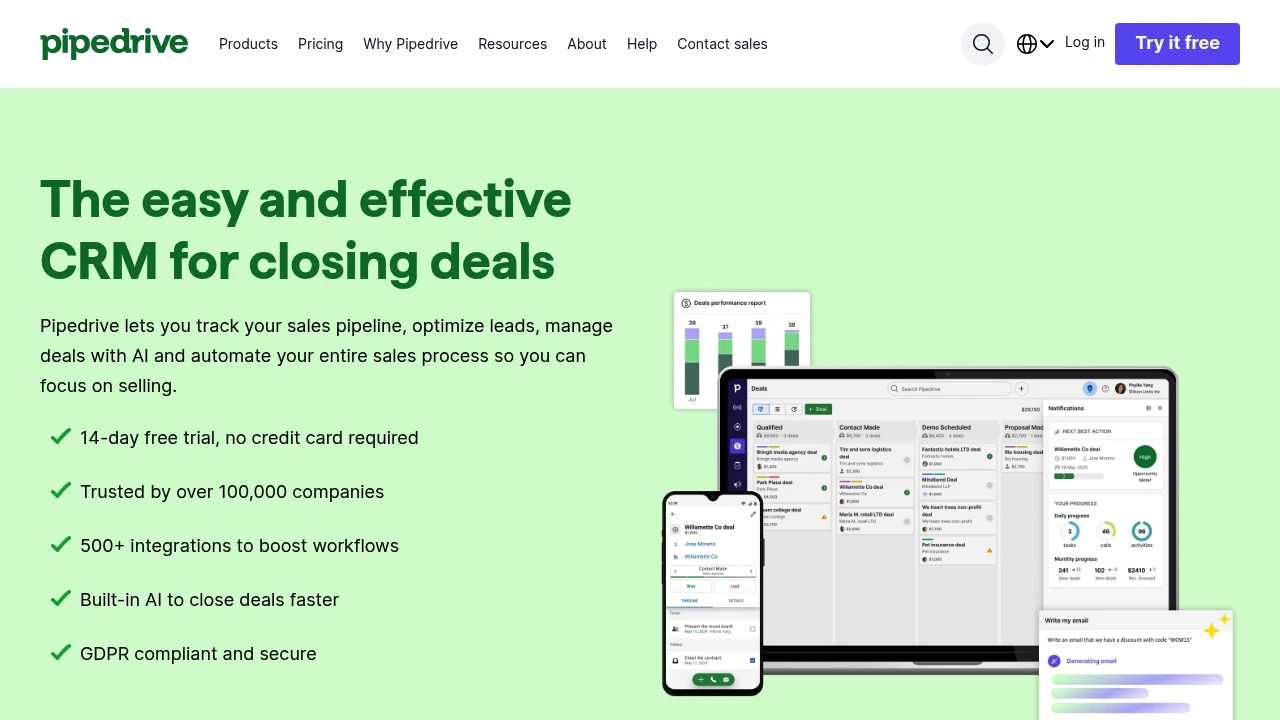
Pipedrive is an easy-to-use sales CRM with visual pipeline management, workflow automation, AI sales assistant, and 500+ integrations to track leads, optimize sales, and boost close rates.
Summary
Pipedrive is a sales pipeline CRM for small and medium businesses that uses visual pipelines, automated follow-ups, and AI-driven insights to help sales teams manage leads, track deals, and increase close rates.
What is Pipedrive?
Pipedrive is a customer relationship management system built around the sales pipeline, featuring a kanban-style interface that visualizes your entire sales cycle. It integrates email sync, calendar management, workflow automation, and an AI sales assistant to reduce admin work and let sales teams focus on closing. Used by over 100,000 companies, it offers a 14-day free trial with no credit card required.
Core Capabilities
- Visual sales pipeline: Kanban dashboard, drag-and-drop deals, customizable pipeline stages
- Lead and deal management: Centralized customer data, custom fields, import existing data
- Email and calendar sync: Two-way email integration, calendar sync, meeting scheduling links
- Workflow automation: Automated follow-ups, lead routing, triggered email sequences
- AI sales assistant: Predicts deal win probability, suggests priority leads, daily performance snapshots
- Real-time reporting and forecasting: Visual dashboards, goal tracking, revenue forecasting, sales metrics
- 500+ integrations: Marketplace connects Zapier, Zoom, Trello, Facebook, and more
- Mobile apps: iOS and Android apps for on-the-go access
Pros
- Intuitive interface with low learning curve for fast team onboarding
- Visual pipeline makes sales process transparent with simple drag-and-drop
- Automation and AI prompts significantly reduce admin time
- 500+ integrations extend functionality and connect existing tool ecosystem
- Affordable pricing suitable for small and medium business budgets
Cons
- Advanced reporting features require higher-tier plans
- Marketing automation less comprehensive than dedicated marketing platforms
- Large enterprises may need more complex customization options
- Some integrations require additional setup or third-party tools
Decision Guidance
Use Pipedrive if: You're a small to medium sales team needing simple, visual pipeline management, want to reduce admin work through automation, and need real-time sales insights to boost close rates. Ideal for businesses prioritizing ease of use and fast deployment.
Consider alternatives if: You need deep marketing automation, complex enterprise-level customization, or have already invested in other CRM ecosystems (like Salesforce or HubSpot). Large enterprises requiring highly customized permissions and workflows may need to evaluate more complex platforms.

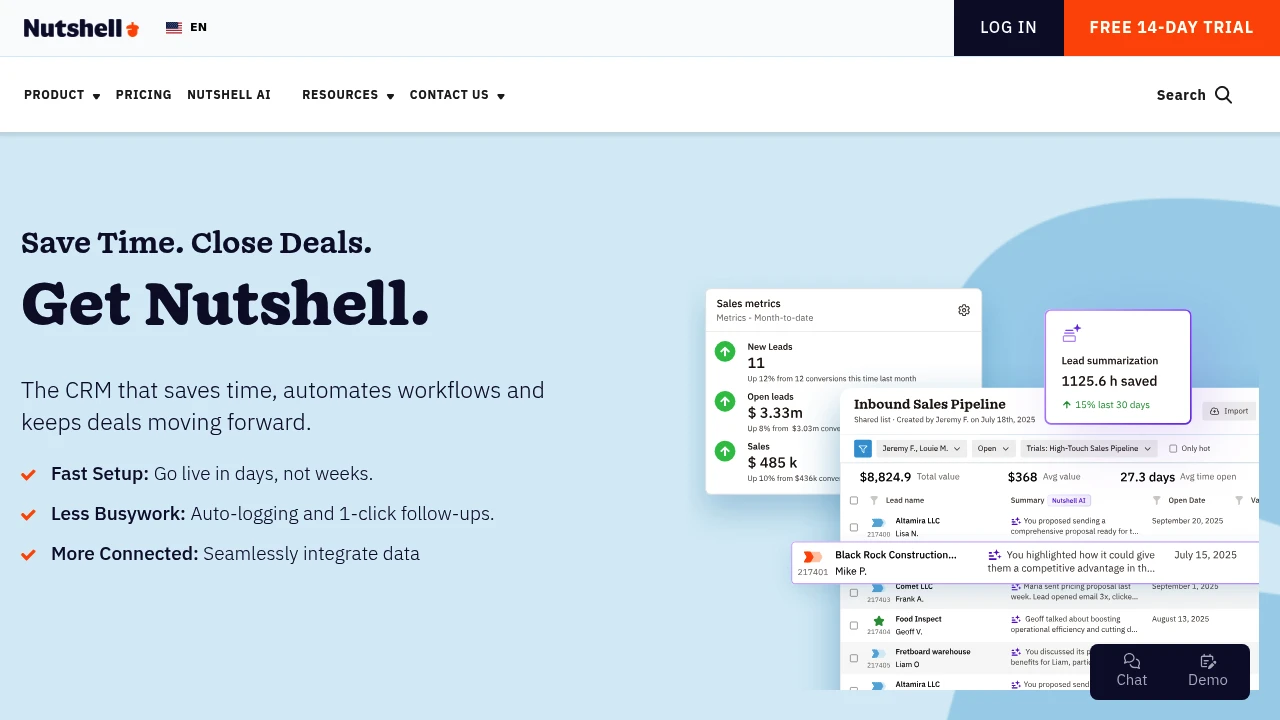
Nutshell combines CRM, email marketing, pipeline management, and AI automation to help sales teams close faster and cut busywork. Fast setup, free support, all-in-one.
Summary
Nutshell is an all-in-one CRM and growth platform for sales teams, integrating contact management, pipeline tracking, email marketing, and AI automation to close deals faster and reduce manual work.
What is Nutshell?
Nutshell is an easy-to-use customer relationship management platform combining CRM, email marketing, forms, landing pages, live chat, SMS, and quote management. Built for SMBs and growing teams, it offers fast setup (live in days), automated workflows, and integrated data so sales reps focus on selling, not typing. The platform includes AI features, lead prospecting tools, and an omni-channel inbox, supporting B2B, B2C, and non-profit organizations.
Core Capabilities
- Pipeline management: Custom views to track deals at every stage
- Contact & lead management: Auto-logging, form capture, 200M+ contact database search
- Email marketing: Drip campaigns, segmentation, custom audiences
- Automation: 1-click follow-ups, auto-logging, workflow automation
- Omni-channel inbox: Webchat, SMS, WhatsApp integration
- Quotes & invoices: Create, send, track within CRM
- Reporting & forecasting: Real-time sales performance and revenue forecasts
- Integrations: Connect Google, Microsoft, and 5,000+ apps
- AI features: Data insights, AI chatbot, revenue attribution
Pros
- Fast onboarding: Live in days with free data migration and setup support
- Intuitive interface: Low learning curve, easy team adoption
- All-in-one pricing: CRM, marketing, chat, quotes included at no extra cost
- Time-saving automation: Reduces manual entry with auto-logging and follow-ups
- Quality support: Free live chat and email support for all users
Cons
- Advanced customization: Complex workflows or deep customization may be limited
- Learning resources: Some advanced features require time to explore documentation
- Enterprise needs: Very large teams or complex architectures may need more robust solutions
- Third-party reliance: Some integrations require Zapier or API setup
Decision Guidance
Use Nutshell when: You're a small to mid-sized sales team needing fast setup, integrated CRM and marketing tools, reduced busywork, and an affordable all-in-one solution. Works well for B2B, B2C, and non-profits.
Consider alternatives when: You're an enterprise needing heavy customization, complex multi-tier approval workflows, or already deeply invested in another ecosystem (e.g., Salesforce).
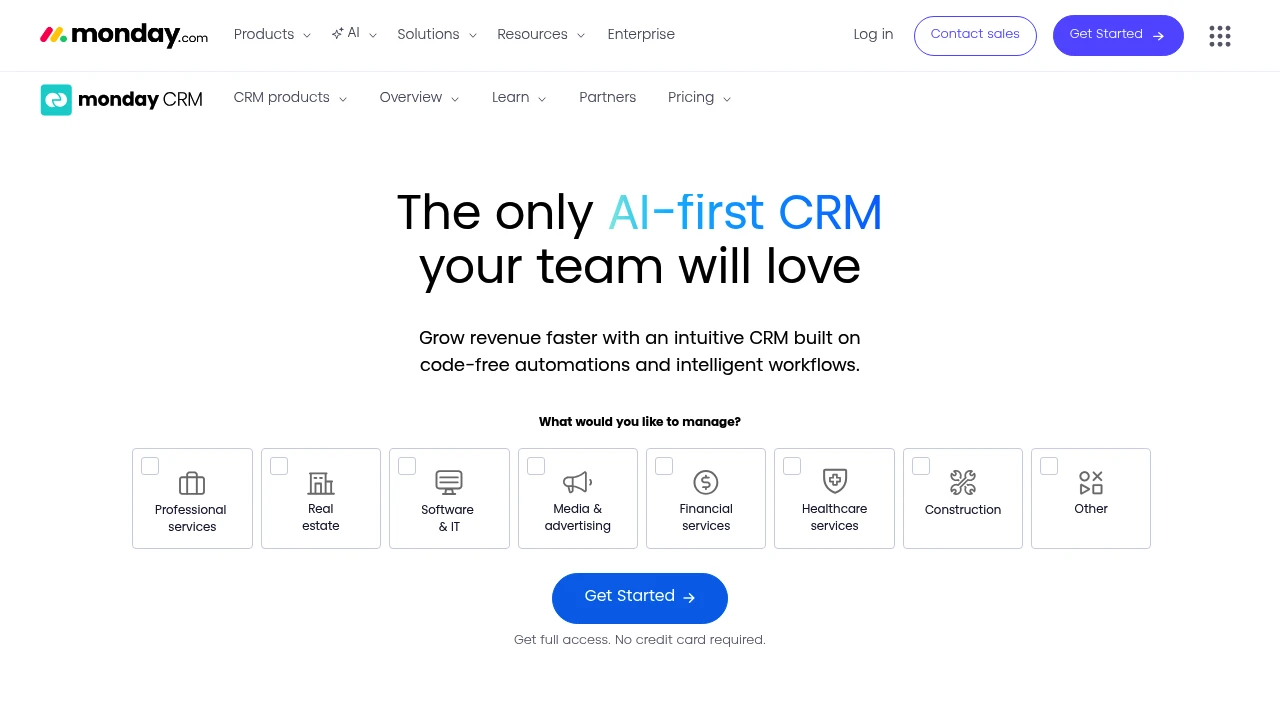
monday.com CRM combines AI-powered task generation, email writing, and code-free automations to centralize leads, customize pipelines, and accelerate sales.
Summary
monday.com CRM is an AI-powered sales management platform that helps teams close deals faster and streamline the entire sales cycle from lead to post-sale with code-free automations and flexible customization.
What is monday.com CRM?
monday.com CRM is an intuitive customer relationship management software designed for sales teams. The platform combines AI capabilities (automated task generation, email composition, content summarization, formula building) with visual workflows, allowing users to customize sales pipelines, automate repetitive work, and integrate favorite tools without developer help. It supports lead management, deal tracking, 360° customer views, and post-sales management.
Core Capabilities
- AI work capabilities: Auto-generate tasks, compose & rephrase emails, summarize content, build formulas
- Customizable pipelines: Drag-and-drop deal stage editing, multi-pipeline support, no coding required
- One-click automations: Auto-assign leads, set reminders, get email open notifications
- Sequences & mass emails: Personalized email sequences, bulk sending, tracking, and AI writing
- Integrations & mobile app: Seamless tool integrations, mobile pipeline management
- Lead scoring: Auto-score and centralize leads based on custom criteria
- 360° customer view: Contacts, accounts, activity logs, and emails in one place
- Real-time reporting & analytics: Pre-built dashboards, Kanban views, timelines, Gantt charts
Pros
- AI-driven efficiency: Automated task generation and email composition save time
- No-code customization: Non-technical users can quickly adjust pipelines and workflows
- Intuitive interface: User feedback highlights minimal training needs and ease of use
- Comprehensive integrations: Connect external apps to centralize data and processes
- Mobile experience: Dedicated app supports pipeline management on the go
Cons
- Pricing transparency: Website does not clearly list pricing tiers; requires sales contact
- Feature-rich may overwhelm: Small teams may not need all capabilities
- Learning curve: Despite intuitive design, advanced customization and automations take time to master
- Integration dependency: If existing tools lack integration support, workflow adjustments may be needed
Decision Guidance
When to use: Teams needing a flexible, AI-driven CRM to manage complex sales cycles, multiple pipelines, or pre- to post-sales processes; sales teams wanting to reduce manual work and boost visibility.
Consider alternatives: Small teams on tight budgets or those needing only basic lead tracking; businesses preferring simple CRMs with fixed pricing and fewer features.

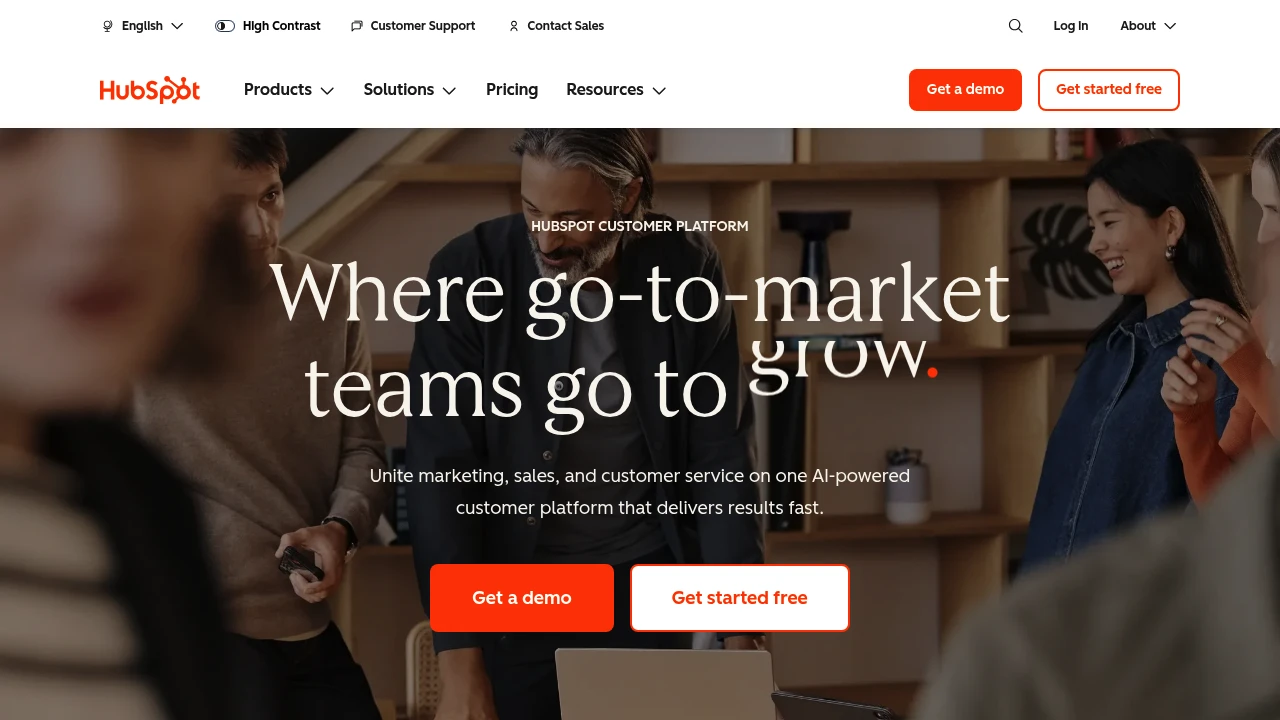
HubSpot integrates CRM, marketing, sales, and customer service on one AI-powered platform with Breeze agents that automate workflows, helping 278,000 businesses grow faster.
Summary
HubSpot is an AI-powered customer platform that unifies marketing, sales, customer service, and CRM to help businesses consolidate data, automate processes, and accelerate growth.
What is HubSpot?
HubSpot is a comprehensive customer platform that combines Marketing Hub, Sales Hub, Service Hub, Content Hub, Data Hub, Commerce Hub, and Smart CRM in a single system. The platform includes built-in Breeze AI tools and agents (Customer Agent, Prospecting Agent, Data Agent) that automate customer inquiries, sales outreach, and content creation. Over 278,000 businesses across 135 countries use HubSpot to manage customer relationships and drive business growth.
Core Capabilities
- Smart CRM: Unified customer data as the single source of truth for all business information
- Marketing Hub: Marketing automation, lead conversion, personalized content, and campaign tracking
- Sales Hub: Lead generation, pipeline management, automated outreach, and deal acceleration
- Service Hub: AI-powered customer support, ticketing, customer health scores, and usage analytics
- Content Hub: Content creation, multi-channel publishing, and brand consistency management
- Breeze AI Agents: 24/7 automation for customer inquiries (resolves 65%), sales research, and content generation
- Data Hub: Data integration, cleansing, and cross-team activation
- Commerce Hub: Quoting, payment collection, and subscription management
- 2,000+ Integrations: Connect existing tools and applications
Pros
- Unified platform: All marketing, sales, and service tools in one AI-powered system eliminate data silos
- Proven results: Customers gain 129% more leads, 36% more deals, and 37% better ticket closure rates within one year
- Built-in AI: Breeze agents automate 65% of customer inquiries, accelerate sales outreach, and generate content
- Flexible scaling: From Small Business Bundle to Enterprise plans, adapts to different team sizes
- Rich ecosystem: 2,000+ integrations, free tools, and active community support
Cons
- Learning curve: Multi-product platform requires time to master all features and best practices
- Cost accumulation: Advanced features and multiple Hub subscriptions can strain budgets for small businesses
- Customization limits: Some enterprise-level needs may require additional development or third-party integrations
- Data migration: Moving from other CRM systems requires planning and resource investment
- Feature overlap: Some functionality overlaps across different Hubs, requiring careful plan selection
Decision Guidance
Use HubSpot when: You need to unite marketing, sales, and customer service teams and want AI automation to boost efficiency and accelerate growth. Particularly suited for small to enterprise organizations seeking an integrated platform to replace scattered tools, valuing data unification and scalability.
Consider alternatives when: You only need single functionality (like pure CRM or email marketing) rather than a full platform, or have limited budget without need for advanced AI features. Businesses deeply invested in other ecosystems (like Salesforce) may face migration costs.

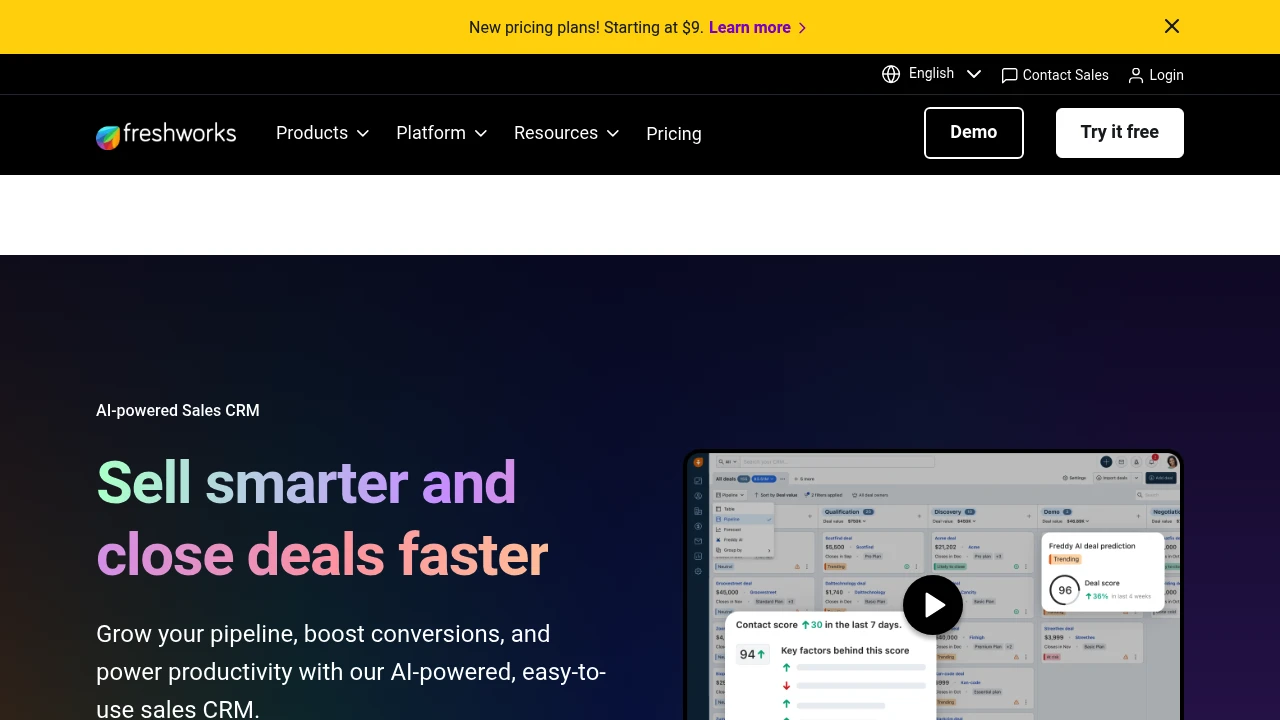
Freshsales is an AI-powered sales CRM with smart lead scoring, 360° customer views, sales automation, and Freddy AI assistant. Boost sales efficiency and close deals faster. 21-day free trial.
Summary
Freshsales is an AI-powered sales CRM platform by Freshworks designed to boost sales efficiency and accelerate deal closure. It integrates lead management, sales automation, and the Freddy AI assistant to streamline sales processes and drive revenue growth.
What is Freshsales?
Freshsales is a comprehensive sales customer relationship management system with a built-in Freddy AI engine that automatically scores leads, recommends top deals, and even drafts emails. The platform offers 360° customer views, kanban-style sales pipelines, and multi-channel communication, enabling sales teams to focus on high-value opportunities, reduce administrative work, and increase conversion rates. Trusted by over 74,000 businesses worldwide.
Core Capabilities
- Freddy AI assistant: Auto-scores leads and deals, provides deal recommendations, generates email content
- Smart lead management: Automatically capture, qualify, route, and track leads
- 360° customer view: Consolidates all customer interactions for complete context
- Kanban sales pipeline: Drag-and-drop card management with visual workflow
- Multi-channel engagement: Interact on customers' preferred channels
- Sales automation: Automates repetitive tasks to save time
- Freshsales Suite: Unifies sales and marketing with a single customer data source
Pros
- AI-driven insights: Freddy AI identifies best leads and deals automatically, improving prioritization
- Intuitive interface: Drag-and-drop kanban and clear dashboards for quick adoption
- Reduces admin work: Automation cuts administrative time by up to 20%
- Unified solution: Freshsales Suite aligns sales and marketing data
- Free trial: 21-day trial with no credit card required
Cons
- Pricing transparency: Feature tiers require deeper exploration of plan details
- AI learning curve: Maximizing Freddy AI takes time to master
- Advanced customization: Complex workflows may need technical support
- Third-party integrations: Some integrations may require additional configuration
Decision Guidance
When to use: Ideal for small to enterprise-level sales teams needing AI-assisted sales decisions, automated lead management, and sales-marketing alignment. Particularly suited for organizations looking to reduce administrative work and boost team productivity.
When to consider alternatives: If you need highly customized CRM systems, are deeply invested in other ecosystems (like Microsoft or Salesforce), or only require basic contact management rather than full sales automation, explore specialized alternatives.
Looking for alternatives to other popular services? Check out other posts in the alternatives series and GTM Guide, a directory of tools with filters for tags and alternatives for easy browsing and discovery.

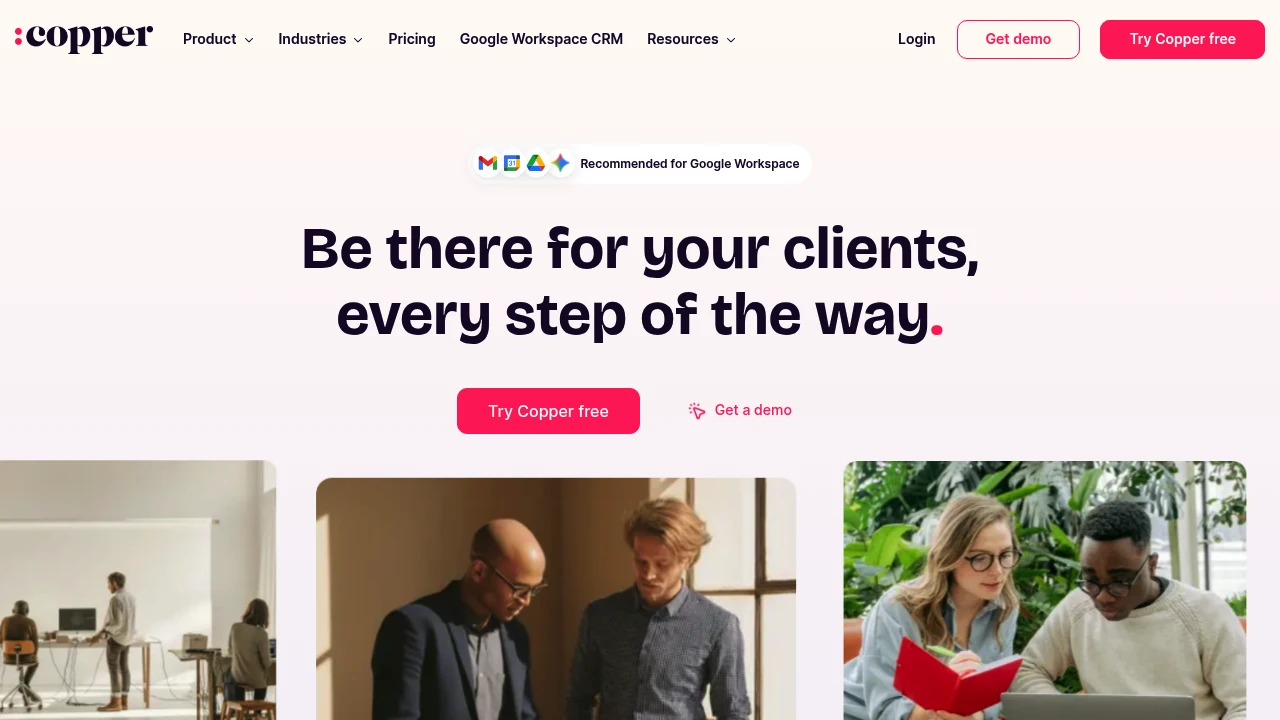
Copper CRM integrates deeply with Google Workspace to track leads, close deals, manage projects, and build lasting relationships—all without leaving Gmail. Free 14-day trial.
Summary
Copper CRM is a customer relationship management platform built for Google Workspace users, embedding directly into Gmail so small teams can manage the entire customer journey without switching apps.
What is Copper?
Copper is a CRM system tightly integrated with Gmail and Google Workspace. It automatically logs email interactions, tracks sales pipelines, manages project tasks, and supports the full cycle from lead generation to post-sale service. Over 30,000 companies use Copper to manage customer relationships.
Core Capabilities
- Native Gmail integration: Add contacts, opportunities, and tasks directly from inbox sidebar
- Sales pipeline management: Visual tracking of deal stages, win probability, and value sorting
- Project & task management: Launch projects directly from closed deals, centralized task assignment
- Activity feed: Real-time overview of team emails, projects, and tasks
- Automation & templates: AI email responses, pipeline templates, and automated follow-up reminders
- Mobile app: Auto-log calls and SMS, update customer data on the go
- Third-party integrations: Connect with PandaDoc, DocuSign, QuickBooks, and more
Pros
- Fast deployment: Users report going live in 3 days with almost zero setup time
- Seamless Gmail experience: Complete CRM actions without leaving your inbox
- Built for small teams: Clean interface, gentle learning curve, not overly complex like enterprise CRMs
- Full customer journey coverage: One platform from lead capture to project delivery and repeat business
- Highly customizable: Custom labels, fields, owners, and templates
Cons
- Google Workspace dependency: Non-Gmail users miss out on core integration benefits
- Limited advanced features: Reporting and automation are basic compared to enterprise CRMs
- Project management depth: Cannot fully replace dedicated project management tools
- Pricing transparency: Website doesn't clearly list plan pricing details
- Scalability concerns: Large enterprises or complex sales processes may need more powerful platforms
Decision Guidance
Use Copper when: Your team primarily uses Gmail and Google Workspace, needs a simple CRM to track customer interactions, manage sales pipelines and projects, and wants fast deployment without lengthy training. Small to mid-sized service businesses, consultancies, and agencies are ideal fits.
Consider alternatives when: Your team doesn't use Google Workspace, or you need deep marketing automation, complex reporting, multi-currency support, and enterprise-grade workflows. Large sales teams or organizations requiring heavy customization may need more robust platforms.

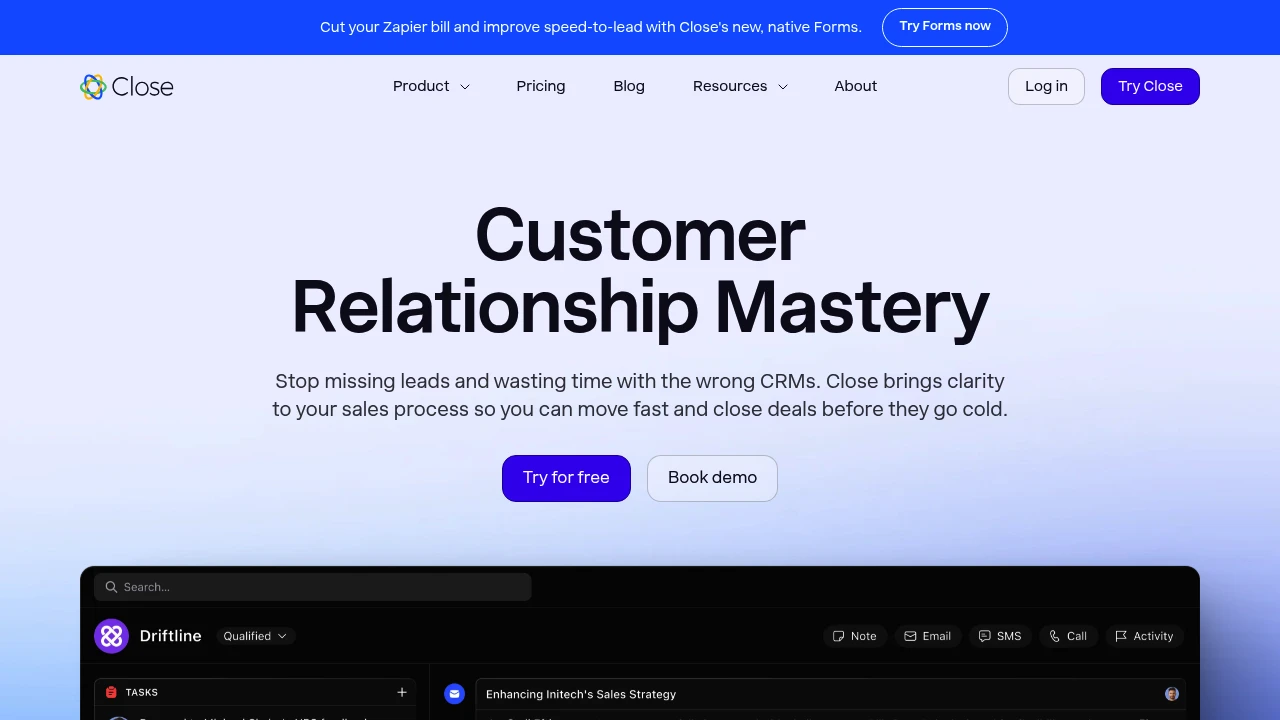
Close is a CRM for small businesses that integrates calling, email, and SMS with AI-powered automation to help you follow up faster and close more deals.
Close CRM Overview
Close is a customer relationship management system built for fast-growing small businesses, combining communication tools and automation so sales teams focus on closing deals, not data entry.
What is Close?
Close is a no-BS CRM platform designed for small sales teams. It unifies calling, email, and SMS in one interface, automatically logs all communication, and uses AI-powered automation for notes, follow-up reminders, and customer data enrichment—cutting tool-switching and boosting sales speed.
Core Capabilities
- Unified communication: Call, email, and text directly from the CRM with automatic activity logging
- AI automation: Auto-generated call notes, meeting summaries, email rewrites, and customer data enrichment
- Sales workflows: Automated follow-up reminders, task assignment, and pipeline management
- Native forms: Replace Zapier and improve speed-to-lead with built-in lead capture
- Integration ecosystem: Connects with 800+ third-party tools
Pros
- Clean, intuitive interface requires little to no training
- 50% faster than major CRMs (Pipedrive, HubSpot, Salesforce) in speed tests
- Native communication tools reduce context-switching
- Practical AI features built-in, no extra subscriptions needed
- Fast customer support and simple implementation
Cons
- Focused on sales teams; limited marketing automation for complex campaigns
- Fewer advanced customization options than enterprise CRMs
- Limited support for very large organizations or complex hierarchies
- Some integrations still require third-party tools
- Pricing may be high for very small teams
Decision Guidance
Choose Close if: Your team has 2-50 people, you need fast lead response, want to reduce tool-switching and boost sales efficiency, and don't need complex marketing automation.
Consider alternatives if: You need deep marketing automation, complex custom workflows, or manage sales organizations with 100+ people—enterprise-grade CRMs may be a better fit.
Brevo offers email marketing, SMS, WhatsApp, CRM, live chat, and transactional email with AI-powered automation. Trusted by 600K+ users. Free trial available.
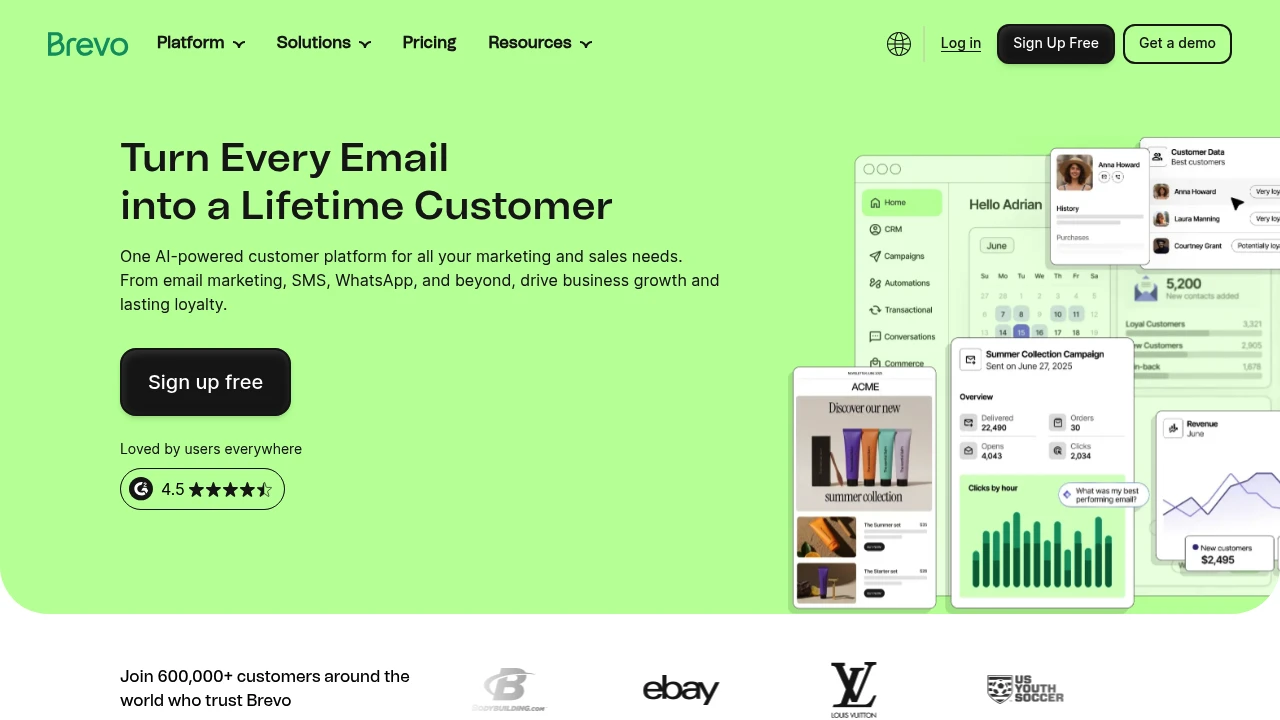
Brevo: Email & SMS Marketing, CRM & Automation Platform
Brevo is a multichannel customer engagement platform combining email, SMS, WhatsApp, CRM, live chat, and transactional email. AI-driven automation tools boost conversions and loyalty. Trusted by over 600,000 users worldwide, from startups to enterprise.
What is Brevo?
Brevo is an all-in-one customer engagement platform that manages marketing, sales, and customer relationships in a single interface. It offers a drag-and-drop editor, ready-made templates, and no-code automation tools for non-technical users to launch campaigns quickly. Built-in Aura AI agents auto-generate copy, optimize send times, recommend products, and analyze data to eliminate busywork. Integrates with over 150 third-party tools including ecommerce, CMS, and CRM systems.
Core Capabilities
- Multichannel marketing: Email, SMS, WhatsApp, live chat, and push notifications
- AI agents (Aura): Auto-generate copy, segment audiences, optimize send times, and recommend products
- CRM & sales tools: Contact management, deal tracking, automated sales emails
- Marketing automation: No-code workflows, advanced segmentation, web tracking
- Transactional email: Order confirmations, password resets, and system emails
- Live chat & conversation summaries: AI-powered chat summaries and tone adjustments
- Data analytics: Natural language queries and visual reports
Pros
- Drag-and-drop editor and templates make it easy for non-technical users
- AI agents automate copywriting, segmentation, and send-time optimization
- Combines email, SMS, WhatsApp, CRM, and live chat in one platform
- Integrates with 150+ third-party tools
- Free plan available with no credit card required
Cons
- Advanced features (AI agents, WhatsApp) require paid plans
- Some users report a steeper learning curve than expected
- Free plan has daily sending limits
- Certain integrations require additional setup
Decision Guidance
Choose Brevo if you need multichannel marketing tools for SMBs or ecommerce, want to manage email, SMS, CRM, and automation in one platform, and use AI to reduce manual work. Ideal for budget-conscious teams that need scalability.
Consider alternatives if you only need a single channel (e.g., email-only) or already have a dedicated CRM system—specialized tools may fit better. Large enterprises requiring deep customization or on-premise deployment may need enterprise-grade solutions.

Agile CRM combines sales tracking, email marketing automation, and helpdesk tools for SMBs. Free plan available with third-party integrations to centralize customer data and boost conversions.
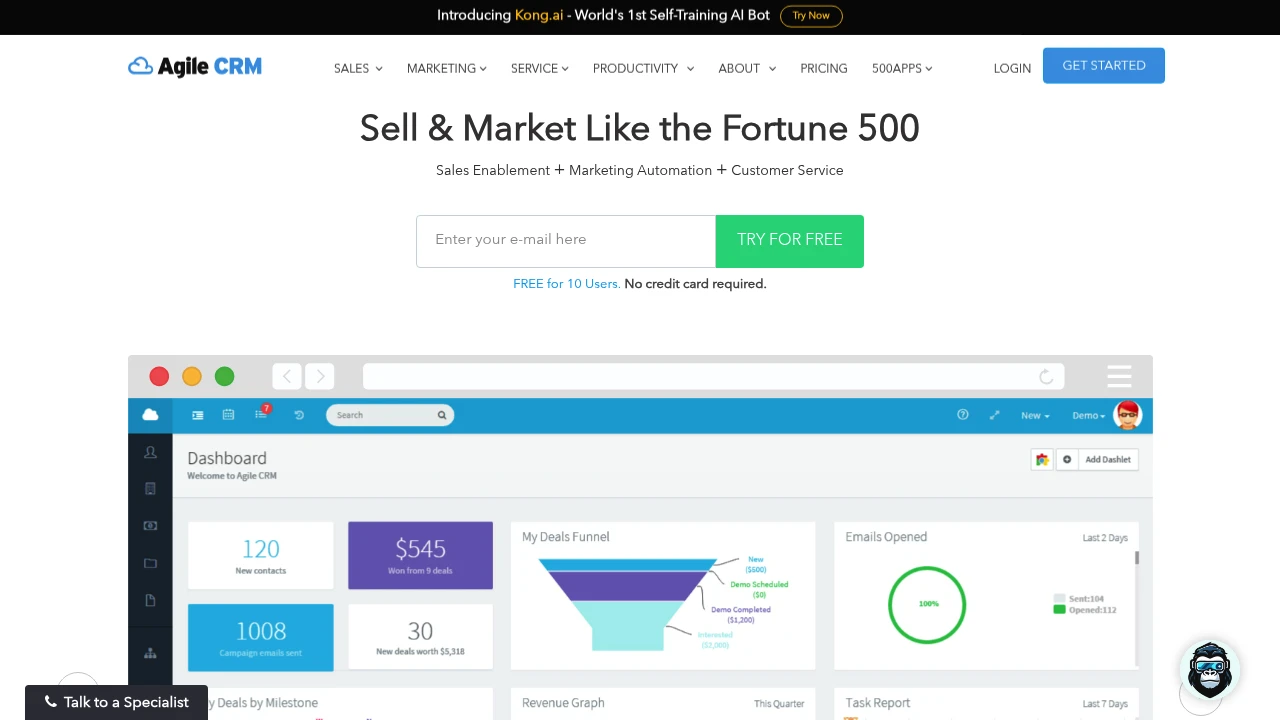
Agile CRM
Agile CRM is an all-in-one customer relationship management platform that integrates sales, marketing, and customer service. Designed for small to mid-sized businesses, it helps teams centralize customer data, automate workflows, and improve conversion rates.
What is Agile CRM?
Agile CRM delivers a comprehensive CRM solution that combines contact management, email marketing, sales tracking, and support tools in a single platform. The system supports marketing automation, sales pipeline management, and multi-channel communication, enabling teams to manage the entire customer lifecycle without switching between tools. It suits growing businesses seeking a complete CRM system at a reasonable cost.
Core Capabilities
- Contact & deal management — Centralize customer data, interaction history, and deal progress
- Email marketing automation — Create templates, set up trigger-based workflows, and track open rates
- Sales pipeline tracking — Visualize pipelines, forecast revenue, and assign tasks
- Helpdesk ticketing — Handle customer inquiries, assign tickets, and track resolution times
- Third-party integrations — Connect with Gmail, Outlook, Zapier, Stripe, and other popular tools
- Mobile apps — iOS and Android apps support field teams with real-time data access
Pros
- Integrates sales, marketing, and support in one platform, reducing tool-switching
- Offers a free plan suitable for startups and small teams to test features
- Workflow automation saves time on repetitive tasks
- Intuitive interface with a relatively gentle learning curve
- Supports multiple third-party integrations for good extensibility
Cons
- Advanced features require paid plans; free version has significant limitations
- Report customization options less robust than enterprise-grade CRMs
- Some users report slower customer support response times
- Large enterprises may need stronger scalability and customization options
Decision Guidance
When to use: SMBs need to integrate sales, marketing, and support functions, want a single platform to manage the full customer lifecycle, and seek efficiency gains through automation. Startups can test features on the free plan before upgrading.
Consider alternatives: Large enterprises requiring deep customization, advanced analytics, or complex workflows should evaluate enterprise-grade solutions like Salesforce, HubSpot, or Zoho CRM. If your primary need is email marketing, Mailchimp or ActiveCampaign may offer more specialized features.

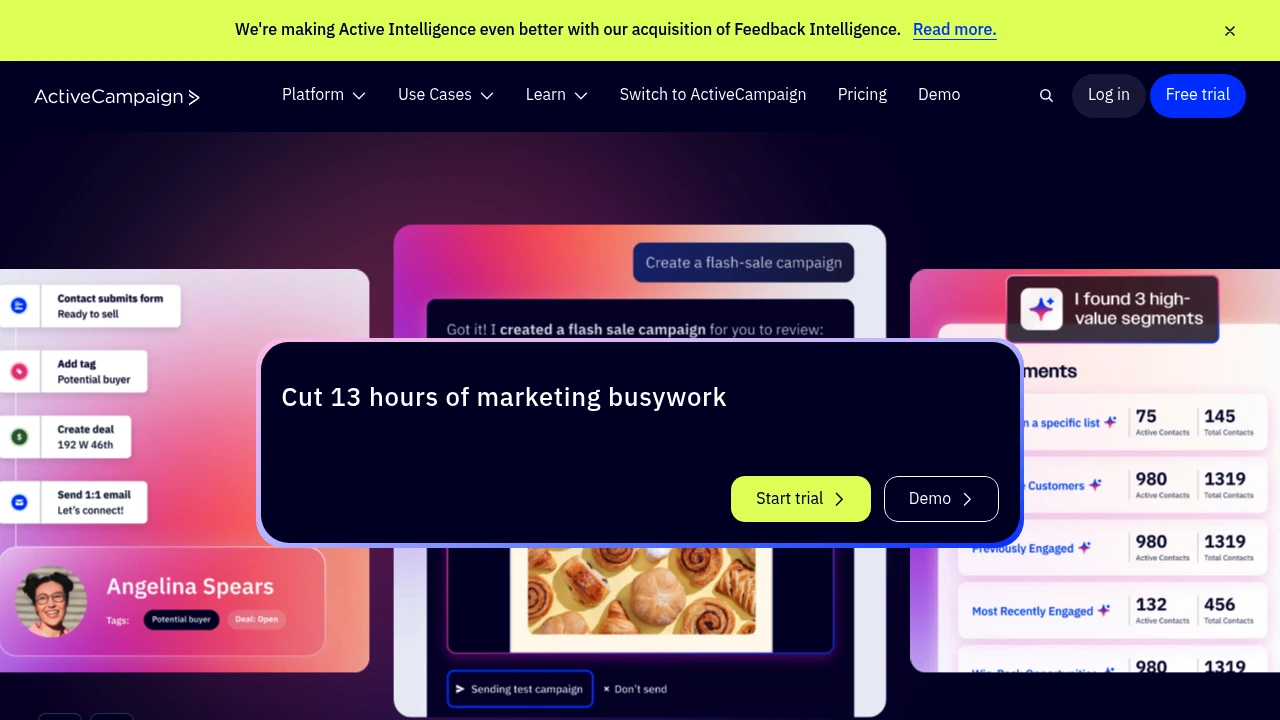
ActiveCampaign's autonomous marketing platform uses AI agents to build and optimize email, SMS, WhatsApp journeys. Integrates 1,000+ apps to cut time to market.
Summary
ActiveCampaign is an autonomous marketing platform that uses AI agents to automate email, SMS, and WhatsApp strategy execution, solving the burden of manually building workflows and analyzing data. The platform claims to save 13 hours of marketing work per week.
What is ActiveCampaign?
ActiveCampaign goes beyond traditional marketing automation through Active Intelligence technology that lets AI agents automatically build and optimize customer journeys, email content, and multi-channel strategies based on your goals. The platform unifies email, SMS, WhatsApp, transactional email, and landing pages, connecting over 1,000 apps with Claude and ChatGPT integration.
Core Capabilities
- AI orchestration: AI agents auto-create personalized email, SMS, and WhatsApp strategies
- Multi-channel automation: Manage email, SMS, WhatsApp, transactional email, and web experiences in one place
- Customer journey optimization: Automate and optimize customer interaction flows
- Visual reporting: Summarize campaign progress and goal achievement
- Integration ecosystem: Connect 1,000+ apps including Claude and ChatGPT
- Email and form builder: Create emails, forms, and landing pages
- Deliverability management: Ensure email inbox placement
Pros
- AI agents build strategy automatically without manual workflow setup
- Unifies email, SMS, WhatsApp in a single platform
- 1,000+ app integrations including AI tools
- 30-day money-back guarantee and 14-day free trial
- Supports agencies, e-commerce, education, healthcare, and other industries
Cons
- Autonomous marketing features may require time to learn and adjust goal settings
- Pricing for advanced AI features not clearly listed on website
- Small teams may not need all channels and integration capabilities
- Time-saving claim (13 hours/week) lacks verification source
Decision Guidance
Use when: You need cross-channel automation across email, SMS, WhatsApp, want AI agents to build strategy instead of just executing preset flows, or require extensive third-party tool integration.
Consider alternatives: Small teams needing only basic email automation, limited budgets without multi-channel needs, or users preferring full manual control over every marketing workflow.


