RingCentral Alternatives
Discover the best alternatives to RingCentral. Compare features, pricing, and find the perfect replacement.
The best alternative to RingCentral is Freshworks. If that doesn't suit you, we've compiled a ranked list of other RingCentral alternatives to help you find a suitable replacement. Other interesting alternatives to RingCentral are: FrontSpin, Zoom, Salesforce and PhoneBurner.
RingCentral alternatives are mainly AI Phone Dialing, but may also be AI CRM or AI Meeting Notes. Browse these if you want a narrower list of alternatives.

Written by Eric Leung
Last updated: June 20, 2026 at 8:01 AM
Freshworks offers enterprise-grade IT service management (Freshservice) and omnichannel customer service (Freshdesk Omni) with built-in Freddy AI automation. Trusted by 74,000+ businesses for fast deployment and transparent costs.
Summary
Freshworks is an enterprise-grade IT service management and customer service platform that uses AI-assisted tools to streamline service delivery and improve customer and employee experiences. Over 74,000 businesses worldwide rely on it for fast implementation, transparent pricing, and strong ROI.
What is Freshworks?
Freshworks delivers two core products: Freshservice (IT Service Management) and Freshdesk Omni (omnichannel customer service), both powered by Freddy Agentic AI that automates ticket handling, reasons through issues, and executes resolutions. The platform emphasizes ease of use, reducing tech stack complexity so teams can get up and running without lengthy training. It's built for organizations that need enterprise-level capabilities without enterprise-level headaches.
Core Capabilities
- AI-driven ticketing: Auto-categorize, route, and resolve common requests to cut handling time
- Omnichannel customer service: Unify email, chat, phone, and social media in one inbox
- IT service management (ITSM): Incident, change, asset, and knowledge management
- Freddy Agentic AI: Autonomous reasoning, action execution, and task completion without manual intervention
- Workflow automation: Pre-built rules and triggers to eliminate repetitive work
- Self-service portals: Let users find answers on their own, reducing ticket volume
Pros
- Fast deployment with shorter implementation cycles than legacy ITSM solutions
- Transparent pricing with no hidden fees or complex licensing
- Built-in AI features—no need to integrate third-party tools
- High first-contact resolution (74%) and customer satisfaction (97% CSAT)
- Intuitive interface with low technical barrier, reducing training costs
Cons
- Advanced customization options less flexible than platforms like ServiceNow
- Large enterprises with deep legacy integrations may require extra development
- Some users report basic reporting features; complex analytics need data export
- Freddy AI still evolving—certain scenarios require manual intervention
- Free trial has limited features, making full enterprise evaluation difficult
Decision Guidance
Use Freshworks if you're a small to mid-market company (50–5,000 employees) that needs a fast-to-deploy IT or customer service system, values ease of use and AI automation, and wants to reduce tech stack complexity while controlling costs. Teams without heavy customization needs will see the fastest value.
Consider alternatives if you're a very large enterprise (10,000+ employees) requiring deep ITSM customization, complex compliance workflows, or have already invested in the ServiceNow ecosystem. Open-source options (like Zammad) may also suit teams needing maximum flexibility.

Looking for alternatives to other popular services? Check out other posts in the alternatives series and GTM Guide, a directory of tools with filters for tags and alternatives for easy browsing and discovery.

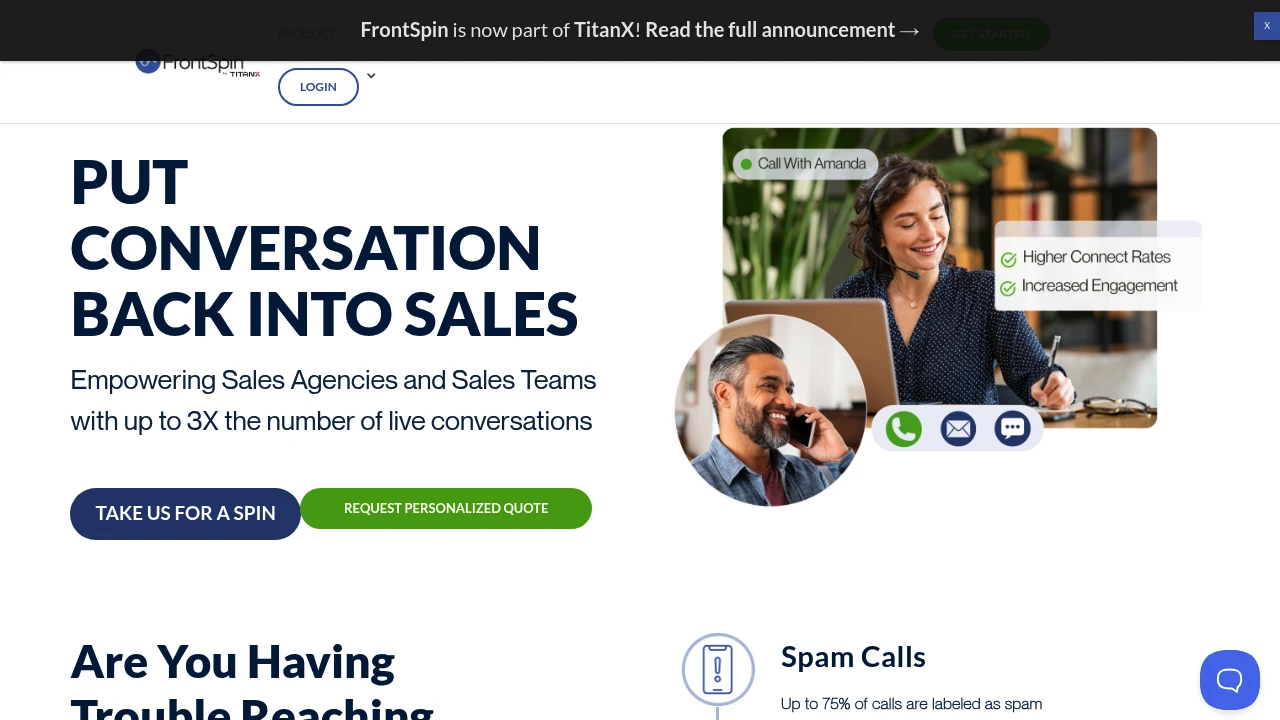
FrontSpin cloud sales communication platform uses advanced dialing, spam prevention, and number rotation to boost connect rates up to 3x, integrating calls, email, and SMS in one interface for inside sales teams.
Summary
FrontSpin is a cloud-based sales communication platform built for inside sales teams, using advanced dialing technology and spam prevention to boost connect rates up to 3x, solving spam labeling, poor call quality, and tech stack complexity.
What is FrontSpin?
FrontSpin is a sales communication and engagement platform that unifies power dialer, parallel dialer, email, SMS, and social touches in one interface. The system continuously scans and cleans phone numbers, auto-rotates numbers to prevent spam flagging, and offers customizable cadence playbooks so SDRs, account executives, and outsourced sales teams can reach prospects faster and increase live conversations. It syncs bidirectionally with CRMs and supports multiple telecom carriers (Twilio, InTouch, FS Telecom, or bring your own).
Core Capabilities
- Power Dialer: Prioritized call lists, pre-recorded voicemails, contact up to 3x more prospects
- AI-Assisted Parallel Dialer: Batch-process lists, AI filters bad numbers and classifies leads, ultra-low latency
- Continuous Number Scanning & Cleaning: Prevents spam flagging, boosts connect rates up to 35%
- Automatic Number Rotation: Large pool of numbers, dynamically generate and use numbers to expand reach
- Cadence Playbooks: Customizable workflows integrating calls, emails, SMS, and social touches
- Sales Email: Personalized templates, real-time open and click notifications
- Bidirectional CRM Sync: Patent-pending technology for seamless Salesforce and other CRM integration
- Call Monitoring & Whisper: Live call view, managers coach reps without prospects hearing
- Multi-Carrier Support: Choose Twilio, InTouch, FS Telecom, or bring your own inbound/outbound carrier
Pros
- Connect rates up to 3x higher, effectively breaks through spam-likely barrier
- Intuitive interface; teams can 4x outbound call and email volume in 30 days
- AI-assisted dialing preserves human touch, ultra-low latency avoids awkward silence
- Integrates multiple channels (calls, email, SMS, social) in one platform, reduces tech stack complexity
- Bidirectional CRM sync is fast and accurate, improves data entry
Cons
- Pricing not publicly disclosed; requires contacting sales
- Primarily for inside sales teams; may not suit low-call-volume or email-first teams
- Relies on third-party telecom carriers; call quality depends on carrier
- Learning curve may exist due to feature richness, though users report intuitive UI
- Some advanced features (e.g., parallel dialer) may require additional setup or cost
Decision Guidance
When to use: High-call-volume inside sales teams, SDR teams, outsourced sales agencies, and customer success teams, especially those facing spam labeling issues, needing higher connect rates, and wanting to unify multiple communication channels in one platform. Ideal for teams that need to rapidly expand market reach and simplify tech stack.
When to consider alternatives: If your team relies primarily on email or social media rather than phone outreach, or has low call volume, you may not need such advanced dialing features. If budget is tight and transparent pricing is required, or you already have a robust dialing system without spam flagging issues, consider simpler sales engagement tools.

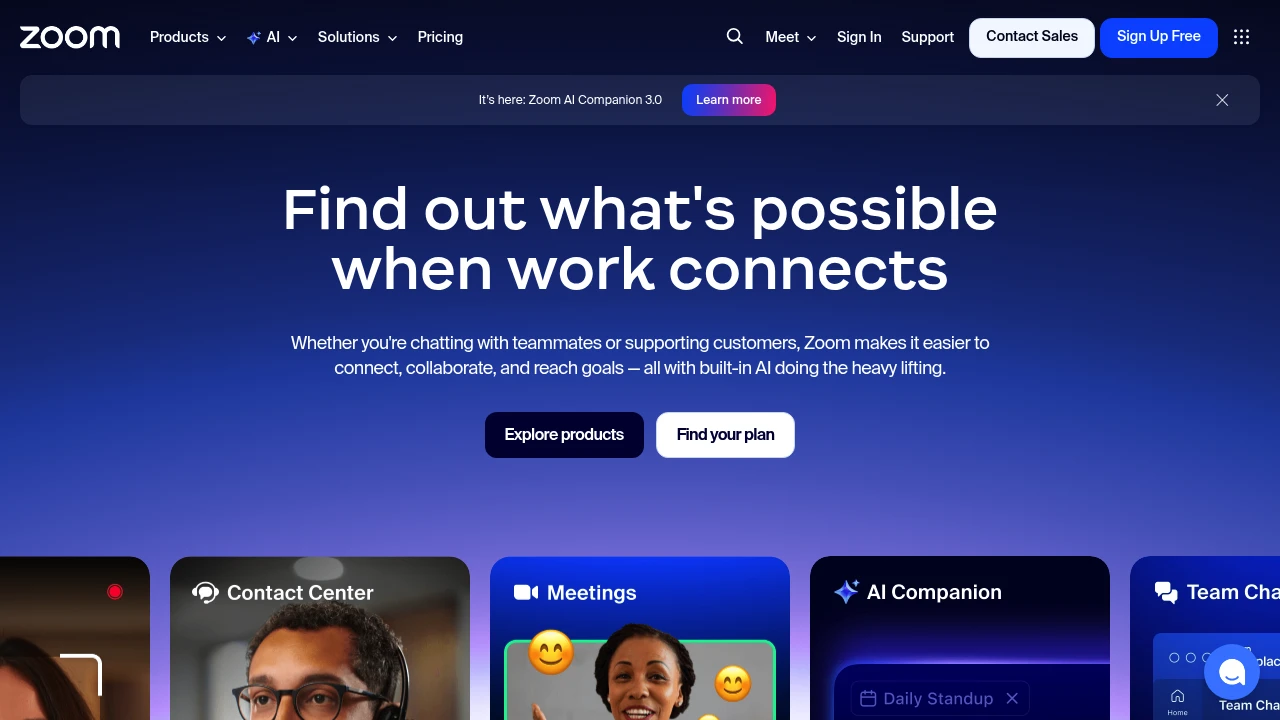
Zoom integrates video meetings, team chat, VoIP phone, webinars, and contact center in one platform. Built-in AI Companion auto-summarizes meetings, generates docs, and supports hybrid teams.
Summary
Zoom is an AI-powered unified communications platform that combines video meetings, team chat, phone, webinars, whiteboard, and contact center to solve communication fragmentation in hybrid work environments.
What is Zoom?
Zoom is an all-in-one UCaaS (Unified Communications as a Service) platform that integrates meetings, phone, chat, docs, and customer experience tools in a single interface. Built-in AI Companion 3.0 auto-summarizes meetings, generates documents, and handles follow-ups so teams can focus on high-value work. The platform supports remote and hybrid team collaboration and offers contact center, webinar, and sales enablement features.
Core Capabilities
- Video meetings and team chat: HD meetings, persistent chat rooms, screen sharing
- AI Companion 3.0: Auto meeting summaries, document generation, smart follow-up suggestions
- VoIP phone system: Cloud phone, voicemail, call routing
- Webinars and events: Branded virtual events, lead capture, interactive tools
- Contact center: Omnichannel customer support (phone, chat, email, social, video)
- Collaboration tools: Whiteboard, shared docs, async video clips
- CRM integration: Auto-updates, deal insights, conversation analytics
Pros
- Single platform consolidates all communication tools, reducing app switching
- AI Companion included in paid plans at no extra cost
- Reliable video quality supporting large meetings and webinars
- Flexible support for hybrid and remote work models
- Rich third-party integrations and APIs
Cons
- Free plan limits group meetings to 40 minutes
- Advanced features (contact center, webinars) require additional payment
- AI features available only in certain regions and industries
- Feature-rich interface has a learning curve for new users
- Storage and cloud recording capacity varies by plan
Decision Guidance
When to use: Hybrid teams needing a unified communications platform, businesses wanting to reduce tool fragmentation, organizations needing AI automation for meeting summaries and follow-ups, companies running customer support or hosting virtual events.
Consider alternatives: If you only need basic video meetings on a tight budget, try Google Meet or Microsoft Teams; if you're deeply invested in the Microsoft 365 ecosystem, Teams may fit better; if you need project management focus over communication, Slack or Asana might suit you better.

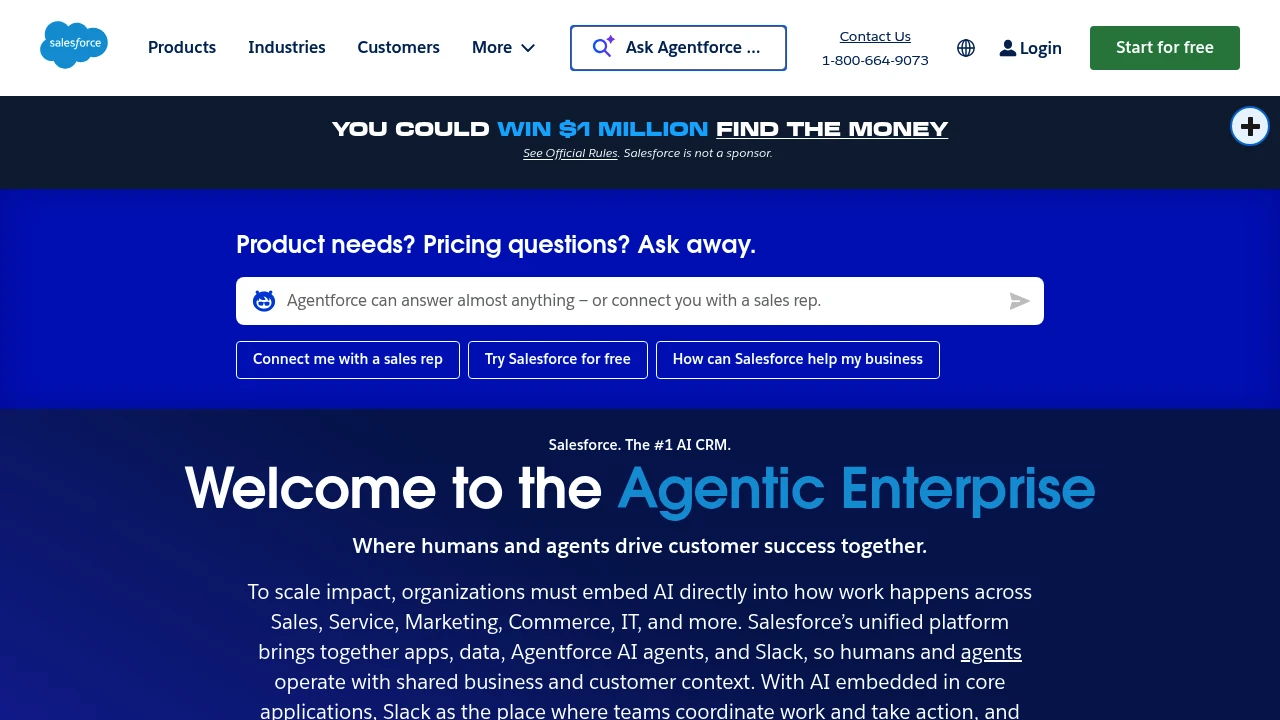
Salesforce is the leading AI CRM platform, integrating sales, service, marketing, commerce, and IT apps. With Agentforce AI agents and unified data, businesses achieve Customer 360 management, higher conversion rates, and automation efficiency.
Salesforce: AI CRM Platform
Summary
Salesforce is the leading AI CRM platform that unifies sales, service, marketing, commerce, and IT apps. Through Agentforce AI agents and integrated data, it enables human-agent collaboration to drive customer success and business growth.
What is Salesforce?
Salesforce is a cloud-based customer relationship management (CRM) platform that brings together applications, data, AI agents, and Slack into a single system. Businesses use Customer 360 to manage customer interactions from lead generation to post-sale service, enabling cross-department collaboration and automated workflows. The platform includes Agentforce AI agents that autonomously execute multi-step tasks, reducing manual work and boosting efficiency.
Core Capabilities
- Agentforce AI agents: Automate customer service cases, lead qualification, and marketing campaigns with 66% autonomous case resolution
- Customer 360 platform: Unify sales, service, marketing, commerce, and IT data for complete customer visibility
- Slack integration: Team collaboration hub with Slackbot as a personal work agent to accelerate decisions and actions
- Industry solutions: 16+ pre-built solutions for finance, healthcare, retail, manufacturing, and more
- Free CRM: Core CRM features with no credit card required, ideal for small businesses to start fast
- AI prediction and personalization: Analyze customer behavior, forecast deal success, and automate personalized interactions
Pros
- Deeply integrated platform: Apps, data, AI agents, and metadata managed in one place, reducing system fragmentation
- Proven AI results: Customer cases show 15% marketing pipeline growth and 1.8x lead conversion rate improvement
- Flexible scalability: From free tier to enterprise plans, expand features as your business grows
- Built-in trust and governance: AI and data security, compliance, and reliability mechanisms enabled by default
- Free learning resources: Agentblazer training offers three-level AI skill certification at no cost
Cons
- Learning curve: Feature-rich platform requires time for new users to master full capabilities and best practices
- Cost accumulation: Advanced features and industry solutions can drive subscription costs up quickly for SMBs
- Customization complexity: Deep customization demands technical resources or external consultant support
- Network dependency: Cloud architecture requires stable internet; offline functionality is limited
- Third-party integration: Some external system integrations need extra configuration or middleware
Decision Guidance
When to use: Businesses needing unified sales, service, and marketing process management; teams wanting AI agents to automate repetitive tasks and elevate customer experience; growing companies seeking scalable CRM solutions.
Consider alternatives: Micro-businesses with tight budgets needing only basic CRM features; organizations requiring fully offline operation; companies deeply invested in other ecosystems (e.g., Microsoft Dynamics) where integration costs are prohibitive.

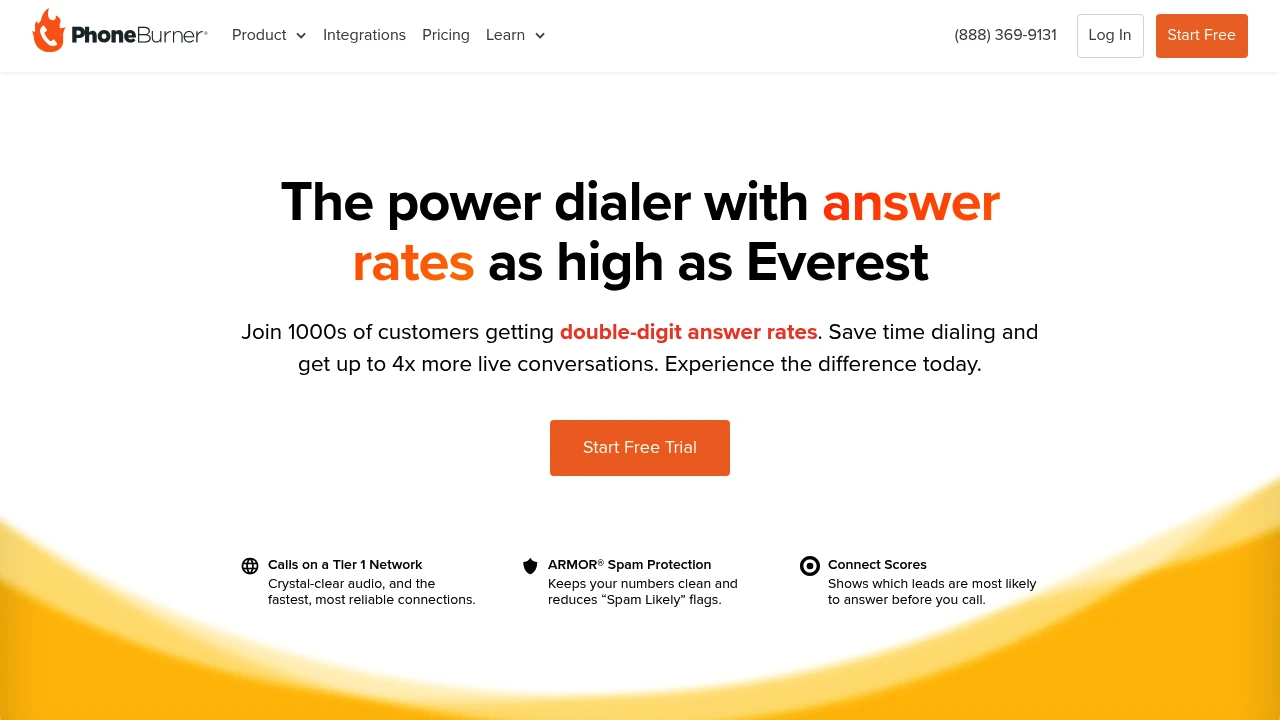
PhoneBurner sales dialer software helps you dial leads faster, achieve double-digit answer rates, automate workflows, and focus on quality conversations to drive revenue. Try it today.
Summary
PhoneBurner is a sales power dialer built for sales teams to automate dialing and optimize answer rates, delivering up to 4X more live conversations daily while reducing manual dialing time and boosting close efficiency.
What is PhoneBurner?
PhoneBurner is a cloud-based sales dialing platform that combines auto-dialing, email, SMS, and CRM integrations. It runs on a Tier 1 carrier network for call quality and uses ARMOR® technology to monitor and remediate number flagging issues, helping sales teams achieve double-digit answer rates. Over 3,000 businesses trust PhoneBurner to manage leads and automate sales workflows.
Core Capabilities
- Power Dialer: Blend calls, email, SMS with no delay or awkward pauses
- Connect Scores: Real-time number scoring to skip low-pickup numbers
- ARMOR® Answer Rate Protection: Monitors number reputation and provides full-service remediation
- Workflow Automation: One-click post-call tasks save minutes per call
- Lead Management: Auto-distribute leads for faster contact and higher conversion
- Real-Time Reporting & Coaching: Live dashboards, call recordings, team performance analytics
- CRM & Third-Party Integrations: Seamless connection with popular sales tools
Pros
- Answer rates reach double digits; some customers report 124% increase in reach
- 4 to 5X more live conversations daily compared to manual dialing
- Tier 1 carrier network ensures crystal-clear audio and reliable connections
- Workflow automation drastically cuts manual task time
- SOC 2 Type II certified for enterprise-grade security
Cons
- Pricing not publicly listed; requires contacting sales team
- Primarily for outbound sales teams, not suited for customer support or internal comms
- Learning curve for advanced automation features may take time
- Requires stable internet connection; no offline functionality
Decision Guidance
When to use: Your sales team dials high volumes of leads daily and needs to boost answer rates, reduce manual dialing time, and automate workflows with CRM integration. Ideal for B2B sales, telemarketing, real estate, and insurance industries.
Consider alternatives: If you only need basic dialing or have a tight budget, simpler dialer tools may suffice. For teams under 5 people or primarily handling internal communications, traditional phone systems might be more appropriate.
Looking for alternatives to other popular services? Check out other posts in the alternatives series and GTM Guide, a directory of tools with filters for tags and alternatives for easy browsing and discovery.

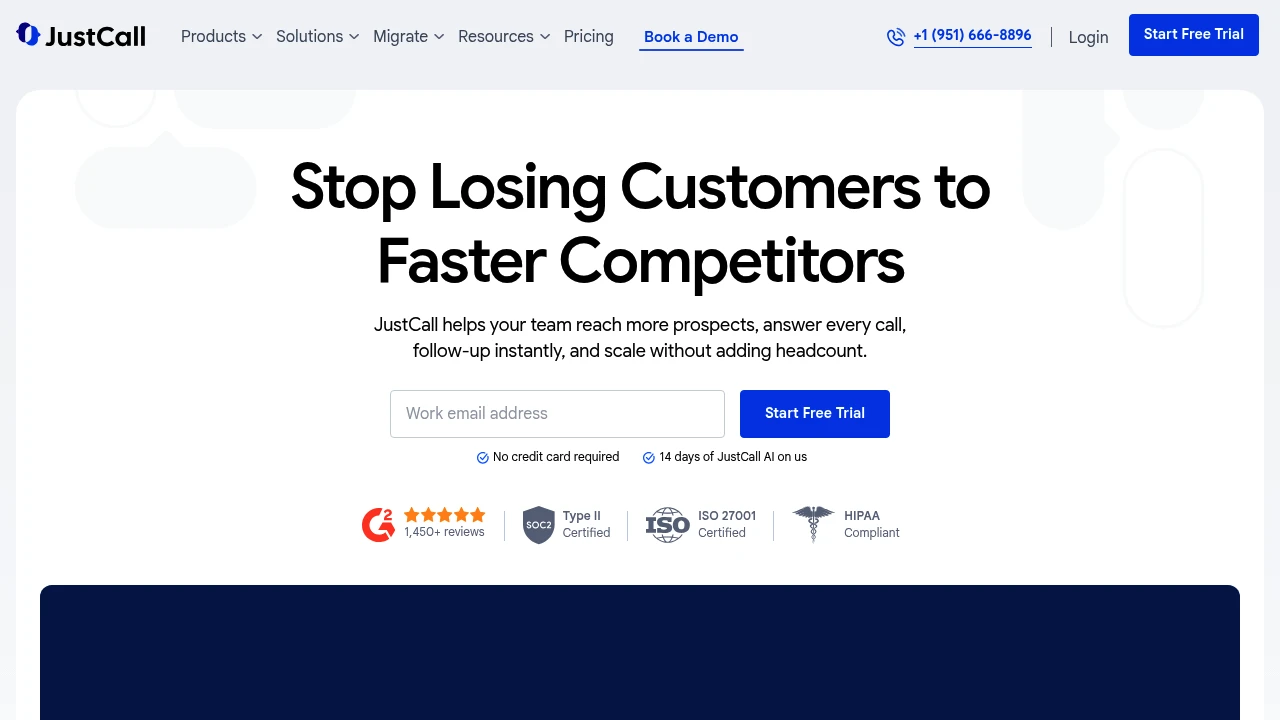
JustCall offers 24/7 AI agents, sales dialers, multi-channel messaging, and real-time AI coaching to help revenue teams automate call handling, speed up lead response, and scale with CRM integrations.
Summary
JustCall is a 24/7 revenue communication platform that helps sales and support teams automatically answer calls, accelerate outbound dialing, and scale operations with AI agents and automated workflows, without adding headcount.
What is JustCall?
JustCall is a cloud communication platform that unifies voice, SMS, WhatsApp, and AI-powered automation. It provides revenue teams with smart call routing, outbound auto-dialers, call recording, real-time AI coaching, and CRM integrations to respond to leads instantly, automate follow-ups, and improve close rates with data-driven insights.
Core Capabilities
- 24/7 AI agents: Auto-answer calls, qualify leads, book meetings
- Sales auto-dialers: Predictive and click-to-dial, launched from CRM
- Multi-channel messaging: SMS, MMS, WhatsApp shared inbox
- Conversation intelligence: Call transcription, summaries, sentiment analysis, auto-scoring
- Real-time AI coaching: Live agent guidance and personalized training plans
- CRM integrations: Auto-sync with HubSpot, Salesforce, Pipedrive, and more
- IVR and call routing: Smart distribution to the right team members
- SMS automation: Triggered workflows, bulk sending, chatbots
Pros
- Automates call handling and follow-ups, reducing manual work
- Real-time call summaries and CRM sync save logging time
- AI-driven coaching and scoring accelerate agent training
- Multi-channel support (voice, SMS, WhatsApp) in one platform
- Flexible integrations with major CRMs and business tools
Cons
- Advanced AI features require higher plans or add-ons
- Initial setup for workflows and integrations takes time
- Some users report occasional call quality issues
- Pricing structure may be steep for small teams
Decision Guidance
When to use: Teams scaling outbound or inbound volume, needing automated follow-ups, AI coaching, and real-time insights. Ideal for revenue teams prioritizing speed and CRM integration.
Consider alternatives: If you need only basic phone service, have a tight budget, or don't require AI and automation, simpler VoIP solutions may suffice.

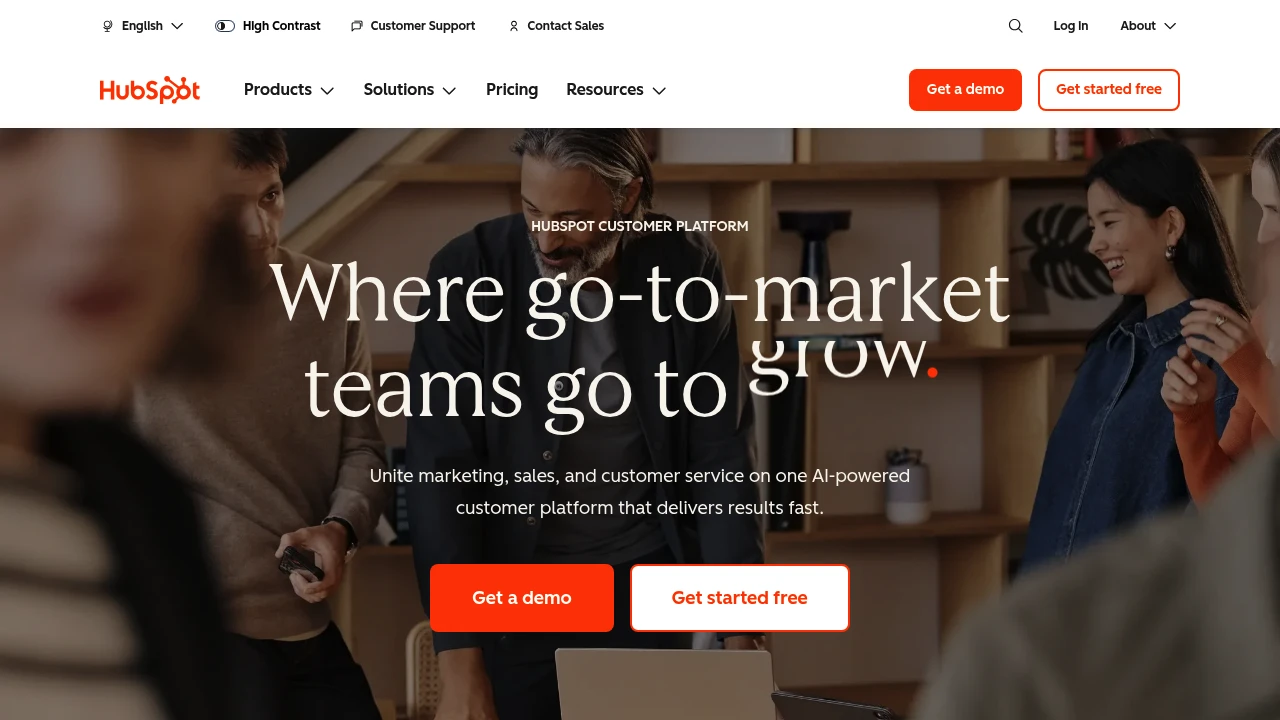
HubSpot integrates CRM, marketing, sales, and customer service on one AI-powered platform with Breeze agents that automate workflows, helping 278,000 businesses grow faster.
Summary
HubSpot is an AI-powered customer platform that unifies marketing, sales, customer service, and CRM to help businesses consolidate data, automate processes, and accelerate growth.
What is HubSpot?
HubSpot is a comprehensive customer platform that combines Marketing Hub, Sales Hub, Service Hub, Content Hub, Data Hub, Commerce Hub, and Smart CRM in a single system. The platform includes built-in Breeze AI tools and agents (Customer Agent, Prospecting Agent, Data Agent) that automate customer inquiries, sales outreach, and content creation. Over 278,000 businesses across 135 countries use HubSpot to manage customer relationships and drive business growth.
Core Capabilities
- Smart CRM: Unified customer data as the single source of truth for all business information
- Marketing Hub: Marketing automation, lead conversion, personalized content, and campaign tracking
- Sales Hub: Lead generation, pipeline management, automated outreach, and deal acceleration
- Service Hub: AI-powered customer support, ticketing, customer health scores, and usage analytics
- Content Hub: Content creation, multi-channel publishing, and brand consistency management
- Breeze AI Agents: 24/7 automation for customer inquiries (resolves 65%), sales research, and content generation
- Data Hub: Data integration, cleansing, and cross-team activation
- Commerce Hub: Quoting, payment collection, and subscription management
- 2,000+ Integrations: Connect existing tools and applications
Pros
- Unified platform: All marketing, sales, and service tools in one AI-powered system eliminate data silos
- Proven results: Customers gain 129% more leads, 36% more deals, and 37% better ticket closure rates within one year
- Built-in AI: Breeze agents automate 65% of customer inquiries, accelerate sales outreach, and generate content
- Flexible scaling: From Small Business Bundle to Enterprise plans, adapts to different team sizes
- Rich ecosystem: 2,000+ integrations, free tools, and active community support
Cons
- Learning curve: Multi-product platform requires time to master all features and best practices
- Cost accumulation: Advanced features and multiple Hub subscriptions can strain budgets for small businesses
- Customization limits: Some enterprise-level needs may require additional development or third-party integrations
- Data migration: Moving from other CRM systems requires planning and resource investment
- Feature overlap: Some functionality overlaps across different Hubs, requiring careful plan selection
Decision Guidance
Use HubSpot when: You need to unite marketing, sales, and customer service teams and want AI automation to boost efficiency and accelerate growth. Particularly suited for small to enterprise organizations seeking an integrated platform to replace scattered tools, valuing data unification and scalability.
Consider alternatives when: You only need single functionality (like pure CRM or email marketing) rather than a full platform, or have limited budget without need for advanced AI features. Businesses deeply invested in other ecosystems (like Salesforce) may face migration costs.

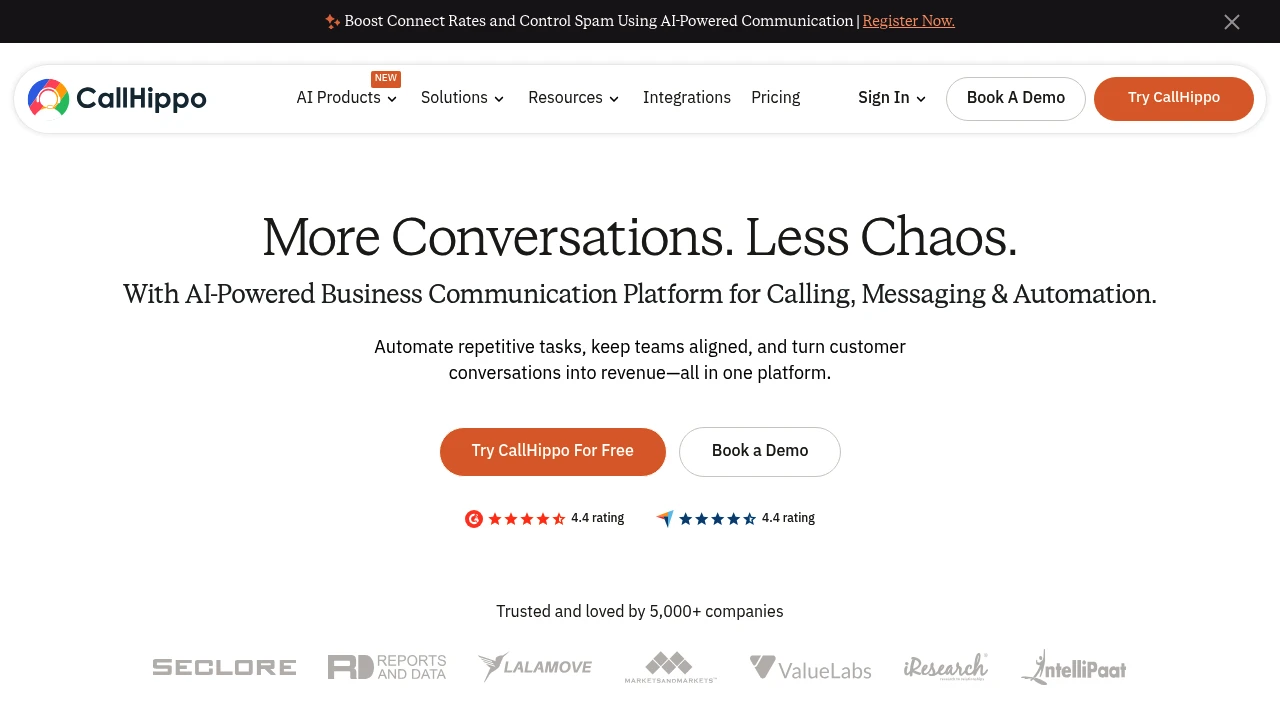
CallHippo is an AI-powered business communication platform that unifies calling, WhatsApp, omnichannel messaging, and automation to boost conversions 4x, reduce costs 34%, and set up in 3 minutes.
Summary
CallHippo is an AI-driven business communication automation platform that unifies voice, WhatsApp, omnichannel messaging, and parallel dialing to help sales and support teams automate repetitive tasks, improve efficiency, and turn conversations into revenue.
What is CallHippo?
CallHippo offers a virtual phone system, AI voice agent, parallel dialer, omnichannel inbox, and WhatsApp Business API to manage all customer conversations on one platform. It supports time-zone aware calling, smart routing, real-time analytics, and CRM integrations, with setup in 3 minutes. Designed for sales teams, call centers, and BPOs.
Core Capabilities
- AI voice agent: Handles inbound queries, outbound calls, and lead qualification 24/7
- Parallel dialer: Connects agents to live calls instantly, eliminating dialing time
- Omnichannel platform: Unifies voice, WhatsApp, email, Instagram, Telegram, and chatbot
- WhatsApp automation: Automates conversations, broadcasts, and team collaboration
- AI Copilot: Provides sentiment analysis, smart workflows, and real-time insights
- Smart call routing: Automatically assigns calls based on time zone and customer data
- CRM integrations: Seamlessly connects with existing tools to centralize communication
Pros
- Set up in 3 minutes with instant access to virtual phone system
- Customers report 4x increase in conversions and 48% revenue growth
- AI automation reduces repetitive tasks, boosting team efficiency by 67%
- Cuts operational costs by 34% with 99.5% uptime
- Supports international numbers in 70+ countries with zero latency and jitter
Cons
- No public pricing available; requires contacting sales for quotes
- AI voice agent needs internal SOP training to handle complex workflows
- Some advanced features (e.g., parallel dialer) may require additional fees
- Learning curve may increase with multiple communication channels
- Relies on internet connectivity; limited functionality offline
Decision Guidance
Use CallHippo when: You need to unify multi-channel communication (voice, WhatsApp, email) for sales teams, call centers, or BPOs, want to boost connect rates and conversions with AI automation, and require fast setup for international phone systems.
Consider alternatives if: You only need basic calling without AI automation or omnichannel integration, or you're a small team on a tight budget that requires transparent pricing and simpler VoIP solutions.
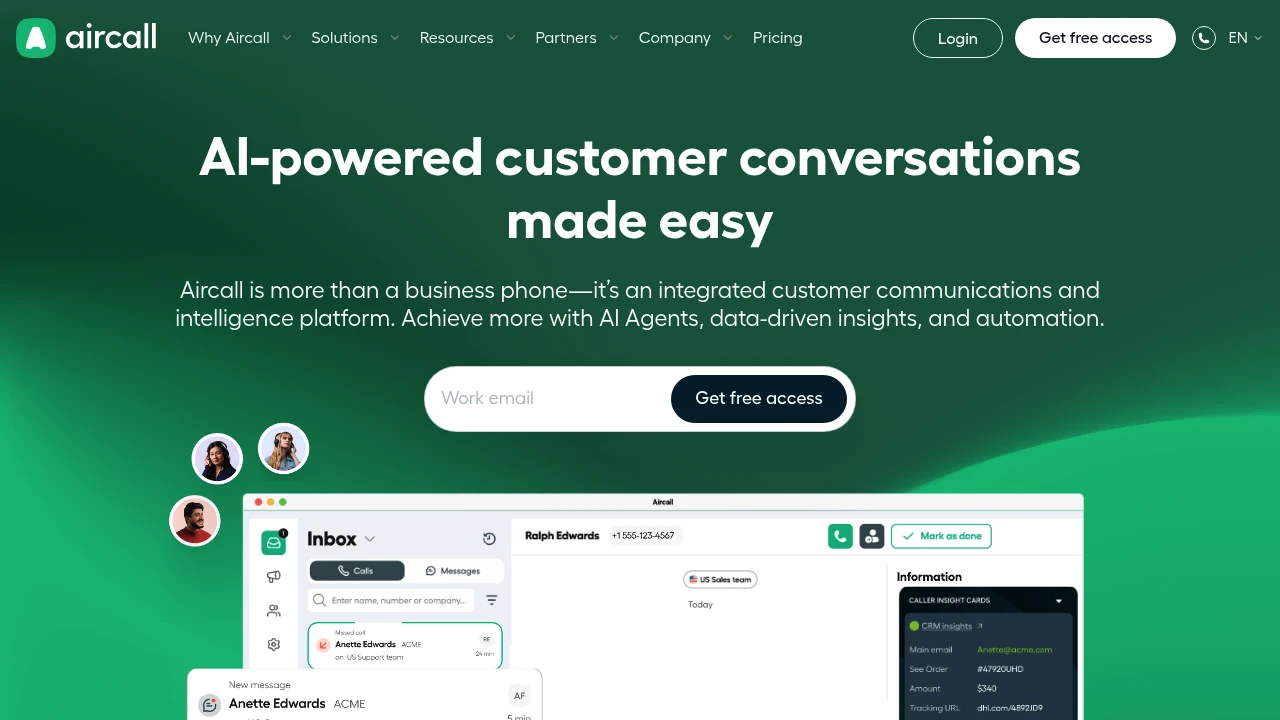
Aircall cloud communications platform integrates phone, WhatsApp & AI Voice Agents with 260+ tools like Salesforce, HubSpot. Deploy fast, no hardware needed.
Summary
Aircall is a cloud-based customer communications platform that unifies phone, WhatsApp, and AI capabilities to help SMBs and enterprises improve sales and support efficiency. It offers 260+ integrations including Salesforce, HubSpot, and Zendesk, with no hardware required for rapid deployment.
What is Aircall?
Aircall is a VoIP-powered cloud phone system and customer communications platform that lets teams manage calls, messages, and customer interactions from a single interface. The platform includes AI Voice Agents, call analytics, smart routing, and CRM sync features, enabling remote and office teams to handle customer communications using existing devices (phones, computers) without physical equipment.
Core Capabilities
- AI Voice Agents & conversation intelligence: Automate tasks, deliver real-time call insights and coaching
- 260+ integrations: Connect Salesforce, HubSpot, Zendesk, Shopify, Intercom, and more
- Omnichannel inbox: Manage phone, WhatsApp, SMS in one interface
- Smart call routing: Auto-assign calls by skill, language, or department
- Real-time analytics & reporting: Monitor metrics, call recordings, tags, and team performance
- IVR & call queues: Self-service options reduce wait times
- Cloud deployment: No hardware, setup in minutes
Pros
- Fast setup with no IT staff or hardware investment required
- Deep integrations with major CRM and helpdesk tools auto-sync customer data
- AI features automate repetitive tasks so teams focus on relationships
- Supports remote work and 24/7 multilingual support
- Intuitive interface with stable call quality (customers handle 25,000+ calls/month)
Cons
- Requires stable internet; VoIP call quality depends on bandwidth
- Advanced AI features and extensive integrations may require higher-tier plans
- Third-party integrations rely on external service stability
- Traditional phone system users need to adapt to cloud-based workflows
Decision Guidance
When to use: Your sales or support team needs CRM and helpdesk integration, supports remote work, wants AI automation to boost efficiency, and prefers fast deployment without hardware investment. Ideal for SMBs to enterprises already using Salesforce, HubSpot, or Zendesk.
Consider alternatives: If you need on-premise deployment to meet specific data sovereignty requirements, or your team relies primarily on traditional phone networks rather than internet connectivity. For very small teams or tight budgets that don't need extensive integrations, basic VoIP services may be more economical.


