Salesforce Alternatives
Discover the best alternatives to Salesforce. Compare features, pricing, and find the perfect replacement.
The best alternative to Salesforce is Zoho CRM. If that doesn't suit you, we've compiled a ranked list of other Salesforce alternatives to help you find a suitable replacement. Other interesting alternatives to Salesforce are: Pipedrive, Nutshell, Monday Sales CRM and HubSpot.
Salesforce alternatives are mainly AI CRM, but may also be AI Email Outreach. Browse these if you want a narrower list of alternatives.

Written by Eric Leung
Last updated: February 18, 2026 at 3:08 PM
Zoho CRM integrates Zia AI, multi-channel engagement, and 1,000+ apps to automate sales and boost collaboration. 15-day free trial, 3-user free plan.
Summary
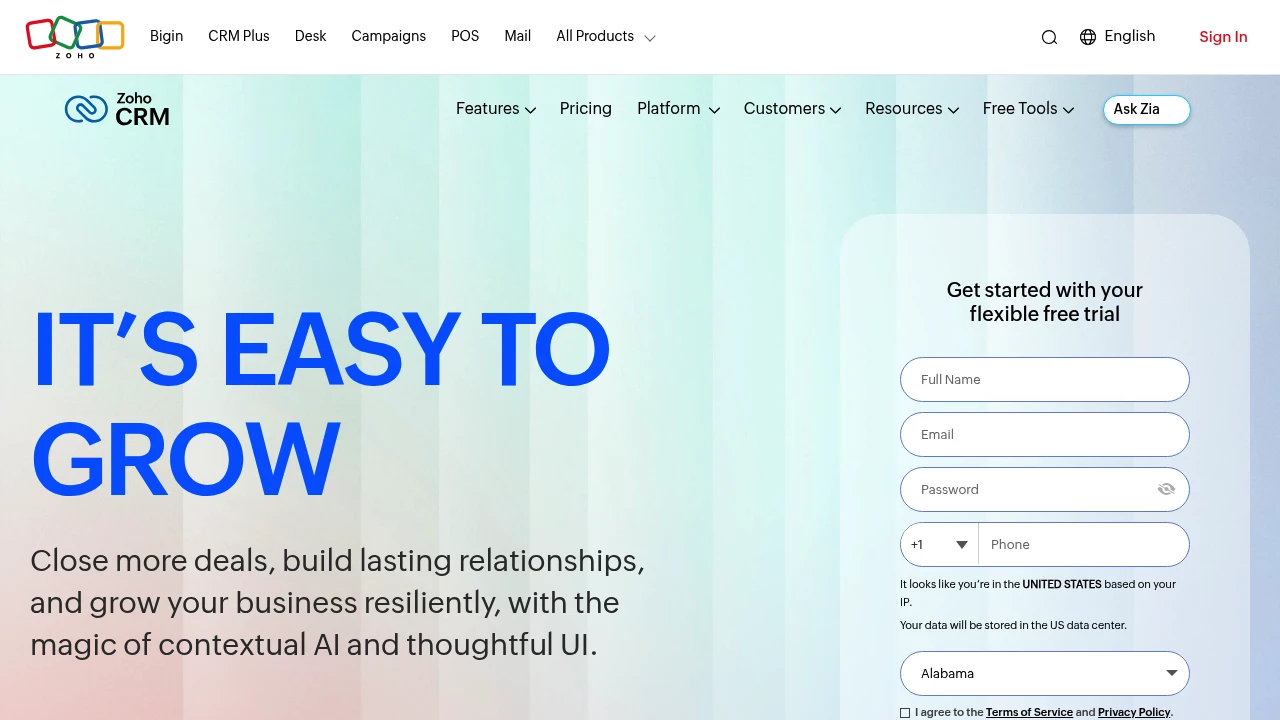
Zoho CRM is a sales-focused customer relationship management platform with AI assistance and team collaboration spaces, helping businesses close more deals and improve customer engagement.
What is Zoho CRM?
Zoho CRM is an online sales management software offering 360° customer views, contextual AI (Zia), multi-channel engagement, and workflow automation. It integrates with 1,000+ apps and provides Teamspaces for dedicated collaboration across sales, marketing, and support teams. Serving 300,000+ businesses globally since 2005.
Core Capabilities
- Zia AI assistant: Email rewriting, anomaly detection, predictive analytics, and ChatGPT integration
- Team collaboration spaces: Dedicated data views and modules for different departments
- Multi-channel engagement: Real-time customer communication across channels
- Workflow automation: No-code functions, sales cadences, and advanced process design
- Business intelligence & forecasting: Deep reporting, performance management, and sales predictions
- 1,000+ app integrations: Connect daily tools via Zoho Marketplace
Pros
- Flexible free trial: 15-day trial, no credit card; 3-user free plan available
- AI-driven insights: Zia multi-agent platform delivers smart suggestions and anomaly detection
- Highly customizable: Teams create modules via prompts, upload images to generate custom layouts
- Privacy & compliance: ISO 27001, privacy management, and cloud security certifications
- Pay-as-you-go: Monthly or yearly billing, upgrade or downgrade anytime, no contracts
Cons
- Learning curve: Advanced customization and AI features require time to master
- Free plan limits: Only 3 users with limited functionality
- Integration complexity: Extensive integration options may overwhelm beginners
- Reporting depth: Some users report advanced BI features need extra configuration
Decision Guidance
Use Zoho CRM if: You're a small to mid-sized or growing team needing scalable CRM with AI automation, multi-team collaboration, and privacy compliance, on a budget but seeking long-term licensing savings.
Consider alternatives if: You're a large enterprise requiring deep customization or already invested in another CRM ecosystem; very small teams (1-2 people) needing only basic contact management may prefer lighter tools.

Looking for alternatives to other popular services? Check out other posts in the alternatives series and GTM Guide, a directory of tools with filters for tags and alternatives for easy browsing and discovery.

Pipedrive is an easy-to-use sales CRM with visual pipeline management, workflow automation, AI sales assistant, and 500+ integrations to track leads, optimize sales, and boost close rates.
Summary
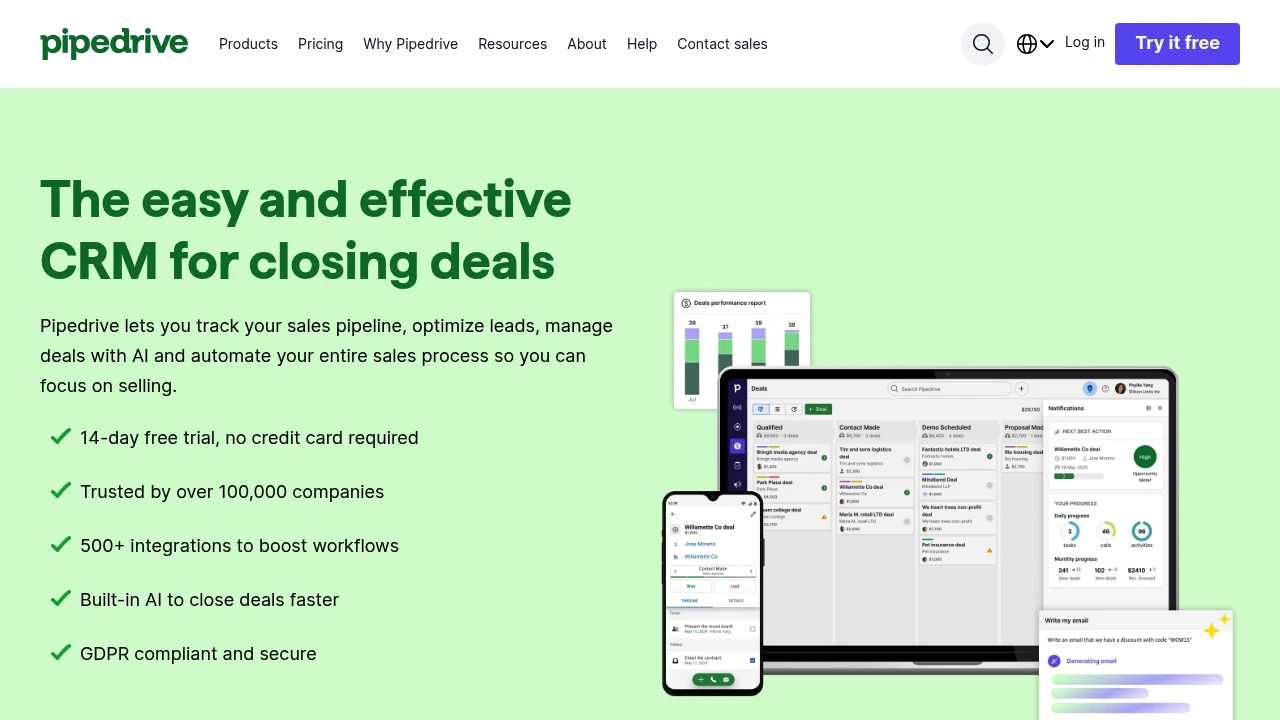
Pipedrive is a sales pipeline CRM for small and medium businesses that uses visual pipelines, automated follow-ups, and AI-driven insights to help sales teams manage leads, track deals, and increase close rates.
What is Pipedrive?
Pipedrive is a customer relationship management system built around the sales pipeline, featuring a kanban-style interface that visualizes your entire sales cycle. It integrates email sync, calendar management, workflow automation, and an AI sales assistant to reduce admin work and let sales teams focus on closing. Used by over 100,000 companies, it offers a 14-day free trial with no credit card required.
Core Capabilities
- Visual sales pipeline: Kanban dashboard, drag-and-drop deals, customizable pipeline stages
- Lead and deal management: Centralized customer data, custom fields, import existing data
- Email and calendar sync: Two-way email integration, calendar sync, meeting scheduling links
- Workflow automation: Automated follow-ups, lead routing, triggered email sequences
- AI sales assistant: Predicts deal win probability, suggests priority leads, daily performance snapshots
- Real-time reporting and forecasting: Visual dashboards, goal tracking, revenue forecasting, sales metrics
- 500+ integrations: Marketplace connects Zapier, Zoom, Trello, Facebook, and more
- Mobile apps: iOS and Android apps for on-the-go access
Pros
- Intuitive interface with low learning curve for fast team onboarding
- Visual pipeline makes sales process transparent with simple drag-and-drop
- Automation and AI prompts significantly reduce admin time
- 500+ integrations extend functionality and connect existing tool ecosystem
- Affordable pricing suitable for small and medium business budgets
Cons
- Advanced reporting features require higher-tier plans
- Marketing automation less comprehensive than dedicated marketing platforms
- Large enterprises may need more complex customization options
- Some integrations require additional setup or third-party tools
Decision Guidance
Use Pipedrive if: You're a small to medium sales team needing simple, visual pipeline management, want to reduce admin work through automation, and need real-time sales insights to boost close rates. Ideal for businesses prioritizing ease of use and fast deployment.
Consider alternatives if: You need deep marketing automation, complex enterprise-level customization, or have already invested in other CRM ecosystems (like Salesforce or HubSpot). Large enterprises requiring highly customized permissions and workflows may need to evaluate more complex platforms.

Nutshell combines CRM, email marketing, pipeline management, and AI automation to help sales teams close faster and cut busywork. Fast setup, free support, all-in-one.
Summary
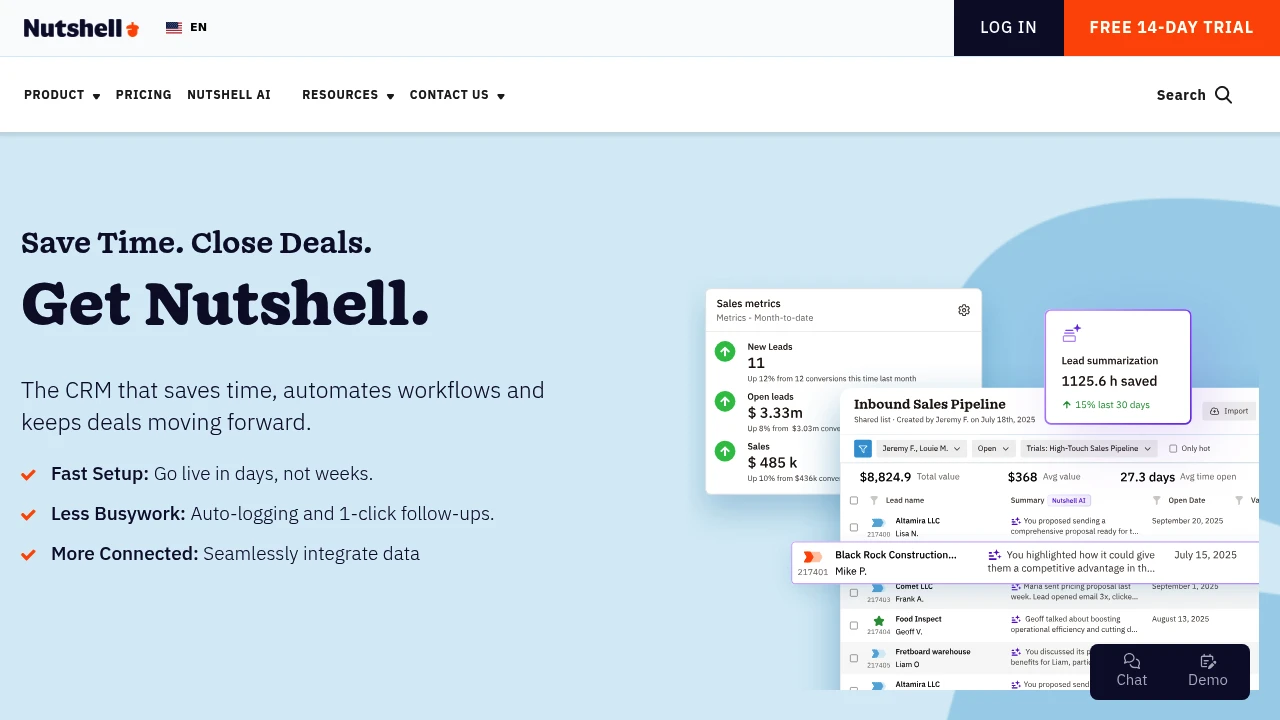
Nutshell is an all-in-one CRM and growth platform for sales teams, integrating contact management, pipeline tracking, email marketing, and AI automation to close deals faster and reduce manual work.
What is Nutshell?
Nutshell is an easy-to-use customer relationship management platform combining CRM, email marketing, forms, landing pages, live chat, SMS, and quote management. Built for SMBs and growing teams, it offers fast setup (live in days), automated workflows, and integrated data so sales reps focus on selling, not typing. The platform includes AI features, lead prospecting tools, and an omni-channel inbox, supporting B2B, B2C, and non-profit organizations.
Core Capabilities
- Pipeline management: Custom views to track deals at every stage
- Contact & lead management: Auto-logging, form capture, 200M+ contact database search
- Email marketing: Drip campaigns, segmentation, custom audiences
- Automation: 1-click follow-ups, auto-logging, workflow automation
- Omni-channel inbox: Webchat, SMS, WhatsApp integration
- Quotes & invoices: Create, send, track within CRM
- Reporting & forecasting: Real-time sales performance and revenue forecasts
- Integrations: Connect Google, Microsoft, and 5,000+ apps
- AI features: Data insights, AI chatbot, revenue attribution
Pros
- Fast onboarding: Live in days with free data migration and setup support
- Intuitive interface: Low learning curve, easy team adoption
- All-in-one pricing: CRM, marketing, chat, quotes included at no extra cost
- Time-saving automation: Reduces manual entry with auto-logging and follow-ups
- Quality support: Free live chat and email support for all users
Cons
- Advanced customization: Complex workflows or deep customization may be limited
- Learning resources: Some advanced features require time to explore documentation
- Enterprise needs: Very large teams or complex architectures may need more robust solutions
- Third-party reliance: Some integrations require Zapier or API setup
Decision Guidance
Use Nutshell when: You're a small to mid-sized sales team needing fast setup, integrated CRM and marketing tools, reduced busywork, and an affordable all-in-one solution. Works well for B2B, B2C, and non-profits.
Consider alternatives when: You're an enterprise needing heavy customization, complex multi-tier approval workflows, or already deeply invested in another ecosystem (e.g., Salesforce).
monday.com CRM combines AI-powered task generation, email writing, and code-free automations to centralize leads, customize pipelines, and accelerate sales.
Summary
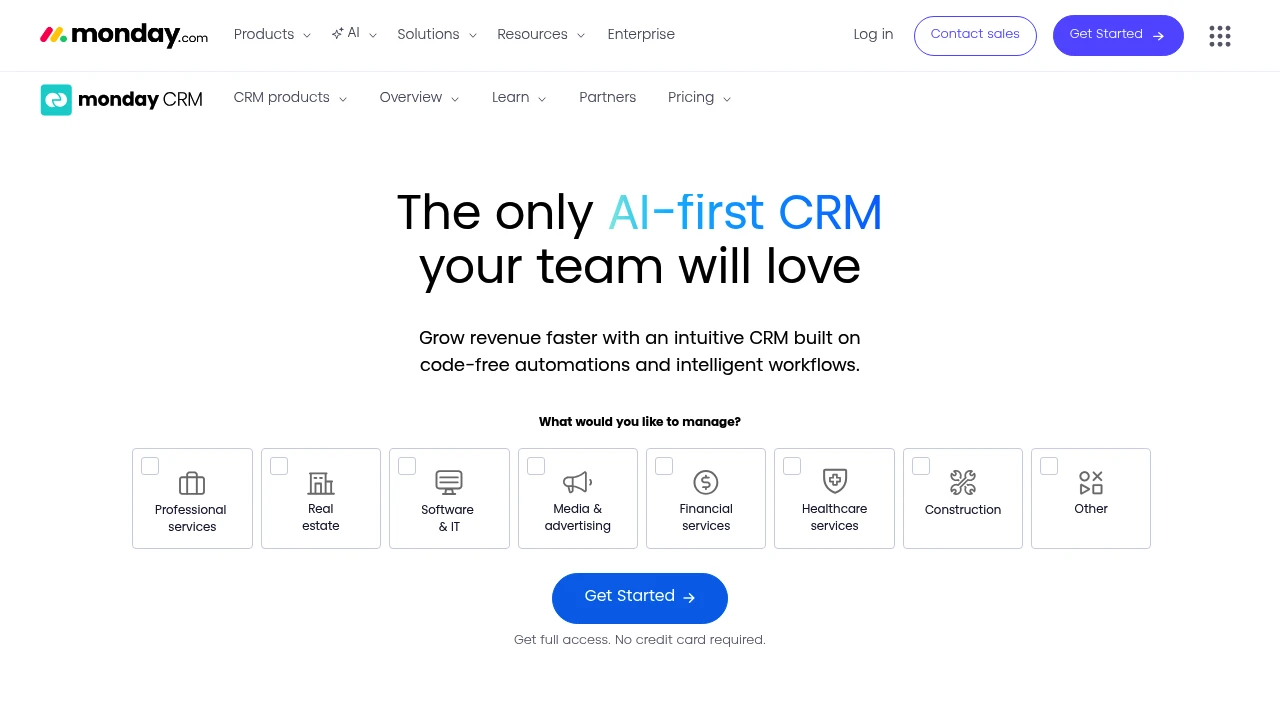
monday.com CRM is an AI-powered sales management platform that helps teams close deals faster and streamline the entire sales cycle from lead to post-sale with code-free automations and flexible customization.
What is monday.com CRM?
monday.com CRM is an intuitive customer relationship management software designed for sales teams. The platform combines AI capabilities (automated task generation, email composition, content summarization, formula building) with visual workflows, allowing users to customize sales pipelines, automate repetitive work, and integrate favorite tools without developer help. It supports lead management, deal tracking, 360° customer views, and post-sales management.
Core Capabilities
- AI work capabilities: Auto-generate tasks, compose & rephrase emails, summarize content, build formulas
- Customizable pipelines: Drag-and-drop deal stage editing, multi-pipeline support, no coding required
- One-click automations: Auto-assign leads, set reminders, get email open notifications
- Sequences & mass emails: Personalized email sequences, bulk sending, tracking, and AI writing
- Integrations & mobile app: Seamless tool integrations, mobile pipeline management
- Lead scoring: Auto-score and centralize leads based on custom criteria
- 360° customer view: Contacts, accounts, activity logs, and emails in one place
- Real-time reporting & analytics: Pre-built dashboards, Kanban views, timelines, Gantt charts
Pros
- AI-driven efficiency: Automated task generation and email composition save time
- No-code customization: Non-technical users can quickly adjust pipelines and workflows
- Intuitive interface: User feedback highlights minimal training needs and ease of use
- Comprehensive integrations: Connect external apps to centralize data and processes
- Mobile experience: Dedicated app supports pipeline management on the go
Cons
- Pricing transparency: Website does not clearly list pricing tiers; requires sales contact
- Feature-rich may overwhelm: Small teams may not need all capabilities
- Learning curve: Despite intuitive design, advanced customization and automations take time to master
- Integration dependency: If existing tools lack integration support, workflow adjustments may be needed
Decision Guidance
When to use: Teams needing a flexible, AI-driven CRM to manage complex sales cycles, multiple pipelines, or pre- to post-sales processes; sales teams wanting to reduce manual work and boost visibility.
Consider alternatives: Small teams on tight budgets or those needing only basic lead tracking; businesses preferring simple CRMs with fixed pricing and fewer features.

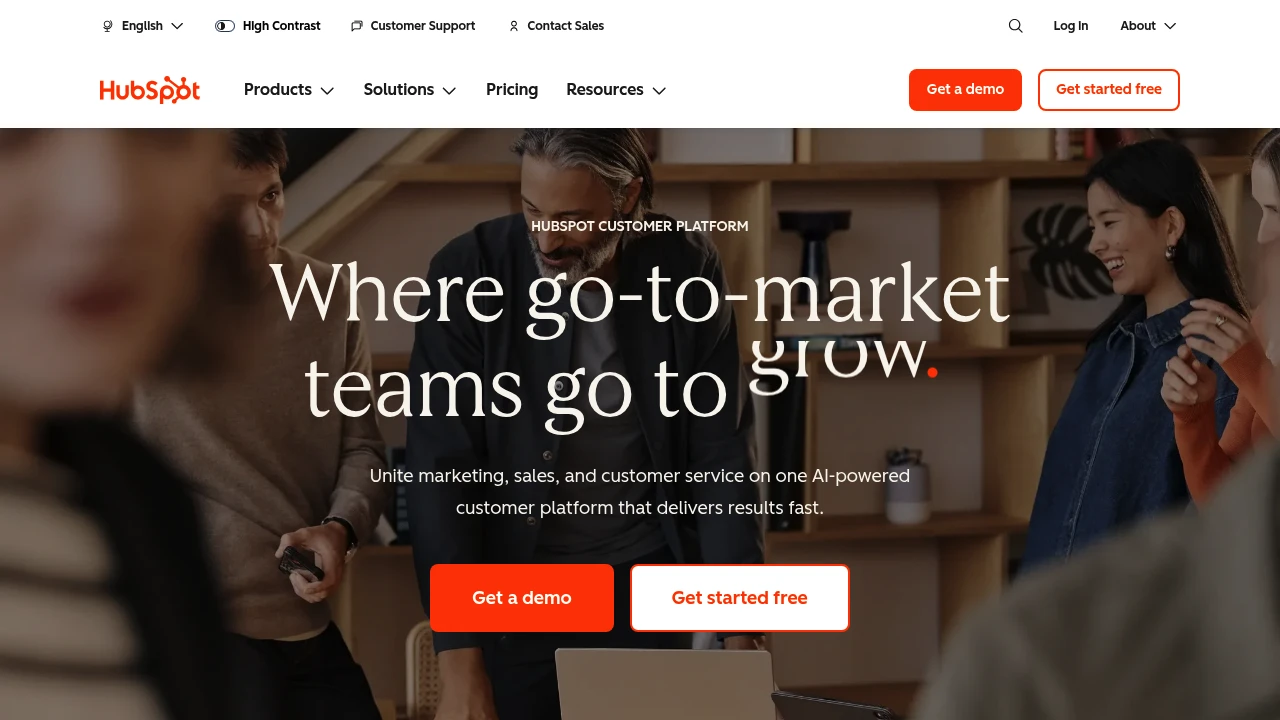
HubSpot integrates CRM, marketing, sales, and customer service on one AI-powered platform with Breeze agents that automate workflows, helping 278,000 businesses grow faster.
Summary
HubSpot is an AI-powered customer platform that unifies marketing, sales, customer service, and CRM to help businesses consolidate data, automate processes, and accelerate growth.
What is HubSpot?
HubSpot is a comprehensive customer platform that combines Marketing Hub, Sales Hub, Service Hub, Content Hub, Data Hub, Commerce Hub, and Smart CRM in a single system. The platform includes built-in Breeze AI tools and agents (Customer Agent, Prospecting Agent, Data Agent) that automate customer inquiries, sales outreach, and content creation. Over 278,000 businesses across 135 countries use HubSpot to manage customer relationships and drive business growth.
Core Capabilities
- Smart CRM: Unified customer data as the single source of truth for all business information
- Marketing Hub: Marketing automation, lead conversion, personalized content, and campaign tracking
- Sales Hub: Lead generation, pipeline management, automated outreach, and deal acceleration
- Service Hub: AI-powered customer support, ticketing, customer health scores, and usage analytics
- Content Hub: Content creation, multi-channel publishing, and brand consistency management
- Breeze AI Agents: 24/7 automation for customer inquiries (resolves 65%), sales research, and content generation
- Data Hub: Data integration, cleansing, and cross-team activation
- Commerce Hub: Quoting, payment collection, and subscription management
- 2,000+ Integrations: Connect existing tools and applications
Pros
- Unified platform: All marketing, sales, and service tools in one AI-powered system eliminate data silos
- Proven results: Customers gain 129% more leads, 36% more deals, and 37% better ticket closure rates within one year
- Built-in AI: Breeze agents automate 65% of customer inquiries, accelerate sales outreach, and generate content
- Flexible scaling: From Small Business Bundle to Enterprise plans, adapts to different team sizes
- Rich ecosystem: 2,000+ integrations, free tools, and active community support
Cons
- Learning curve: Multi-product platform requires time to master all features and best practices
- Cost accumulation: Advanced features and multiple Hub subscriptions can strain budgets for small businesses
- Customization limits: Some enterprise-level needs may require additional development or third-party integrations
- Data migration: Moving from other CRM systems requires planning and resource investment
- Feature overlap: Some functionality overlaps across different Hubs, requiring careful plan selection
Decision Guidance
Use HubSpot when: You need to unite marketing, sales, and customer service teams and want AI automation to boost efficiency and accelerate growth. Particularly suited for small to enterprise organizations seeking an integrated platform to replace scattered tools, valuing data unification and scalability.
Consider alternatives when: You only need single functionality (like pure CRM or email marketing) rather than a full platform, or have limited budget without need for advanced AI features. Businesses deeply invested in other ecosystems (like Salesforce) may face migration costs.
Looking for alternatives to other popular services? Check out other posts in the alternatives series and GTM Guide, a directory of tools with filters for tags and alternatives for easy browsing and discovery.

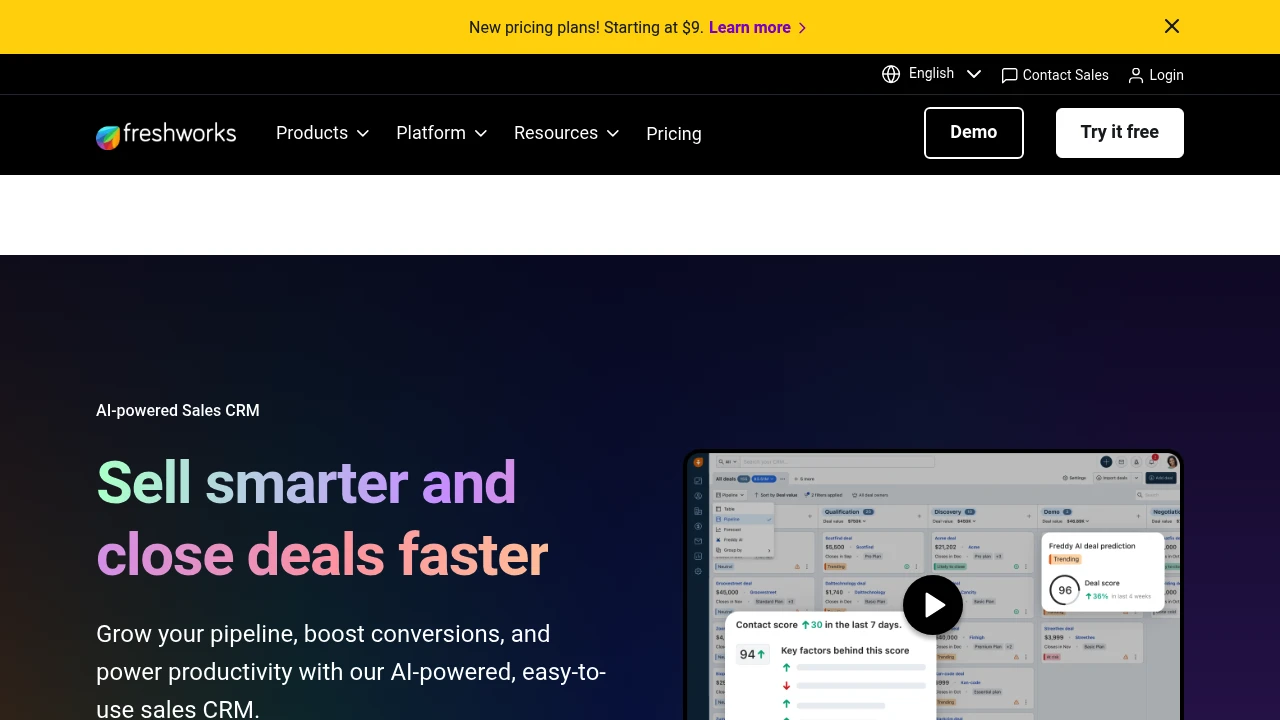
Freshsales is an AI-powered sales CRM with smart lead scoring, 360° customer views, sales automation, and Freddy AI assistant. Boost sales efficiency and close deals faster. 21-day free trial.
Summary
Freshsales is an AI-powered sales CRM platform by Freshworks designed to boost sales efficiency and accelerate deal closure. It integrates lead management, sales automation, and the Freddy AI assistant to streamline sales processes and drive revenue growth.
What is Freshsales?
Freshsales is a comprehensive sales customer relationship management system with a built-in Freddy AI engine that automatically scores leads, recommends top deals, and even drafts emails. The platform offers 360° customer views, kanban-style sales pipelines, and multi-channel communication, enabling sales teams to focus on high-value opportunities, reduce administrative work, and increase conversion rates. Trusted by over 74,000 businesses worldwide.
Core Capabilities
- Freddy AI assistant: Auto-scores leads and deals, provides deal recommendations, generates email content
- Smart lead management: Automatically capture, qualify, route, and track leads
- 360° customer view: Consolidates all customer interactions for complete context
- Kanban sales pipeline: Drag-and-drop card management with visual workflow
- Multi-channel engagement: Interact on customers' preferred channels
- Sales automation: Automates repetitive tasks to save time
- Freshsales Suite: Unifies sales and marketing with a single customer data source
Pros
- AI-driven insights: Freddy AI identifies best leads and deals automatically, improving prioritization
- Intuitive interface: Drag-and-drop kanban and clear dashboards for quick adoption
- Reduces admin work: Automation cuts administrative time by up to 20%
- Unified solution: Freshsales Suite aligns sales and marketing data
- Free trial: 21-day trial with no credit card required
Cons
- Pricing transparency: Feature tiers require deeper exploration of plan details
- AI learning curve: Maximizing Freddy AI takes time to master
- Advanced customization: Complex workflows may need technical support
- Third-party integrations: Some integrations may require additional configuration
Decision Guidance
When to use: Ideal for small to enterprise-level sales teams needing AI-assisted sales decisions, automated lead management, and sales-marketing alignment. Particularly suited for organizations looking to reduce administrative work and boost team productivity.
When to consider alternatives: If you need highly customized CRM systems, are deeply invested in other ecosystems (like Microsoft or Salesforce), or only require basic contact management rather than full sales automation, explore specialized alternatives.

Copper CRM integrates deeply with Google Workspace to track leads, close deals, manage projects, and build lasting relationships—all without leaving Gmail. Free 14-day trial.
Summary
Copper CRM is a customer relationship management platform built for Google Workspace users, embedding directly into Gmail so small teams can manage the entire customer journey without switching apps.
What is Copper?
Copper is a CRM system tightly integrated with Gmail and Google Workspace. It automatically logs email interactions, tracks sales pipelines, manages project tasks, and supports the full cycle from lead generation to post-sale service. Over 30,000 companies use Copper to manage customer relationships.
Core Capabilities
- Native Gmail integration: Add contacts, opportunities, and tasks directly from inbox sidebar
- Sales pipeline management: Visual tracking of deal stages, win probability, and value sorting
- Project & task management: Launch projects directly from closed deals, centralized task assignment
- Activity feed: Real-time overview of team emails, projects, and tasks
- Automation & templates: AI email responses, pipeline templates, and automated follow-up reminders
- Mobile app: Auto-log calls and SMS, update customer data on the go
- Third-party integrations: Connect with PandaDoc, DocuSign, QuickBooks, and more
Pros
- Fast deployment: Users report going live in 3 days with almost zero setup time
- Seamless Gmail experience: Complete CRM actions without leaving your inbox
- Built for small teams: Clean interface, gentle learning curve, not overly complex like enterprise CRMs
- Full customer journey coverage: One platform from lead capture to project delivery and repeat business
- Highly customizable: Custom labels, fields, owners, and templates
Cons
- Google Workspace dependency: Non-Gmail users miss out on core integration benefits
- Limited advanced features: Reporting and automation are basic compared to enterprise CRMs
- Project management depth: Cannot fully replace dedicated project management tools
- Pricing transparency: Website doesn't clearly list plan pricing details
- Scalability concerns: Large enterprises or complex sales processes may need more powerful platforms
Decision Guidance
Use Copper when: Your team primarily uses Gmail and Google Workspace, needs a simple CRM to track customer interactions, manage sales pipelines and projects, and wants fast deployment without lengthy training. Small to mid-sized service businesses, consultancies, and agencies are ideal fits.
Consider alternatives when: Your team doesn't use Google Workspace, or you need deep marketing automation, complex reporting, multi-currency support, and enterprise-grade workflows. Large sales teams or organizations requiring heavy customization may need more robust platforms.

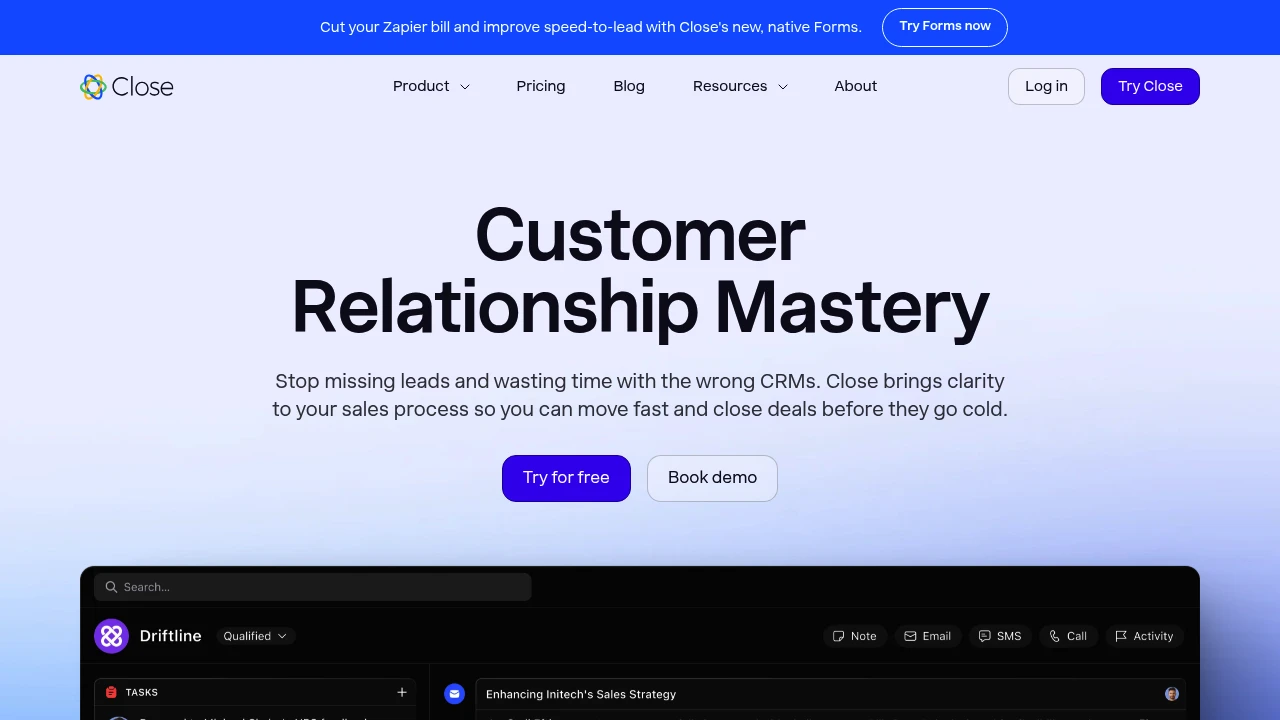
Close is a CRM for small businesses that integrates calling, email, and SMS with AI-powered automation to help you follow up faster and close more deals.
Close CRM Overview
Close is a customer relationship management system built for fast-growing small businesses, combining communication tools and automation so sales teams focus on closing deals, not data entry.
What is Close?
Close is a no-BS CRM platform designed for small sales teams. It unifies calling, email, and SMS in one interface, automatically logs all communication, and uses AI-powered automation for notes, follow-up reminders, and customer data enrichment—cutting tool-switching and boosting sales speed.
Core Capabilities
- Unified communication: Call, email, and text directly from the CRM with automatic activity logging
- AI automation: Auto-generated call notes, meeting summaries, email rewrites, and customer data enrichment
- Sales workflows: Automated follow-up reminders, task assignment, and pipeline management
- Native forms: Replace Zapier and improve speed-to-lead with built-in lead capture
- Integration ecosystem: Connects with 800+ third-party tools
Pros
- Clean, intuitive interface requires little to no training
- 50% faster than major CRMs (Pipedrive, HubSpot, Salesforce) in speed tests
- Native communication tools reduce context-switching
- Practical AI features built-in, no extra subscriptions needed
- Fast customer support and simple implementation
Cons
- Focused on sales teams; limited marketing automation for complex campaigns
- Fewer advanced customization options than enterprise CRMs
- Limited support for very large organizations or complex hierarchies
- Some integrations still require third-party tools
- Pricing may be high for very small teams
Decision Guidance
Choose Close if: Your team has 2-50 people, you need fast lead response, want to reduce tool-switching and boost sales efficiency, and don't need complex marketing automation.
Consider alternatives if: You need deep marketing automation, complex custom workflows, or manage sales organizations with 100+ people—enterprise-grade CRMs may be a better fit.

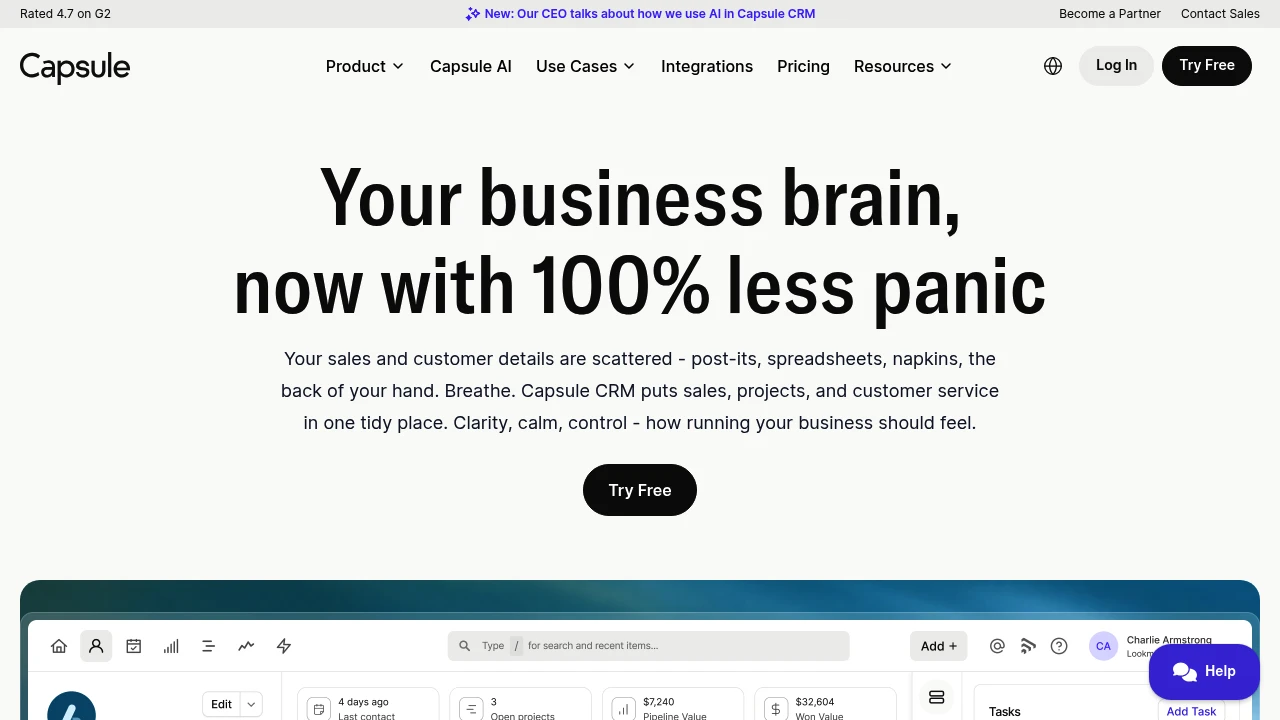
Capsule CRM centralizes contacts, tracks sales, and manages projects. Clean interface, quick setup, mobile app, and integrates with Gmail, Outlook, Xero, and more.
Summary
Capsule CRM is a simple, user-friendly customer relationship management system for small and medium businesses. It solves scattered customer data and chaotic sales processes by bringing contacts, sales, projects, and customer service into one platform.
What is Capsule CRM?
Capsule CRM is a lightweight CRM tool that helps businesses centralize customer data, track sales progress, manage projects, and organize daily tasks. It offers a mobile app, AI assistance, and quick import to migrate data from spreadsheets or other CRMs in minutes. Capsule integrates with Gmail, Outlook, Xero, QuickBooks, and more, making it ideal for teams that need a simple yet complete CRM.
Core Capabilities
- Contact management: Store customer data, conversation history, and important details in one place
- Sales tracking: Visualize your sales pipeline, see deal progress, and forecast revenue
- Project delivery: Manage projects and sales on the same platform, reducing tool costs
- Task organization: Sync Outlook/Gmail calendars and prioritize to-dos
- Mobile app: Access CRM data anywhere, anytime
- Integrations: Works with Gmail, Outlook, Xero, QuickBooks, Sage, plus custom integrations via Zapier or Make
Pros
- Clean, intuitive interface; new users get started on day one
- Budget-friendly pricing for small and medium businesses
- Quick setup with data import in minutes
- Mobile app lets you handle business on the go
- Smooth integrations with popular tools, no duplicate data entry
Cons
- Free plan limited to 2 users
- Advanced reporting is basic; large enterprises may need deeper analytics
- Customization options for fields and workflows are less extensive than enterprise CRMs
- AI features are currently basic and still developing
- Some users report a need for more industry-specific templates
Decision Guidance
Use Capsule CRM if: You're a small or medium business or startup needing a simple, affordable CRM to manage customers and sales; you want quick onboarding without learning complex systems; you need a mobile app to handle business anywhere.
Consider alternatives if: You're a large enterprise requiring deep customization and advanced analytics; your team needs complex automation workflows and industry-specific features; you need more powerful AI-driven insights and forecasting tools.


