Yesware Alternatives
Discover the best alternatives to Yesware. Compare features, pricing, and find the perfect replacement.
The best alternative to Yesware is Smartlead. If that doesn't suit you, we've compiled a ranked list of other Yesware alternatives to help you find a suitable replacement. Other interesting alternatives to Yesware are: Woodpecker, Salesloft, Saleshandy and Salesforge.
Yesware alternatives are mainly AI Email Outreach, but may also be AI Multichannel Outreach or Email Warmer. Browse these if you want a narrower list of alternatives.

Written by Eric Leung
Last updated: April 30, 2026 at 8:00 AMSmartlead offers unlimited mailboxes, AI-powered warmups, and a unified inbox to scale cold email outreach with premium deliverability. Trusted by 87,000+ businesses. Start free trial.
Summary
Smartlead is a cold email outreach platform built for scale, offering unlimited mailboxes, AI-driven warmups, and a unified inbox to help businesses boost deliverability and manage the entire sales cycle. Trusted by 87,000+ businesses, it focuses on landing emails in the primary inbox, not spam.
What is Smartlead?
Smartlead is a cold email automation platform that lets sales teams, marketing agencies, and recruiters scale outreach while maintaining high deliverability. The system provides unlimited mailbox connections, auto-mailbox rotation, AI-powered warmup, a unified master inbox (unibox) for managing all replies, and integrations with CRMs like HubSpot, Salesforce, and Pipedrive. The platform uses dedicated IP servers, dynamic ESP matching, and real-time AI learning to ensure emails reach the primary inbox.
Core Capabilities
- Unlimited mailboxes & auto-rotation: Connect unlimited mailboxes; system auto-rotates sending to avoid daily limits
- AI warmup: Automatically build and maintain sender reputation through humanized email interactions and smart replies
- Unified inbox (Unibox): Centralize all outreach channels, replies, and follow-ups; AI auto-categorizes lead intent
- SmartDelivery testing: Test inbox placement and spam score; real-time sender health monitoring
- Subsequence automation: Auto-trigger follow-up sequences based on prospect behavior (opens, clicks, replies)
- Spintax & personalization: Support spintax syntax, personalization fields; integrate with Clay for hyper-personalization
- White-label experience: Full branded platform (app.yourdomain.com); clients access reports, analytics, campaigns
- Integration ecosystem: Connect via API, webhooks, and native integrations with Zapier, Make, N8N, HubSpot, Salesforce, etc.
Pros
- Unlimited mailboxes & warmups: No artificial caps; scale outreach infinitely with auto-warmup for all mailboxes
- High deliverability infrastructure: Dedicated IP servers, dynamic ESP matching, auto-move emails from spam to inbox
- Unified inbox saves time: All replies in one place; AI categorizes lead intent; no logging into multiple mailboxes
- Flexible pricing: Basic plan starts at $39/month (2,000 active leads, 6,000 monthly emails); scales to large agencies
- Powerful automation: Mailbox rotation, subsequences, auto-replies, A/B testing; fully automate campaign creation via API
Cons
- Learning curve: Feature-rich; beginners need time to master cold email best practices and platform setup
- No lead sourcing: You must build or buy lead lists; platform focuses on sending and deliverability
- Technical setup required: Domain, DNS records (SPF, DKIM, DMARC), and mailbox configuration need some technical knowledge
- Pricing based on active leads: Large-scale campaigns may require higher plans (Pro $94/month, Custom $174/month+)
Decision Guidance
Use Smartlead if: You need large-scale cold email outreach (thousands of emails daily), manage multiple client campaigns (agencies), prioritize email deliverability and sender reputation, need a unified inbox for all replies, or want to fully automate outreach workflows (API, webhooks, CRM integrations).
Consider alternatives if: You only need small-scale outreach (fewer than 100 emails daily), have a limited budget and don't need unlimited mailboxes, lack technical resources for domain and mailbox setup, need built-in lead databases or buying signals, or prefer a simpler interface over advanced automation features.

Looking for alternatives to other popular services? Check out other posts in the alternatives series and GTM Guide, a directory of tools with filters for tags and alternatives for easy browsing and discovery.

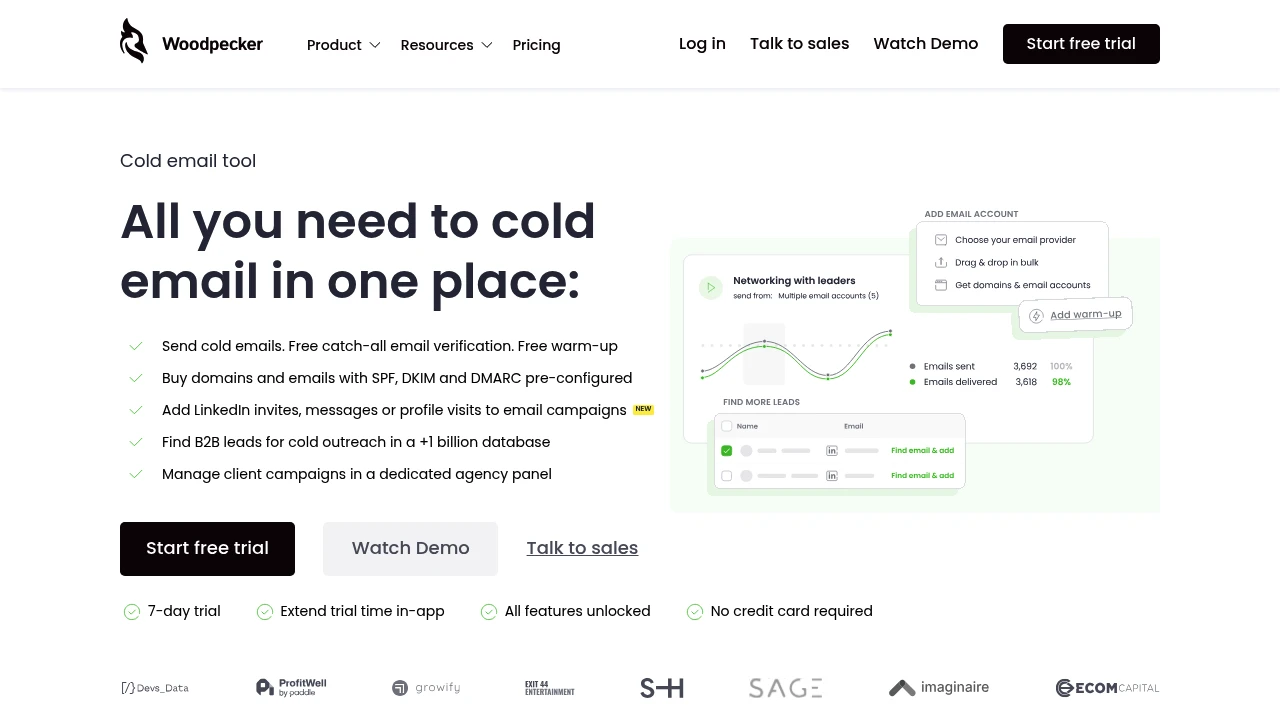
Woodpecker is a cold email automation platform with free verification, warm-up, LinkedIn outreach, and B2B lead search. Built for sales teams and agencies. 7-day free trial, no credit card required.
Summary
Woodpecker is a cold email automation platform designed for sales teams, agencies, and individual outreach, integrating email sending, verification, warm-up, and lead search to ensure emails reach inboxes, not spam folders.
What is Woodpecker?
Woodpecker is a cold email tool that combines sending automation, free catch-all email verification, sender warm-up, and LinkedIn outreach in one platform. Users can purchase domains and mailboxes pre-configured with SPF, DKIM, and DMARC, find B2B leads from a database of over 1 billion contacts, and manage multiple client campaigns through a dedicated agency panel. The platform emphasizes personalization and deliverability monitoring to help users avoid spam filters.
Core Capabilities
- Cold email sending: Automate outreach campaigns with built-in free email verification and warm-up
- Domain and mailbox purchase: Pre-configured SPF, DKIM, DMARC sending infrastructure
- LinkedIn integration: Add LinkedIn invites, messages, or profile visits to email campaigns
- B2B lead search: Find contacts from a database of over 1 billion records
- Agency panel: Centralized management of multiple client outreach campaigns
- Deliverability monitoring: Predict and prevent sending issues to protect sender reputation
- Adaptive sending: Automatically adjust sending speed to avoid exceeding limits
Pros
- Free email verification and warm-up features reduce spam folder risk
- 7-day free trial with no credit card required and all features unlocked
- LinkedIn outreach integration enables multi-channel touchpoint strategies
- Dedicated agency panel suitable for managing multiple client accounts
- Seamless integration with CRM and sales tools
Cons
- Pricing information not publicly displayed on website
- Primarily focused on B2B cold email scenarios, not bulk marketing emails
- Lead database coverage and accuracy not clearly specified
- Learning curve may be steep due to feature richness
- Reliance on third-party domain and mailbox configuration may increase costs
Decision Guidance
When to use: You need an all-in-one cold email platform integrating sending, verification, warm-up, and lead search; you're an agency or sales team managing multiple outreach campaigns and need high deliverability; you want to combine LinkedIn and email for multi-channel outreach.
When to consider alternatives: You only need basic email sending functionality without lead database or agency management; you have a limited budget and require strict pricing transparency; you primarily conduct B2C marketing or bulk promotional email campaigns.

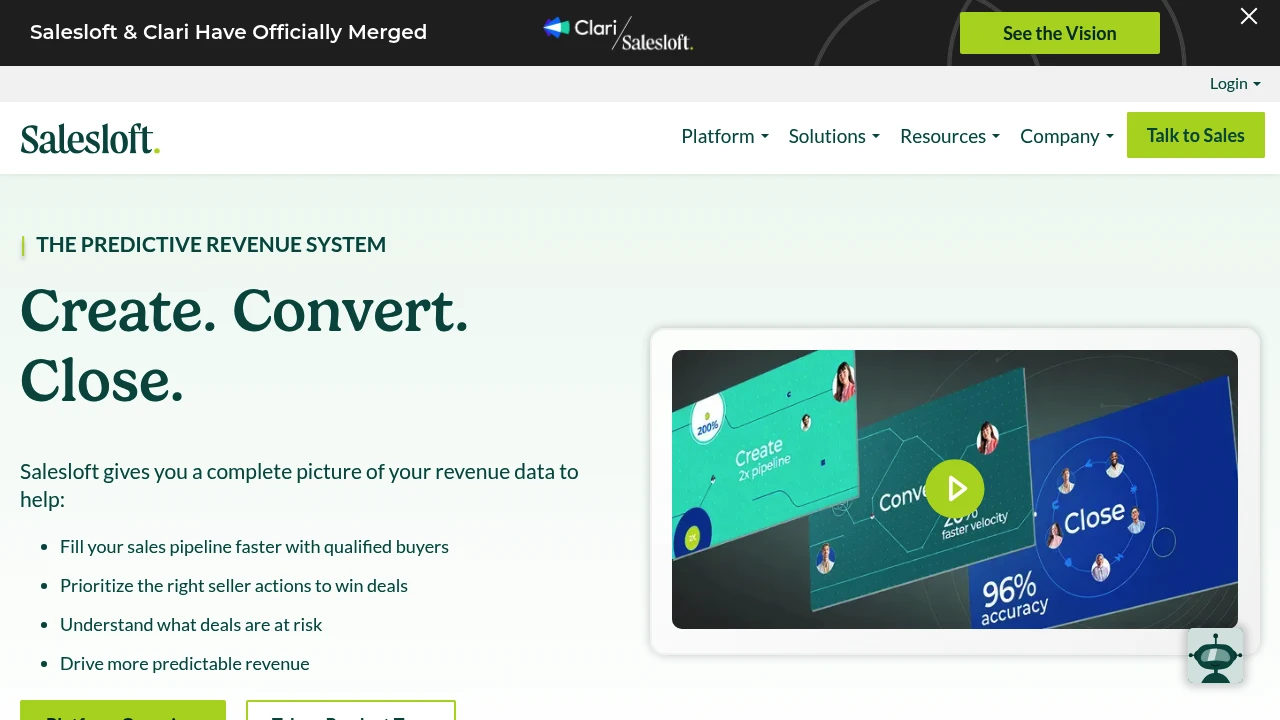
Salesloft unifies AI chat agents, sales engagement, revenue intelligence, conversation analysis, deal management, and forecasting to fill pipeline, accelerate deal cycles, and improve forecast accuracy.
Summary
Salesloft is an AI revenue orchestration platform that unifies sales engagement, revenue intelligence, conversation analysis, deal management, and forecasting tools to help sales teams prioritize high-value actions, accelerate deal cycles, and improve pipeline quality.
What is Salesloft?
Salesloft integrates AI chat agents (Drift), sales engagement (Cadence), revenue intelligence (Analytics), conversation intelligence (Conversations), deal management (Deals), and forecasting (Forecast) into one platform. Through Rhythm, the system turns buyer signals into seller action recommendations, while AI agents automate tedious tasks and surface critical insights. The platform connects with CRM, conferencing, dialer, and email systems to provide revenue teams with a unified data view.
Core Capabilities
- AI chat agents (Drift): Engage website visitors in real-time to convert leads
- Cadence: Automate pipeline generation, lead nurture, and renewal workflows
- Analytics: Centralize reporting across buyer and customer lifecycle data
- Conversations: Analyze sales calls to identify coaching opportunities and best practices
- Deals: AI insights show deal status, risk, and actions needed to accelerate close
- Forecast: Combine real-time deal data and AI to improve forecast accuracy
- Rhythm: Turn buyer signals into prioritized action recommendations
- Integration ecosystem: Connect CRM, conferencing, dialer, email, and calendar tools
Pros
- Unifies multiple revenue tools in one platform, reducing context switching
- AI agents automate prioritization and tedious tasks
- Delivers productivity and pipeline results within 10 days
- Trusted by 5000+ enterprise customers with proven 2.5x faster deal cycles
- Unifies first-party signals, third-party intent data, and sales activity
Cons
- Broad feature set creates a steep learning curve initially
- Pricing not publicly available; requires sales contact
- Primarily designed for enterprise sales teams; may be overkill for small teams
- Requires CRM and tool integrations to unlock full value
Decision Guidance
When to use: Enterprise sales teams needing unified revenue data, automated pipeline generation, improved forecast accuracy, and faster deal cycles will benefit from Salesloft's complete solution. Especially suited for organizations requiring integrated AI chat, sales engagement, conversation analysis, and deal management.
Consider alternatives: Small teams or budget-constrained organizations may find the feature set too complex; if you only need a single capability (like pure conversation intelligence or CRM), specialized tools may be more cost-effective.
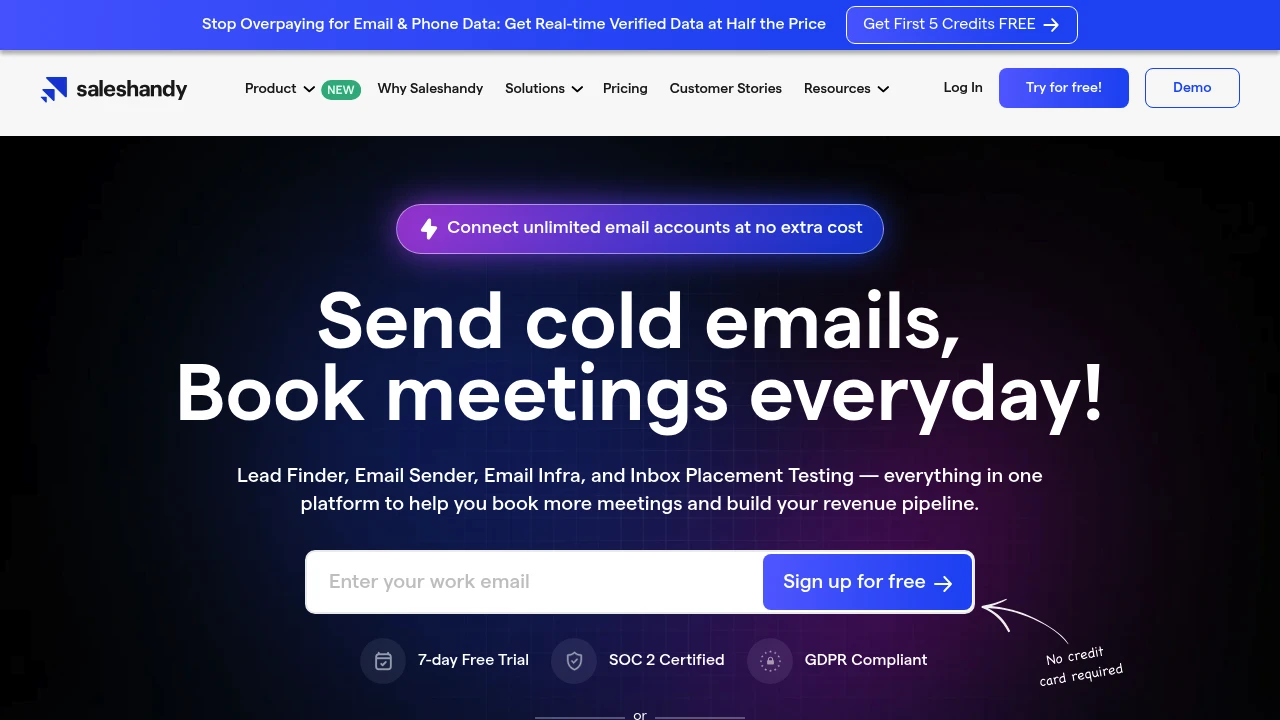
Saleshandy combines 700M+ verified contacts, AI sequence generation, unlimited email accounts, and warmup tools to maximize cold email deliverability and book more meetings. 7-day free trial.
Summary
Saleshandy is an all-in-one cold email platform that integrates lead search, email automation, deliverability optimization, and analytics to help you book meetings and build your sales pipeline fast.
What is Saleshandy?
Saleshandy offers access to 700M+ verified contacts and 60M+ companies, letting you target prospects with AI Lead Finder and generate personalized email sequences using AI Sequence Copilot. The platform supports unlimited email accounts at no extra cost, automatic warmup, inbox placement testing, and sender rotation to ensure high deliverability. A unified inbox with AI-powered reply categorization (Meeting Booked, Interested, Not Interested, etc.) centralizes responses, and native integrations with Pipedrive, HubSpot, Salesforce, Zoho CRM, and Zapier streamline workflows.
Core Capabilities
- AI Lead Finder: Enter job title, company size, and other filters to instantly retrieve verified prospect lists
- AI Sequence Copilot: Auto-generate and modify email sequences based on your website, ICP, and goals
- Unlimited email accounts: Connect multiple sender addresses at no extra charge; sender rotation scales sends safely
- Email warmup & Inbox Radar: Gradually build sender reputation and test inbox placement across Gmail, Outlook, Yahoo, and more
- Multi-channel outreach: Combine email, LinkedIn, calls, and manual tasks in a single sequence
- Data enrichment: Use templates or custom prompts to generate icebreakers, company summaries, and market insights
- Unified inbox + AI categorization: Manage all replies in one place with automatic AI tagging
- CRM & API integrations: Native support for major CRMs; custom workflows via Zapier, webhooks, and API
Pros
- Unlimited email accounts, clients, and team members at no extra cost
- 700M+ verified contacts with one-click import to sequences
- AI-driven lead search, sequence generation, and enrichment save significant time
- Built-in email warmup, inbox placement testing, and sender rotation improve deliverability
- 7-day free trial, intuitive interface, and low learning curve
Cons
- Prospect data billed on a credit basis; high-volume use requires additional purchases
- Advanced AI features (AI Variant, AI Enrichment) require familiarity to unlock full potential
- Some users report initial setup (domain, warmup) takes time
- Fewer native integrations; complex workflows depend on Zapier or API
- No built-in phone dialer; only supports manual task reminders
Decision Guidance
When to use: You need an all-in-one platform for lead search, email automation, and deliverability management; your team is scaling fast and requires unlimited email accounts and member collaboration; you want AI to quickly generate personalized sequences and test inbox placement.
When to consider alternatives: You already have a mature lead data source and only need a dedicated email sender; you require built-in phone dialing or SMS for multi-channel outreach; your budget is tight and you don't need large volumes of prospect data (credit-based pricing may add cost).

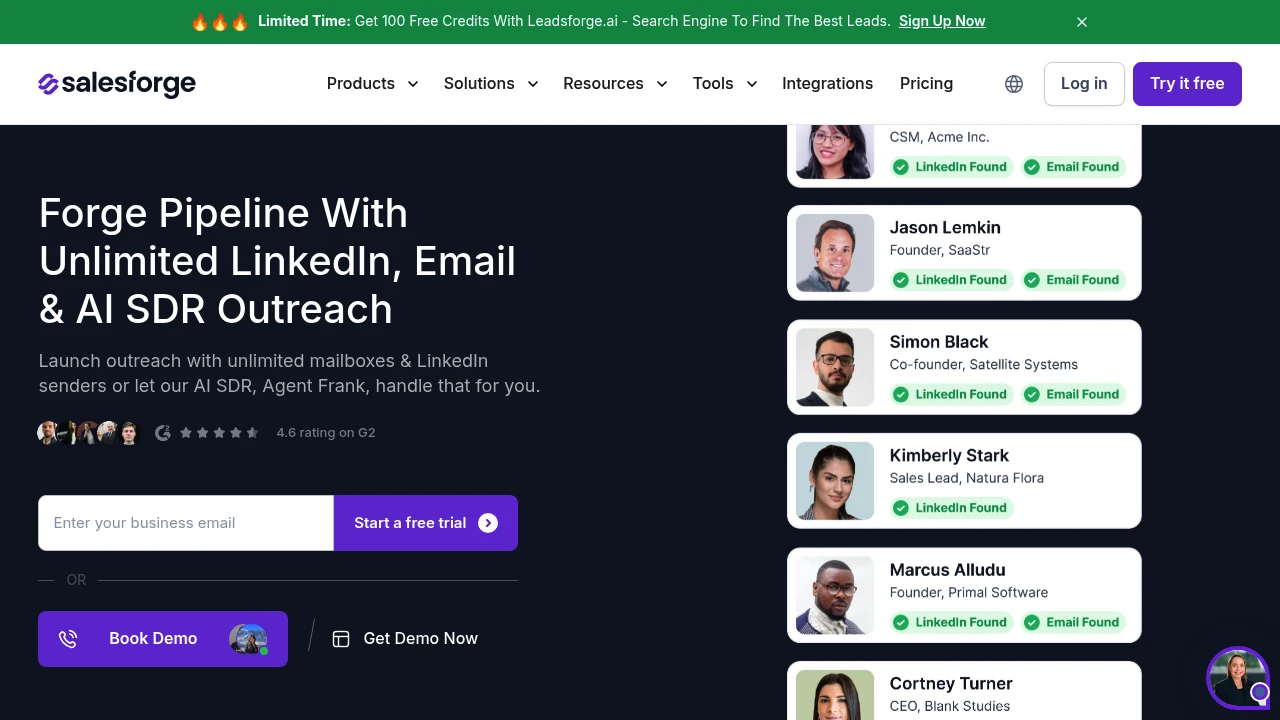
Salesforge offers unlimited email mailboxes, LinkedIn senders, and AI SDR Agent Frank. Multi-channel outreach, free warm-up via Warmforge, and Primebox™ reply management boost deliverability and pipeline.
Summary
Salesforge is a multi-channel outreach platform combining unlimited email mailboxes, LinkedIn senders, and AI SDR to scale sales pipeline. Use Agent Frank (AI sales rep) to automate prospecting, follow-ups, and meeting booking, or run email and LinkedIn sequences with your human team.
What is Salesforge?
Salesforge is an all-in-one cold outreach tool offering unlimited email mailboxes and LinkedIn accounts without seat-based pricing. Built-in Warmforge free warm-up, Primebox™ unified reply management, and AI SDR Agent Frank support multi-language, multi-channel sequences and CRM integrations. Ideal for sales teams and agencies needing large-scale outreach with high deliverability.
Core Capabilities
- Unlimited email mailboxes & LinkedIn senders: No seat limits, entire team can run outreach
- AI SDR Agent Frank: Automates prospect search, message writing, follow-ups, and meeting booking
- Multi-channel sequences: Conditional email and LinkedIn automation flows
- Primebox™ reply management: Consolidates all email and LinkedIn replies, AI analysis for fast responses
- Warmforge free warm-up: Unlimited mailbox warm-up, monitor sender reputation and Heat Score™
- Multi-language support: Write messages in 2 to 20 languages without translators
- CRM & tool integrations: Connect Salesforce, HubSpot, Clay, Zapier, and API
Pros
- Unlimited mailboxes and LinkedIn accounts, no per-seat pricing
- Built-in free warm-up tool Warmforge boosts deliverability
- AI SDR can run full outreach workflow independently
- Primebox™ unifies email and LinkedIn replies, saves time
- Supports multi-language and multi-channel automation sequences
Cons
- Requires separate purchase of domains and mailbox infrastructure (Mailforge, Infraforge, or Primeforge)
- AI SDR Agent Frank requires additional subscription
- Steeper learning curve, new users need time to master multi-channel setup
- Some advanced features require API or Zapier integration
Decision Guidance
Use Salesforge when: You need large-scale cold outreach, multi-channel automation, and high deliverability for sales teams, agencies, or solo founders. If you want AI agents to fully handle prospecting and follow-ups, Agent Frank can replace or assist human SDRs.
Consider alternatives when: You only need basic email outreach or have a limited budget; single-channel tools may be simpler. If you already have robust infrastructure and CRM workflows, evaluate integration costs carefully.
Looking for alternatives to other popular services? Check out other posts in the alternatives series and GTM Guide, a directory of tools with filters for tags and alternatives for easy browsing and discovery.

Reply.io offers AI-powered sales outreach with cold email automation, multichannel sequences, 1B+ B2B database, unlimited mailbox warm-up, and AI SDR agents to boost deliverability and meetings.
Summary
Reply.io is an AI-driven sales outreach platform that automates cold email, multichannel campaigns, and lead generation. It combines a B2B database, email warm-up, LinkedIn automation, and AI SDR agents to streamline sales workflows and increase meeting bookings.
What is Reply.io?
Reply.io is a comprehensive sales automation tool built for B2B teams. The platform delivers multichannel sequences (email, LinkedIn, SMS, calls, WhatsApp), real-time contact search (1B+ B2B records), AI message personalization, and a unified inbox. Users can run human-led outreach or activate Jason AI SDR for fully autonomous prospecting, replies, and meeting scheduling 24/7. The platform emphasizes email deliverability with 30+ anti-spam features and unlimited mailbox warm-up included.
Core Capabilities
- Multichannel automated sequences: Combine email, LinkedIn, SMS, calls, and Zapier integrations with conditional triggers
- AI variables & personalization: Every email uniquely generated by AI to bypass spam filters
- Real-time B2B database: Access 1B+ global contacts with intent signals and email verification
- Jason AI SDR agent: Fully autonomous prospecting, AI replies, meeting booking (Autopilot or Copilot mode)
- Unlimited mailbox warm-up: Auto warm-up for every connected mailbox, boosting open and delivery rates
- Unified inbox: Centralize all channel conversations (email, LinkedIn, SMS)
- Meeting scheduler integration: Sync with Calendly and CRMs, book directly from sequences
- Anti-spam suite: 30+ features including email health checks, Gmail API sending, delayed sends, plain-text mode
- Team collaboration & reporting: Team performance reports, channel efficiency analytics, CSV export, role-based access
- Agency plans: Multi-workspace architecture, white-label option, custom sequence templates
Pros
- Unlimited mailboxes & warm-up: Included in all plans at no extra cost, significantly improving deliverability
- True multichannel: Single platform for email, LinkedIn, SMS, calls, WhatsApp
- Deep AI automation: From message generation to reply handling and meeting booking
- Real-time data quality: B2B contact data updated live with intent signals for higher conversion
- Flexible pricing: Pay per active contacts or unlimited contacts, fits different team sizes
- Highly rated support: 4.6/5 on G2 (1,480 reviews), live chat and CSM onboarding
Cons
- Learning curve: Rich multichannel and AI features require time to master initially
- LinkedIn & SMS cost extra: LinkedIn automation $69/mo/account, calls & SMS $29/mo/account
- AI SDR entry price high: Jason AI starts at $500/mo, may be steep for small teams
- Limited live data credits: Base plans include only 50 live data credits/month, need to purchase more
- Agency plan threshold: Agency Core starts at $210/mo, Agency AI SDR $500/mo per client
Decision Guidance
Use Reply.io if: You need large-scale cold email automation, value multichannel touchpoints (LinkedIn, SMS, calls), want AI to handle personalization and replies, or require real-time B2B data with high deliverability guarantees. Ideal for B2B sales teams, SDR teams, growth-stage companies, and agencies.
Consider alternatives if: You only need basic email sequences (no multichannel), have a tight budget and don't need AI agents, or already have a complete CRM and data source and just need simple automation. Smaller teams not requiring LinkedIn or AI SDR may find lighter-weight options more cost-effective.

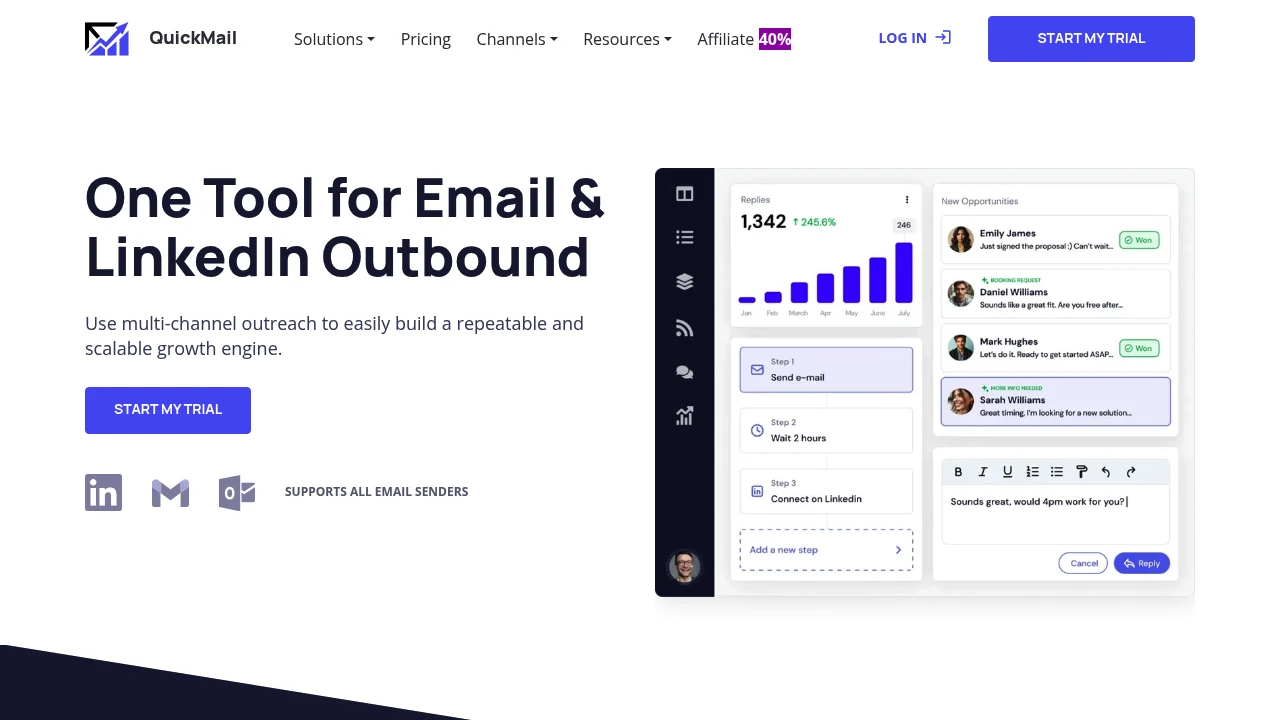
QuickMail offers unlimited email & LinkedIn sender rotation, unified inbox, Deliverability AI, and A/B/Z testing to boost inbox placement and close deals faster.
Summary
QuickMail is a multi-channel outreach platform combining email and LinkedIn automation, built for growth teams and lead gen agencies to solve scaling and spam filter challenges.
What is QuickMail?
QuickMail is a cold email and LinkedIn outreach tool that supports unlimited sender account rotation, automated follow-ups, and unified inbox management. The platform features Deliverability AI to automatically switch to the best-performing sending accounts and Reword with AI to bypass spam filters. You can purchase pre-configured email sender accounts directly inside the platform and connect via native integrations with HubSpot, Pipedrive, or use API and Zapier.
Core Capabilities
- Unlimited email & LinkedIn senders: Connect multiple accounts with automatic rotation
- Unified inbox: Manage all emails and LinkedIn messages without switching accounts
- Deliverability AI: Automatically selects best-performing accounts to boost inbox placement
- Reword with AI: AI rewrites message content to avoid spam filters
- Advanced analytics: Week-by-week comparisons and A/B/Z testing without restarting campaigns
- Native integrations: 2-way sync with HubSpot and Pipedrive, plus API and Zapier support
- Team collaboration: Unlimited users with no per-seat fees, all actions auto-logged
- In-platform sender purchase: Buy pre-configured email accounts ready to send
Pros
- Unlimited sender accounts and team members with no per-seat pricing
- Deliverability AI auto-switches to best accounts, reducing manual monitoring
- Unified inbox simplifies multi-account management, supports replying on behalf of clients
- Advanced A/B/Z testing and time-based attribution for data-driven optimization
- Free auto-warming and blacklist monitoring included
Cons
- Steeper learning curve due to feature-rich interface
- Primarily designed for B2B outreach, not transactional emails
- Requires managing sender account setup unless purchased in-platform
- Pricing not clearly listed on website
Decision Guidance
When to use: Growth teams or lead gen agencies needing to scale multi-channel outreach, manage multiple client accounts, or facing email deliverability issues will benefit from QuickMail's automated rotation and Deliverability AI.
Consider alternatives: If you only need basic cold email functionality with a small team, or have a tight budget without needing multi-sender rotation, simpler tools may suffice.

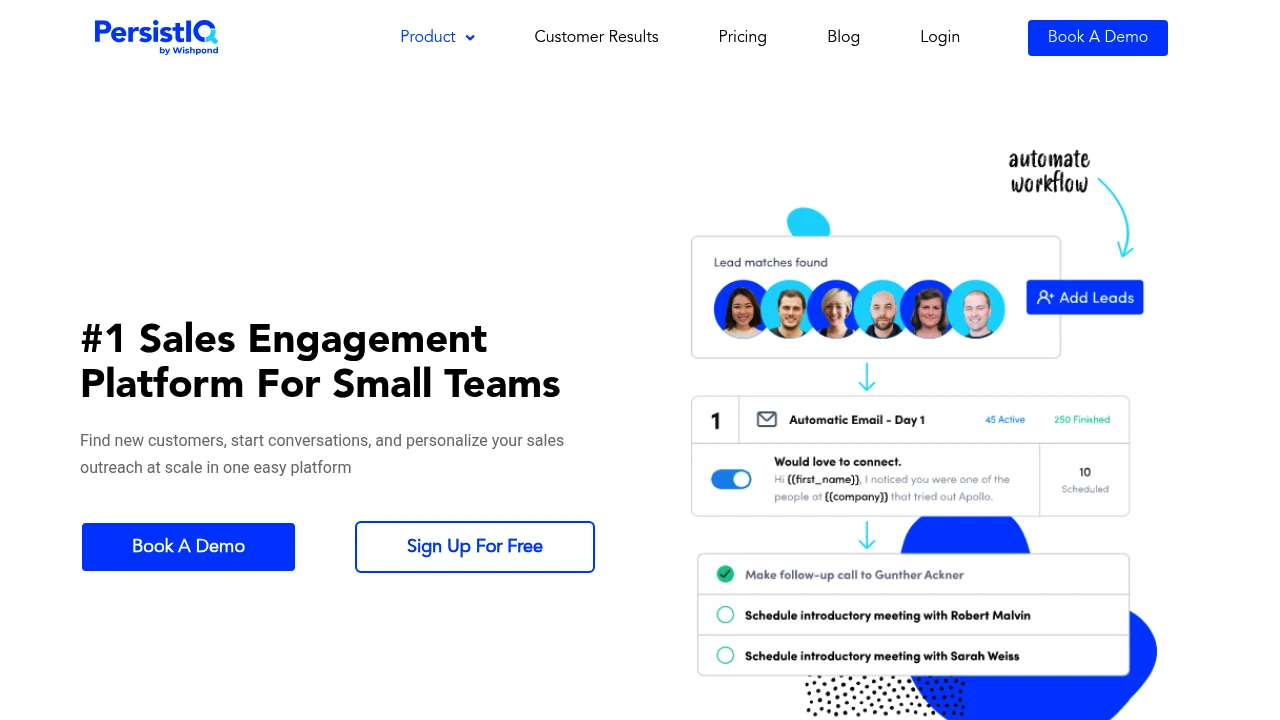
PersistIQ is a sales outreach automation platform with email sequences, multi-channel touchpoints, and CRM integrations to scale prospecting and improve team efficiency.
Summary
PersistIQ is a sales engagement platform built for sales teams to automate email sequences, multi-channel outreach, and CRM sync, solving manual follow-up inefficiency and inconsistent reply rates.
What is PersistIQ?
PersistIQ is a sales engagement tool that lets you build automated email sequences, schedule follow-up tasks, and track prospect interactions. It supports multi-channel outreach (email, phone, LinkedIn) and syncs data with major CRMs, designed for B2B sales teams to scale their outreach workflows.
Core Capabilities
- Email sequence automation: Build multi-step drip campaigns with automatic follow-ups
- Multi-channel touchpoints: Combine email, phone, and social media in one workflow
- CRM integrations: Bi-directional sync with Salesforce, HubSpot, and others
- A/B testing: Test subject lines and content variants to optimize open and reply rates
- Analytics dashboard: Track opens, clicks, replies, and key performance metrics
Pros
- Automates repetitive follow-up tasks, saving sales time
- Multi-channel workflows increase touchpoint coverage
- Bi-directional CRM sync keeps data consistent
- A/B testing helps optimize message performance
- Intuitive interface with quick onboarding
Cons
- Advanced features require higher-tier plans
- Email deliverability depends on domain setup
- Reporting customization options are limited
- Not suited for non-sales email marketing use cases
Decision Guidance
Use it when: Your B2B sales team needs to scale outreach, automate follow-ups, and integrate with existing CRM systems.
Consider alternatives: If you need complex marketing automation, content management, or non-sales email marketing, evaluate dedicated marketing automation platforms instead.

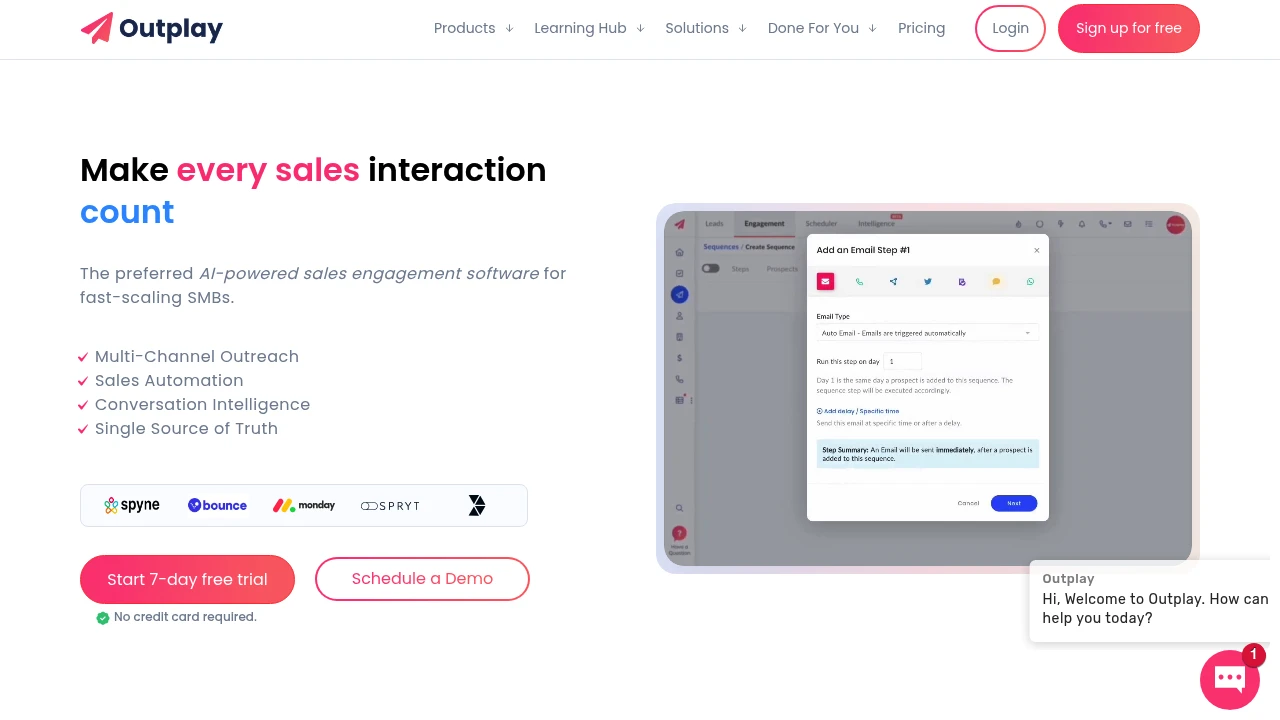
Outplay is an all-in-one multi-channel sales engagement platform that automates email, phone, social, and chat outreach. Built for fast-scaling SMBs to boost efficiency and close more deals. 14-day free trial.
Outplay: Multi-Channel Sales Engagement & Automation Platform
Outplay is an AI-powered sales engagement platform built for fast-scaling SMBs. It automates outreach across email, phone, SMS, LinkedIn, WhatsApp, and website chat, helping sales teams move beyond manual follow-ups, increase reply rates, and hit quota.
What is Outplay?
Outplay is an all-in-one sales automation tool that lets sales teams build, execute, and optimize multi-channel outreach sequences from a single platform. You can automate email and social follow-ups, dial prospects using the built-in dialer, and analyze call content with conversation intelligence. The platform integrates bi-directionally with major CRMs, offers real-time reports and leaderboards, and helps you quickly identify winning strategies and replicate success.
Core Capabilities
- Multi-channel outreach sequences: Automate touchpoints across email, LinkedIn, phone, SMS, WhatsApp, and chat
- Sales automation: Action-based triggers automatically move prospects to the next step
- Conversation intelligence: Analyze call content and extract key insights
- Bi-directional CRM integrations: Seamless sync with Pipedrive, HubSpot, Salesforce, and more
- Built-in dialer and chat: Make calls and send instant messages directly from the platform
- Reports and leaderboards: Track sequence, rep, and team performance to drive healthy competition
- Chrome extension: Import leads from Gmail or web forms with one click
Pros
- Transparent and affordable pricing: Published pricing at a fraction of the cost of Salesloft or Outreach
- Fast onboarding: New sales reps typically get up to speed in 2-3 days
- Free enterprise-level support: Hands-on customer success team at no extra charge
- True multi-channel: Goes beyond email to include social, phone, SMS, and chat
- Built for SMBs: Feature-rich without overwhelming complexity, ideal for fast-scaling teams
Cons
- Bring your own leads: No built-in lead scraping; requires importing a scrubbed list
- Less depth than enterprise tools: May lack advanced features needed by large enterprises
- Integration-dependent: Best experience requires connecting to existing CRM and tools
- Learning curve: Quick to start, but fully leveraging all channels takes time
Decision Guidance
Choose Outplay if: You're a fast-scaling SMB sales team needing multi-channel automation on a budget; you've outgrown spreadsheets and manual follow-ups and need a unified platform to track replies and optimize sequences; you value responsive support and fast deployment.
Consider alternatives if: You're a large enterprise requiring highly customized and advanced enterprise features; you need a built-in lead database and prospecting tool; you only need single-channel (e.g., email-only) automation and don't require multi-channel integration.

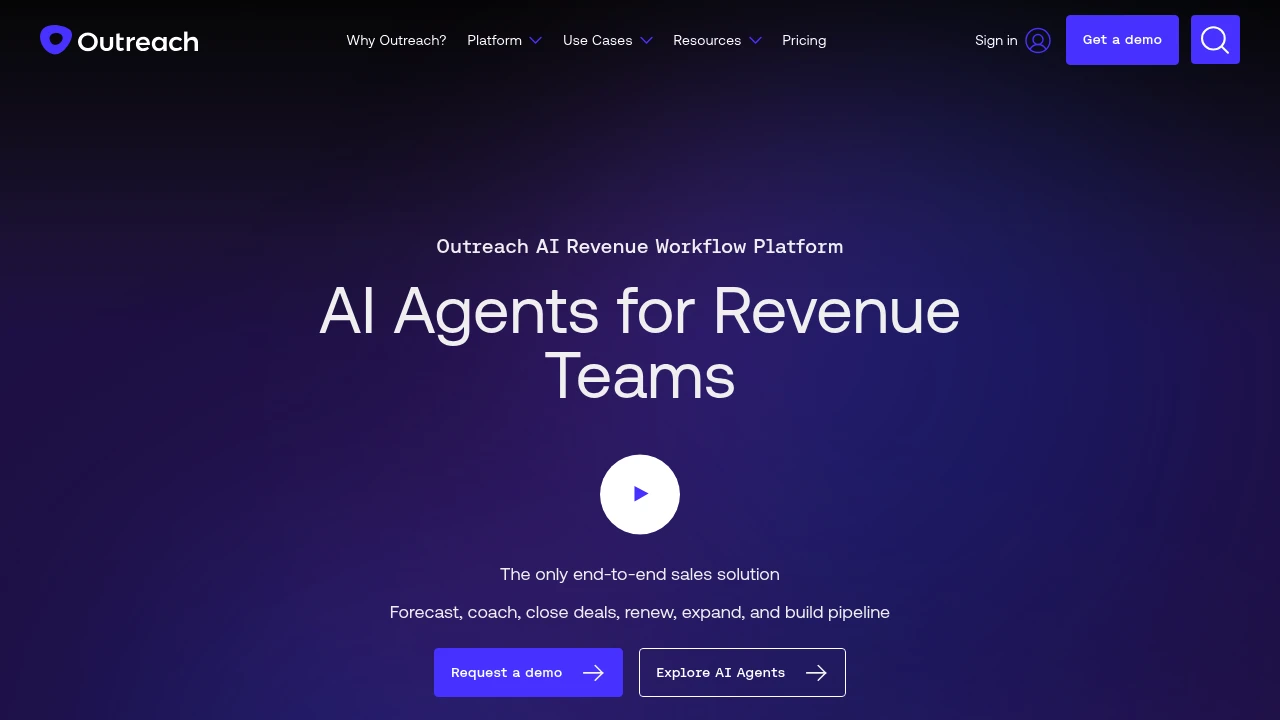
Outreach is an AI revenue workflow platform helping sales, marketing, RevOps, and customer success teams increase win rates through automated workflows, forecasting, and deal management.
Summary
Outreach is an end-to-end AI revenue workflow platform built for sales, marketing, RevOps, and customer success teams. The platform uses AI agents to automate prospecting, deal management, forecasting, and retention, helping teams boost productivity and accelerate deal velocity.
What is Outreach?
Outreach is an integrated sales execution platform that covers the full workflow from prospecting to customer expansion. The platform leverages AI agents to automate research, recommend next actions, identify buying committee members, and deliver real-time conversation insights. Sales leaders can forecast accurately with AI-assisted modeling that reduces prep time and improves revenue predictability.
Core Capabilities
- AI-driven prospecting: Automates research and surfaces best-fit prospects
- Deal management and risk detection: Rapidly inspect pipeline deals, uncover risks, and prioritize actions
- AI-assisted forecasting: Validates calls, compares outcomes, and improves accuracy
- Real-time conversation insights: Spots coaching opportunities and delivers consistent feedback
- Customer retention and expansion: Automates retention plays and flags renewal risks early
- Account orchestration: Identifies and engages all stakeholders to improve win rates
Pros
- Increases seller productivity by 60% with AI-driven workflows
- Consolidates tech stack: Amplitude saved over $600K annually by replacing five platforms
- Accelerates rep onboarding with centralized tools that are easier than standalone CRMs
- Improves forecast accuracy with AI-assisted modeling that reduces prep time
- Delivers real-time coaching feedback to improve team-wide performance
Cons
- Primarily targets enterprise sales teams; may be overkill for small teams
- Requires CRM integration (e.g., Salesforce) to unlock full value
- Steeper learning curve due to comprehensive feature set
- Pricing not publicly available; requires sales contact
- May be overly complex for simple sales processes
Decision Guidance
Use Outreach when: Enterprise sales, marketing, and RevOps teams need end-to-end workflow automation, accurate forecasting, and multi-platform consolidation. Especially suited for teams managing complex buying committees and high deal volumes.
Consider alternatives when: You run a small sales team with simple processes, have budget constraints, need only basic outreach features, or already use specialized tools for specific sales stages.
Looking for alternatives to other popular services? Check out other posts in the alternatives series and GTM Guide, a directory of tools with filters for tags and alternatives for easy browsing and discovery.
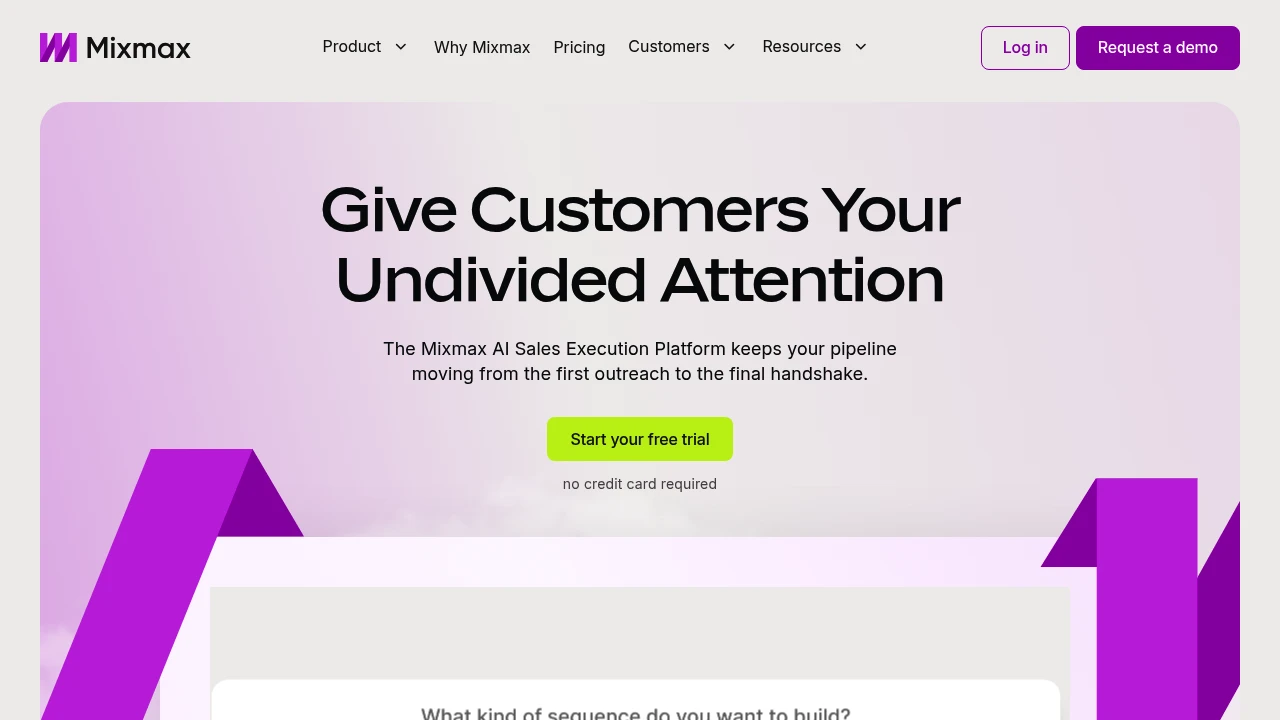
Mixmax is an AI sales execution platform that surfaces key customer signals in your inbox, automates follow-ups, meeting prep, and CRM updates so sales reps focus on actions that move deals forward.
Summary
Mixmax is an AI-powered sales execution platform that helps sales reps identify the most important actions from overwhelming signals, automate follow-ups and meeting prep, and keep deals moving. It works directly in your inbox, reducing tab-switching and focusing on conversations that drive results.
What is Mixmax?
Mixmax is an AI-native execution platform designed for sales professionals struggling with information overload and busywork. It uses three AI Copilots (Inbox, Meeting, Engagement) to identify customer engagement signals, automate CRM updates, follow-up reminders, and meeting summaries. You manage multi-channel outreach, scheduling, and customer relationships in Gmail or Outlook without leaving your inbox.
Core Capabilities
- Signal prioritization: Automatically identifies high-engagement prospects and customers, tells you what to do next
- Inbox-native execution: Manage email, phone, LinkedIn outreach, and scheduling in Gmail/Outlook
- Automated follow-ups: Smart sequences and reminders ensure deals don't stall and customers feel seen
- Meeting management: Send scheduling links from inbox, auto-prep, run, and recap meetings
- CRM sync: Automatically updates CRM records, reducing manual data entry
Pros
- Fewer tabs: Entire sales workflow lives in your inbox, boosting efficiency
- AI-driven insights: Real-time identification of the most important customer signals and action recommendations
- Quick setup: 14-day free trial, install browser extension to start, no credit card required
- Flexible subscriptions: Choose full bundle or subscribe to individual Copilots
- Multi-channel outreach: Manage email, phone, and social in one interface
Cons
- Extension required: Must install browser extension for Gmail or Outlook to use
- Learning curve: Advanced customization and CRM integration may need technical support
- Pricing transparency: Subscription costs after trial not clearly listed on website
- Inbox dependency: Value diminishes if email isn't your primary workflow
Decision Guidance
Use Mixmax when: You're a sales, customer success, or recruiting professional overwhelmed by follow-ups and admin tasks, want to centralize multi-channel outreach and meetings in your inbox, and need AI to automate busywork.
Consider alternatives when: Your sales process isn't email-centric, you need a full CRM system rather than an inbox enhancement tool, or your team already has a mature sales automation stack and doesn't want to add another tool.
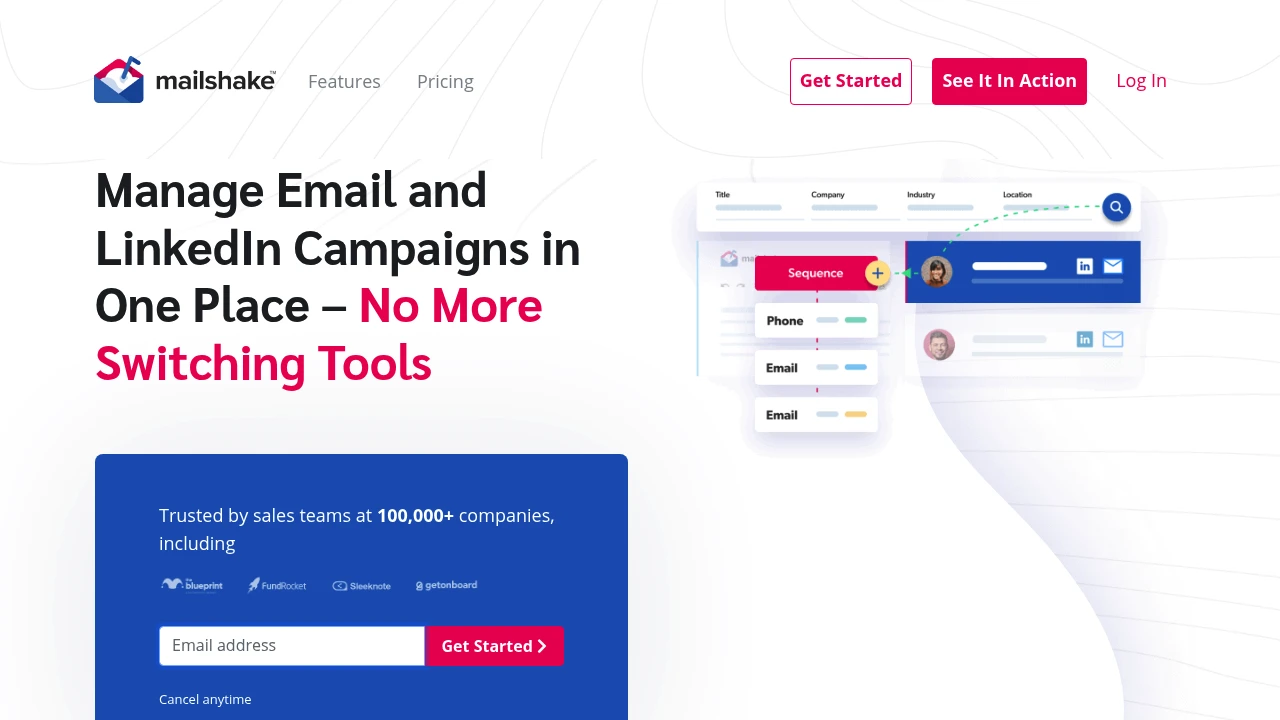
Mailshake offers AI-powered sales engagement with email, phone, and LinkedIn automation, built-in deliverability tools, lead scoring, and team analytics to build your pipeline fast.
Mailshake: AI-Powered Sales Engagement & B2B Lead Platform
Summary
Mailshake is a sales engagement automation platform for sales teams, agencies, and marketers. It unifies email, phone, and LinkedIn in one workflow, solving low cold outreach efficiency, poor deliverability, and tool-switching friction.
What is Mailshake?
Mailshake lets you build multi-channel outreach sequences in 5 minutes, combining AI copywriting (SHAKEspeare AI), email warm-up, lead scoring (Lead Catcher), and deliverability optimization tools. The platform includes Data Finder for prospect search, bulk email address purchasing, and team performance dashboards. Trusted by 100,000+ companies, it suits sales teams prioritizing speed and inbox placement.
Core Capabilities
- Multi-channel sequences: Automate email, phone, and LinkedIn messages in one flow
- SHAKEspeare AI copywriting: Auto-generate email content, A/B testing, and Spintax randomization
- Deliverability toolkit: Free SMTP warm-up, domain setup assistant, list cleaning, spam word analyzer
- Lead Catcher: Auto-surface high-engagement prospects for priority follow-up
- Data Finder: Search and purchase prospect email addresses in-platform
- Team analytics dashboard: Track open, reply, click rates and rep performance
- LinkedIn automation: Auto-send LinkedIn messages for social selling
- Integration ecosystem: Connect to major CRMs, email providers, and other tools
Pros
- New reps can send sequences on day one with minimal training
- Complete deliverability toolkit built in (warm-up, domain setup, list cleaning)
- AI copywriting and Spintax boost personalization and conversion
- Lead Catcher auto-filters high-value prospects, saving manual review time
- Single platform for email, phone, LinkedIn reduces tool-switching
Cons
- Focused on outreach and deliverability; lacks advanced CRM or pipeline management
- Data Finder prospect data requires additional purchase
- LinkedIn automation may face platform policy restrictions
- Not ideal for teams needing complex workflow automation or deep CRM
- Some users report pricing is high for small teams
Decision Guidance
Use Mailshake when: You need fast cold outreach deployment, prioritize email deliverability, want multi-channel sequences in one platform, or need to onboard new reps quickly. Ideal for sales teams, agencies, and B2B marketers.
Consider alternatives when: You need advanced CRM features, complex pipeline management, or already have dedicated deliverability and lead data services. If budget is tight and you only need basic email outreach, simpler tools may suffice.
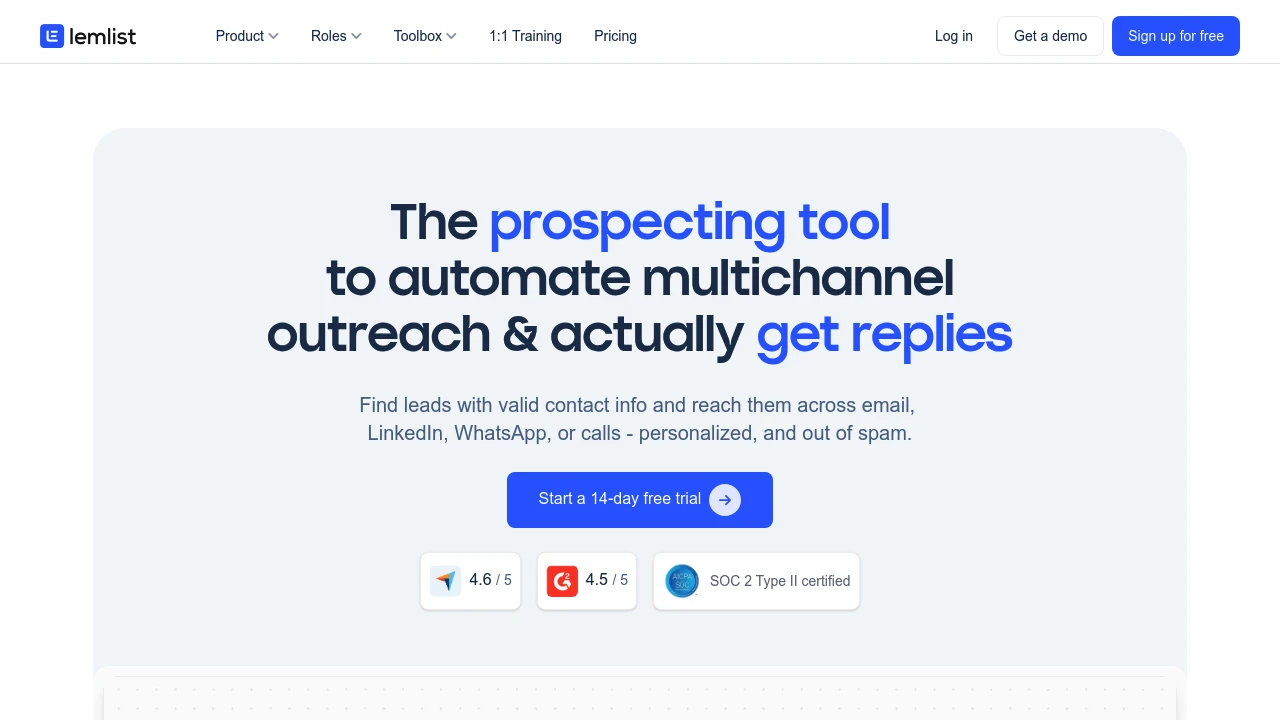
lemlist combines lead search, contact verification, and multichannel outreach automation. Personalize campaigns across email, LinkedIn, WhatsApp, and calls with built-in deliverability tools to stay out of spam.
Summary
lemlist is a multichannel sales engagement platform that helps sales teams find leads, verify contact data, and automate personalized outreach across email, LinkedIn, WhatsApp, and calls while ensuring inbox delivery instead of spam.
What is lemlist?
lemlist is an integrated sales engagement tool combining lead generation, contact verification, and multichannel outreach automation. The platform features a 450M+ lead database with waterfall enrichment that pulls verified emails and phone numbers from top providers. Users can set up cross-channel sequences in a single workflow and maintain high deliverability with the free lemwarm tool.
Core Capabilities
- Lead database & verification: 450M+ contacts with one-click email and phone validation
- Multichannel sequence automation: Integrate email, LinkedIn, WhatsApp, and calls in one sequence
- AI personalization: Pull data from LinkedIn and websites to dynamically adapt messages, images, and landing pages
- Deliverability optimization: Built-in lemwarm automates email warm-up to avoid spam folders
- CRM integrations: Native HubSpot and Salesforce support to run outreach directly from your CRM
- Unified inbox: Track interactions across all channels and senders in one conversation thread
Pros
- True multichannel outreach without switching between platforms
- Built-in lead search and verification reduces tool stack
- Free lemwarm tool effectively boosts email deliverability
- Intuitive interface makes team onboarding and independent operation easy
- Deep CRM integrations adapt to existing workflows
Cons
- Database primarily targets B2B; B2C scenarios may be limited
- Advanced personalization features have a learning curve
- Multichannel sequence setup can be complex initially
- Pricing may be high for small teams or solo users
Decision Guidance
When to use: Your sales team needs to run multichannel outreach at scale and wants to handle lead generation, verification, and follow-up in one platform while prioritizing email deliverability. Particularly suited for B2B sales teams, SDRs, and outreach agencies.
Consider alternatives: If you only need basic email sequences, have a limited budget, or focus primarily on B2C outreach, you may want to evaluate simpler or more specialized tools.

Klenty is a sales engagement platform offering personalized cold emails, automated follow-ups, AI dialers, and multi-channel outreach. Integrates with CRM to boost team productivity and meeting bookings.
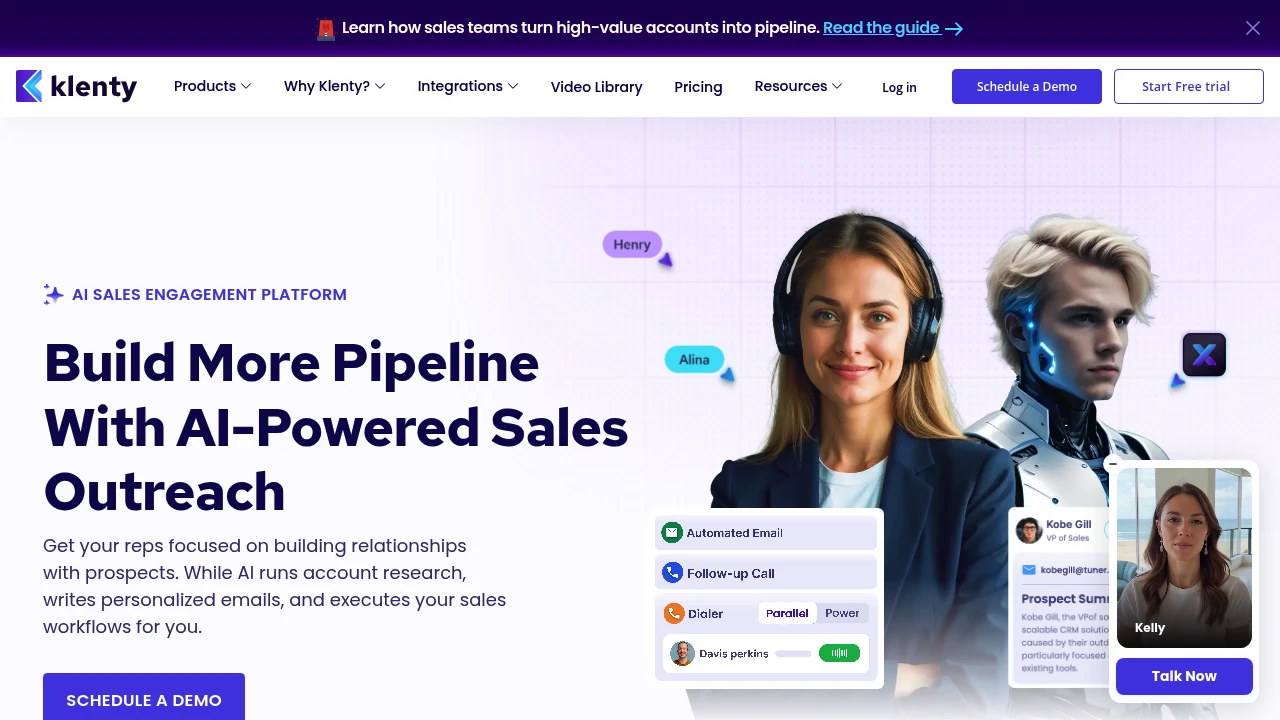
Klenty Sales Engagement Platform Review
Klenty is an AI-powered sales engagement platform designed for sales teams to automate cold email outreach, follow-ups, and multi-channel touchpoints, letting reps focus on building relationships and closing deals.
What is Klenty?
Klenty is a sales automation tool that unifies email, phone, SMS, and WhatsApp channels to help teams execute personalized outreach. The platform includes AI SDR (SDRx), which automates account research, writes personalized emails, and executes sales workflows. Deep CRM integrations ensure automatic data sync, reducing manual entry.
Core Capabilities
- Agentic Cadences: AI researches accounts, writes 1:1 personalized emails, and executes outreach steps
- Action AI: Listens to conversations, auto-schedules next steps with context
- Multi-channel outreach: Unified management of email, phone, SMS, WhatsApp, and LinkedIn
- Parallel & Power Dialer: Dial 5 numbers simultaneously, execute 350 calls per hour
- Email deliverability optimization: Inbox warmup, auto-rotation, domain health monitoring
- AI call notes: Auto-logging, voicemail detection, CRM updates
- List Builder: Describe ICP in natural language, AI generates validated prospect lists
- Deep CRM integrations: Auto-sync activities, notes, and tasks to Salesforce, HubSpot, and more
Pros
- AI-powered research and writing: SDRx researches across 150+ data sources, creates tailored value propositions
- Massive dialing efficiency: Parallel Dialer enables 350 calls per hour
- Unified multi-channel platform: One-click automation across 5+ channels
- Automatic CRM updates: Saves 15 hours per week by eliminating manual entry
- Email deliverability assurance: End-to-end monitoring ensures primary inbox placement
Cons
- Learning curve: Multi-feature platform requires time to master workflows and setup
- Pricing transparency: Detailed pricing not publicly available, requires sales contact
- Integration dependency: Best results require CRM and other sales tool integrations
- AI content quality: Auto-generated emails still need human review for accuracy
Decision Guidance
Use Klenty if: You run a B2B sales team needing large-scale outreach, want to automate repetitive tasks (account research, follow-up emails, dialing), and integrate with existing CRM systems. Ideal for SDR teams and businesses requiring multi-channel touchpoints.
Consider alternatives if: You're a small team or budget-conscious startup needing simpler tools. If your primary need is single-channel (email-only or phone-only), specialized tools may offer better cost efficiency.

GMass turns Gmail into an email marketing platform with mail merge, Google Sheets integration, automated follow-up sequences, email verification, and unlimited sending beyond Gmail limits.
Summary
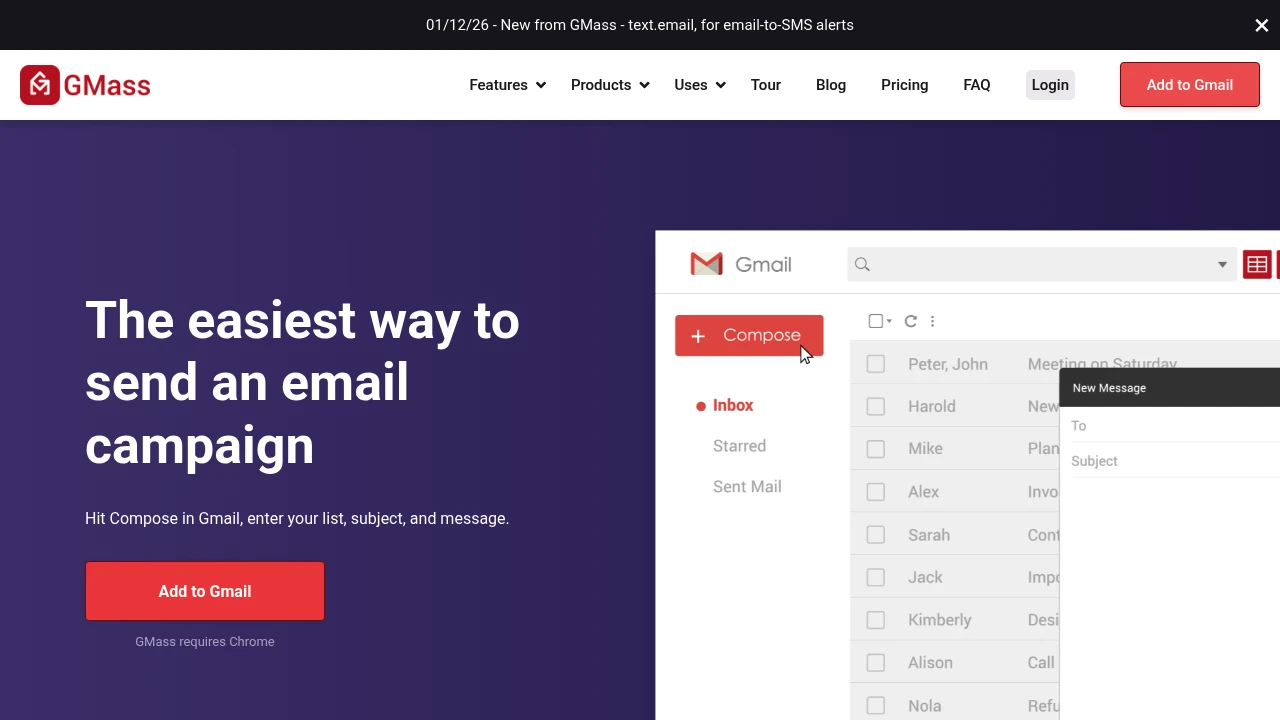
GMass is a Gmail extension that transforms your inbox into an email marketing and cold email platform. Send personalized mass emails, automate follow-ups, and track performance without leaving Gmail.
What is GMass?
GMass is a Chrome extension that operates directly inside the Gmail interface. It enables mail merge with Google Sheets, cold email sequences, email verification, and breaks Gmail's daily sending limits. Everything happens in your familiar Gmail environment—no new platform to learn.
Core Capabilities
- Mail merge with Google Sheets integration: Pull data from spreadsheets to send personalized mass emails
- Automated follow-up sequences: Set behavior-triggered follow-ups that stop when recipients reply
- Email verification and spam detection: Validate lists, test links, and fix spam triggers before sending
- Break Gmail sending limits: Use distribution technology to send virtually unlimited emails
- Real-time reporting and analytics: View open, click, reply, and bounce rates inside Gmail
- Scheduling and recurring sends: Schedule campaigns for future dates or set daily/hourly repeats
- Email list builder: Search and extract recipient addresses from existing Gmail messages
Pros
- Works directly in Gmail interface—no platform switching or new tools to learn
- Live Google Sheets integration eliminates CSV file hassles
- Automated follow-up sequences significantly boost cold email response rates
- Pre-send verification and spam detection protect sender reputation
- 5-star reviews from over 300,000 users
Cons
- Chrome browser only—excludes users on other browsers
- Requires Gmail or Google Workspace—won't work with other email services
- High-volume sending may require warm-up strategies to maintain deliverability
- Advanced features require paid subscription
- Learning curve to master all capabilities
Decision Guidance
Use GMass when: You already use Gmail as your primary email tool and need to send personalized mass emails, cold outreach, or automated follow-up sequences—all within a familiar interface. Ideal for small teams, sales reps, and marketers.
Consider alternatives when: You need multi-channel marketing automation (SMS, social media), advanced CRM integrations, team collaboration features, or don't use Gmail/Google Workspace. Enterprise-level needs may require dedicated marketing automation platforms.


