Hunter.io Alternatives
Discover the best alternatives to Hunter.io. Compare features, pricing, and find the perfect replacement.
The best alternative to Hunter.io is Finder.Expert. If that doesn't suit you, we've compiled a ranked list of other Hunter.io alternatives to help you find a suitable replacement. Other interesting alternatives to Hunter.io are: Scrupp, GetEmail.io, Longlist and Scalelist.
Hunter.io alternatives are mainly Email Finder, but may also be Data Enrichment or Phone Number Finders. Browse these if you want a narrower list of alternatives.

Written by Eric Leung
Last updated: February 26, 2026 at 5:44 AM
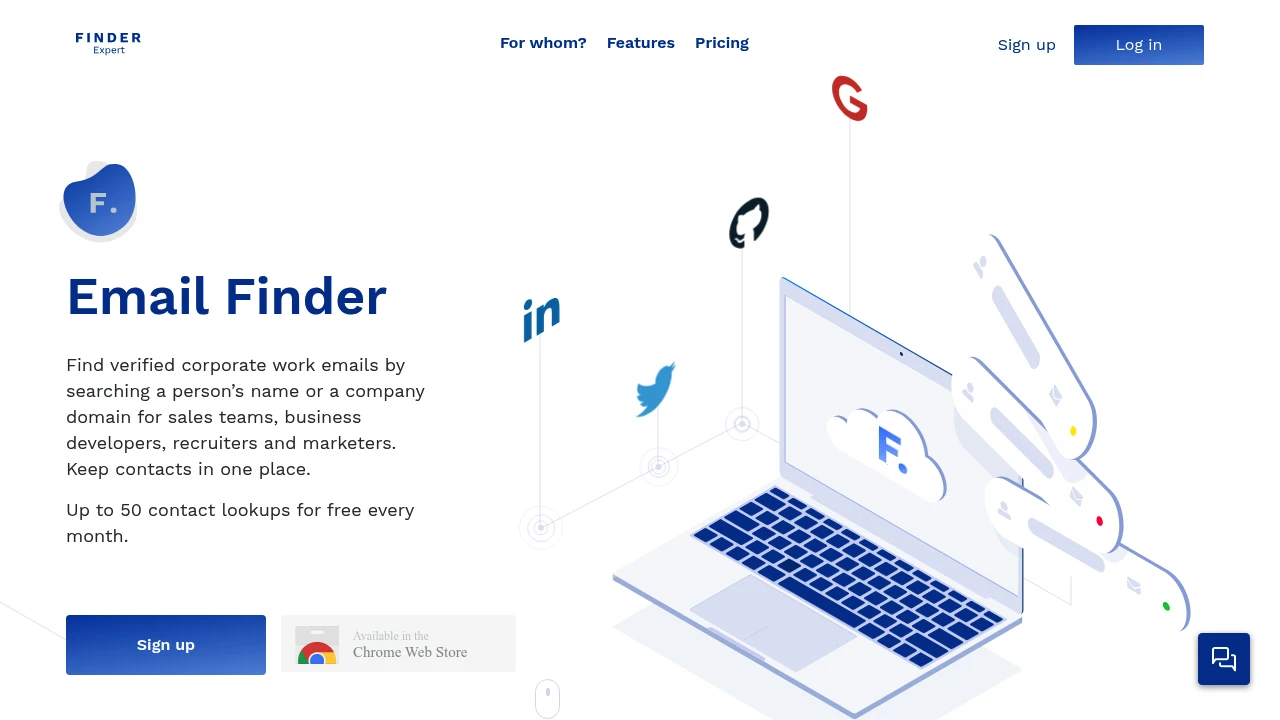
Finder.Expert helps you find verified email addresses from LinkedIn, Twitter, and domains. Get up to 2,000 free contact lookups per month for sales, recruiting, and marketing teams.
Summary
Finder.Expert is a contact discovery and verification tool that helps sales, recruiting, and marketing teams quickly find verified email addresses from LinkedIn, Twitter, and domains. Offers up to 2,000 free lookups per month.
What is Finder.Expert?
Finder.Expert lets you extract prospect contact information from social platforms (LinkedIn, Twitter), Google search results, or domains, and verifies email addresses using Proofy technology. The tool supports bulk upload, name-based search, and API integration to centralize all contact data.
Core Capabilities
- LinkedIn & Twitter search: Extract hundreds of prospects and verified emails from social platforms
- Domain search: Find emails, full names, and company info by domain
- Email verification: Powered by Proofy to reduce bounce rates
- Name-based search: Find contacts by first and last name
- Bulk upload: Process large volumes of domains or contacts at once
- API integration: Flexible API to connect with existing workflows
- Contact management: Centralize and manage prospect data
Pros
- 2,000 free lookups per month
- Integrated Proofy email verification ensures contact quality
- Multiple search methods (domain, name, LinkedIn, Twitter)
- Bulk processing saves time
- API integration for existing systems
Cons
- Paid plans required after free quota
- Data coverage depends on publicly available social data
- Limited interface information and feature documentation
- Lacks native CRM integration details
Decision Guidance
Use when: You need to quickly build prospect lists from LinkedIn, Twitter, or domains for sales, recruiting, or marketing, especially if you value email verification and have consistent monthly lookup needs.
Consider alternatives: If you need deeper data enrichment, native CRM integrations, or larger free quotas, compare other contact data platforms.

Looking for alternatives to other popular services? Check out other posts in the alternatives series and GTM Guide, a directory of tools with filters for tags and alternatives for easy browsing and discovery.

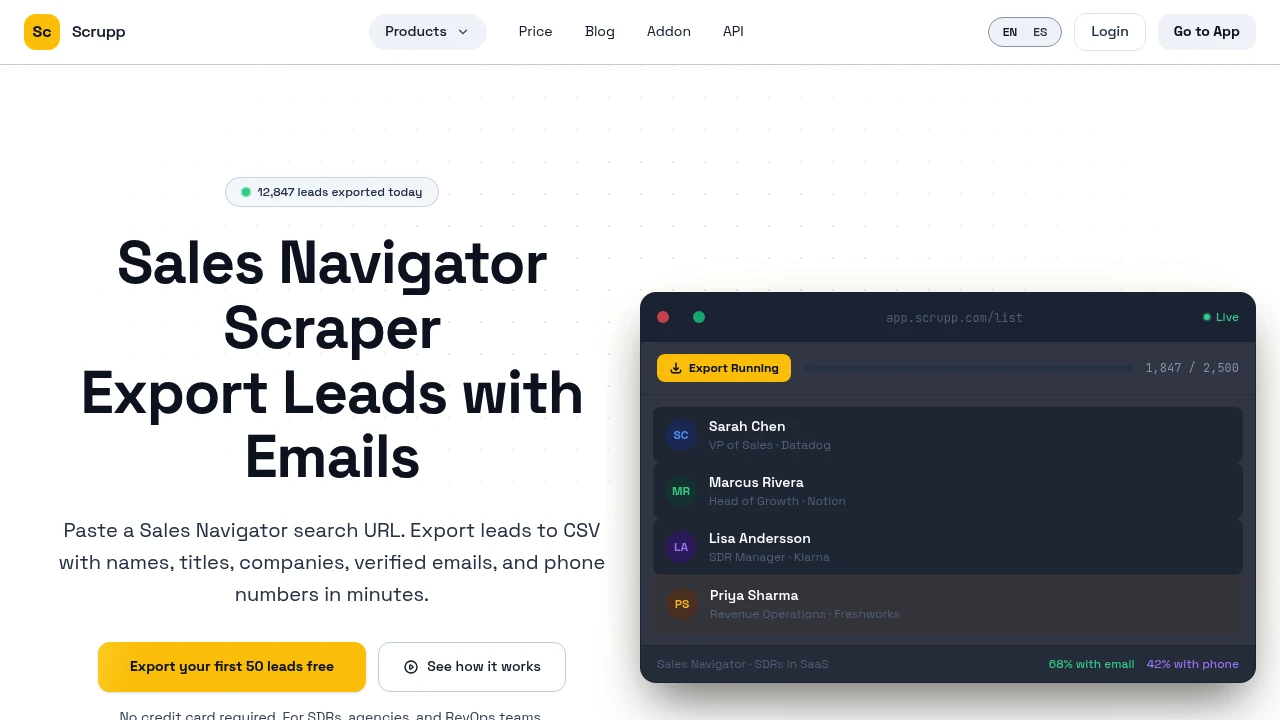
Export leads from LinkedIn Sales Navigator, LinkedIn, and Apollo with verified emails and phone numbers. Auto-clean data, dedupe, and CRM integration. Free trial.
Summary
Scrupp is a Sales Navigator lead export tool for SDRs, lead gen agencies, and RevOps teams. Paste a Sales Navigator search URL and get a CSV with names, titles, companies, verified emails, and phone numbers. Solves manual contact copying, inconsistent data, and email verification scattered across multiple tools.
What is Scrupp?
Scrupp combines LinkedIn Sales Navigator, LinkedIn people search, and Apollo lead export, email finding, phone enrichment, and data cleaning into one workflow. Uses a Chrome extension to read your LinkedIn session cookies (no password storage), runs scraping in the cloud, and outputs standardized CSV or XLSX files ready for CRM import. Every email is verified via MX, SMTP, and catch-all checks; phone numbers cost credits (100 per number). Supports HubSpot direct sync, CSV upload enrichment, deduplication, and blacklisting.
Core Capabilities
- Multi-source export: Sales Navigator, LinkedIn search, Apollo, and CSV upload
- Email finding & verification: MX, SMTP, and catch-all checks with delivery status tags (verified, risky, not found)
- Phone number enrichment: Direct dials and mobile numbers at 100 credits per number
- Auto data cleaning: Fixes casing, removes emojis, cleans titles, strips suffixes
- Deduplication & blacklisting: Merges duplicates across lists, excludes existing clients
- CRM integration: Download CSV/XLSX or push directly to HubSpot; Zapier webhook support
Pros
- Single platform for scraping, emails, phones, and cleaning—no need for multiple subscriptions
- Consistent column structure in every export, ready for sequencer or CRM upload
- Email verification included in every export with delivery status tags
- Smart throttling respects LinkedIn limits, reducing account ban risk
- Competitive pricing: ~$0.006 per 100 leads with email on Growth plan
Cons
- Phone numbers require extra credits (100 per number), ~42% match rate
- Chrome extension required for Sales Navigator and Apollo scraping
- Email verification rates vary by audience (40–70%), not all leads have emails
- Not a CRM or engagement tool—focused solely on lead export and enrichment
- Users responsible for GDPR, CCPA, and LinkedIn terms compliance
Decision Guidance
When to use: Your SDR team or agency needs to export high volumes of leads from Sales Navigator, LinkedIn, or Apollo with verified emails and phone numbers, and you want scraping, verification, and cleaning in one workflow. You value consistent, CRM-ready column structure and want to avoid subscribing to multiple enrichment tools.
When to consider alternatives: You only need basic LinkedIn scraping without email verification or phones (Evaboot, PhantomBuster may be simpler). You need built-in engagement or CRM features (Scrupp focuses on export only). Your budget is very tight and you can't afford credit-based phone pricing.

GetEmail.io uses machine learning to find professional email addresses from names and company domains. Offers free plan, API access, and credit-based pricing to save prospecting time.
GetEmail.io
Summary
GetEmail.io is an AI-powered email finder that locates professional email addresses in seconds using names and company domains. Built for SDRs, marketers, and recruiters to cut manual search time.
What is GetEmail.io?
GetEmail.io uses big data and machine learning to scan email format patterns across millions of companies, then reconstructs professional email addresses from a target's first name, last name, and company domain. The platform claims manual email searches take ~5 minutes, while GetEmail.io delivers results in seconds—saving up to 2 hours daily for users searching 20 emails.
Core Capabilities
- AI email lookup: Enter name + company domain to generate email addresses instantly
- Credit-based pricing: 1 credit per search; free plan includes 10 credits/month
- API access: Available on all plans, including free tier
- CRM & automation integrations: Connect via Zapier, Make.com, or direct CRM links
- CSV export: Bulk download search results
Pros
- Free plan with 10 monthly credits, no credit card required
- API access included on all tiers, even free
- Simple interface with minimal learning curve
- CSV bulk export supported
- Paid plans include email, chat, and phone support
Cons
- No disclosed email verification accuracy or data source transparency
- Free plan limited to 10 credits/month, restricting testing
- Basic plan ($49/month) offers email support only, no chat
- Lacks clarity on native integrations with major CRMs (Salesforce, HubSpot)
- Data coverage and update frequency not specified
Decision Guidance
Use GetEmail.io when you need fast email lookups for sales, recruiting, or marketing outreach and already know target names and company domains. Fits small teams on a budget who need API access.
Consider alternatives if you require verified email data, transparent accuracy metrics, or deeper contact enrichment. Larger teams should test data quality before committing to higher-tier plans.

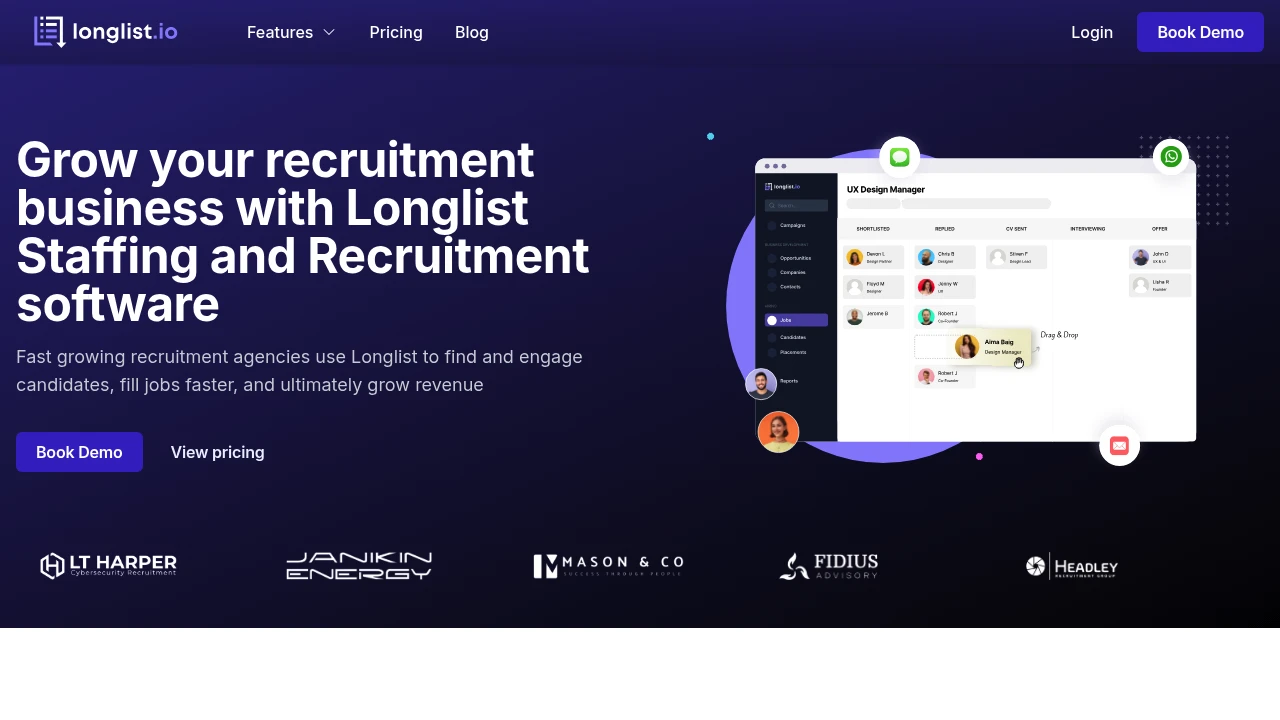
Longlist offers ATS, CRM, candidate sourcing, email outreach, and WhatsApp integration for recruitment agencies to manage client relationships, automate follow-ups, and accelerate placements.
Summary
Longlist is an ATS and CRM platform for recruitment agencies, combining candidate sourcing, email outreach, visual job pipelines, and multi-channel communication to accelerate placements and grow revenue.
What is Longlist?
Longlist is recruiting software that merges Applicant Tracking System (ATS) and recruitment CRM capabilities. It provides a browser extension for candidate sourcing, personalized email campaigns, visual job pipelines, one-click job posting to free job boards, and integrations with email, SMS, and WhatsApp. Built for fast-growing recruitment agencies to manage client and candidate relationships and boost team efficiency.
Core Capabilities
- Sourcing Extension: Capture candidate details from multiple platforms via browser extension
- Personalized Email Campaigns: Automated follow-ups and personalized sequences to expand candidate pools
- Visual Job Pipeline: Drag-and-drop boards to track job progress at a glance
- One-Click Job Posting: Publish to free job sites and attract candidates with integrated career pages
- Multi-Channel Communication: Reach candidates via email, SMS, and WhatsApp
- Analytics & Reporting: Track key accounts, candidate engagement, team activity, and more
Pros
- Combines ATS and CRM in one platform, eliminating tool-switching
- Browser extension simplifies candidate sourcing workflow
- Free data migration from Excel and 10+ recruiting CRMs
- 24×6 live chat and email support with fast response times
- Quick setup in days, low learning curve
Cons
- Feature scope better suited for small to mid-sized agencies; large enterprises may need more customization
- No mention of integrations with major HRIS or payroll systems
- Support is 24×6, not around-the-clock
- Pricing not disclosed; requires contacting sales
Decision Guidance
When to use: Fast-growing recruitment agencies need integrated ATS and CRM, want to expand candidate pools via automated email outreach, require multi-channel communication (email, SMS, WhatsApp), and value visual pipeline management.
When to consider alternatives: Large enterprise recruiting teams need deep customization or complex HRIS integrations; global teams require 24/7 support; or agencies with tight budgets need transparent pricing upfront.
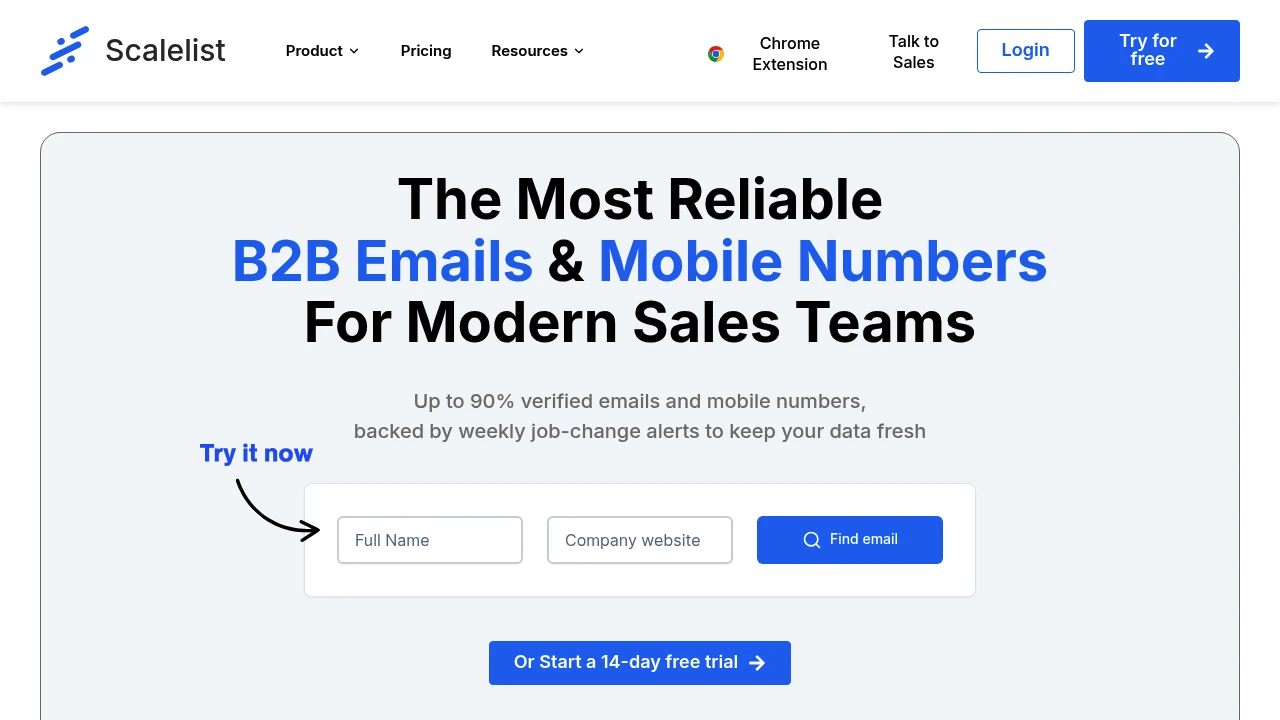
Scalelist delivers up to 90% verified B2B work emails and mobile numbers with weekly job-change alerts to help sales teams maintain accurate, up-to-date contact data.
Summary
Scalelist is a B2B contact data enrichment platform that provides verified work emails and mobile numbers for sales teams. It aggregates 10+ data providers to deliver up to 90% verified contact data and keeps records fresh with weekly job-change alerts.
What is Scalelist?
Scalelist is a contact enrichment tool built for modern sales teams. Users can import existing databases or use the Chrome extension to instantly find and verify prospect work emails and phone numbers. The platform aggregates multiple data sources and uses AI to automatically clean special characters, emojis, and formatting issues so data is ready for CRM or email outreach tools.
Core Capabilities
- Verified work emails and mobile numbers: Aggregates 10+ providers for up to 90% verification rate
- Automated job-change monitoring: Tracks prospect job and company changes 24/7
- AI data cleaning: Removes special characters, emojis, company name variants (Ltd, LLC, etc.)
- Chrome extension: Capture contact data instantly from your browser
- List management: Drag-and-drop interface, folder organization, CSV/Excel export
- 10+ data points: Enrichment formatted for CRM and outreach tools
- Upcoming CRM integrations: HubSpot, Salesforce, and more in development
Pros
- Up to 90% email verification rate for reliable data quality
- Weekly job-change alerts keep contact data current
- AI auto-cleans data so no manual formatting needed
- Aggregates 10+ providers for better coverage
- Intuitive interface with 4.9/5 Capterra rating
Cons
- CRM integrations still in development (HubSpot, Salesforce coming soon)
- Mobile number coverage may vary by region
- Pricing not publicly listed on website
- Primarily focused on B2B sales teams, limited use cases outside that
Decision Guidance
When to use: Sales teams, SDRs, or account executives who need to verify large volumes of B2B contact data, especially if tracking job changes is critical for timing outreach. The Chrome extension suits users who need real-time contact capture.
When to consider alternatives: If you need deep CRM integration today (still in development), or if you're targeting non-B2B markets, evaluate other enrichment tools. If pricing transparency is a priority, contact the team first to understand costs.
Looking for alternatives to other popular services? Check out other posts in the alternatives series and GTM Guide, a directory of tools with filters for tags and alternatives for easy browsing and discovery.

Interseller helps recruiters find candidate email addresses and send automated outreach sequences, integrating LinkedIn and ATS systems to accelerate hiring. Now part of Greenhouse.
Summary
Interseller is a recruiting outreach tool that helps recruiters find candidate email addresses and send automated email sequences, solving the inefficiency of juggling multiple tools and manual outreach.
What is Interseller?
Interseller combines candidate contact discovery with email automation in a single platform. Recruiters can pull candidate data from LinkedIn or ATS systems like Greenhouse, automatically find email addresses, and reach out at scale with personalized sequences. The platform is now part of Greenhouse.
Core Capabilities
- Email finding: Automatically extract candidate emails from LinkedIn profiles or ATS systems
- Automated sequences: Create and send personalized recruiting email campaigns
- ATS integration: Connect with Greenhouse and other systems to sync candidate data
- Bulk outreach: Add multiple candidates to sequences at once, saving manual effort
- LinkedIn extension: Pull contact data directly from LinkedIn and launch sequences
Pros
- Accelerates candidate outreach and shortens hiring cycles
- Combines email finding and sending in one platform, reducing tool switching
- Seamless integration with ATS systems like Greenhouse
- Credit-based pricing more cost-effective than LinkedIn or Indeed
- Automation frees recruiters to focus on other tasks
Cons
- Now part of Greenhouse; standalone product may no longer be available
- Email finding accuracy depends on data source quality
- Automated sequences require writing effective messaging yourself
- Primarily built for recruiting, not general sales outreach
- Bulk sending may impact deliverability if frequency not managed carefully
Decision Guidance
When to use: Recruiting teams need to reach large volumes of candidates quickly, already use Greenhouse or want to integrate LinkedIn with ATS workflows, and seek more cost-effective email outreach than traditional recruiting platforms.
When to consider alternatives: If you need a standalone recruiting outreach tool (Interseller is now part of Greenhouse), require broader sales automation features, or email deliverability and compliance are top priorities, evaluate other specialized platforms.

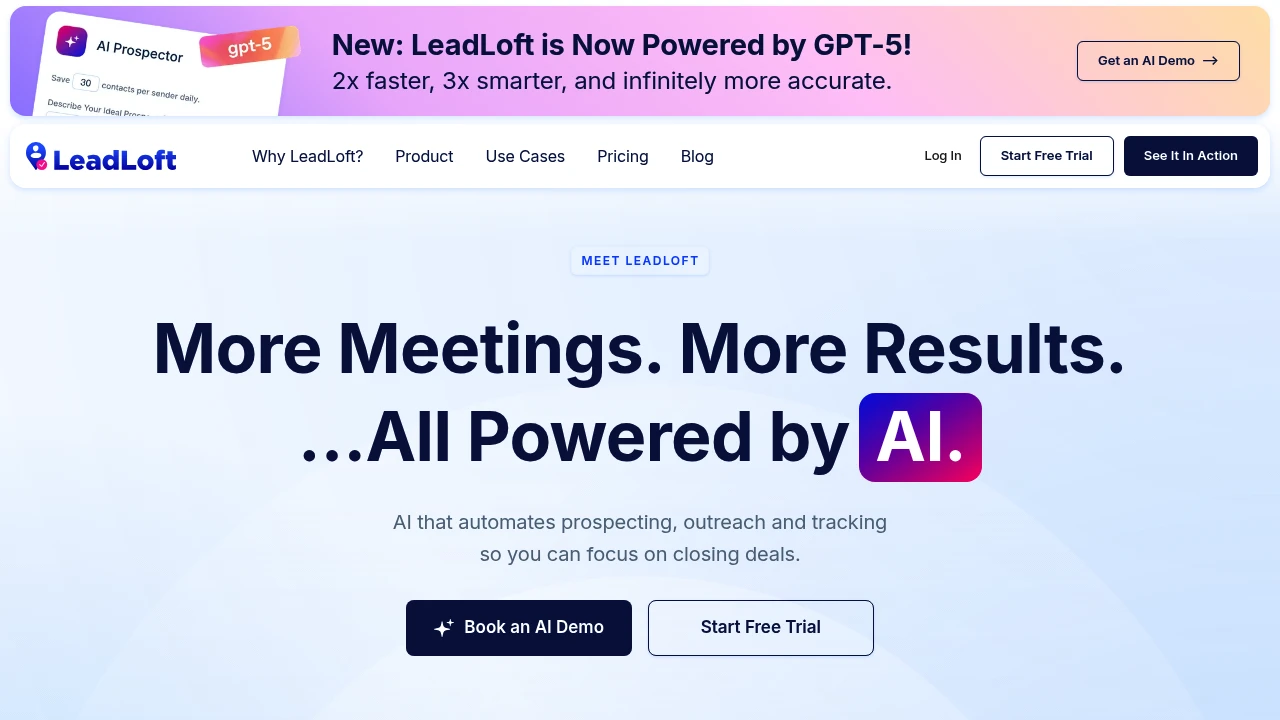
LeadLoft combines AI agents, contact data extraction, LinkedIn & email automation, and built-in CRM to help you find leads, book meetings on autopilot, and track sales—ideal for sales teams, startup fundraising, and recruiting.
Summary
LeadLoft is an AI-powered sales automation platform that integrates lead generation, outreach, and CRM. It uses AI agents to automatically find and qualify leads, extracts verified emails and phone numbers, and automates LinkedIn and email outreach so sales teams can focus on closing deals.
What is LeadLoft?
LeadLoft is an all-in-one sales workspace combining AI lead research, contact data extraction, LinkedIn & email automation, and a full CRM system. Powered by GPT-5, AI agents automatically research and qualify leads while you sleep. Extract contact data without limits, run automated outreach Playbooks at scale, and manage all conversations (LinkedIn + email) in a unified inbox with AI-assisted replies. The built-in CRM includes deal tracking, smart deduplication, follow-up reminders, activity history, and advanced filters. Designed for sales teams, startup fundraising, and recruiting.
Core Capabilities
- AI agent prospecting: Automatically research, review, and qualify leads
- Unlimited contact extraction: Get verified emails and phone numbers with one click
- LinkedIn & email automation: Scale outreach with automated Playbooks
- Unified inbox with AI replies: Manage all LinkedIn and email conversations in one dashboard
- Full CRM system: Deal tracking, smart deduplication, follow-up reminders, activity history, tasks, and advanced filters
Pros
- AI agents work 24/7 to qualify and research leads, saving manual effort
- Unlimited contact data extraction with no extra fees or credit limits
- LinkedIn and email outreach integrated in one platform, simplifying your tech stack
- Built-in CRM eliminates the need for third-party tools
- Users report high response rates (up to 28%) and 3-5 quality meetings per week
Cons
- Pricing not publicly available; requires contacting sales for cost details
- As a newer platform, integration ecosystem may be smaller than mature competitors (HubSpot, ZoomInfo)
- Reliance on AI automation requires tuning Playbooks and message templates to match brand voice
- Unlimited contact extraction accuracy and coverage not independently verified
- Learning curve exists due to feature integration, though users report fast setup
Decision Guidance
Use LeadLoft if: Your team needs an integrated platform for lead gen, outreach, and CRM to reduce tool sprawl and automate repetitive tasks; you're a startup running fundraising or recruiting campaigns and need to reach many targets quickly; your sales team wants to scale outreach and boost response rates with AI.
Consider alternatives if: You've already invested in a mature CRM (Salesforce, HubSpot) and only need specialized lead gen or outreach tools; you require transparent pricing and detailed feature comparisons before purchasing; your industry or region has strict compliance requirements for contact data extraction and needs certified data source documentation.

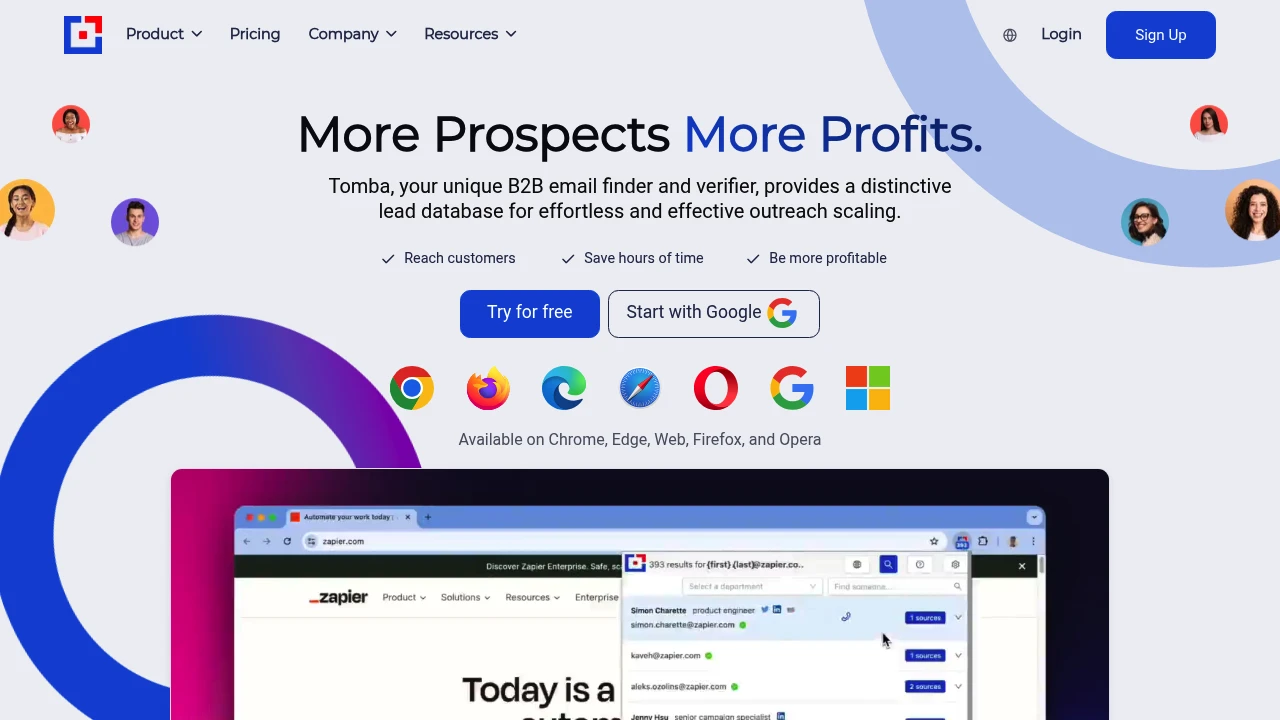
Tomba offers a 450M+ professional email database to find and verify business contacts. Features domain search, real-time verification, bulk lookup for sales, recruiting, and marketing teams.
Summary
Tomba is a B2B email finder and verification tool with 450+ million professional email addresses across 76 million domains. Helps sales, recruiting, and marketing teams quickly locate target contacts and verify data authenticity in real time.
What is Tomba?
Tomba is an email discovery platform designed for businesses to find contact information through domain search, name-based lookup, and instant verification. Offers Chrome extension, API, spreadsheet integration, and CRM connectivity to support team collaboration and large-scale lead generation.
Core Capabilities
- Domain Search: Enter company name or website to instantly list employee names and email addresses
- Email Finder: Locate individual emails using name and company information
- Real-Time Verification: Check email validity instantly to ensure deliverability
- Bulk Lookup: Retrieve thousands of leads in a single operation
- Data Enrichment: Add phone numbers and technology stack details to existing contacts
- 50+ Search Filters: Target prospects by job title, industry, company size, and more
- Chrome Extension: Capture contact data while browsing the web
- API & Integrations: Connect to Airtable, CRM systems, and spreadsheet tools
Pros
- 450M+ email database with extensive coverage
- Real-time verification ensures accuracy and reduces bounce rates
- Chrome extension and spreadsheet integration boost workflow efficiency
- 50+ filters enable precise prospect targeting
- Free plan available to test data quality
Cons
- Coverage may be limited for smaller or emerging companies
- Bulk lookup features require paid plans for full access
- Phone number enrichment coverage is narrower than email data
- Learning curve for advanced filter configurations
Decision Guidance
Use Tomba when: Sales development reps need to build prospect lists quickly; recruiting teams seek candidate contact details; marketing teams develop influencer or content partner outreach; you need real-time email verification to improve campaign deliverability.
Consider alternatives if: Your primary need is enriching existing customer data rather than finding new leads; budget is extremely tight and usage is occasional; you require deeper company financials and intent data beyond contact information.

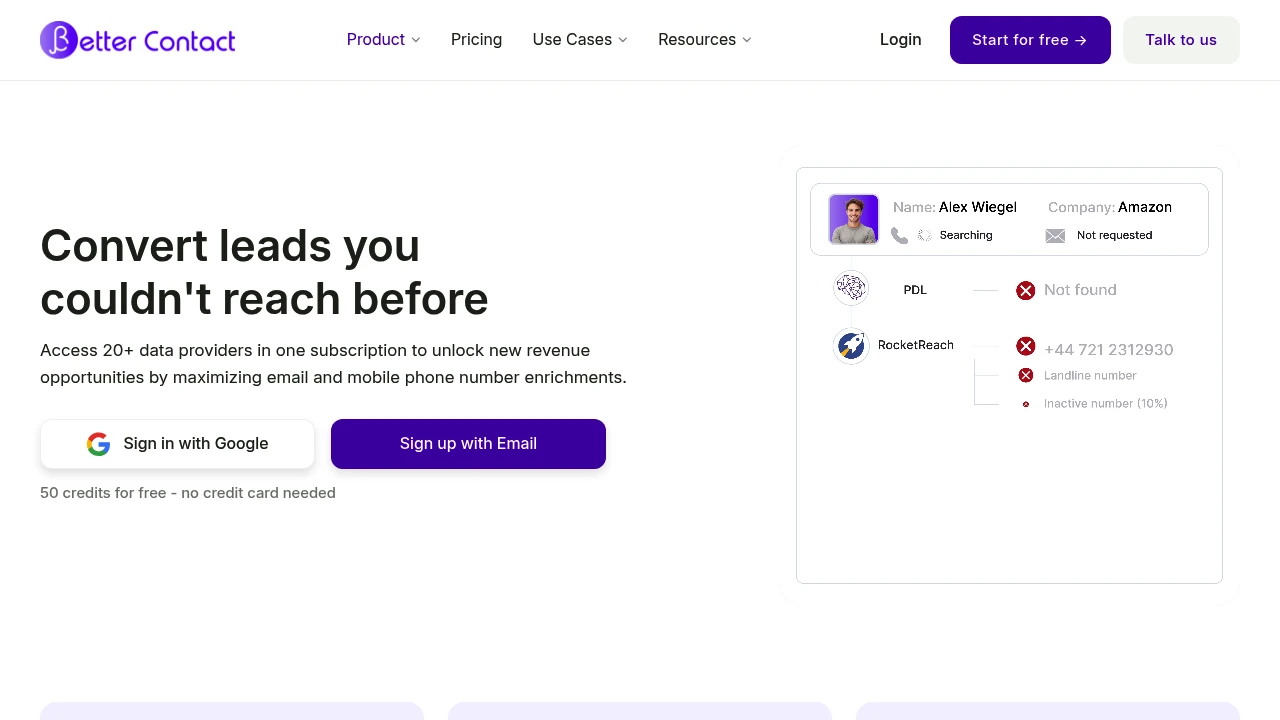
BetterContact uses AI waterfall enrichment across 20+ providers to maximize B2B email and phone coverage. 4-layer verification ensures you only pay for valid contact data. GDPR/CCPA compliant.
Summary
BetterContact is a waterfall enrichment platform that aggregates 20+ data providers, uses AI to optimize query sequences, and maximizes email and mobile phone coverage for B2B prospects while charging only for verified, valid contact data.
What is BetterContact?
BetterContact employs waterfall enrichment technology, querying multiple data sources in sequence until valid contact data is found. The platform's BetterAI algorithm analyzes your contact information and automatically arranges the optimal provider order, then validates emails and phone numbers through a 4-layer verification system. It processes over 150,000 enrichments daily, accesses a database of 3+ billion contacts, and complies with GDPR, CCPA, and EU-DSGVO regulations.
Core Capabilities
- 20+ data provider integration: Access multiple premium sources with one subscription
- AI-driven waterfall queries: BetterAI automatically builds optimal provider sequences
- 4-layer verification: Only pay for contact data that passes external validation
- Native integrations: Supports 10+ CRM and outreach tools via API, CSV, or one-click import
- GDPR/CCPA compliance: Full data security and privacy protection
Pros
- Significantly higher coverage, reaching prospects competitors can't contact
- Pay only for verified valid emails and phone numbers, avoiding wasted budget
- AI auto-optimizes data source order, no manual testing of multiple providers
- Native integrations with major CRM and outreach tools for smooth workflows
- 50 free credits with no credit card required for trial
Cons
- Subscription required to access 20+ data providers
- Waterfall queries may consume multiple credits before finding valid data
- Primarily focused on B2B contact data, limited B2C support
- Relies on third-party providers, coverage depends on their databases
Decision Guidance
Use BetterContact when: Your sales or marketing team needs to maximize prospect coverage and wants to pay only for valid contact data, especially when existing single-provider solutions can't find enough emails or phone numbers.
Consider alternatives when: You have a limited budget and need only basic enrichment, or already have a high-coverage single provider—a point solution may be more cost-effective.

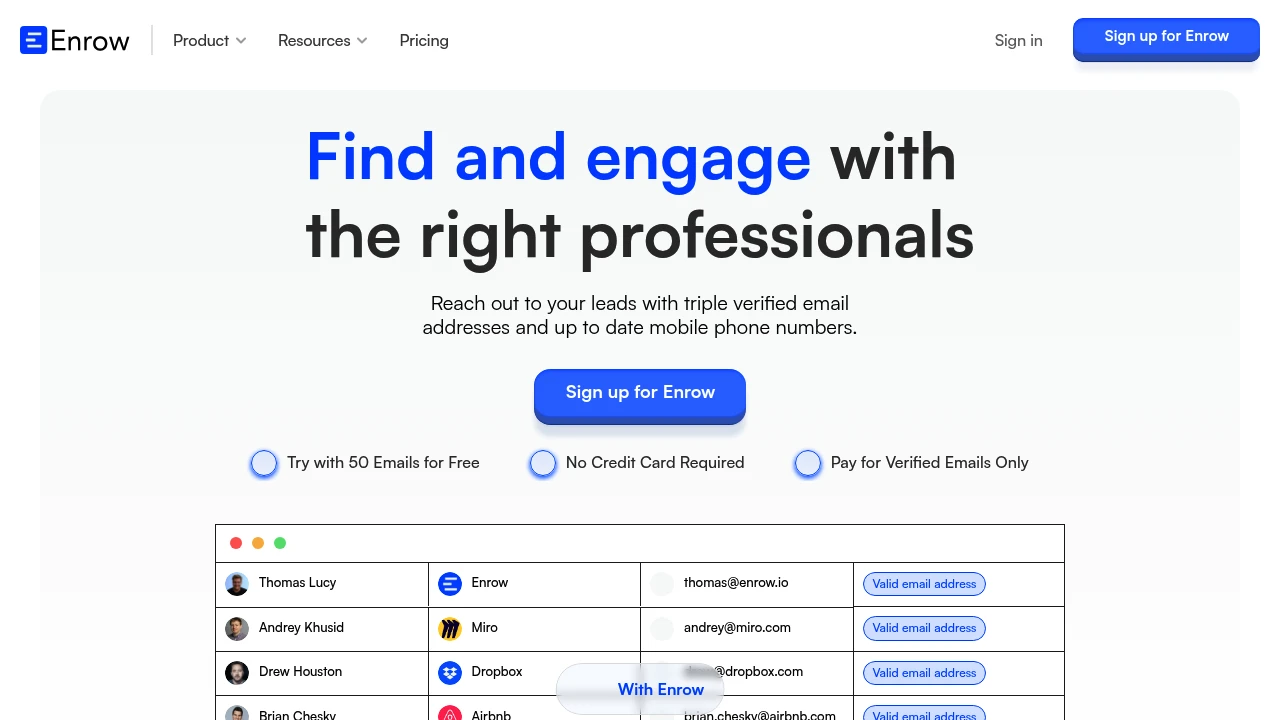
Enrow delivers 60%+ enrichment rate and <1% bounce rate for email finding and verification. Pay only for valid emails, with API automation and bulk search to reach decision-makers fast.
Summary
Enrow is an email finder and verification tool built for SDRs and marketing teams to solve inaccurate contact data and wasted spend. Pay only for triple-verified valid emails, with 60%+ enrichment rate and <1% bounce rate.
What is Enrow?
Enrow uses AI and proprietary technology to find, verify, and enrich contact information including email addresses and mobile phone numbers. Users input a name and company domain to instantly retrieve verified emails, supporting single queries, bulk processing, and API integration. It charges on a credit basis—only when a valid email is found—and refunds otherwise.
Core Capabilities
- Email Finder: Input name and company domain to get verified emails in seconds, with 30% higher match rate than competitors
- Email Verifier: Check email validity to avoid spam folders and maintain deliverability
- Mobile Phone Finder: Retrieve up-to-date mobile numbers to expand outreach channels
- API Integration: Automate single or bulk workflows with webhook support for asynchronous results
- Catch-all Validation: Handle catch-all domains to boost email discovery rate
Pros
- Pay only for valid emails; refunds if not found, ensuring transparent cost control
- 60%+ enrichment rate and <1% bounce rate, leading market quality
- Fast API setup with bulk processing and workflow automation support
- 50 free email credits and 200 verifications, no credit card required
- Independent tests confirm superior finding rate and value vs. mainstream tools
Cons
- Focuses on email and phone; lacks full CRM or sales automation features
- Enrichment rate depends on target company domain's public information availability
- Bulk processing requires API or file upload; no built-in lead management interface
- Pricing not publicly displayed on website; requires sign-up to view
- Coverage for non-English markets may be weaker
Decision Guidance
Use Enrow when: You need high-accuracy email finding and verification for SDRs, account executives, or marketing teams, especially if you value cost control and paying only for valid results. Ideal for teams needing API integration into existing tech stacks or bulk processing of large contact lists.
Consider alternatives when: You need a full CRM, sales automation, or lead management platform with integrated workflows. If your target market is primarily non-English or you need broader company data and buying signals, supplement with other data sources.
Looking for alternatives to other popular services? Check out other posts in the alternatives series and GTM Guide, a directory of tools with filters for tags and alternatives for easy browsing and discovery.

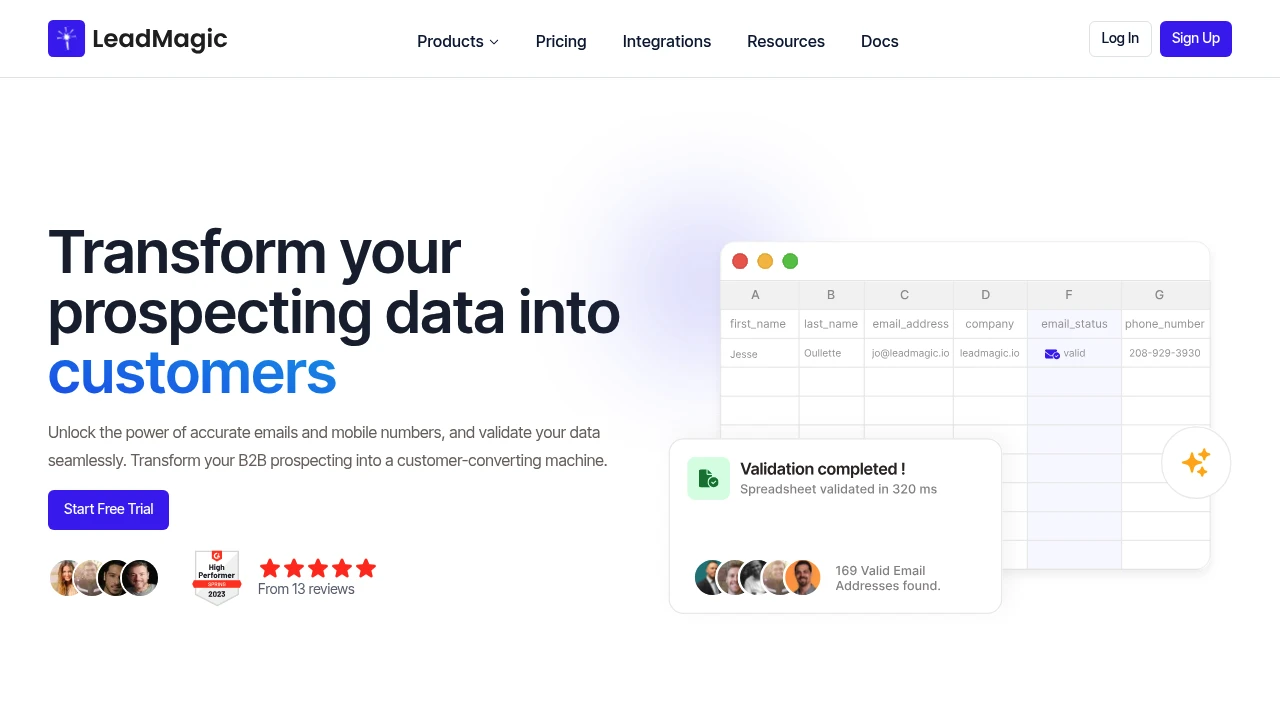
LeadMagic offers real-time B2B data enrichment with 99% email accuracy. Pay only for valid contacts. Credit-based subscription, no contracts, API and webhook integrations.
Summary
LeadMagic is a real-time B2B data enrichment platform for sales and marketing teams to clean, validate, and enrich prospect data. Pay-per-use pricing with no annual contracts.
What is LeadMagic?
LeadMagic provides email finder, mobile finder, email validation, and company and profile enrichment services. Upload old lists or query via API for real-time results, matched to the latest contact data and exported as CSV or pushed to Clay, SmartLead, and other tools. Credit-based model charges only for found valid emails or mobile numbers.
Core Capabilities
- Email Finder: 99% accuracy, pay only for valid emails, includes Catch-All validation
- Mobile Finder: Find direct mobile numbers from B2B profiles or email addresses
- Email Validation: Gray list protection, high rate limits, pay only for valid or invalid results
- Company Enrichment: Ad spend, technographics, competitor and headcount insights
- Profile Enrichment: Job change tracking, real-time B2B profile updates
- Jobs Finder: Scrape directly from company job boards, alerts by job title or company name
- API & Webhook: Push to Clay, SmartLead, or other automation tools
Pros
- Pay-per-use: Credit-based, pay only for found valid contacts, no annual contracts
- High accuracy: 99% email accuracy, mobile accuracy leads competitors
- Real-time enrichment: Upload lists or API queries return instant results
- Flexible integrations: CSV export, API, and webhook push to automation tools
- Transparent pricing: From $59.99/month (2,500 credits), down to $0.0080/credit for high volume
Cons
- Credit consumption: Each find or validation consumes credits; monthly credits do not roll over
- No free trial info: Website does not clearly offer free trial or test credits
- Relies on third-party integrations: Push functionality requires external tools like Clay or SmartLead
- Limited customer cases: Only 13 reviews, fewer case studies compared to mature competitors
Decision Guidance
Use LeadMagic if you need real-time cleaning of old lists or contact enrichment for sales and marketing teams, prefer pay-per-use to avoid annual contracts, and require high-accuracy emails and mobile numbers.
Consider alternatives if you need large pre-built contact databases or prefer flat-rate unlimited queries, or require more customer case studies and mature ecosystem support from other data providers.


