Gong Alternatives
Discover the best alternatives to Gong. Compare features, pricing, and find the perfect replacement.
The best alternative to Gong is Zoom. If that doesn't suit you, we've compiled a ranked list of other Gong alternatives to help you find a suitable replacement. Other interesting alternatives to Gong are: Revenue.io, Otter.ai, Fireflies.ai and Descript.
Gong alternatives are mainly AI Meeting Notes, but may also be AI Voice Transcription or AI Meeting Recorders. Browse these if you want a narrower list of alternatives.

Written by Eric Leung
Last updated: February 16, 2026 at 5:34 PM
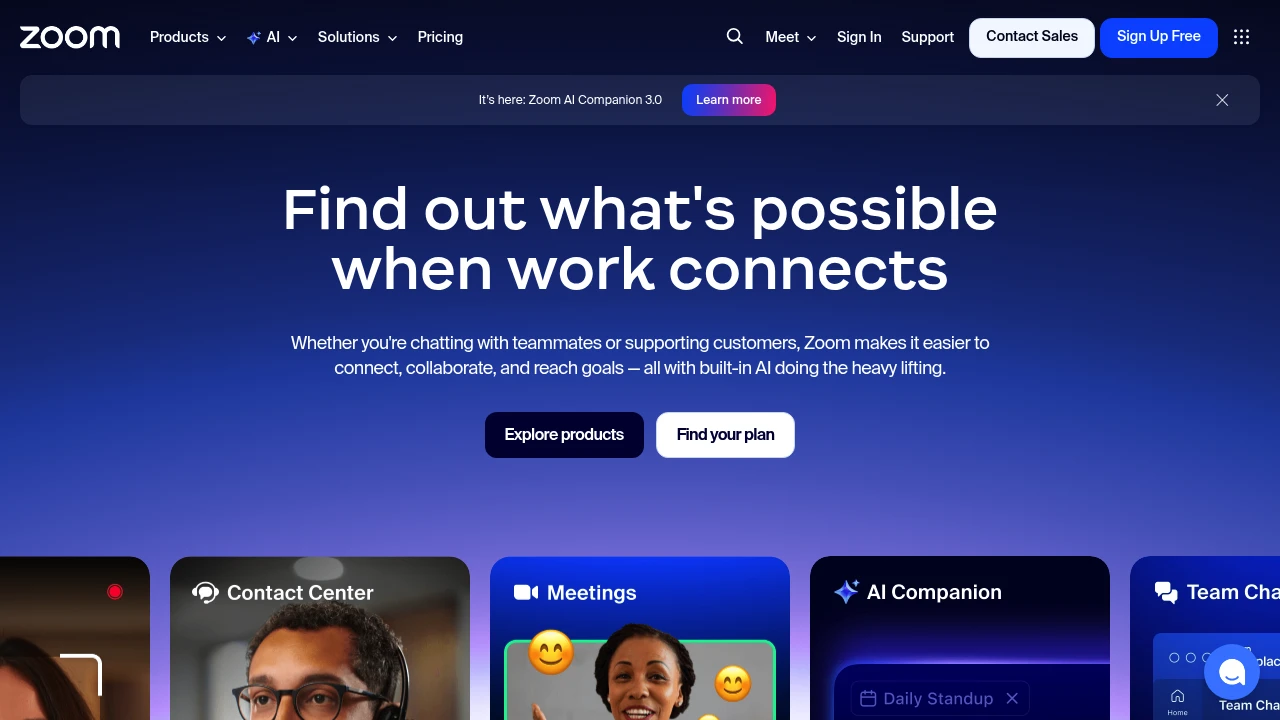
Zoom integrates video meetings, team chat, VoIP phone, webinars, and contact center in one platform. Built-in AI Companion auto-summarizes meetings, generates docs, and supports hybrid teams.
Summary
Zoom is an AI-powered unified communications platform that combines video meetings, team chat, phone, webinars, whiteboard, and contact center to solve communication fragmentation in hybrid work environments.
What is Zoom?
Zoom is an all-in-one UCaaS (Unified Communications as a Service) platform that integrates meetings, phone, chat, docs, and customer experience tools in a single interface. Built-in AI Companion 3.0 auto-summarizes meetings, generates documents, and handles follow-ups so teams can focus on high-value work. The platform supports remote and hybrid team collaboration and offers contact center, webinar, and sales enablement features.
Core Capabilities
- Video meetings and team chat: HD meetings, persistent chat rooms, screen sharing
- AI Companion 3.0: Auto meeting summaries, document generation, smart follow-up suggestions
- VoIP phone system: Cloud phone, voicemail, call routing
- Webinars and events: Branded virtual events, lead capture, interactive tools
- Contact center: Omnichannel customer support (phone, chat, email, social, video)
- Collaboration tools: Whiteboard, shared docs, async video clips
- CRM integration: Auto-updates, deal insights, conversation analytics
Pros
- Single platform consolidates all communication tools, reducing app switching
- AI Companion included in paid plans at no extra cost
- Reliable video quality supporting large meetings and webinars
- Flexible support for hybrid and remote work models
- Rich third-party integrations and APIs
Cons
- Free plan limits group meetings to 40 minutes
- Advanced features (contact center, webinars) require additional payment
- AI features available only in certain regions and industries
- Feature-rich interface has a learning curve for new users
- Storage and cloud recording capacity varies by plan
Decision Guidance
When to use: Hybrid teams needing a unified communications platform, businesses wanting to reduce tool fragmentation, organizations needing AI automation for meeting summaries and follow-ups, companies running customer support or hosting virtual events.
Consider alternatives: If you only need basic video meetings on a tight budget, try Google Meet or Microsoft Teams; if you're deeply invested in the Microsoft 365 ecosystem, Teams may fit better; if you need project management focus over communication, Slack or Asana might suit you better.

Looking for alternatives to other popular services? Check out other posts in the alternatives series and GTM Guide, a directory of tools with filters for tags and alternatives for easy browsing and discovery.

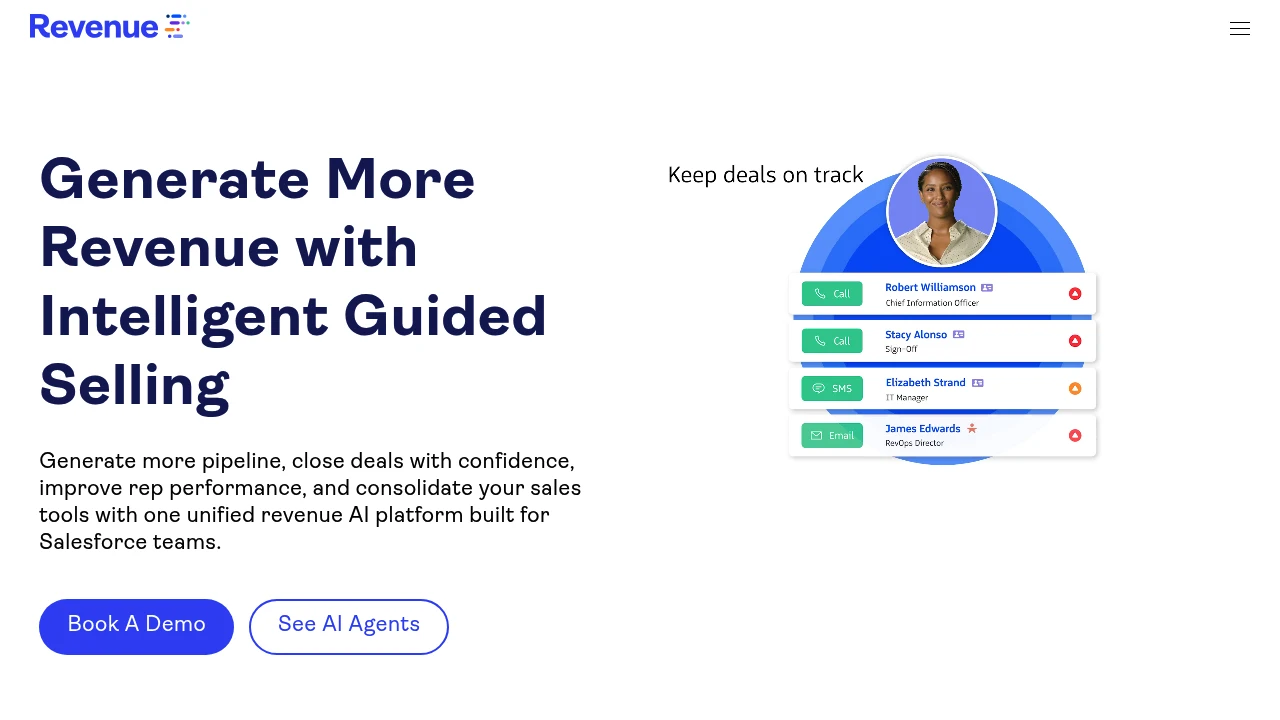
Revenue.io is a Salesforce-native AI sales engagement and conversation intelligence platform offering real-time guidance, automated follow-ups, deal execution, and forecasting to help enterprises increase pipeline conversion by 70% and capture 100% of sales activity.
Revenue.io: AI Sales Engagement and Conversation Intelligence Platform
Revenue.io (formerly ringDNA) is an AI sales engagement and conversation intelligence platform built for Salesforce teams, unifying dialing, deal execution, real-time guidance, and forecasting to solve fragmented sales tools, inconsistent rep performance, and poor pipeline visibility.
What is Revenue.io?
Revenue.io is a Salesforce-native revenue execution platform combining AI agents, conversation intelligence, sales engagement, and real-time guidance. The platform automatically logs every call and meeting, analyzes conversation content, identifies risk signals, and delivers live coaching during calls to help reps follow best-practice frameworks and perform consistently from first touch to close. Enterprises replace multiple point solutions with one unified platform to streamline workflows.
Core Capabilities
- Salesforce-native dialer: Fast dialing, connection, and conversion with built-in call intelligence
- AI agents: Automate sales tasks, generate follow-up emails, deliver instant insights
- Conversation intelligence: Record, transcribe, and analyze every conversation to identify key moments and objections
- Real-time guidance: In-call AI-powered prompts to handle objections and follow cues
- Deal execution: AI guides next steps, reinforces methodology, accelerates win rates
- Sales engagement: Automate and personalize touchpoints to boost response rates
- Rep coaching: AI-driven feedback and performance analytics to evaluate and upskill
- Sales forecasting: Real-time deal insights to improve forecast accuracy
- Lead response: Call tracking, routing, and automation for immediate engagement
Pros
- Salesforce-native integration: Auto-logs activity, clean objects, real-time visibility
- Automated data capture: 100% call and meeting logging with contextual AI and revenue attribution
- Real-time AI coaching: In-call suggestions help reps handle objections and follow frameworks
- Unified multi-function platform: Replaces multiple tools, consolidates dialing, engagement, intelligence, and forecasting
- Enterprise-grade security: SOC 2, HIPAA, GDPR, CCPA, TCPA compliant
Cons
- Built for Salesforce: Non-Salesforce users may need additional integrations
- Learning curve: Feature-rich platform requires time for teams to master
- Pricing transparency: No public pricing; requires sales contact
- AI accuracy dependency: Guidance and insight quality depends on AI models and data quality
Decision Guidance
When to use: Salesforce teams need integrated dialing, conversation intelligence, real-time guidance, and forecasting in one platform, want automated data capture, improved rep consistency, and better pipeline visibility. Ideal for enterprise revenue teams pursuing high conversion rates and compliance requirements.
Consider alternatives: If you use a non-Salesforce CRM, need only basic dialing, or have budget constraints, explore standalone conversation intelligence tools or lightweight sales engagement platforms. Smaller teams without enterprise compliance needs may prefer simpler solutions.

Otter Meeting Agent delivers real-time transcription, automated summaries, AI Chat search, and CRM integration. Users save 4+ hours weekly with 95% accuracy across Zoom, Teams, Google Meet.
Summary
Otter Meeting Agent is an AI meeting notetaker that provides real-time transcription, automated summaries, action item tracking, and CRM integration, helping teams save post-meeting admin time and focus on execution.
What is Otter Meeting Agent?
Otter Meeting Agent is an AI-powered meeting assistant that automatically joins your Zoom, Google Meet, or Microsoft Teams meetings to transcribe in real time, identify speakers, generate summaries, and extract action items. You can ask Otter AI Chat questions via voice or text to search past meetings or record directly on desktop, Chrome, or mobile. It supports multi-language transcription with user-reported 95% accuracy and syncs meeting insights automatically to CRM systems like Salesforce and HubSpot.
Core Capabilities
- Real-time transcription & speaker ID: Multi-language support with 95% accuracy
- Automated summaries & action items: Auto-generates decisions, to-dos, and insights per meeting
- AI Chat search: Cross-meeting and connected app search, instant answers and content generation
- Voice activation: Say "Hey Otter" to query past conversations
- CRM integration: Auto-sync sales insights, notes, and next steps to Salesforce, HubSpot
- Channels organization: Group meetings by team, project, or topic for centralized collaboration
- Multi-platform recording: Auto-send AI notetaker, bot-free desktop/Chrome recording, or mobile capture
- App integrations: Connect Slack, Zoom, Google Drive, Notion, Jira, Asana, and more
Pros
- Major time savings: Users report saving 4+ hours weekly, teams reclaim 33% of time
- High transcription accuracy: Multi-language real-time transcription at 95% accuracy
- Automated workflows: Action items auto-captured and assigned, CRM insights auto-synced
- Flexible recording modes: AI bot join, bot-free desktop/Chrome, or mobile recording
- Powerful search & AI Chat: Cross-meeting search, fast report/email/follow-up generation
Cons
- Free tier limitations: Basic integrations and limited features; advanced capabilities require paid plans
- Internet dependency: Real-time transcription and AI Chat need stable connectivity
- AI bot may disrupt: Some users may find meeting bots intrusive
- CRM integration limited to paid tiers: Advanced CRM sync only in Business and Enterprise plans
- Multi-language scope unclear: Specific supported languages not listed
Decision Guidance
When to use: Your team needs automated meeting notes, fast summary and action item generation, or CRM sync for meeting insights (sales, recruiting, education teams). Ideal for remote or hybrid work, cross-timezone collaboration, or when you can't attend every meeting.
When to consider alternatives: If you need fully offline transcription or have privacy concerns about AI bots joining meetings, explore local recording solutions. If budget is tight and you only need basic transcription, the free tier may fall short—evaluate paid plan ROI.

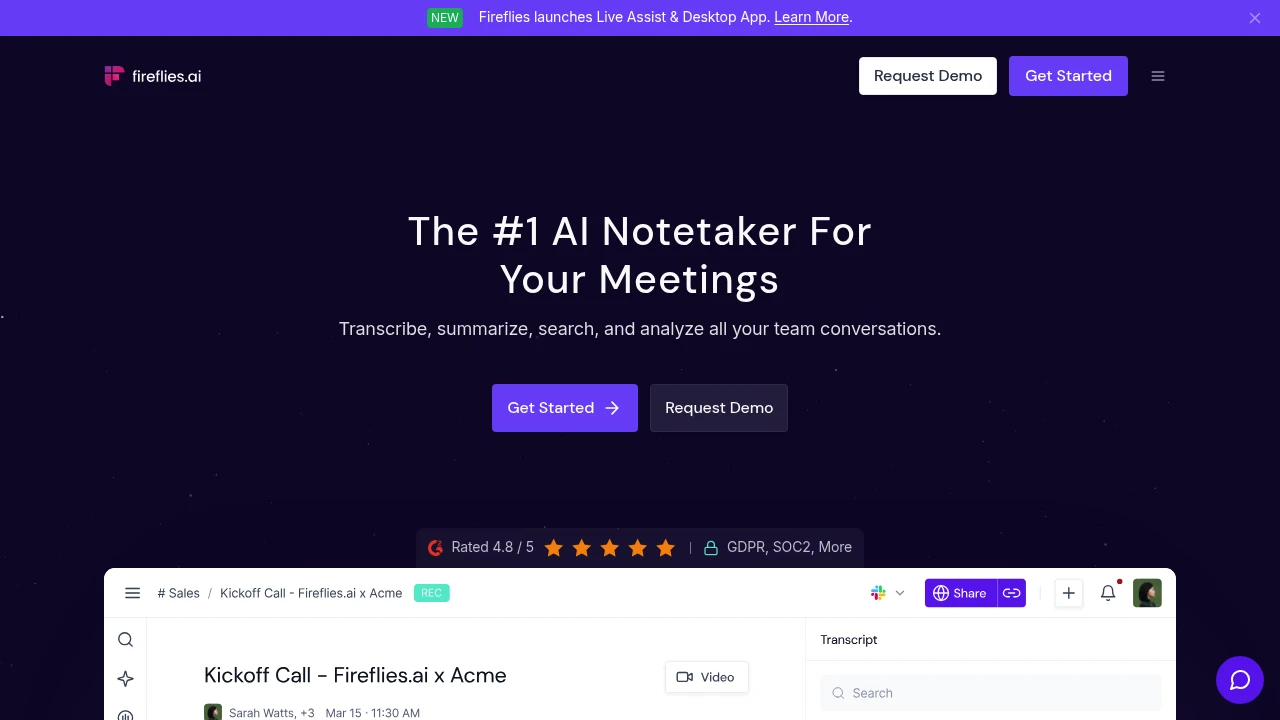
Fireflies.ai offers AI meeting notes with 100+ language transcription, instant summaries, smart search, and conversation analytics. Works across all video conferencing platforms. Trusted by 1M+ companies.
Summary
Fireflies.ai is an AI meeting notetaker that automatically transcribes, summarizes, and analyzes team conversations. Solves manual note-taking overhead and information loss across all video conferencing platforms.
What is Fireflies.ai?
Fireflies.ai uses AI to auto-join meetings, record, and generate transcripts with summaries. Supports 100+ languages with 95% transcription accuracy, speaker recognition, action item extraction, and smart search. Integrates with CRM, project management, and Slack to help teams review and share meeting insights quickly.
Core Capabilities
- Auto transcription & recording: 95% accuracy, 100+ languages, auto-language detection
- AI summaries: Instant meeting overviews, action items, and custom notes
- Smart search & AskFred: Search by keyword or timestamp; AI assistant answers meeting questions
- Live Assist: Real-time suggestions, coaching, and answers during meetings
- Conversation intelligence: Track speaker talk-time, sentiment analysis, topic trackers
- Multi-platform integrations: CRM, Slack, project management, 200+ AI apps
- Enterprise security: SOC 2 Type II, GDPR, HIPAA compliant, zero data retention
Pros
- 95% transcription accuracy with 100+ languages and auto-language switching
- Auto-joins calendar meetings or records via Chrome extension, mobile, and desktop apps
- AI summaries instantly generate action items, overviews, and custom notes
- Smart search pinpoints conversation moments by timestamp
- Integrates with CRM, Slack, and project tools to auto-sync notes and tasks
Cons
- Free plan has limited features and storage
- AI summary accuracy depends on audio quality and speaker clarity
- Advanced features like Live Assist require paid plans
- High meeting volume can create information overload without active organization
Decision Guidance
Use when: Your team holds frequent meetings (sales, recruiting, customer support) and needs automated recording, analysis, and workflow integration.
Consider alternatives: If you only need basic transcription without advanced analytics, or require on-premise deployment for strict data privacy.

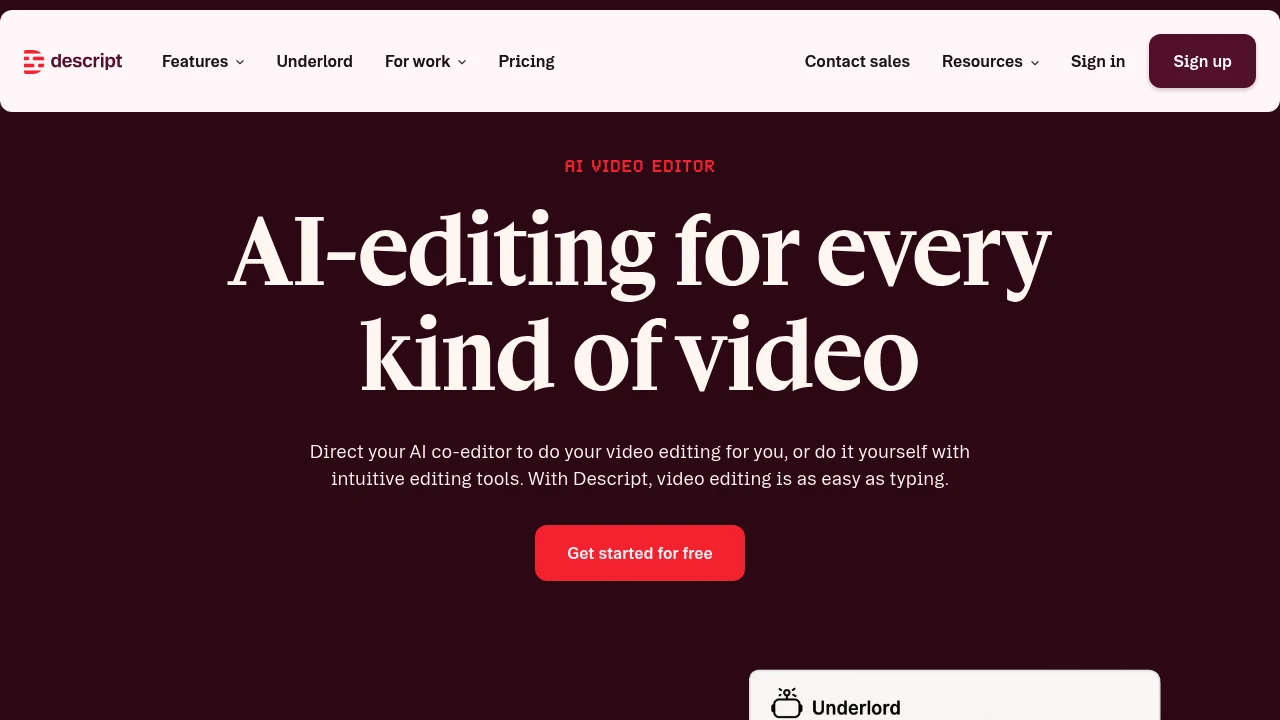
Descript edits video and podcasts through text transcripts. Built-in AI co-editor auto-generates scripts, designs layouts, and creates clips. Free trial with 720p watermark-free export for creators and teams.
Summary
Descript is an AI-powered video and podcast editor that lets you edit video and audio by editing text. Built for content creators, marketing teams, and businesses, it solves the time-consuming complexity of traditional video editing.
What is Descript?
Descript transforms video editing into a text-editing experience. After recording or uploading a video, the system auto-generates a transcript—edit the text to cut the video. The built-in AI video co-editor Underlord automates editing, layout design, script generation, and B-roll creation. Supports podcast production, social clips, product demos, training videos, and more. Offers a free tier and professional upgrade plans.
Core Capabilities
- Text-based video editing: Edit video and audio by editing the transcript
- AI co-editor Underlord: Auto-generates scripts, designs layouts, creates B-roll, and executes editing commands
- Automatic transcription: Instant high-accuracy transcripts
- AI audio enhancement: Studio Sound noise reduction, filler word removal, AI voice cloning
- Auto-generate clips: AI identifies viral moments and creates social media clips
- Screen recording: Built-in recording with camera and screen sync
- Timeline editing: Professional-grade precision control with color correction and audio adjustment
- Collaboration tools: Team editing and commenting features
- Royalty-free stock library: Unlimited access to images and video (Creator plan)
Pros
- Text-editing interface drastically lowers the barrier to video editing for non-professionals
- Underlord AI co-editor automates most editing workflows, saving significant time
- All-in-one tool integrates recording, transcription, editing, and publishing without switching apps
- Free tier includes core features with 720p watermark-free export
- Supports podcasts, YouTube, social media, and multiple content formats
Cons
- Free tier limited to 1 media hour per month with restricted AI features
- Advanced features (4K export, full AI tools) require Creator plan subscription (from $24/month)
- AI-generated video quality depends on models and may need manual adjustment
- Complex professional editing scenarios may lack the flexibility of traditional NLE software
- High internet dependency with limited offline functionality
Decision Guidance
Use Descript when: You're a content creator needing fast podcast or YouTube turnaround; marketing, training, or support teams need to produce many explainer videos without professional editing skills; small teams want a single tool from recording to publishing.
Consider alternatives when: You need cinema-grade color grading or complex VFX for professional productions; budget is extremely tight and monthly processing exceeds free tier limits; you require fully offline workflows or have privacy concerns about AI tools.
Looking for alternatives to other popular services? Check out other posts in the alternatives series and GTM Guide, a directory of tools with filters for tags and alternatives for easy browsing and discovery.

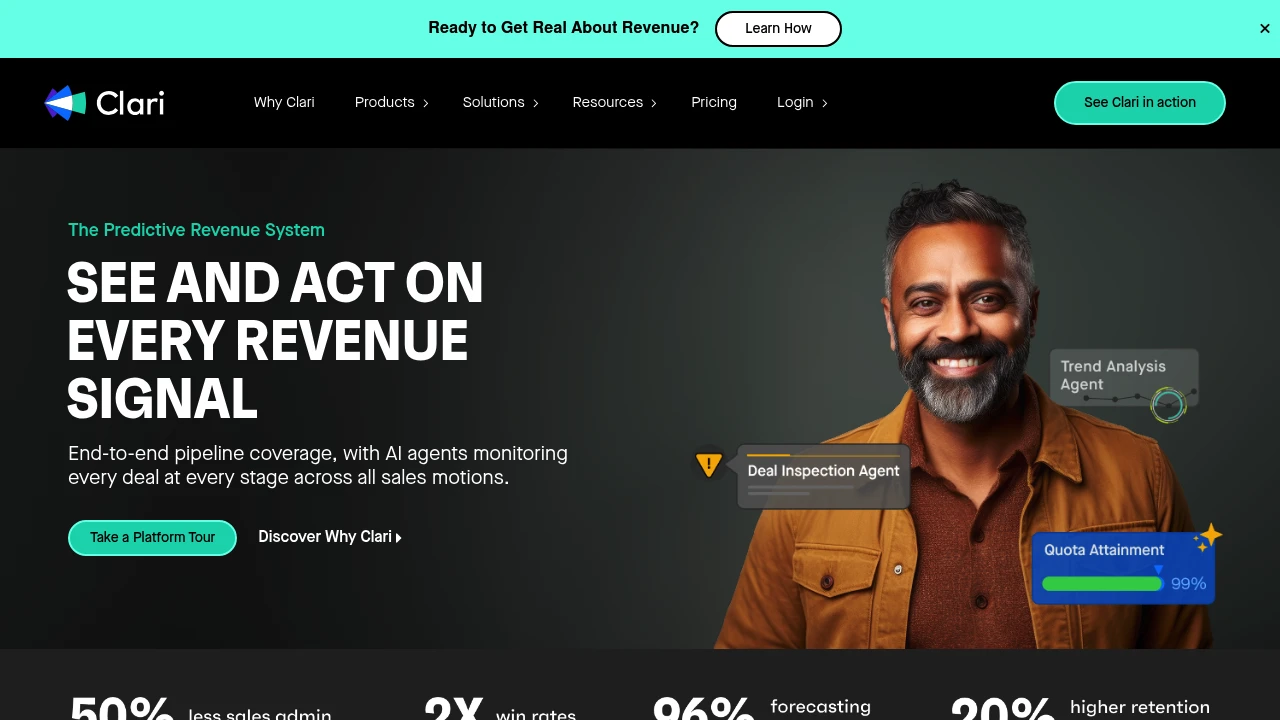
Clari is an enterprise revenue orchestration platform integrating sales workflows, forecasting, and AI agents. Trusted by 1,500+ customers managing $5T in revenue for accurate predictions and execution.
Clari Enterprise Revenue Orchestration
Summary
Clari is an AI revenue orchestration platform built for large enterprises, unifying pipeline management, forecasting, customer retention, and team collaboration to solve fragmented revenue data and execution gaps. Serves 1,500+ customers managing over $5 trillion in revenue.
What is Clari?
Clari is an end-to-end revenue orchestration system that uses AI agents to monitor every deal at every stage, integrating signals from CRM, ERP, email, and more. The platform covers pipeline management, sales engagement, forecasting, and customer growth, enabling sales, operations, and executive teams to run all revenue workflows in one place for predictable growth.
Core Capabilities
- Pipeline Management & Prospecting: Identify real pipeline, at-risk deals, and next actions to guide purposeful prospecting and confident closing
- Sales Engagement & Productivity: AI-assisted deal signals, automated follow-up, and real-time coaching to boost seller efficiency
- Forecasting & Revenue Insights: Unified revenue signals deliver trustworthy, explainable forecasts for the boardroom
- Customer Retention & Growth: Spot churn risk early, uncover upsell opportunities, and align cross-functional teams
- Revenue Context AI: Power AI agents with full business context to match how your enterprise operates
Pros
- High forecast accuracy: Customer cases show forecast variance within 3–4%
- Enterprise scale: Serves Fortune 500 companies managing trillions in revenue
- End-to-end integration: Single platform for all revenue teams and workflows
- AI-driven insights: Real-time analysis of win patterns, risk signals, and action recommendations
- Industry recognition: Gartner Magic Quadrant Leader, G2 Best Sales Software winner
Cons
- Enterprise focus: Designed for large organizations; may be overkill for SMBs
- Learning curve: Comprehensive feature set requires team onboarding time
- Pricing transparency: No public pricing; requires sales contact
- Data dependency: AI effectiveness relies on clean, complete data from CRM and other systems
- Integration complexity: Connecting existing systems may require technical resources
Decision Guidance
When to use: Your enterprise has large revenue teams, complex sales motions, and needs a unified platform for forecasting, pipeline management, and customer growth with AI-powered accuracy and execution.
Consider alternatives: If you're an SMB with limited budget or need only single-function tools (e.g., sales engagement or CRM alone), explore more focused, cost-effective solutions.


