Otter Alternatives
Discover the best alternatives to Otter. Compare features, pricing, and find the perfect replacement.
The best alternative to Otter is Simpleem. If that doesn't suit you, we've compiled a ranked list of other Otter alternatives to help you find a suitable replacement. Other interesting alternatives to Otter are: Triple Session, 1up, Inventive and Sybill.
Otter alternatives are mainly AI Meeting Notes, but may also be AI Sales Coaching or AI Sales Assistant. Browse these if you want a narrower list of alternatives.

Written by Eric Leung
Last updated: June 17, 2026 at 8:00 AM
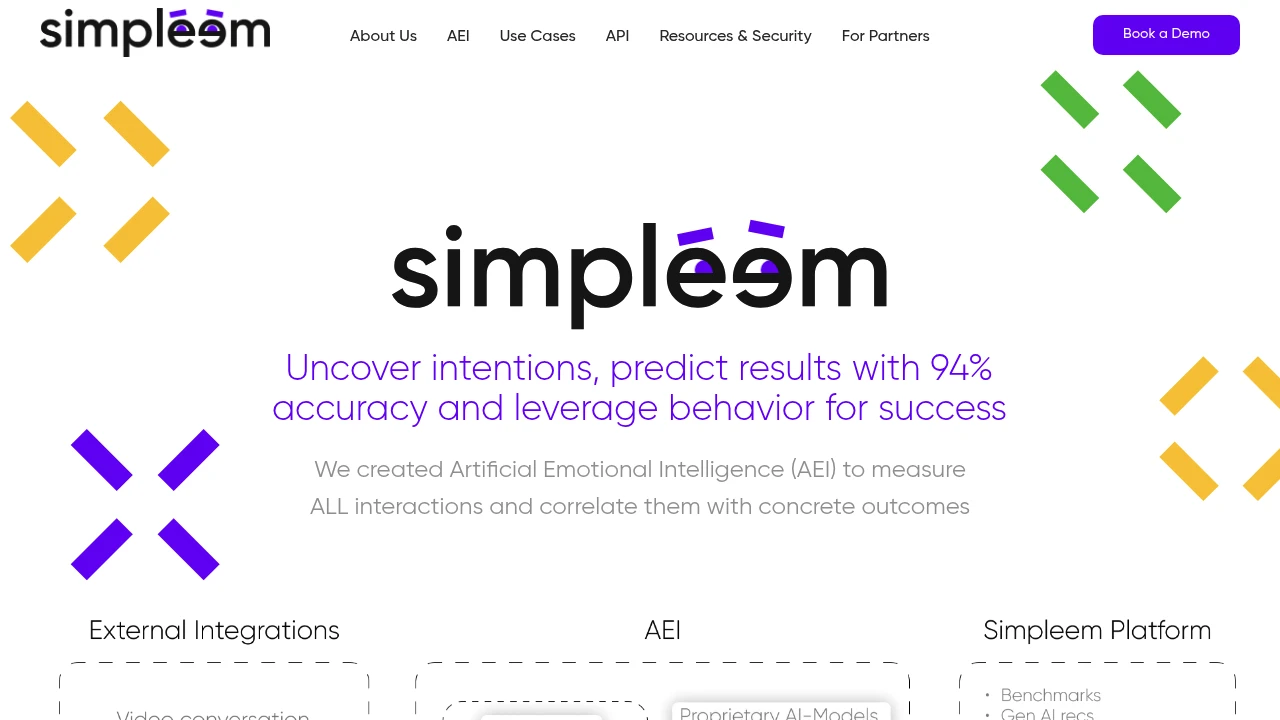
Simpleem uses Artificial Emotional Intelligence (AEI) to analyze verbal, vocal, and visual cues with 94% accuracy, helping you qualify intent, assess performance, and forecast sales success.
Summary
Simpleem is an Artificial Emotional Intelligence (AEI) platform that analyzes verbal, vocal, and visual cues in conversations to predict outcomes with 94% accuracy. Built for sales, recruiting, and customer relationship teams, it solves the problem of traditional conversation analysis losing 93% of context by focusing only on text.
What is Simpleem?
Simpleem uses proprietary AI models trained on over 1 billion behavioral datapoints from 10,000+ real business conversations with labeled results. The system captures verbal (7%), para-verbal (38%), and non-verbal (55%) signals to identify behavior patterns that impact outcomes, acting as an invisible AI coach to guide performance improvement.
Core Capabilities
- Intent qualification: Analyze participant true intentions and prioritize resources
- Performance assessment: Track relationship-building skills and their impact on results
- Customer rapport tracking: Visualize red flags and opportunities to improve retention
- Team and candidate evaluation: Identify performance issues and burnout risks early
- Outcome prediction: Forecast conversation success with 94% accuracy
Pros
- 94% accuracy in predicting conversation outcomes, trained on 1 billion datapoints
- Captures verbal, vocal, and visual cues to avoid losing 93% of context from text-only analysis
- Identifies truly impactful behavior patterns, reducing subjective bias
- Applicable to sales, recruiting, and customer relationship scenarios
- Real-time red flag detection enables early intervention
Cons
- Requires video or voice conversation data; text-only communication limits functionality
- Steeper learning curve as teams adapt to behavioral analysis metrics
- Pricing not publicly disclosed; SMBs need to evaluate cost
- Depends on historical conversation data for training; may need time to accumulate data for best results
- Non-verbal analysis may raise privacy concerns; participants need clear communication
Decision Guidance
Use Simpleem when: Your sales, recruiting, or customer success team needs objective conversation quality assessment, outcome prediction, and bias reduction. Especially valuable for high-value deals or evaluating candidate soft skills and culture fit.
Consider alternatives when: Your communication is primarily text-based (email, messaging), or your team is small with insufficient conversation volume to train models. Traditional CRM or text conversation analysis tools may be more suitable.

Looking for alternatives to other popular services? Check out other posts in the alternatives series and GTM Guide, a directory of tools with filters for tags and alternatives for easy browsing and discovery.

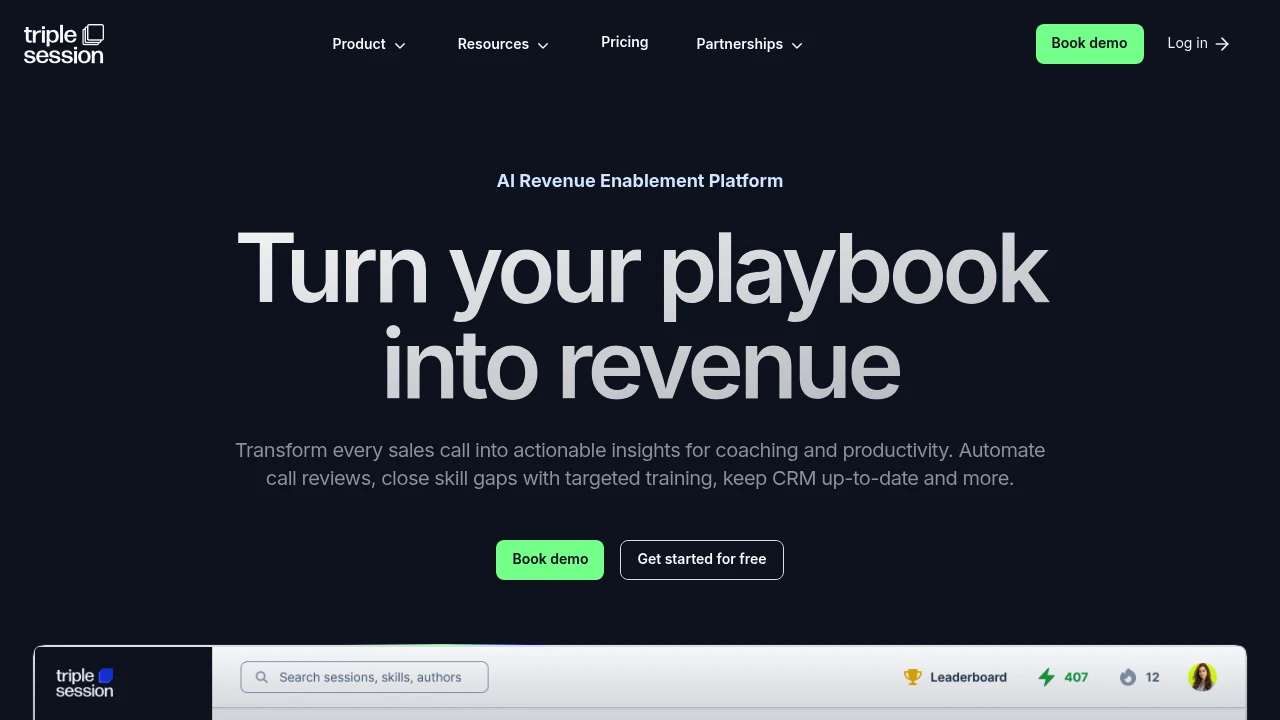
Triple Session is an AI sales enablement platform that analyzes 100% of calls, delivers instant coaching feedback, auto-updates CRM, and gamifies training to close skill gaps.
Summary
Triple Session is an AI-powered sales enablement platform that automatically analyzes every sales call, delivers instant coaching feedback, and closes skill gaps through gamified training. Built for sales managers and teams to reduce manual tracking and boost productivity.
What is Triple Session?
Triple Session combines call intelligence, sales coaching, and learning development in one platform. The system uses AI to analyze 100% of call recordings, scoring them against your sales process and methodologies (like MEDDICC, GPCTBACI), auto-generating follow-up emails, and updating CRM fields. It integrates with major CRMs and call recording tools, and offers SOC2-certified data security.
Core Capabilities
- AI call analysis: Auto-scores every call against custom sales playbooks, identifies skill gaps
- Automatic CRM updates: Extracts insights from calls and syncs to HubSpot, Salesforce, and others
- Personalized coaching feedback: Delivers actionable tips on specific sales skills (discovery, objection handling, closing)
- Gamified training: Reinforces sales methodologies through role-play and practice exercises
- Follow-up email generation: AI drafts meeting summaries and next steps automatically
- Integrates existing tools: Works with major CRMs and call recording platforms for fast deployment
Pros
- Analyzes all calls automatically—no manual listening or note-taking required
- Customizable AI scorecards based on your company's sales process, not generic templates
- $960/user/year, significantly cheaper than Gong ($6,600) or Chorus ($8,000+)
- Combines call intelligence, training, and coaching in one platform, reducing tool fatigue
- SOC2-certified for data security and compliance
Cons
- Pricing info shows annual fee only; no details on monthly plans or trial options
- Focused on sales teams, not designed for customer success or support use cases
- Requires integration with call recording tools or use of their bot, not a standalone recording solution
- Custom scorecards may require upfront setup time
- No transparency on AI training data sources or model details
Decision Guidance
Use Triple Session if your sales team wants to automate call analysis, reduce manual CRM entry, and needs coaching tied to specific sales methodologies (like MEDDICC). Especially suited for small to mid-sized teams on a budget who need an all-in-one platform (call intelligence + training + coaching).
Consider alternatives if you only need call recording and basic analysis (no training features), or you've already invested in enterprise-grade platforms like Gong/Chorus and need deeper revenue intelligence and forecasting analytics. Larger enterprises requiring more mature ecosystem integrations should evaluate existing tech stack compatibility.

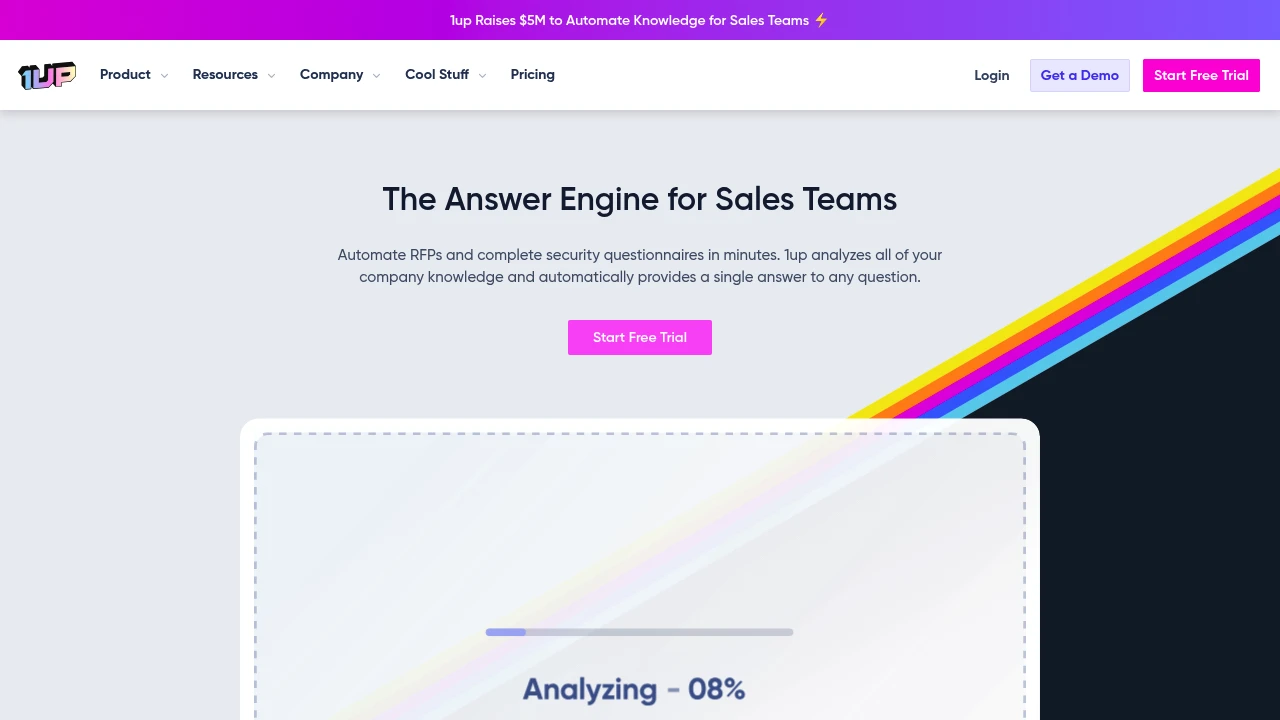
1up automates RFP and security questionnaire responses using AI. Integrates Google Drive, Confluence, and more to cut response time from days to minutes. SOC2 certified with Slack and Teams support.
Summary
1up is an AI-powered sales enablement platform that automates RFP (Request for Proposal) and security questionnaire responses. It reduces response time from days to minutes, enabling sales teams to handle more opportunities.
What is 1up?
1up is a knowledge automation system that analyzes your company website, Google Drive, Confluence, Notion, and other data sources to automatically generate accurate questionnaire answers. It supports Excel, Word, PDF, and web-based questionnaires, and integrates with Slack, Teams, and Google Chat to provide instant answers for sales teams. The platform is SOC2 certified and built by former cybersecurity engineers.
Core Capabilities
- Automate RFPs and security questionnaires: Upload questionnaires and generate hundreds of answers in minutes
- Knowledge base integration: Connect websites, Google Drive, Confluence, Notion, and more
- Instant Q&A: Provide real-time product and process information via Slack, Teams, and Google Chat
- Browser plugin: Quickly auto-fill answers on any webpage
- Continuous learning: Answer quality improves with usage
Pros
- Cuts RFP response time from days to minutes
- Pulls latest, accurate information from multiple data sources
- SOC2 certified with encrypted data in transit and at rest
- Supports multiple questionnaire formats (Excel, Word, PDF, web)
- Integrates with existing workflows (Slack, Teams)
Cons
- Requires initial setup to connect all knowledge sources
- Answer quality depends on knowledge base completeness
- Highly specialized or unique questions may need manual review
- Pricing information not publicly disclosed
Decision Guidance
Use 1up if: Your sales or solutions team frequently handles RFPs, security questionnaires, or bid documents, and your company knowledge is scattered across multiple platforms. 1up significantly reduces manual work.
Consider alternatives if: You have low questionnaire volume or need highly customized response workflows. Traditional knowledge base tools may be more cost-effective.

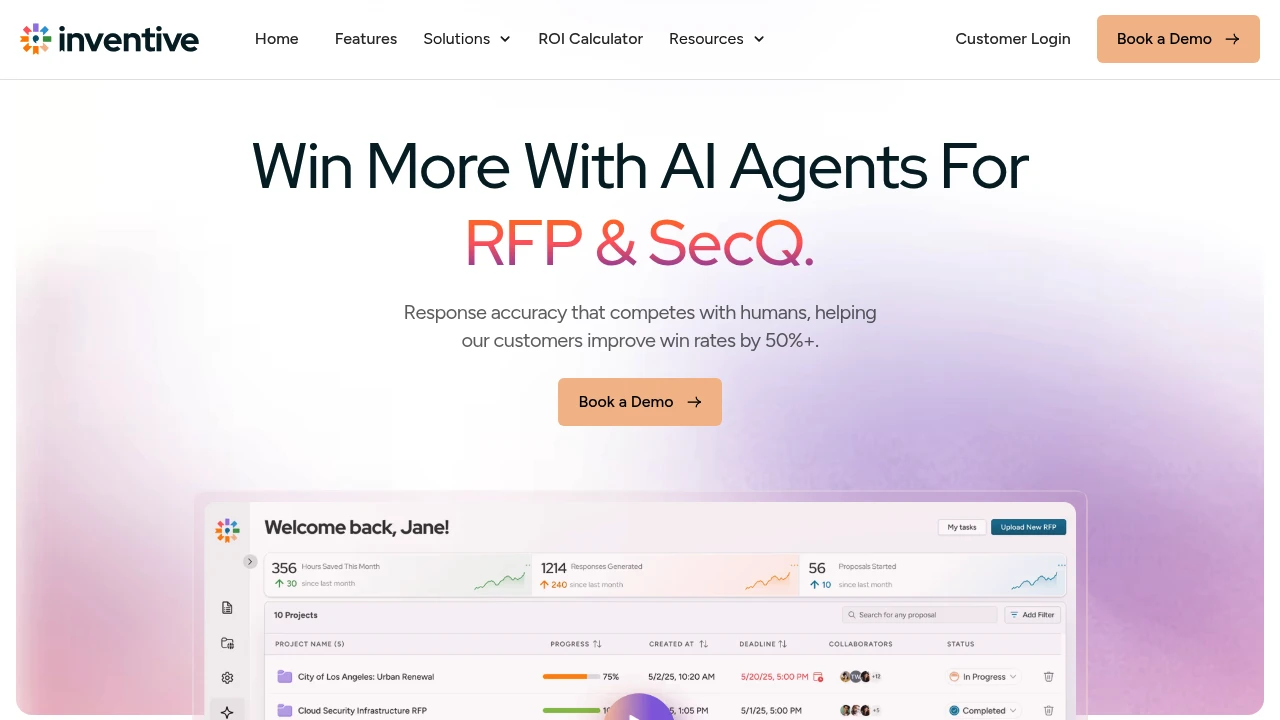
Inventive AI automates RFP and security questionnaire responses with 95% accuracy, integrating your knowledge base and AI agents for competitive research and strategy optimization.
Summary
Inventive AI is an AI-powered RFP response platform that automates proposal generation using AI agents, delivering 90% faster responses and 50% higher win rates. Built for sales, pre-sales, and product teams handling high volumes of RFPs, security questionnaires, and technical proposals.
What is Inventive AI?
Inventive AI is an AI response system designed for RFPs (Requests for Proposal) and SecQ (security questionnaires). The platform integrates enterprise knowledge sources (Google Drive, SharePoint, Notion, Confluence) and uses a proprietary Contextual Engine to generate context-aware answers with 95% accuracy. The built-in AI Content Manager automatically detects stale or duplicate content, ensuring every proposal is consistent and credible. Beyond automation, the platform offers AI agents for competitive research, answer refinement, and strategic recommendations.
Core Capabilities
- AI RFP response generation: 10× faster first drafts with 95% accuracy, adapting to question context
- Unified knowledge hub: Integrates Google Drive, SharePoint, Salesforce, Notion, Confluence, and more
- AI Content Manager: Automatically detects and resolves stale, duplicate, or conflicting content
- AI Agents Hub: Dedicated agents for competitor research, answer optimization, and strategic brainstorming
- Multi-format support: Handles Excel questionnaires, long-form narrative proposals, and any RFP format
- Collaboration & permissions: Team task assignment, comments, and customizable access controls
Pros
- 90% faster responses and 50% higher win rates (user-reported metrics)
- Context-aware answers outperform generic AI tools, reducing manual editing time
- Integrates with existing tech stack (CRM, collaboration tools, cloud storage) without rebuilding knowledge base
- AI flags content conflicts and gaps, preventing outdated or incorrect information
- SOC 2 compliant, end-to-end encryption, GDPR and CCPA adherent
Cons
- Requires initial upload of historical RFPs and knowledge documents to train AI
- Complex or highly customized proposals still need human review and refinement
- Pricing not publicly available; requires contacting sales for quotes
- May be overkill for small teams or low-frequency RFP needs
Decision Guidance
Use Inventive AI if: Your team handles high volumes of RFPs, security questionnaires, or technical proposals, and needs cross-functional collaboration and knowledge management at scale.
Consider alternatives if: Your team processes fewer than 5 RFPs per month, or only needs simple questionnaire responses. If you're already using Loopio or Responsive and satisfied with your workflow, evaluate migration costs against the accuracy and speed gains Inventive AI offers.

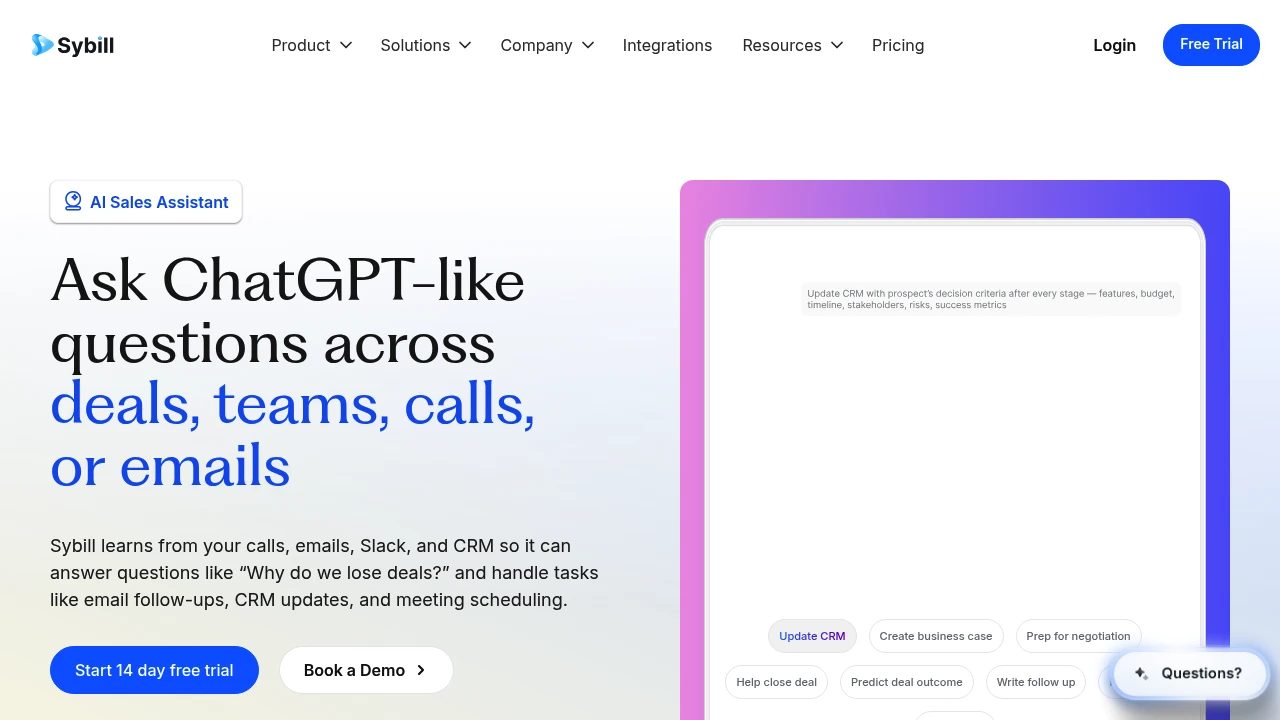
Sybill is an AI sales assistant that automates email follow-ups, CRM updates, meeting notes, and deal prep. Cross-deal queries, risk prediction, and team coaching save 14 hours per week on admin work.
Summary
Sybill is an AI sales assistant for revenue teams that automates meeting prep, email follow-ups, CRM updates, and sales asset creation so sellers focus on moving deals forward.
What is Sybill?
Sybill is an integrated AI sales assistant that learns from calls, emails, Slack, and CRM to answer questions like "Why do we lose deals?" It automates email follow-ups, CRM autofill, meeting notes, deal prep, and sales collateral generation, plus provides cross-deal analysis, risk prediction, and team performance insights. Built for account executives, sales managers, sales leaders, and RevOps teams.
Core Capabilities
- CRM autofill: Automatically updates all CRM fields to keep data complete
- AI email follow-ups: Generates personalized follow-up emails from meeting content in your tone
- Meeting notes & prep: Joins calls to record notes, provides pre-meeting deal summaries and suggestions
- Cross-deal queries: Ask ChatGPT-like questions across all deals, teams, or conversations
- Deal risk analysis: Predicts deal slippage, identifies risk patterns and execution gaps
- Sales asset generation: Creates proposals, one-pagers, decks, or business cases quickly
- Task automation: Automates meeting scheduling, Slack alerts, reporting, and workflows
- Team coaching: Provides performance gap analysis and personalized coaching briefs for sales managers
- Win/loss analysis: Tracks win/loss trends, competitors, and buyer behavior patterns
- Custom workflows: Build templates for emails, summaries, briefs, and recurring tasks
Pros
- Saves 14 hours per week on admin work; 80% faster email follow-ups
- Single AI assistant integrates all sales data (calls, emails, CRM, Slack)
- Cross-deal query feature uncovers trends and reopens old deals
- Custom LLM trained on sales logic, not a generic GPT
- Can replace or layer on top of existing notetakers and conversation intelligence platforms
Cons
- Requires integration with multiple systems (CRM, email, calendar) for full benefit
- Custom workflows and templates need upfront setup time
- Pricing not publicly available; requires contact for quote
- May be overkill for small teams or simple sales processes
Decision Guidance
Use Sybill if: Your team spends significant time on CRM updates, email follow-ups, or meeting prep; sales managers need real-time visibility into deal health and team performance; or you need to query patterns and risks across multiple deals.
Consider alternatives if: You only need basic meeting notes; your team is small with a simple sales process; or you prefer standalone tools over an integrated platform.
Looking for alternatives to other popular services? Check out other posts in the alternatives series and GTM Guide, a directory of tools with filters for tags and alternatives for easy browsing and discovery.

Revenue Grid auto-captures sales activities, delivers AI-driven pipeline insights, meeting assistance, and real-time guidance to identify deal risks, boost win rates, and eliminate forecast guesswork.
Summary
Revenue Grid is a revenue intelligence platform that automatically captures sales activity data, helping teams identify and fix revenue leaks to improve win rates.
What is Revenue Grid?
Revenue Grid is a revenue action platform built for complex sales cycles, integrating directly over your existing CRM. It auto-captures sales interactions, meeting content, and customer signals, turning data into executable insights. Through AI-powered pipeline views, meeting assistance, and real-time coaching, sales reps, managers, and executives gain unified revenue visibility without changing workflows or stacking multiple tools.
Core Capabilities
- RG Capture: Auto-captures all sales activities and email interactions, syncing to CRM
- RG Inspect: Pipeline health analysis, identifying deal risks and forecast gaps
- RG Engage: AI insights and action recommendations before, during, and after meetings
- RG Direct: CRM-embedded AI mentor providing instant next-step guidance
- Revenue intelligence dashboards: Unified view tracking team execution, deal progress, and quota attainment
Pros
- Zero ramp-up time, seamless CRM integration without disrupting sales rhythm
- Automated data capture eliminates manual entry and CRM update burden
- AI-driven deal health scoring and risk alerts reduce pipeline blindspots
- Personalized coaching for every rep elevates overall team performance
- 18 years in market, 900,000+ users, Gartner-recognized leader status
Cons
- Requires existing CRM system (e.g., Salesforce), not a standalone solution
- Advanced features may take time to master, especially for smaller teams
- Pricing not publicly disclosed, requires sales contact for quotes
- Primarily targets complex B2B sales cycles; may be over-engineered for simple deals
Decision Guidance
Use when: Mid-to-large B2B sales teams face complex sales cycles, need improved pipeline visibility and team execution consistency, and want to reduce manual CRM updates and forecast guesswork.
Consider alternatives: Small teams with limited budgets, simple sales processes that don't require deep revenue intelligence, or organizations seeking standalone CRM rather than an integration layer.

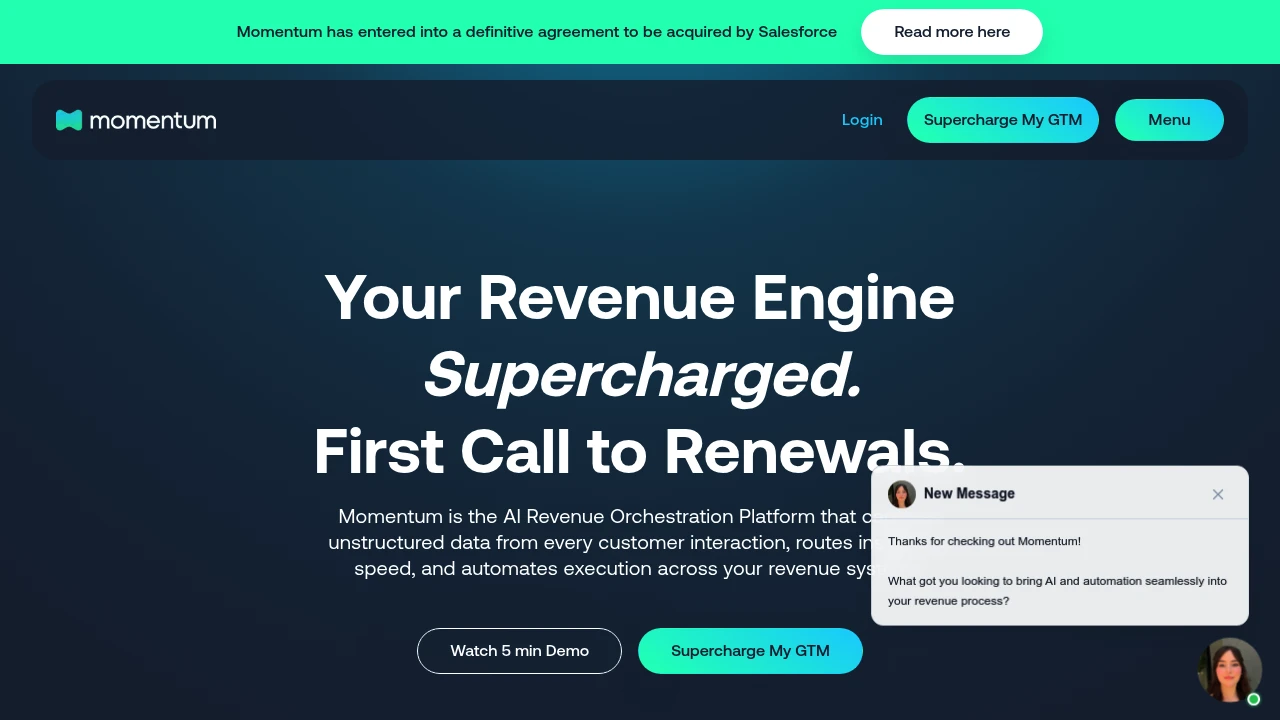
Momentum is an AI revenue orchestration platform that captures customer interaction data, updates CRM, routes insights to Slack, and automates workflows so sales and CS teams focus on closing deals and retaining customers.
Summary
Momentum is an AI-powered revenue orchestration platform that transforms customer interactions into structured GTM data, enabling real-time execution, CRM automation, and predictable revenue growth. Acquired by Salesforce.
What is Momentum?
Momentum captures unstructured data from every customer conversation, automatically updates CRM fields, generates AI summaries, routes key insights to Slack, and triggers workflows. Sales, customer success, and RevOps teams eliminate manual data entry and focus on advancing deals and retaining customers.
Core Capabilities
- Deal Execution Agent: Auto-updates Salesforce fields, MEDDPIC data, and call summaries
- Customer Retention Agent: Detects churn risk signals, sentiment analysis, and product feedback
- AI CRO Agent: Generates executive briefs, pipeline forecasting, and team performance analysis
- Coaching Agent: Delivers real-time, data-driven sales coaching and competency reviews
- Slack Integration: Auto-creates deal rooms, routes updates to the right people instantly
- Workflow Automation: Auto-advances stages based on exit criteria, sends reminders, executes tasks
Pros
- Automates CRM data entry, saving reps significant time
- Real-time insights and risk signals improve pipeline visibility
- Slack integration streamlines cross-team collaboration
- AI summaries and coaching improve sales execution quality
- Reduces manual work and boosts data accuracy
Cons
- Acquired by Salesforce; future product roadmap may change
- Primarily Slack-focused; Microsoft Teams support still in development
- Requires integration with Salesforce and call recording tools for full value
- Feature set may be complex for smaller teams
- Pricing not publicly available; may not suit budget-constrained startups
Decision Guidance
Use Momentum if: Your sales or CS team relies on Salesforce and Slack, and you face poor CRM data quality, excessive manual work, or lack of pipeline visibility. Ideal for RevOps teams needing real-time insights and automated workflows.
Consider alternatives if: You use Microsoft Teams instead of Slack, or your team is small and doesn't need enterprise-grade revenue orchestration. Given the Salesforce acquisition, evaluate other options if you prefer a long-term independent vendor.

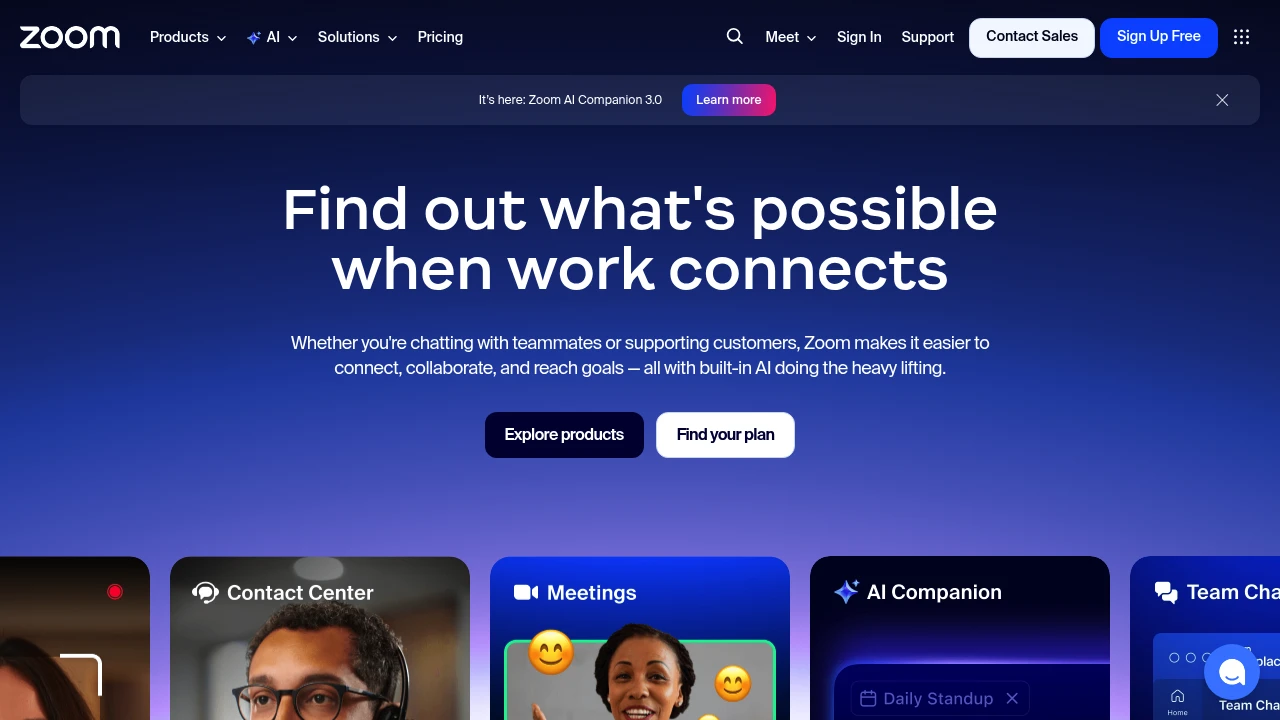
Zoom integrates video meetings, team chat, VoIP phone, webinars, and contact center in one platform. Built-in AI Companion auto-summarizes meetings, generates docs, and supports hybrid teams.
Summary
Zoom is an AI-powered unified communications platform that combines video meetings, team chat, phone, webinars, whiteboard, and contact center to solve communication fragmentation in hybrid work environments.
What is Zoom?
Zoom is an all-in-one UCaaS (Unified Communications as a Service) platform that integrates meetings, phone, chat, docs, and customer experience tools in a single interface. Built-in AI Companion 3.0 auto-summarizes meetings, generates documents, and handles follow-ups so teams can focus on high-value work. The platform supports remote and hybrid team collaboration and offers contact center, webinar, and sales enablement features.
Core Capabilities
- Video meetings and team chat: HD meetings, persistent chat rooms, screen sharing
- AI Companion 3.0: Auto meeting summaries, document generation, smart follow-up suggestions
- VoIP phone system: Cloud phone, voicemail, call routing
- Webinars and events: Branded virtual events, lead capture, interactive tools
- Contact center: Omnichannel customer support (phone, chat, email, social, video)
- Collaboration tools: Whiteboard, shared docs, async video clips
- CRM integration: Auto-updates, deal insights, conversation analytics
Pros
- Single platform consolidates all communication tools, reducing app switching
- AI Companion included in paid plans at no extra cost
- Reliable video quality supporting large meetings and webinars
- Flexible support for hybrid and remote work models
- Rich third-party integrations and APIs
Cons
- Free plan limits group meetings to 40 minutes
- Advanced features (contact center, webinars) require additional payment
- AI features available only in certain regions and industries
- Feature-rich interface has a learning curve for new users
- Storage and cloud recording capacity varies by plan
Decision Guidance
When to use: Hybrid teams needing a unified communications platform, businesses wanting to reduce tool fragmentation, organizations needing AI automation for meeting summaries and follow-ups, companies running customer support or hosting virtual events.
Consider alternatives: If you only need basic video meetings on a tight budget, try Google Meet or Microsoft Teams; if you're deeply invested in the Microsoft 365 ecosystem, Teams may fit better; if you need project management focus over communication, Slack or Asana might suit you better.

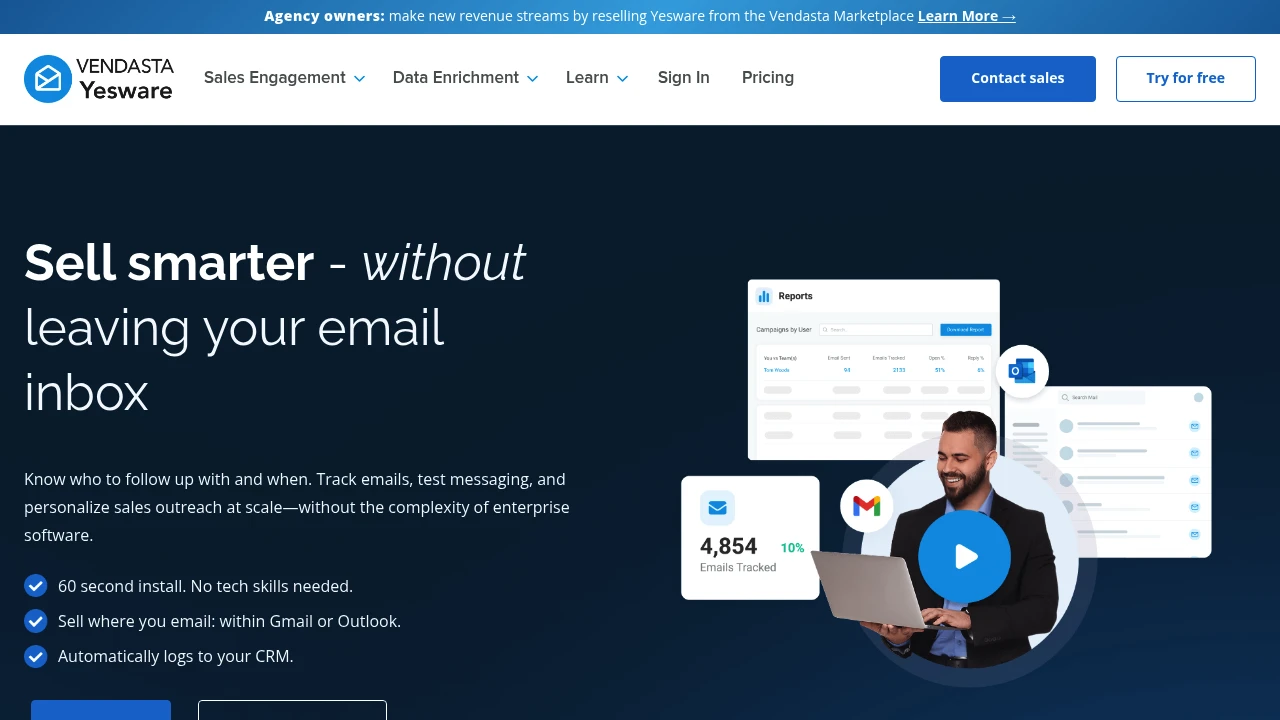
Yesware is a sales engagement platform embedded in Gmail and Outlook. Track emails, use templates, automate follow-ups, and sync to CRM. 60-second install, no tech support needed.
Summary
Yesware is an email sales engagement platform built for SMB sales teams that works directly inside Gmail or Outlook. It solves the problem of overly complex enterprise tools by letting sales reps track engagement, automate follow-ups, and close more deals from their familiar inbox.
What is Yesware?
Yesware is a sales tool embedded in your email inbox, eliminating the need to switch platforms or learn new software. It gives sales reps real-time email tracking, template management, multi-step campaign automation, and automatic CRM logging. Setup takes 60 seconds with no IT support or lengthy training required. Best for sales teams, founders, and individual sellers who rely on email to drive revenue.
Core Capabilities
- Real-time email tracking: Get notified when prospects open, click, or download attachments
- Email templates and personalization: Reuse high-performing templates and personalize messages with dynamic fields
- Multi-touch campaign automation: Set up automated follow-up sequences without manual sends
- Automatic CRM sync: Activity logs to Salesforce or other CRMs automatically
- Engagement and performance reports: Identify interested prospects and effective messaging
- Tasks and activity management: Organize next steps within your inbox
- Gmail and Outlook integration: Use directly in your existing workflow
Pros
- Installs in 60 seconds with no technical skills or IT involvement
- Works directly inside Gmail or Outlook—no new interface to learn
- Automated follow-ups and CRM logging save significant time
- Real-time notifications help you follow up when prospects are engaged
- Templates and reports let teams share best practices and improve performance
Cons
- Feature set focused on email outreach, not suitable for multi-channel engagement needs
- Enterprise-scale teams may need more complex sales engagement platforms
- Tracking relies on recipients enabling image loading
- Reporting is relatively basic; advanced analytics needs may not be met
- Primarily targets SMBs; large organizations may need more customization options
Decision Guidance
Use Yesware if you're an SMB sales team, founder, or individual seller who drives revenue primarily through email and wants a tool that's fast to set up and doesn't require complex configuration. Yesware lets you track engagement, automate follow-ups, and improve efficiency from your familiar inbox without needing sales operations support.
Consider alternatives if you need multi-channel engagement (phone, social, SMS), advanced workflow automation, or enterprise-level customization. Large sales organizations or teams requiring deep analytics may need more robust solutions.

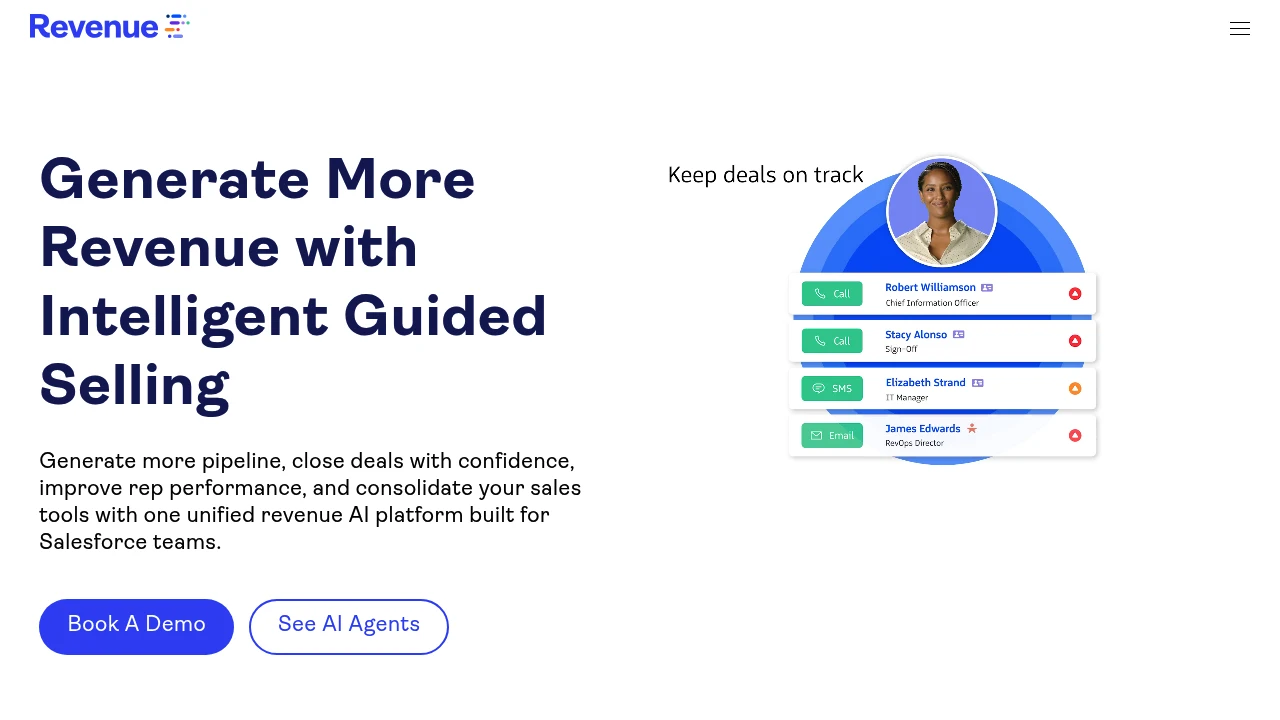
Revenue.io is a Salesforce-native AI sales engagement and conversation intelligence platform offering real-time guidance, automated follow-ups, deal execution, and forecasting to help enterprises increase pipeline conversion by 70% and capture 100% of sales activity.
Revenue.io: AI Sales Engagement and Conversation Intelligence Platform
Revenue.io (formerly ringDNA) is an AI sales engagement and conversation intelligence platform built for Salesforce teams, unifying dialing, deal execution, real-time guidance, and forecasting to solve fragmented sales tools, inconsistent rep performance, and poor pipeline visibility.
What is Revenue.io?
Revenue.io is a Salesforce-native revenue execution platform combining AI agents, conversation intelligence, sales engagement, and real-time guidance. The platform automatically logs every call and meeting, analyzes conversation content, identifies risk signals, and delivers live coaching during calls to help reps follow best-practice frameworks and perform consistently from first touch to close. Enterprises replace multiple point solutions with one unified platform to streamline workflows.
Core Capabilities
- Salesforce-native dialer: Fast dialing, connection, and conversion with built-in call intelligence
- AI agents: Automate sales tasks, generate follow-up emails, deliver instant insights
- Conversation intelligence: Record, transcribe, and analyze every conversation to identify key moments and objections
- Real-time guidance: In-call AI-powered prompts to handle objections and follow cues
- Deal execution: AI guides next steps, reinforces methodology, accelerates win rates
- Sales engagement: Automate and personalize touchpoints to boost response rates
- Rep coaching: AI-driven feedback and performance analytics to evaluate and upskill
- Sales forecasting: Real-time deal insights to improve forecast accuracy
- Lead response: Call tracking, routing, and automation for immediate engagement
Pros
- Salesforce-native integration: Auto-logs activity, clean objects, real-time visibility
- Automated data capture: 100% call and meeting logging with contextual AI and revenue attribution
- Real-time AI coaching: In-call suggestions help reps handle objections and follow frameworks
- Unified multi-function platform: Replaces multiple tools, consolidates dialing, engagement, intelligence, and forecasting
- Enterprise-grade security: SOC 2, HIPAA, GDPR, CCPA, TCPA compliant
Cons
- Built for Salesforce: Non-Salesforce users may need additional integrations
- Learning curve: Feature-rich platform requires time for teams to master
- Pricing transparency: No public pricing; requires sales contact
- AI accuracy dependency: Guidance and insight quality depends on AI models and data quality
Decision Guidance
When to use: Salesforce teams need integrated dialing, conversation intelligence, real-time guidance, and forecasting in one platform, want automated data capture, improved rep consistency, and better pipeline visibility. Ideal for enterprise revenue teams pursuing high conversion rates and compliance requirements.
Consider alternatives: If you use a non-Salesforce CRM, need only basic dialing, or have budget constraints, explore standalone conversation intelligence tools or lightweight sales engagement platforms. Smaller teams without enterprise compliance needs may prefer simpler solutions.
Looking for alternatives to other popular services? Check out other posts in the alternatives series and GTM Guide, a directory of tools with filters for tags and alternatives for easy browsing and discovery.
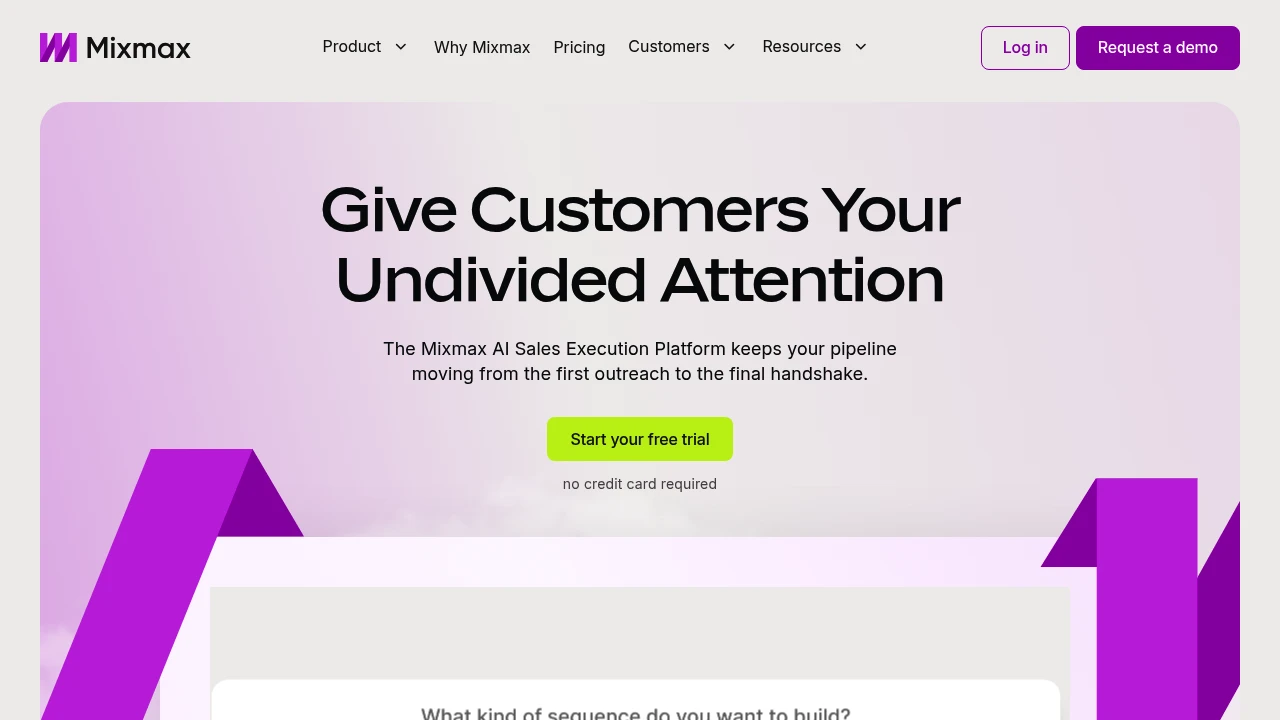
Mixmax is an AI sales execution platform that surfaces key customer signals in your inbox, automates follow-ups, meeting prep, and CRM updates so sales reps focus on actions that move deals forward.
Summary
Mixmax is an AI-powered sales execution platform that helps sales reps identify the most important actions from overwhelming signals, automate follow-ups and meeting prep, and keep deals moving. It works directly in your inbox, reducing tab-switching and focusing on conversations that drive results.
What is Mixmax?
Mixmax is an AI-native execution platform designed for sales professionals struggling with information overload and busywork. It uses three AI Copilots (Inbox, Meeting, Engagement) to identify customer engagement signals, automate CRM updates, follow-up reminders, and meeting summaries. You manage multi-channel outreach, scheduling, and customer relationships in Gmail or Outlook without leaving your inbox.
Core Capabilities
- Signal prioritization: Automatically identifies high-engagement prospects and customers, tells you what to do next
- Inbox-native execution: Manage email, phone, LinkedIn outreach, and scheduling in Gmail/Outlook
- Automated follow-ups: Smart sequences and reminders ensure deals don't stall and customers feel seen
- Meeting management: Send scheduling links from inbox, auto-prep, run, and recap meetings
- CRM sync: Automatically updates CRM records, reducing manual data entry
Pros
- Fewer tabs: Entire sales workflow lives in your inbox, boosting efficiency
- AI-driven insights: Real-time identification of the most important customer signals and action recommendations
- Quick setup: 14-day free trial, install browser extension to start, no credit card required
- Flexible subscriptions: Choose full bundle or subscribe to individual Copilots
- Multi-channel outreach: Manage email, phone, and social in one interface
Cons
- Extension required: Must install browser extension for Gmail or Outlook to use
- Learning curve: Advanced customization and CRM integration may need technical support
- Pricing transparency: Subscription costs after trial not clearly listed on website
- Inbox dependency: Value diminishes if email isn't your primary workflow
Decision Guidance
Use Mixmax when: You're a sales, customer success, or recruiting professional overwhelmed by follow-ups and admin tasks, want to centralize multi-channel outreach and meetings in your inbox, and need AI to automate busywork.
Consider alternatives when: Your sales process isn't email-centric, you need a full CRM system rather than an inbox enhancement tool, or your team already has a mature sales automation stack and doesn't want to add another tool.

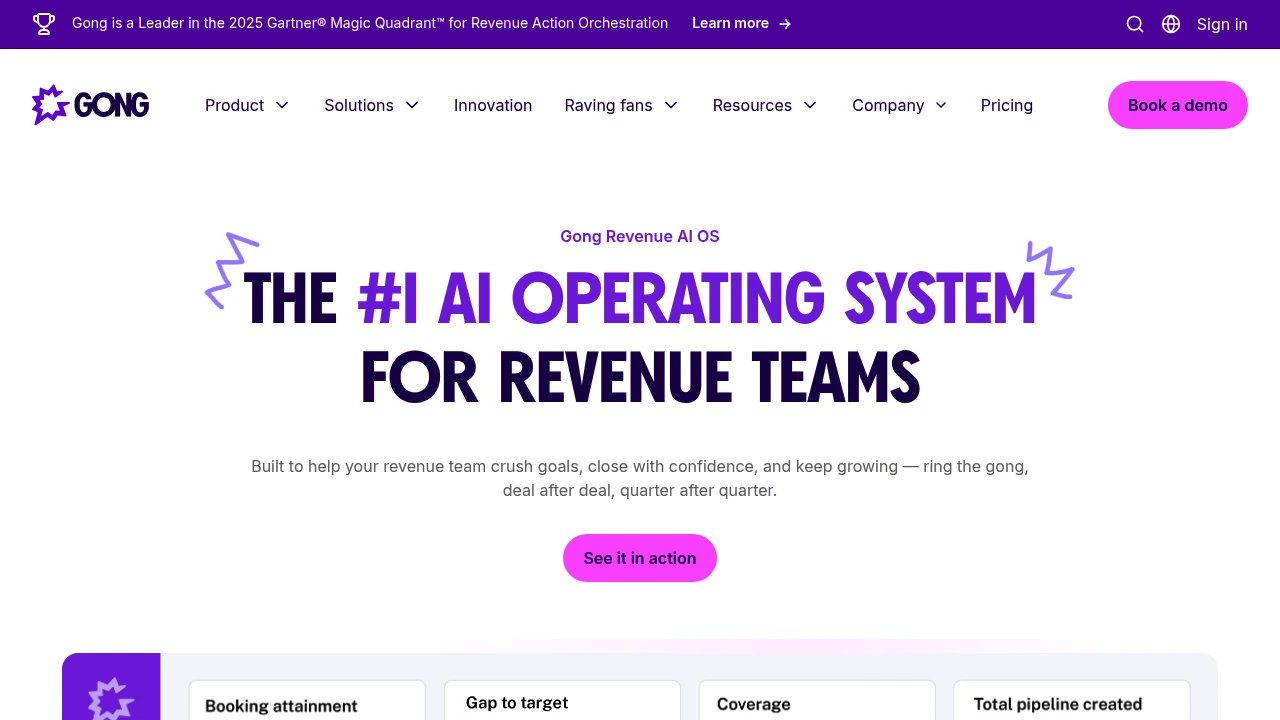
Gong is a Revenue AI OS that unifies customer interaction data, specialized AI agents, and purpose-built apps to boost productivity, predictability, and growth for sales and customer success teams.
Gong: Revenue AI Operating System
Gong is an AI operating system built for revenue teams, unifying customer interaction data with specialized AI agents and applications to improve win rates, forecast accuracy, and sustained growth. Trusted by 5,000+ companies, including multiple FORTUNE 10 organizations.
What is Gong?
Gong is a revenue action orchestration platform that uses the Gong Revenue Graph to unify customer insights, combining multimodal revenue signal processing with specialized AI agents to automate workflows and deliver actionable intelligence. The platform covers call recording, deal insights, email automation, forecasting, and more, enabling entire GTM teams to collaborate in one system, eliminate busywork, and focus on winning deals.
Core Capabilities
- Gong Revenue Graph: Unifies customer interaction data to build the richest revenue knowledge graph
- Specialized AI agents: Automate call summaries, CRM updates, email follow-ups, and value prop tracking
- Revenue applications: Purpose-built tools for sales, customer success, forecasting, and team collaboration
- Multimodal signal processing: Analyzes calls, emails, meetings, and CRM data for real-time insights
- Workflow orchestration: Automates actions across platforms, syncing human and AI agent work
Pros
- Higher win rates: ADP reps using Gong in enterprise deals achieve better close rates
- Time savings: Uber for Business saved 6,700 hours on call prep, follow-up, and CRM updates
- Improved response rates: AI Tracker agent helped Uber lift buyer response rates by 32%
- Strong reputation: 4.7/5 stars across 6,200+ G2 reviews; recognized as a leader by Gartner and Forrester
- Broad integrations: Connects seamlessly with CRM, email, and meeting tools
Cons
- Pricing not public: Requires contacting sales for quotes, may not fit small team budgets
- Learning curve: Feature-rich platform requires time for new users to master AI agents and workflows
- Data dependency: Smaller teams or low interaction volume may see limited AI insight value
- Integration required: Best results need deep integration with existing CRM and communication tools
Decision Guidance
Use Gong when: You run a mid-to-large B2B sales team, need to improve forecast accuracy and win rates, want to automate CRM updates and call analysis, or prioritize customer interaction insights and coaching.
Consider alternatives when: You have a small team or limited budget, low interaction data volume, need only basic call recording, or already use other revenue intelligence tools with high integration costs.

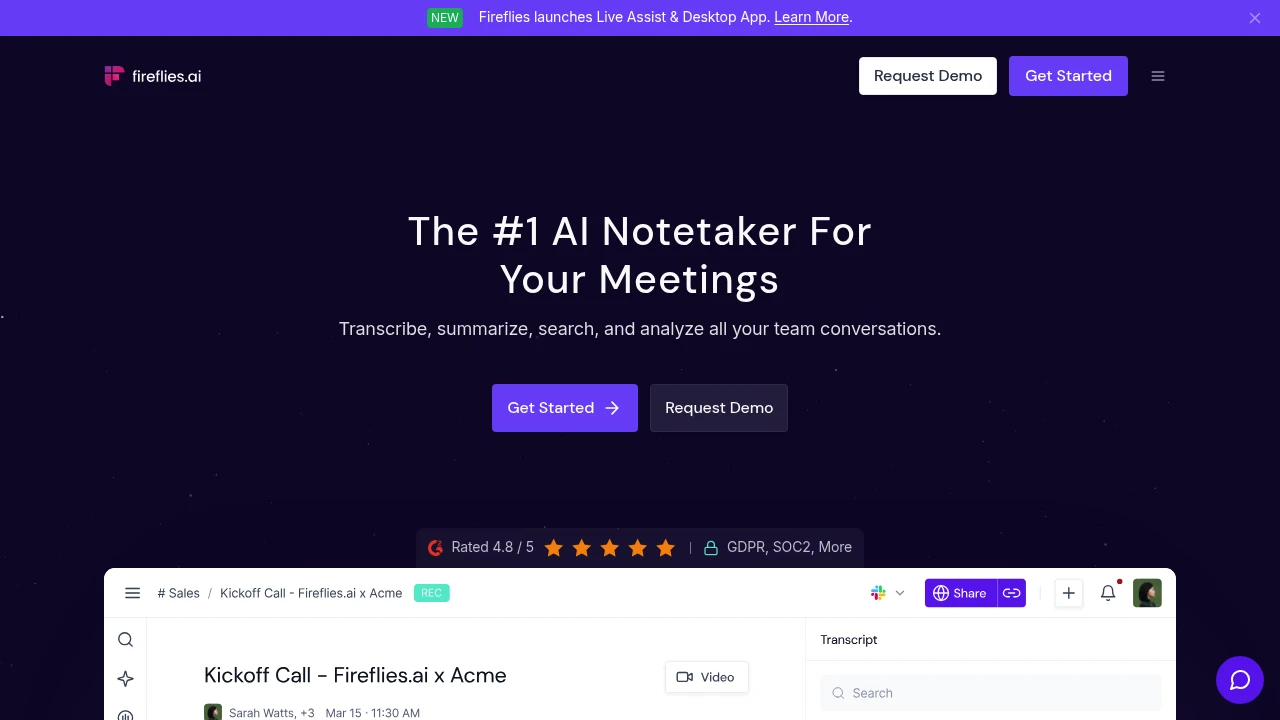
Fireflies.ai offers AI meeting notes with 100+ language transcription, instant summaries, smart search, and conversation analytics. Works across all video conferencing platforms. Trusted by 1M+ companies.
Summary
Fireflies.ai is an AI meeting notetaker that automatically transcribes, summarizes, and analyzes team conversations. Solves manual note-taking overhead and information loss across all video conferencing platforms.
What is Fireflies.ai?
Fireflies.ai uses AI to auto-join meetings, record, and generate transcripts with summaries. Supports 100+ languages with 95% transcription accuracy, speaker recognition, action item extraction, and smart search. Integrates with CRM, project management, and Slack to help teams review and share meeting insights quickly.
Core Capabilities
- Auto transcription & recording: 95% accuracy, 100+ languages, auto-language detection
- AI summaries: Instant meeting overviews, action items, and custom notes
- Smart search & AskFred: Search by keyword or timestamp; AI assistant answers meeting questions
- Live Assist: Real-time suggestions, coaching, and answers during meetings
- Conversation intelligence: Track speaker talk-time, sentiment analysis, topic trackers
- Multi-platform integrations: CRM, Slack, project management, 200+ AI apps
- Enterprise security: SOC 2 Type II, GDPR, HIPAA compliant, zero data retention
Pros
- 95% transcription accuracy with 100+ languages and auto-language switching
- Auto-joins calendar meetings or records via Chrome extension, mobile, and desktop apps
- AI summaries instantly generate action items, overviews, and custom notes
- Smart search pinpoints conversation moments by timestamp
- Integrates with CRM, Slack, and project tools to auto-sync notes and tasks
Cons
- Free plan has limited features and storage
- AI summary accuracy depends on audio quality and speaker clarity
- Advanced features like Live Assist require paid plans
- High meeting volume can create information overload without active organization
Decision Guidance
Use when: Your team holds frequent meetings (sales, recruiting, customer support) and needs automated recording, analysis, and workflow integration.
Consider alternatives: If you only need basic transcription without advanced analytics, or require on-premise deployment for strict data privacy.

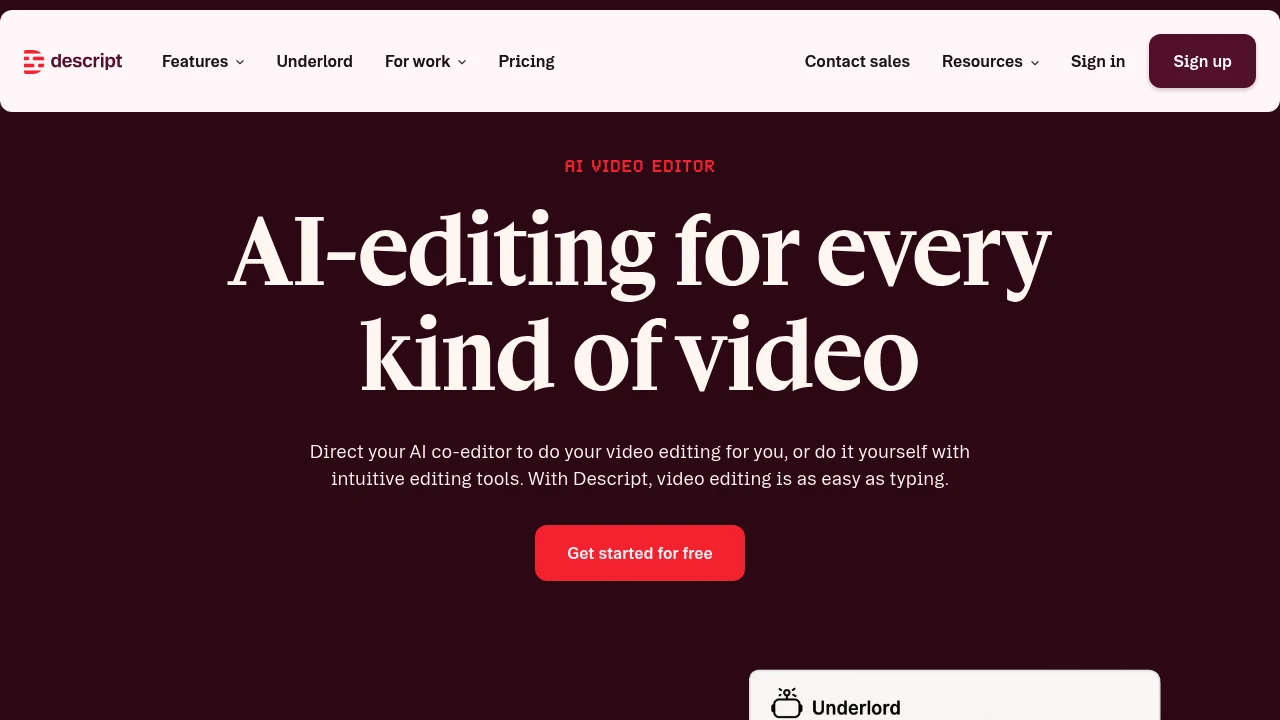
Descript edits video and podcasts through text transcripts. Built-in AI co-editor auto-generates scripts, designs layouts, and creates clips. Free trial with 720p watermark-free export for creators and teams.
Summary
Descript is an AI-powered video and podcast editor that lets you edit video and audio by editing text. Built for content creators, marketing teams, and businesses, it solves the time-consuming complexity of traditional video editing.
What is Descript?
Descript transforms video editing into a text-editing experience. After recording or uploading a video, the system auto-generates a transcript—edit the text to cut the video. The built-in AI video co-editor Underlord automates editing, layout design, script generation, and B-roll creation. Supports podcast production, social clips, product demos, training videos, and more. Offers a free tier and professional upgrade plans.
Core Capabilities
- Text-based video editing: Edit video and audio by editing the transcript
- AI co-editor Underlord: Auto-generates scripts, designs layouts, creates B-roll, and executes editing commands
- Automatic transcription: Instant high-accuracy transcripts
- AI audio enhancement: Studio Sound noise reduction, filler word removal, AI voice cloning
- Auto-generate clips: AI identifies viral moments and creates social media clips
- Screen recording: Built-in recording with camera and screen sync
- Timeline editing: Professional-grade precision control with color correction and audio adjustment
- Collaboration tools: Team editing and commenting features
- Royalty-free stock library: Unlimited access to images and video (Creator plan)
Pros
- Text-editing interface drastically lowers the barrier to video editing for non-professionals
- Underlord AI co-editor automates most editing workflows, saving significant time
- All-in-one tool integrates recording, transcription, editing, and publishing without switching apps
- Free tier includes core features with 720p watermark-free export
- Supports podcasts, YouTube, social media, and multiple content formats
Cons
- Free tier limited to 1 media hour per month with restricted AI features
- Advanced features (4K export, full AI tools) require Creator plan subscription (from $24/month)
- AI-generated video quality depends on models and may need manual adjustment
- Complex professional editing scenarios may lack the flexibility of traditional NLE software
- High internet dependency with limited offline functionality
Decision Guidance
Use Descript when: You're a content creator needing fast podcast or YouTube turnaround; marketing, training, or support teams need to produce many explainer videos without professional editing skills; small teams want a single tool from recording to publishing.
Consider alternatives when: You need cinema-grade color grading or complex VFX for professional productions; budget is extremely tight and monthly processing exceeds free tier limits; you require fully offline workflows or have privacy concerns about AI tools.
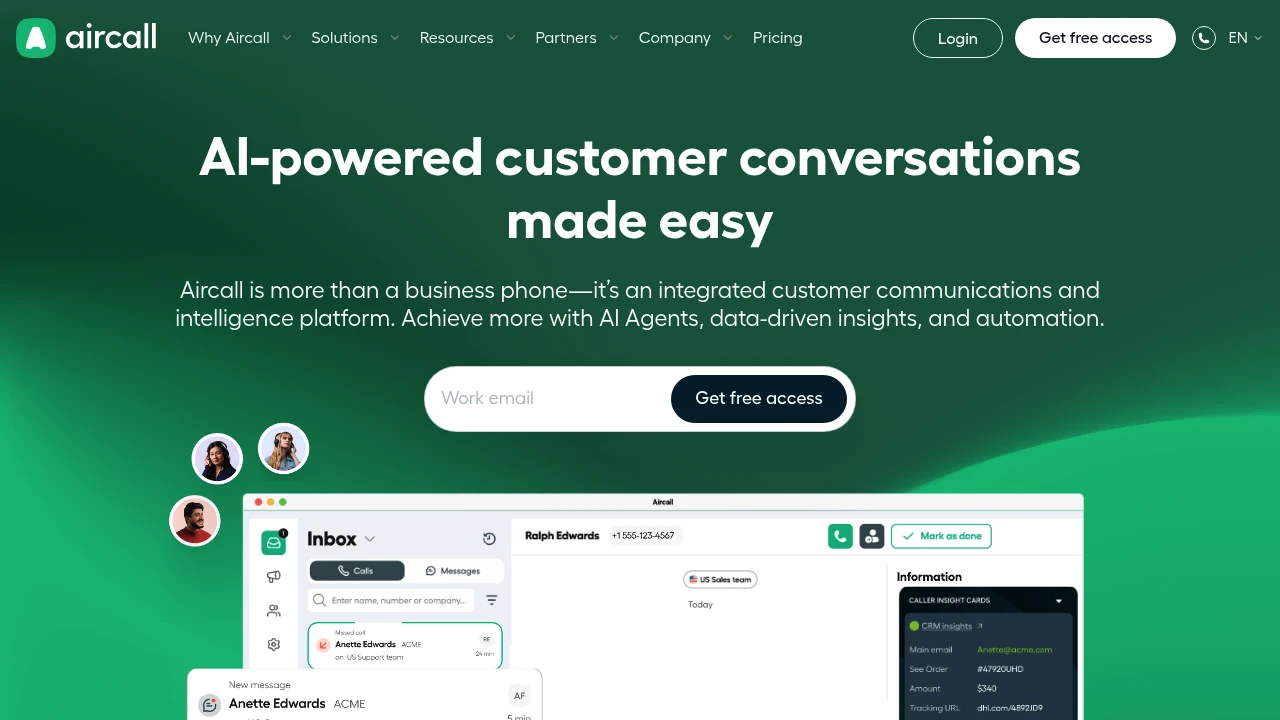
Aircall cloud communications platform integrates phone, WhatsApp & AI Voice Agents with 260+ tools like Salesforce, HubSpot. Deploy fast, no hardware needed.
Summary
Aircall is a cloud-based customer communications platform that unifies phone, WhatsApp, and AI capabilities to help SMBs and enterprises improve sales and support efficiency. It offers 260+ integrations including Salesforce, HubSpot, and Zendesk, with no hardware required for rapid deployment.
What is Aircall?
Aircall is a VoIP-powered cloud phone system and customer communications platform that lets teams manage calls, messages, and customer interactions from a single interface. The platform includes AI Voice Agents, call analytics, smart routing, and CRM sync features, enabling remote and office teams to handle customer communications using existing devices (phones, computers) without physical equipment.
Core Capabilities
- AI Voice Agents & conversation intelligence: Automate tasks, deliver real-time call insights and coaching
- 260+ integrations: Connect Salesforce, HubSpot, Zendesk, Shopify, Intercom, and more
- Omnichannel inbox: Manage phone, WhatsApp, SMS in one interface
- Smart call routing: Auto-assign calls by skill, language, or department
- Real-time analytics & reporting: Monitor metrics, call recordings, tags, and team performance
- IVR & call queues: Self-service options reduce wait times
- Cloud deployment: No hardware, setup in minutes
Pros
- Fast setup with no IT staff or hardware investment required
- Deep integrations with major CRM and helpdesk tools auto-sync customer data
- AI features automate repetitive tasks so teams focus on relationships
- Supports remote work and 24/7 multilingual support
- Intuitive interface with stable call quality (customers handle 25,000+ calls/month)
Cons
- Requires stable internet; VoIP call quality depends on bandwidth
- Advanced AI features and extensive integrations may require higher-tier plans
- Third-party integrations rely on external service stability
- Traditional phone system users need to adapt to cloud-based workflows
Decision Guidance
When to use: Your sales or support team needs CRM and helpdesk integration, supports remote work, wants AI automation to boost efficiency, and prefers fast deployment without hardware investment. Ideal for SMBs to enterprises already using Salesforce, HubSpot, or Zendesk.
Consider alternatives: If you need on-premise deployment to meet specific data sovereignty requirements, or your team relies primarily on traditional phone networks rather than internet connectivity. For very small teams or tight budgets that don't need extensive integrations, basic VoIP services may be more economical.


